
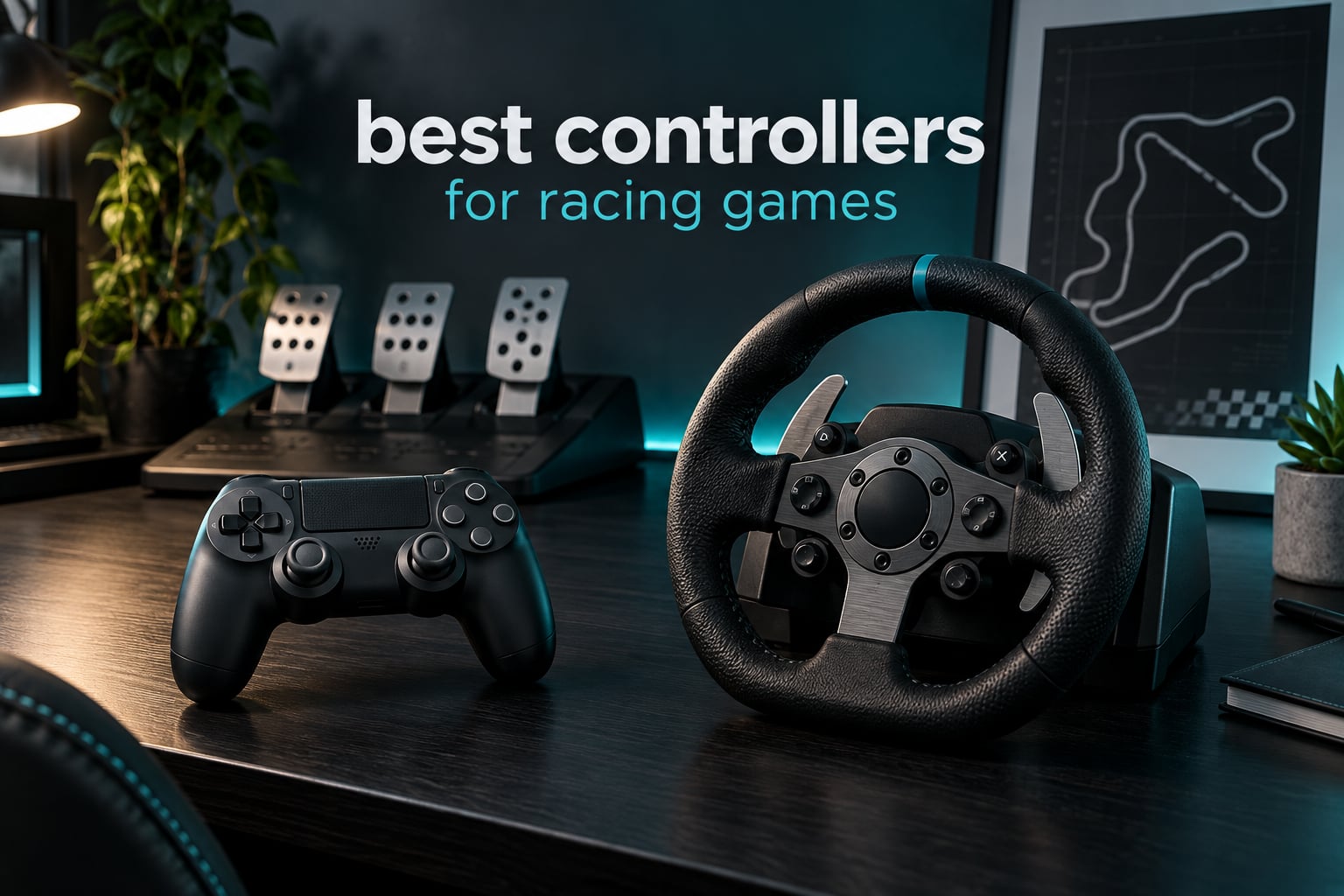
The best controllers for racing games are the pads that give you smooth analog throttle, a steering stick that stays centred, and buttons you can remap for gear shifts. After weeks of running Forza, Gran Turismo and Assetto Corsa on everything from a basic pad to a force feedback wheel, the DualSense comes out ahead on feedback, while the Xbox Elite Series 2 wins on adjustability.
That said, most of the search traffic for this topic splits two ways: people who want a gamepad and people who are one purchase away from a wheel. I covered both, because the honest answer depends on your platform and how much realism you actually want. If you have not decided yet, start with the platform check below, because a pad that does not work with your console is a brick.
Before we get into specifics, two things worth reading if you are still early in the search. Our racing wheel guide for sim racing covers the hardware side of going full cockpit, and our sim racing pedal picks handle the other half of a wheel setup. If either of those interests you more than a pad, skip to the wheel section below.
Quick platform check: Xbox layout means you want an Xbox pad or wheel on Series X|S, One and PC. PlayStation layout means DualSense or a Sony-licensed wheel on PS5 and PS4. PC-only means anything, but check XInput or Steam Input support. Wheel buyers need to confirm the platform in the box, because several wheels in this roundup ship in a console-specific version only.
Table of Contents
Top 3 Picks for Racing in 2026

DualSense Wireless Controller
- Adaptive triggers for braking resistance
- HD haptic feedback
- Works on PS5 PC Mac and mobile

Xbox Elite Series 2
- Adjustable stick tension
- Interchangeable rear paddles
- Three switchable profiles

Logitech G920 Wheel and Pedals
- Helical gearing force feedback
- 900-degree rotation
- Pressure-sensitive pedals
All 10 Picks at a Glance in 2026
This table lists every product below with the racing feature that actually matters for it. Two of the entries are wheels rather than gamepads, included because controller-versus-wheel is the biggest decision in this topic.
| Product | Specifications | Action |
|---|---|---|
| DualSense Wireless Controller |
|
Check Latest Price |
| Xbox Elite Series 2 |
|
Check Latest Price |
| Logitech G920 Wheel and Pedals |
|
Check Latest Price |
 HORI Racing Wheel Apex HORI Racing Wheel Apex |
|
Check Latest Price |
 GameSir G7 SE GameSir G7 SE |
|
Check Latest Price |
 Thrustmaster Ferrari 458 Spider Thrustmaster Ferrari 458 Spider |
|
Check Latest Price |
 Razer Wolverine V2 Razer Wolverine V2 |
|
Check Latest Price |
 Thrustmaster T300RS GT Thrustmaster T300RS GT |
|
Check Latest Price |
 MOZA R5 Bundle MOZA R5 Bundle |
|
Check Latest Price |
 MOZA R3 Bundle MOZA R3 Bundle |
|
Check Latest Price |
1. DualSense Wireless Controller for PS5, PC and Mobile – Best Feedback Overall
PlayStation DualSense® Wireless Controller – Remix Green – for PS5, PC, MAC & Mobile
- Adaptive triggers add resistance under braking
- HD haptics convey kerbs and traction loss
- Works on PS5 PC Mac Android and iOS
- Built-in mic and 3.5mm headset jack
- Analog stick drift reported over long ownership
- No rear paddles for gear shifting
- Limited pressure control on the triggers
The DualSense is the pad I keep coming back to, and the reason is feedback rather than spec sheet numbers. Adaptive triggers change what a heavy braking zone feels like, and the haptic layer does the same job for a slide that is starting to develop. In a rainstorm event in Forza Horizon you feel the front axle let go before the on-screen counter tells you it has.
Setup took under a minute over USB-C and it worked identically on PC and Mac. The weight of 280 g feels light in the hands for a long endurance run, which is exactly why so many people use this as their only pad across console and desktop.
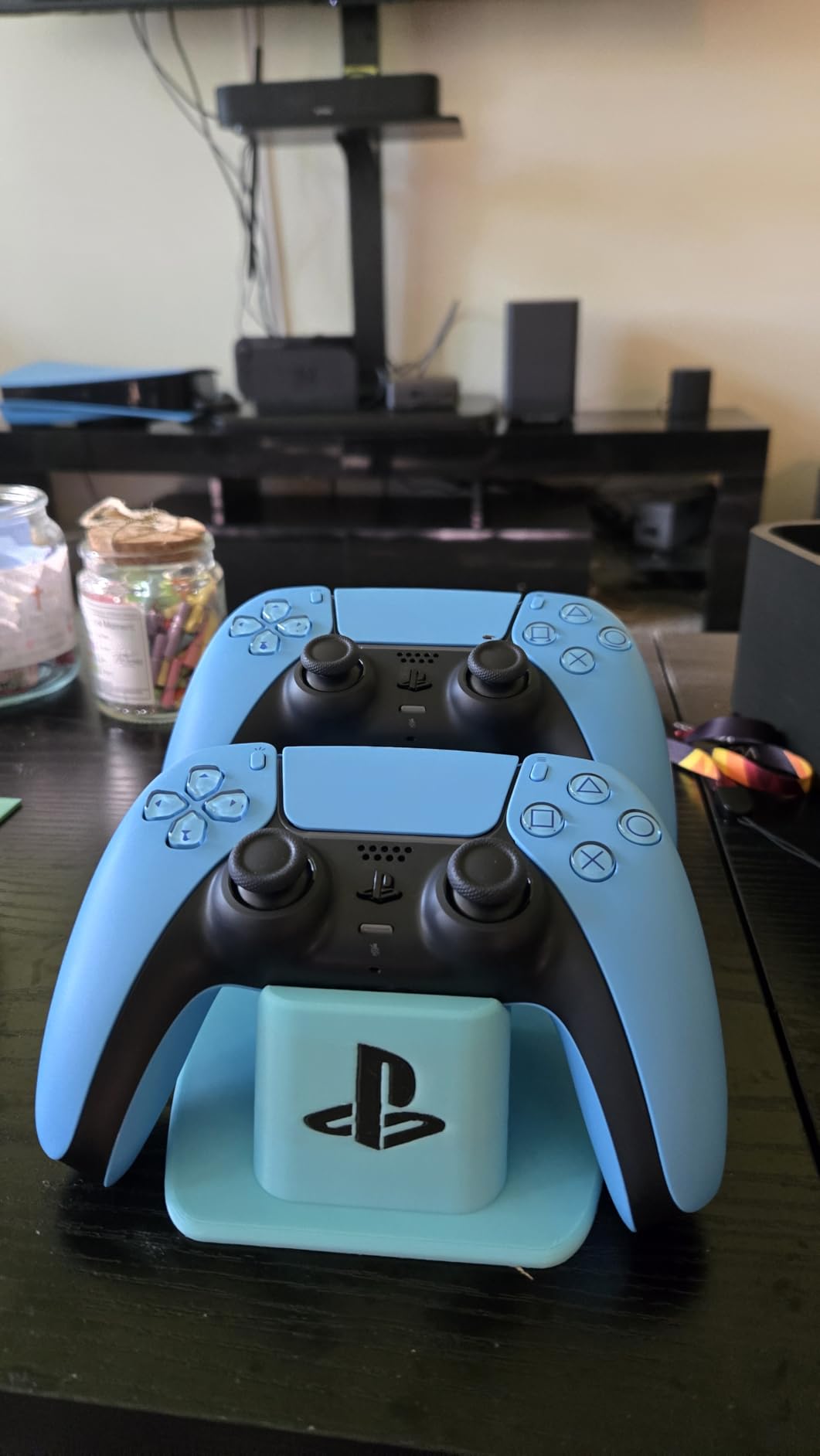
What it does not do is give you paddles. Every gear change comes off the face buttons, and once you have driven something with rear paddles the difference is obvious on a manual gearbox car. The fix is a remap if the game supports it, otherwise you simply lose that input option.
The other recurring complaint is stick drift. Owners across roughly 49,000 reviews consistently praise the haptics and platform flexibility while flagging drift that develops over time, which matters more for racing than it does for shooters. A drifting stick pulls your steering at the exact moment you are committing to a corner entry.
Who the DualSense suits best
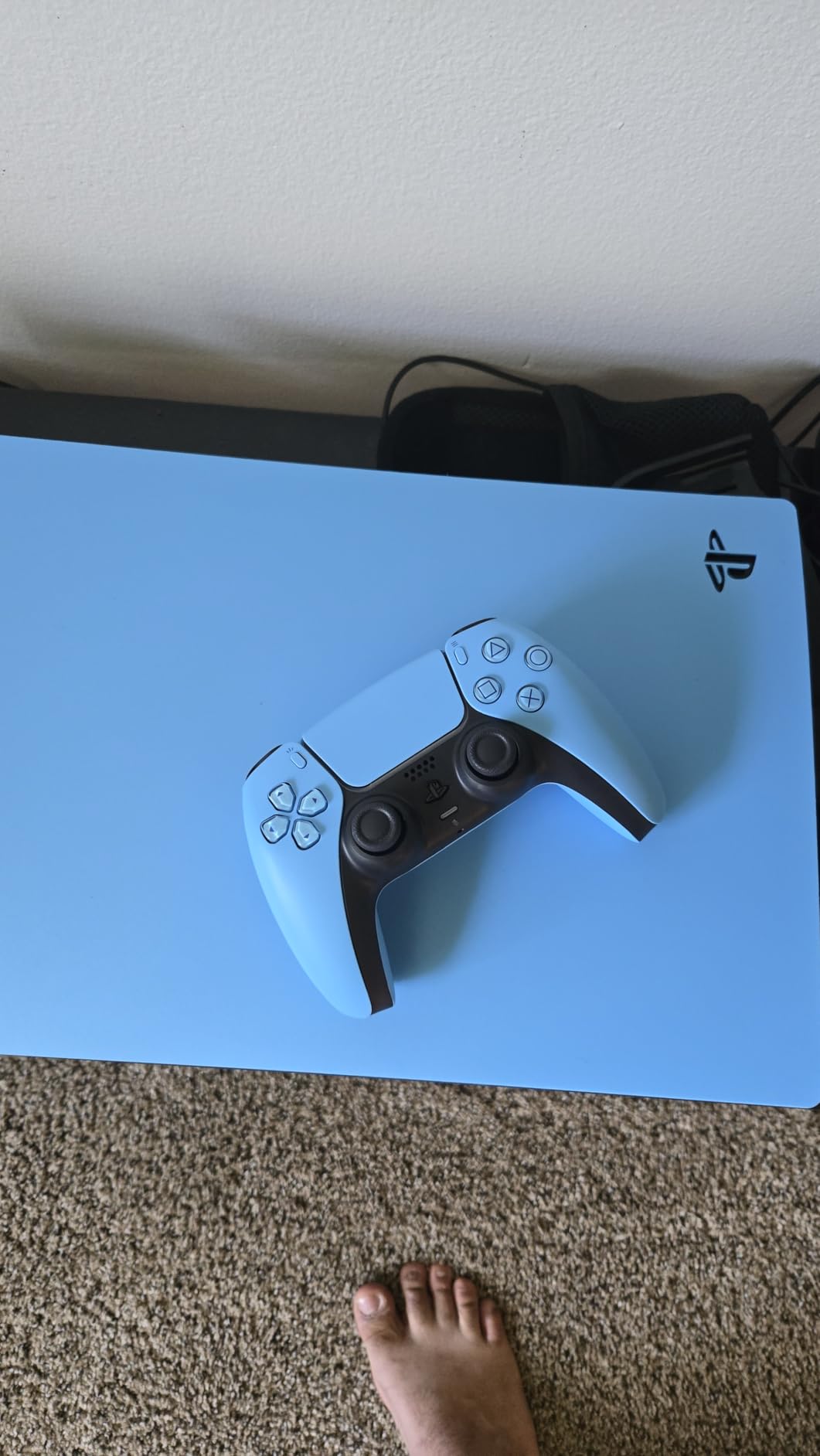
This is the pick for PS5 players who want immersion from a pad and do not play manual gearbox cars competitively. Adaptive triggers plus haptic feedback cover more of what a wheel would tell you than any other console pad, and the cross-device support means one controller covers PS5, PC, Mac and phone play.
It also suits anyone moving from a standard pad and noticing that they cannot feel brake pressure differences. That is the single biggest jump in feel between budget pads and this one, and it shows up on the first lap in almost any car with a pressure-sensitive brake.
Where the DualSense falls short
If your racing runs are on a wheel or you want rear paddles, this is the wrong tool. Reviewers consistently ask for paddles and remapping on this pad, and they are not included at any level.
Stick drift is the other limit. Owners who game on it for two years and up report the stick moving on its own, so if you are buying to last a long ownership period, weigh that against the drift-resistant sticks used by the GameSir below.
2. Xbox Elite Series 2 – Best Controller for Adjustable Racing Setups
- Adjustable tension for precise steering
- Interchangeable paddles suit racing profiles
- 40 hour battery with charging dock
- Three profiles switchable on the fly
- Works on Xbox Windows PC and cloud
- Rubber grips can peel after a few months
- Quality control misses on some units
- Soft rubber dome buttons feel mushy
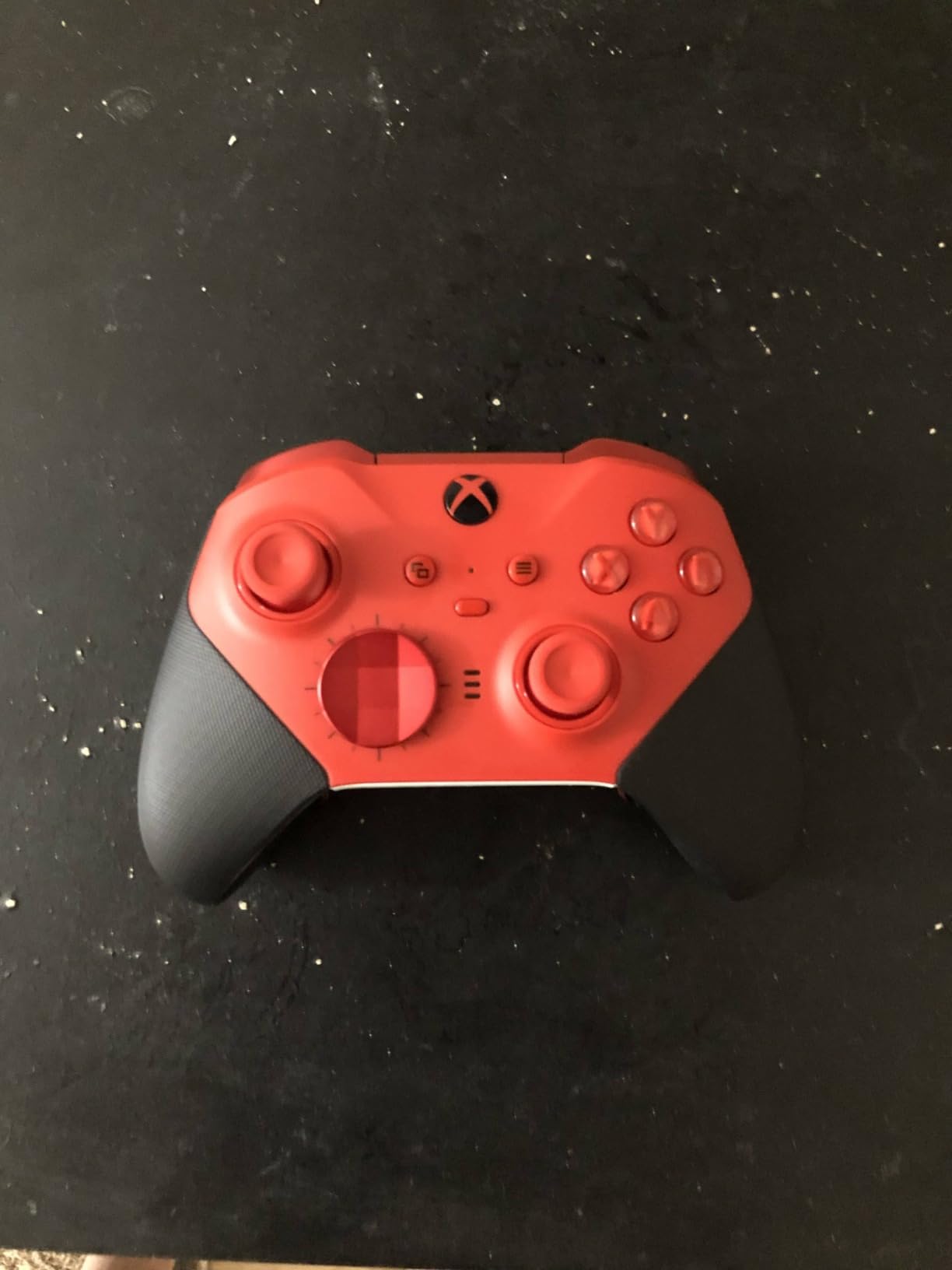
The Elite Series 2 is the most customisable pad on this list, and for racing that matters most through the interchangeable rear paddles and adjustable stick tension. I tightened the stick tension a notch for slow corner entries, which stops the stick from wandering when you are trying to hold a precise angle.
Three saved profiles mean you can keep one setup for a wheel-free racing game and another for shooters without redoing remaps every time you switch. Battery life of up to 40 hours means it survives a marathon race weekend without a charge, and the included dock handles the charging between sessions.
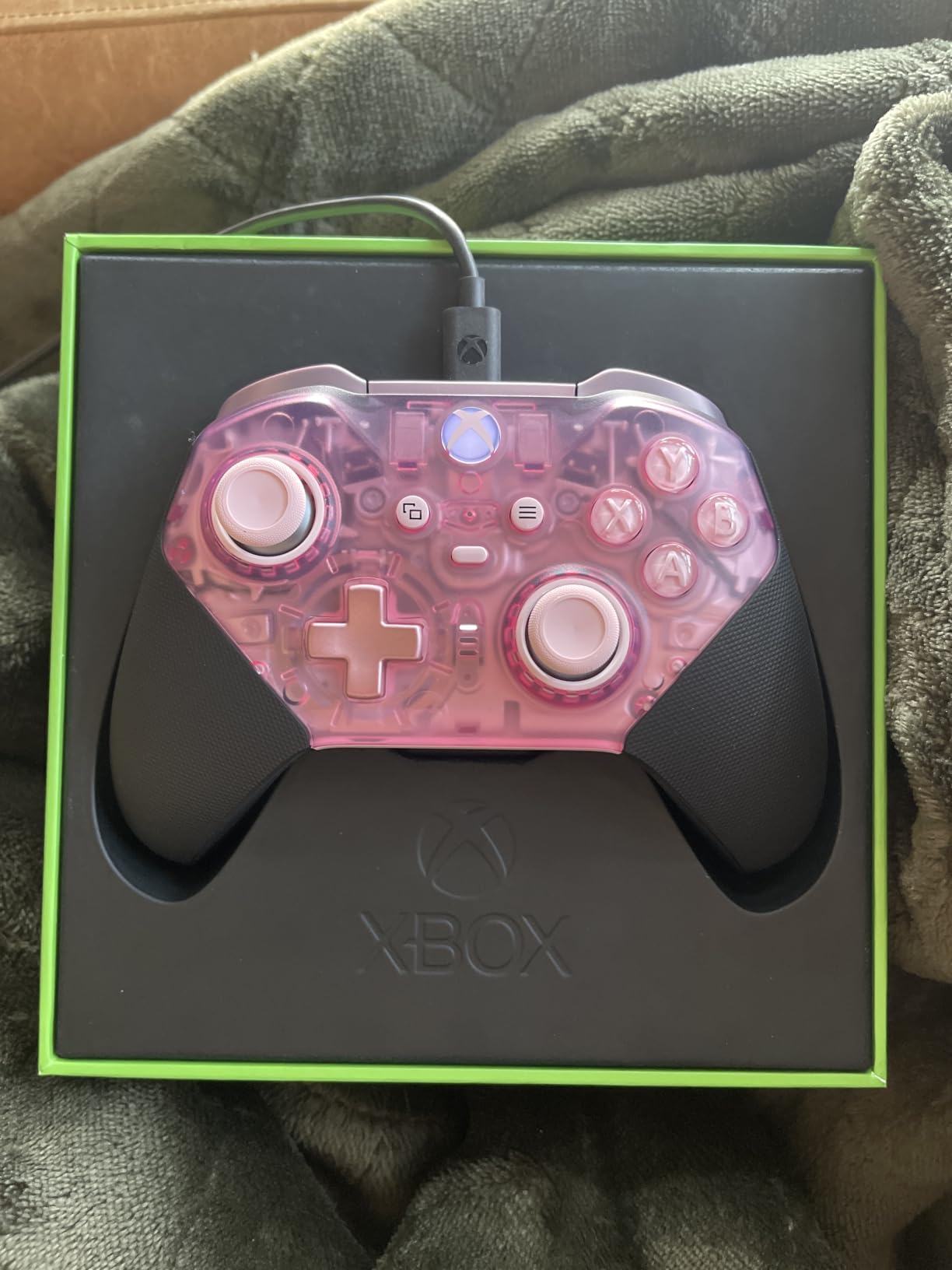
The metal paddles and stick shafts feel premium, and the three-step trigger locks let you shorten travel if you prefer. For racing most people leave the triggers at full travel, because throttle modulation needs the range, but the option matters for the same pad used across genres.
It works on Xbox Series X|S, Xbox One, Windows PC and cloud over Xbox Wireless, Bluetooth or the included USB-C cable. That makes it the safest choice if you split time between console racing and PC racing games on one device.
Who the Elite Series 2 suits best
Racers who use one pad for both driving games and competitive shooters will get the most from it. Swappable D-pads, thumbsticks and paddles mean the same hardware serves a rally raid game and a twin-stick shooter without compromises.
It is also the answer for anyone who wants a rear paddle mapped to shift up and down with a mechanical action, since the paddles here are metal rather than the plastic kind found on cheaper pads.
Where the Elite Series 2 falls short
For the money, the soft rubber dome face and bumper buttons disappoint people who expected mechanical switches, and several reviewers call them mushy by comparison with the Razer below. The rubberised grips are also reported to peel away after a few months of use.
Reliability is the other concern. Reviewers mention non-responsive face buttons or dead triggers on some pads out of the box, and the rechargeable battery cannot be swapped mid-session. If you play long endurance events, that matters more than it would in a shooter.
3. Logitech G920 Racing Wheel and Pedals – Best Value Wheel for Xbox and PC
- Helical gearing gives smooth quiet feedback
- 900 degree lock-to-lock rotation
- Pressure-sensitive pedals with adjustable faces
- Hand-stitched leather rim adds grip
- No PlayStation support in this configuration
- Force feedback is entry level against direct drive
- Plastic pedal base and no clutch pedal
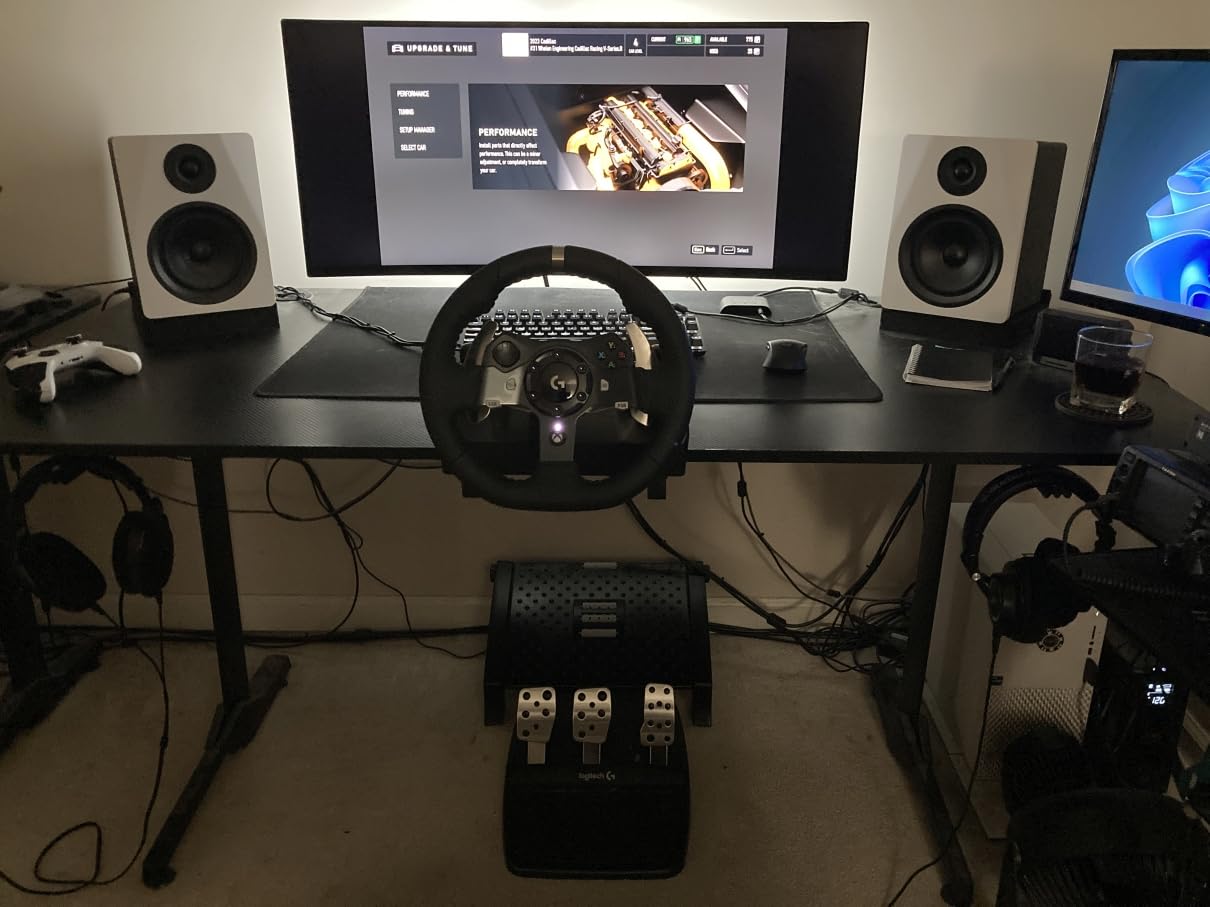
The G920 is where most Xbox players should start if they are trying a wheel for the first time. Helical gearing means the self-centring is smooth and quiet rather than the notchy return you get on a budget gear-driven wheel, and that single detail makes the thing far easier to learn on.
Nine hundred degrees of lock-to-lock rotation lets you turn the rim hand over hand through long corners, which is closer to how a real car moves than a 270-degree wheel. The pressure-sensitive brake pedal is where the driving improvement shows up, because you can feather it instead of stamping on it.
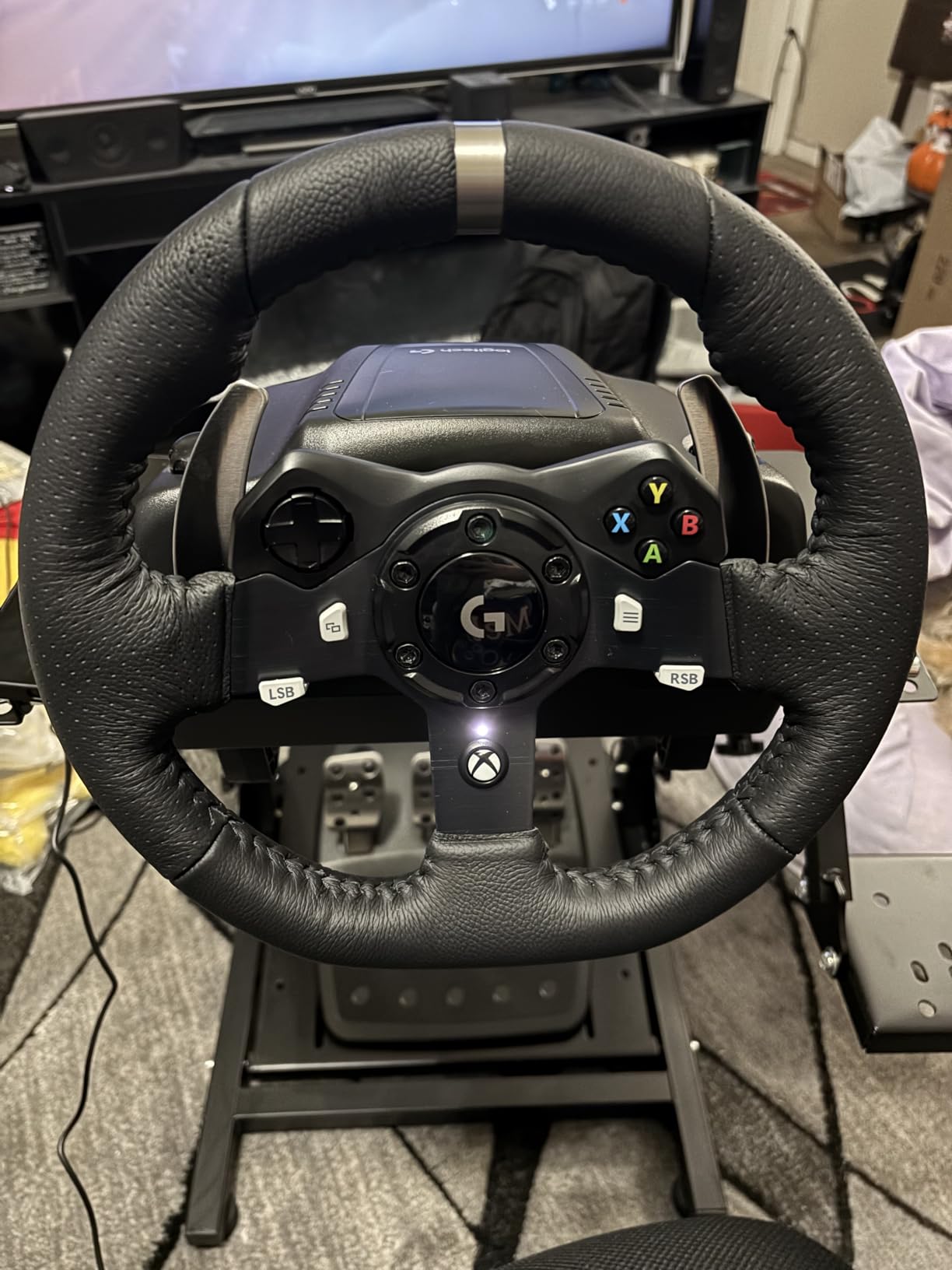
The hand-stitched leather cover is a genuine upgrade over rubber grips for long sessions. Pedal faces are adjustable too, so you can set the brake and throttle spacing to match your desk position.
Compatibility is the catch. This version is optimised for Xbox and PC and does not work on PlayStation consoles, so if your racing happens on PS5 you need a different wheel entirely.
Who the G920 suits best
It suits Xbox players moving from a pad to their first wheel, and PC sim players who want the fundamentals done well without direct drive pricing. Forza players get the full benefit immediately because the layout matches what they already know.
Anyone running a long endurance race on a desk rather than a rig will find the 5 pound unit easy to accommodate. It does not need the mounting hardware that heavier direct drive bases require.
Where the G920 falls short
Force feedback strength is entry level. You feel kerbs, curb rumble and weight transfer, but it does not deliver the crisp detail of a direct drive base, and the driving force is weaker than the MOZA options further down.
The pedal base is plastic rather than steel and there is no clutch pedal, so manual transmission cars with a clutch are out of reach. PlayStation owners are also locked out of this specific configuration.
4. HORI Racing Wheel Apex – Best for Gran Turismo on PS5 and PC
HORI Racing Wheel Apex for Playstation 5, PlayStation 4 and PC – Officially Licensed by Sony – Compatible with Gran Turismo 7
- Officially licensed for Gran Turismo 7
- Full-size wheel and pedals at an entry price
- Sturdy desk clamp system
- Device Manager app with four profiles
- No force feedback or vibration
- Short pedal travel and a notchy center
- All-plastic build with two pedals only
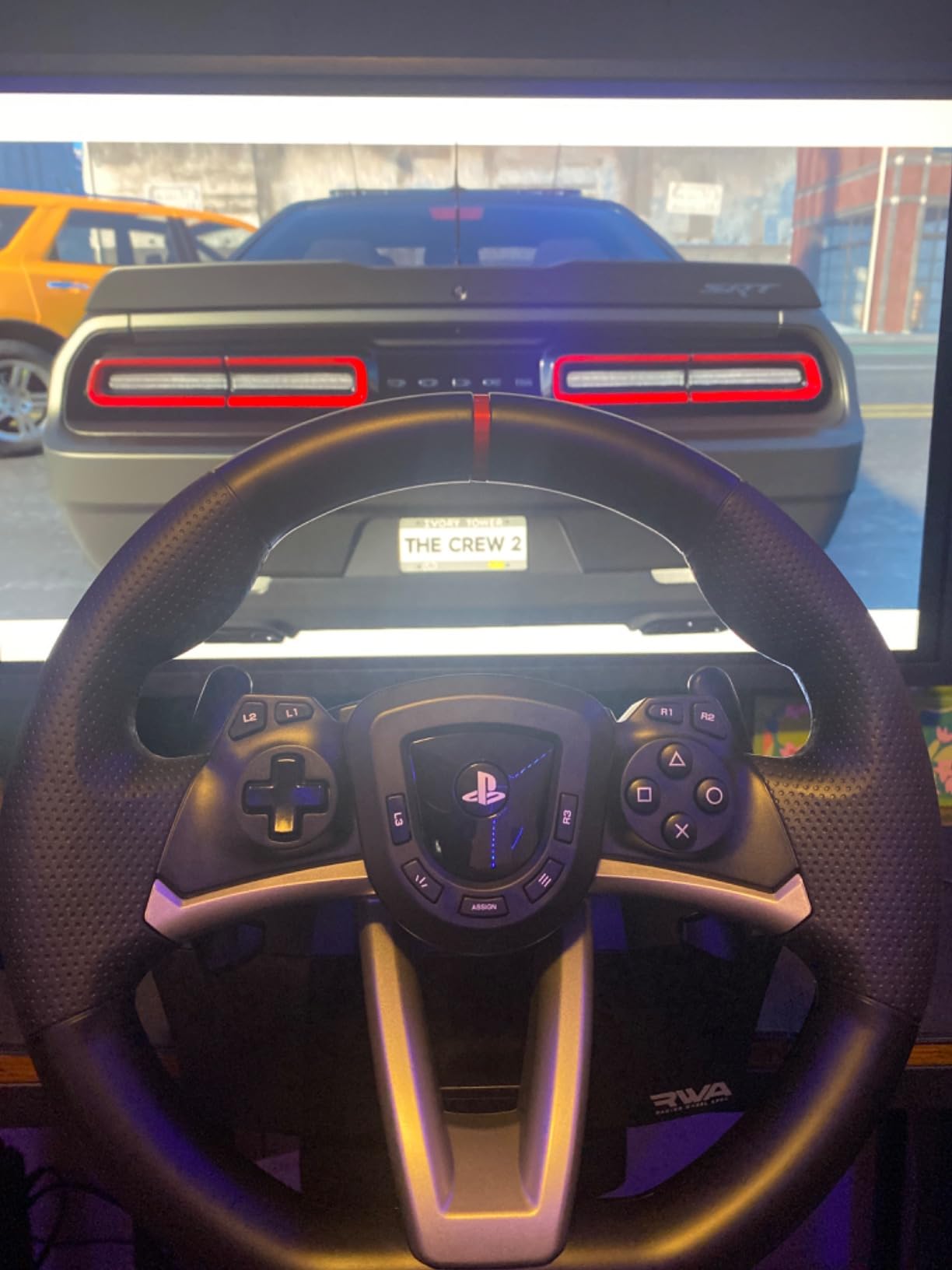
Officially licensed by Sony and tuned for Gran Turismo 7, which removes a lot of guesswork. If your racing is GT7 on PS5 or PS4, the input mapping works out of the box and you can spend your time on setup rather than troubleshooting.
The 270-degree turn radius with adjustable output options is a sensible middle ground for a desk wheel, and the clamp system grips a normal table well. Four custom profiles through the HORI Device Manager app cover different cars and sessions.
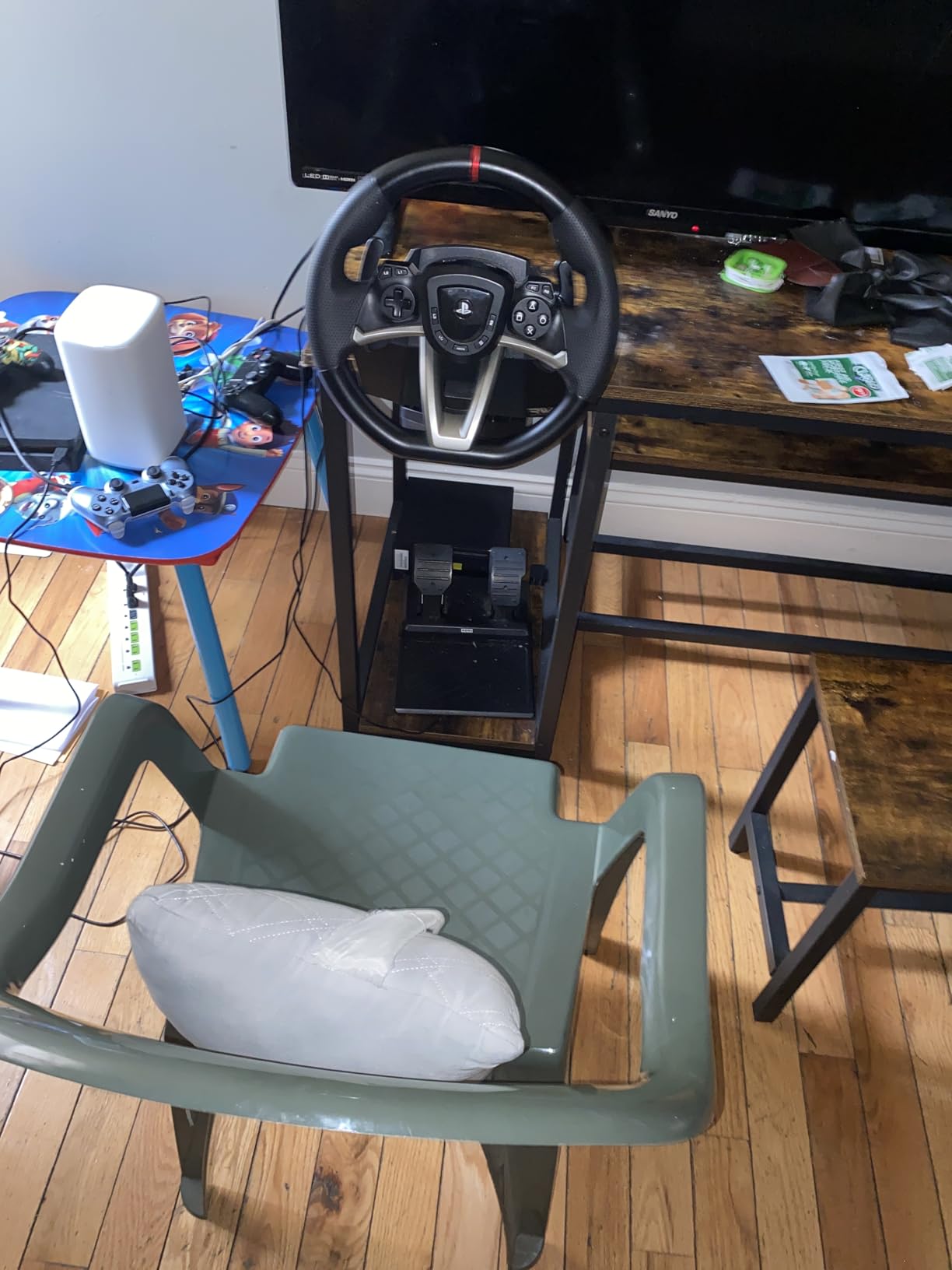
Two things stand in the way of a strong recommendation for sim play. There is no force feedback motor and no vibration, so kerbs and surface changes are silent, and the auto-return to centre is notchy with an audible click and a noticeable dead zone.
Pedal travel is very short, which makes both throttle and brake modulation harder than it should be. The set is two pedals only with no clutch, and the all-plastic construction has produced some reported pedal failures within months.
Who the HORI Apex suits best
Gran Turismo players on a console who want a proper wheel shape without a rig and without a large motor. It is compact and quiet, which works well in a small room where a direct drive base would be too much.
It also suits anyone who wants the look and layout of a wheel for a casual racing session rather than a competitive sim time trial.
Where the HORI Apex falls short
Sim-focused players tend to stop here, because the missing force feedback removes most of what a wheel is meant to provide. The notchy centre return and dead zone also make precision inputs harder to repeat lap after lap.
It is a PlayStation-flavoured package. PC support exists over USB, but the tuning and licensing focus is on Sony hardware, and there is no Xbox version in this listing.
5. GameSir G7 SE – Best Budget Pad with Drift-Resistant Sticks
- Hall Effect sticks resist drift
- Two rear buttons with a physical lock
- Pulsating trigger and grip motor rumble
- Nexus app for remapping and dead zones
- Wired only with no wireless mode
- Headphone jack audio can be unreliable
- Single-piece D-pad is imprecise
Stick drift is the most common complaint in controller forums, and this pad is built specifically to avoid it. The Hall Effect joysticks and Hall triggers use magnetic sensing rather than a potentiometer contact, so there is no wear surface to degrade. Owners report long-term users with no drift after a year of daily play.
Two programmable rear buttons carry the shift up and shift down mapping, and a physical lock switch stops you catching one in a corner. The pulsating vibration trigger plus an asymmetric grip motor give more feedback than most pads at this level.
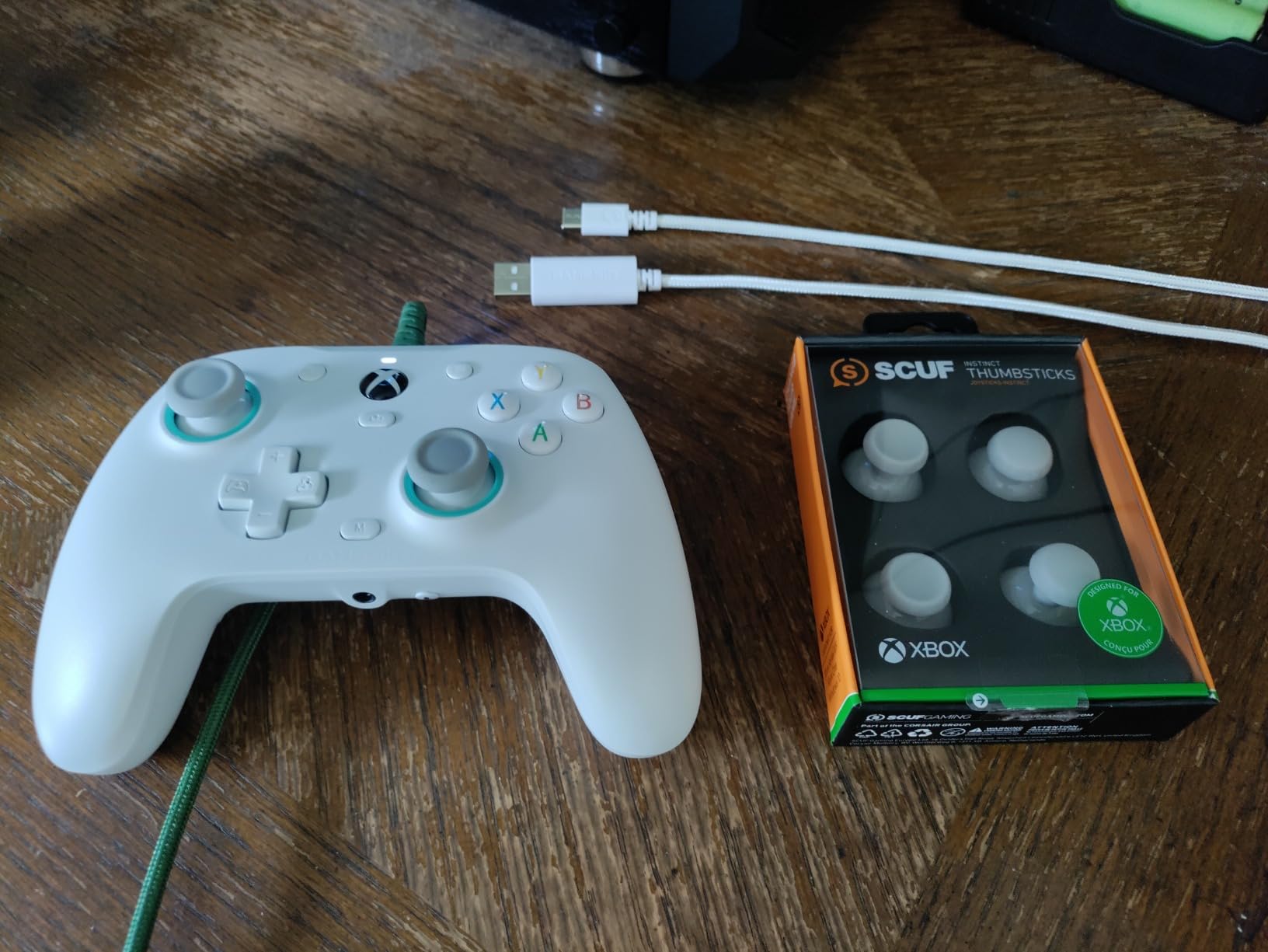
It is wired USB and plugs in without drivers on Xbox Series X|S, Xbox One and Windows 10 or 11. For racing that is a benefit rather than a compromise, because a cable removes the wireless latency question entirely and there is no battery to manage mid-race.
The GameSir Nexus app handles remapping, dead zone tuning and calibration, and stores up to three profiles on the controller. That is enough to keep a racing setup separate from a shooter setup.
Who the GameSir G7 SE suits best
This is the one to buy if your old pad drifts, or if you play long enough sessions that drift would eventually ruin your steering. The magnetic sticks remove the failure mode that shows up in the other pads on this list.
Racers who want rear paddles for gear changes without spending flagship money will also find a lot to like. The wired connection suits a desk setup where the cable reaches comfortably.
Where the GameSir G7 SE falls short
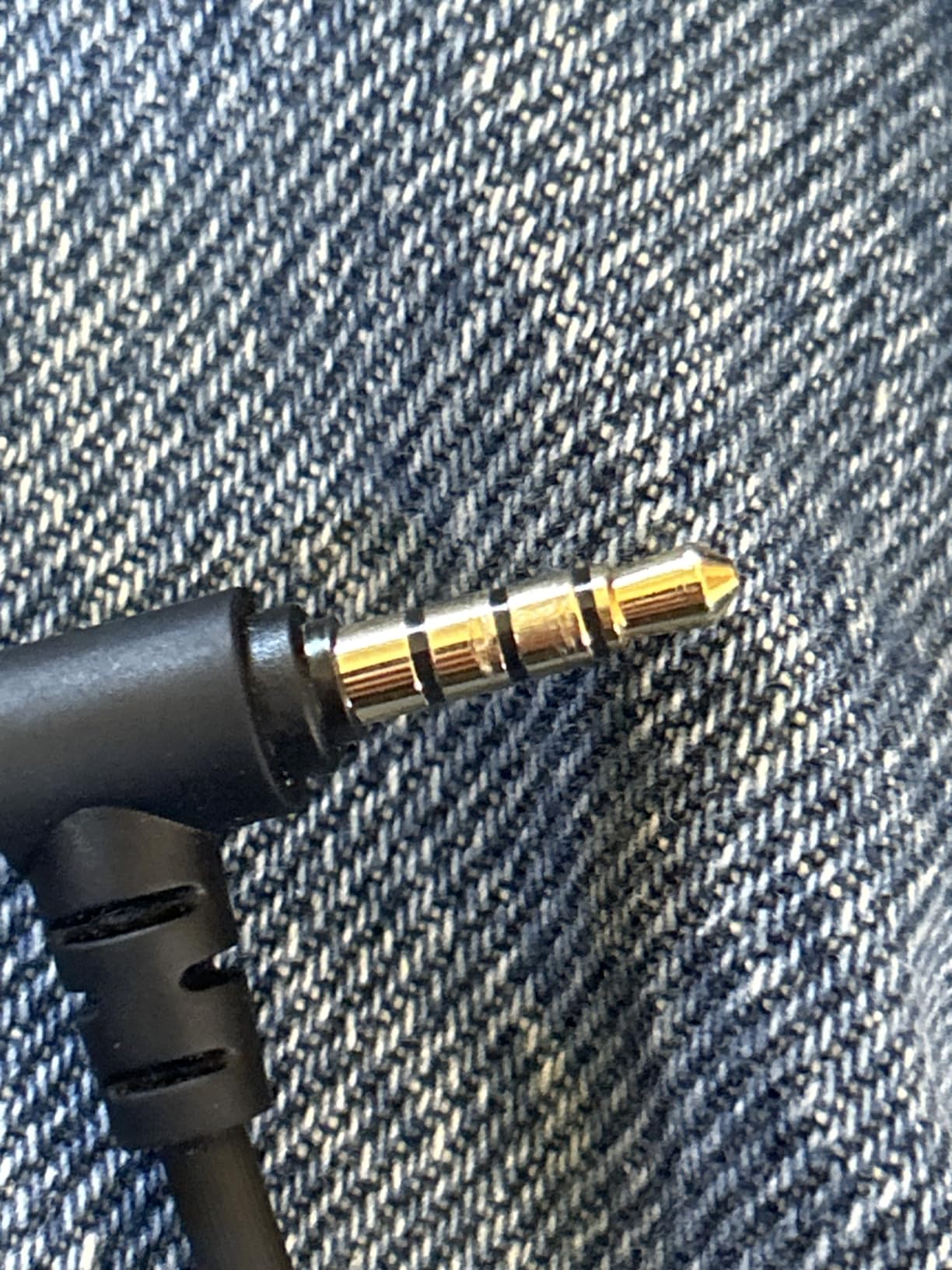
It is wired only, so no wireless mode and no battery, which rules it out for anyone playing on a sofa away from the console. The 3.5mm jack has produced static and unreliable chat microphone audio for some owners.
Reviewers also report overly sensitive stick-click activation and loss of sensitivity on the B button, and the single-piece D-pad is imprecise. The elevated polling modes are flagged as work in progress and can cause input glitches, so leave them off.
6. Thrustmaster Ferrari 458 Spider – Best First Wheel for Forza on Xbox
Thrustmaster Ferrari 458 Spider Racing Wheel (Xbox Series X/S & One)
- Plug and play USB recognition on Xbox
- 11 inch rim in 7:10 Ferrari scale
- Metal sequential paddle shifters
- Manettino dial for preset setups
- No force feedback motor at all
- Two pedals only with no clutch
- Weighs 3000 g with just 9 buttons
This is the most popular racing wheel in Forza on Xbox, and the reason is simplicity. It is an official plug-and-play wheel that Windows recognises over USB, so there is no pairing ritual or driver install before your first race.
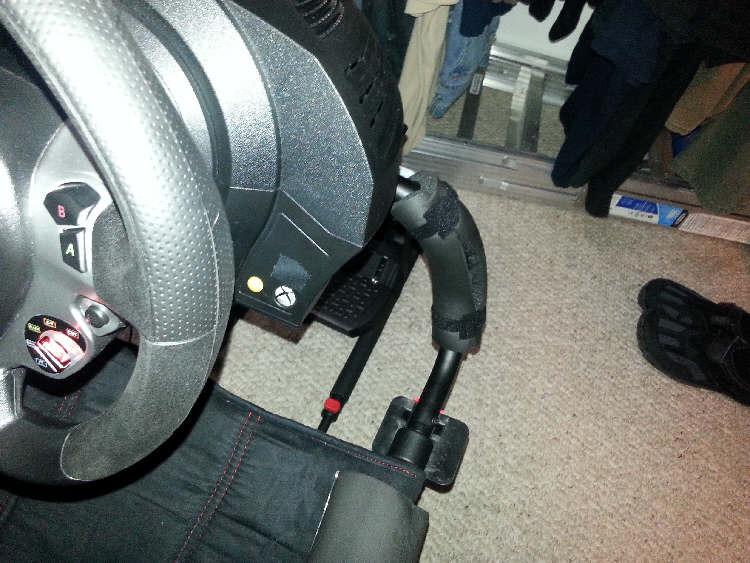
The rim is 11 inches across at a 7:10 scale replica of the real Ferrari 458 Spider wheel. The two sequential paddle shifters are fully metal, which is more than plenty at this level and better than the plastic paddles on many entry wheels.
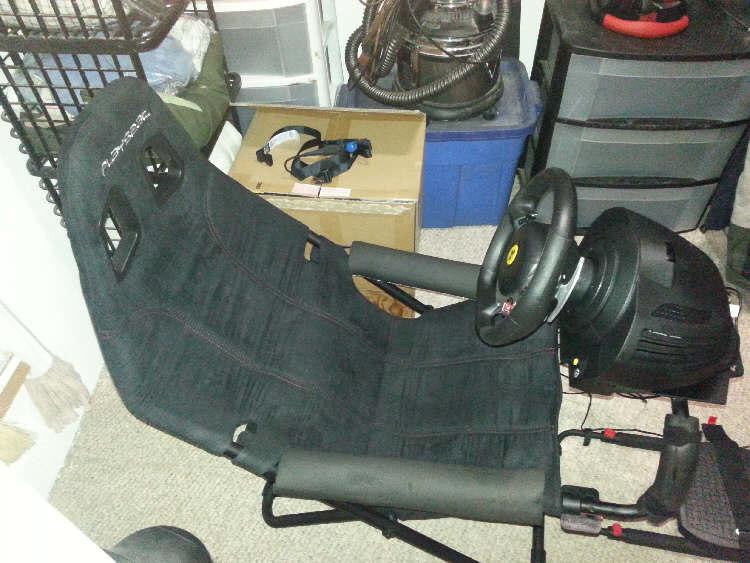
Control count is sensible rather than generous: nine action buttons, a Manettino dial, a D-pad and the Xbox Guide button. The Manettino is genuinely useful in Forza because it snaps between preset setups mid-session.
Weight is 3000 g, so it stays planted on a desk without needing clamps, which is a plus for small rooms. Box contents are the wheel, pedals and instructions.
Who the Ferrari 458 Spider suits best
Xbox players who want a first wheel and only really want to drive arcade and semi-sim Forza titles. Because the ecosystem is designed for that game, button labels and layout line up with what the game expects.
It also suits anyone who wants sequential manual shifting on a console without dealing with a clutch. The metal paddles give a short, consistent shift throw for rapid downshifts on corner exit.
Where the Ferrari 458 Spider falls short
There is no force feedback motor, which means kerbs, slip and traction changes arrive silently. You lose the single most useful feedback channel a wheel provides.
Two pedals only with no clutch limits manual transmission racing, nine buttons is low for a modern sim, and there is no customization software or profile support. At 3000 g it is also not built for aggressive sim use.
7. Razer Wolverine V2 – Best for Crisp Buttons on Xbox and PC
- Crisp mecha-tactile buttons and D-pad
- Two front buttons remappable in software
- Trigger stop switches shorten travel
- Sturdy build with a 3.5mm audio port
- Wired only with no wireless option
- Very bright indicator with no dimming
- Needs a separate app for remapping
The selling point is the feel of the buttons. Mecha-tactile actuation on the face buttons and the D-pad gives a crisp click with a cushioned landing, and owners across more than 5,000 reviews rate it as one of the best-feeling Xbox pads in its bracket.
For racing, the important detail is that this pad reports no stick drift, which keeps steering centred through a long event. Two slide-locks on the underside switch on hair trigger mode when you want a shorter pull.
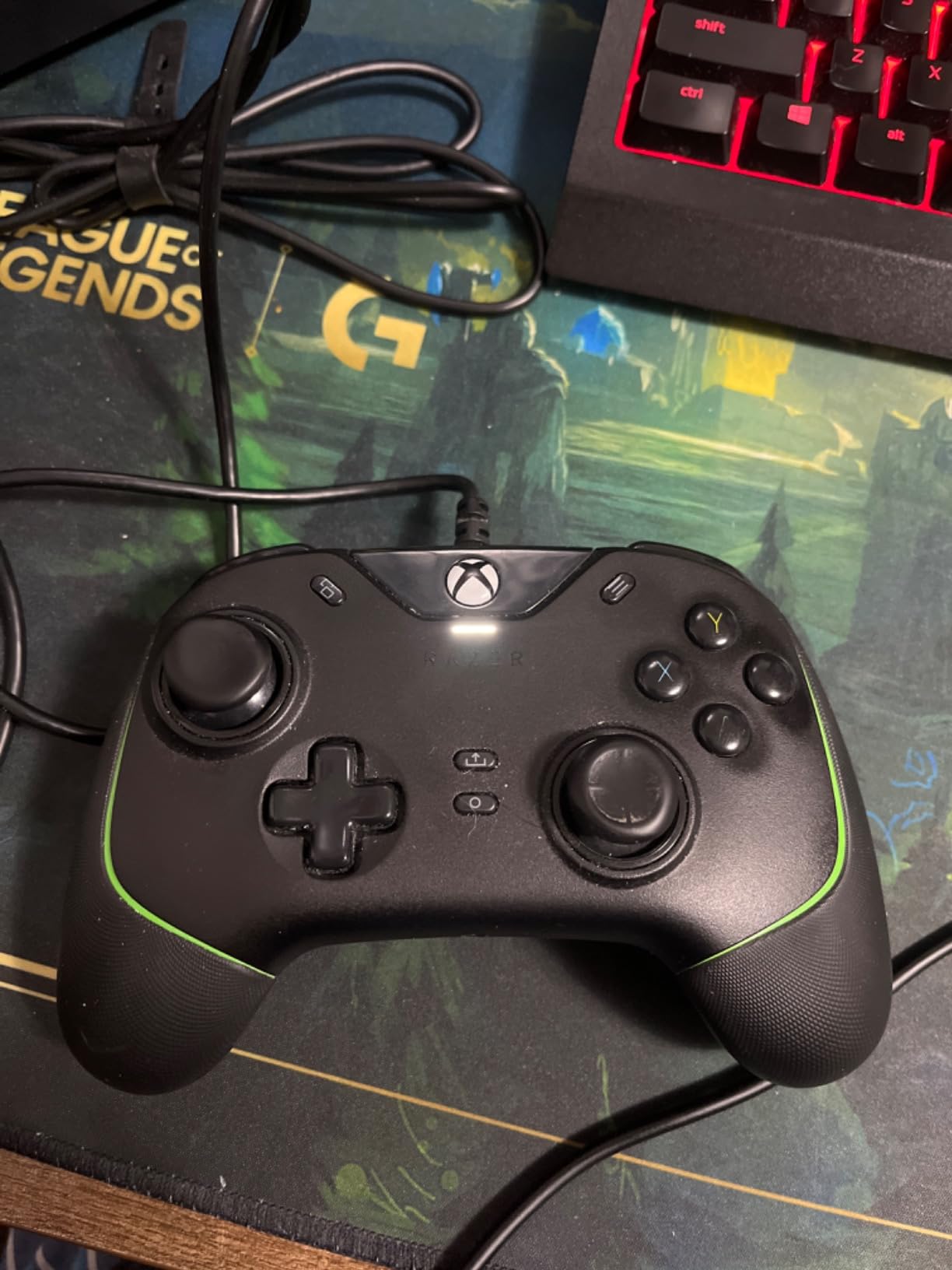
The two front-facing M1 and M2 buttons are remappable through the Razer Controller Setup app, and that is the useful part for racing. Front paddles can be assigned to shift up and shift down if your grip suits it, though rear paddle placement is more conventional.
It is wired USB with a 3.5mm analog audio port and a two year manufacturer warranty. The build feels heavy and survives drops, according to owners.
Who the Razer Wolverine V2 suits best
Racers who also play shooters and want one controller that feels precise in both. The crisp buttons help in a driving game and they help a great deal in a competitive one, which is where the Elite Series 2 soft domes disappoint people.
It also suits desk-based setups that prefer a stable wired connection and a pad that does not need charging between races.
Where the Razer Wolverine V2 falls short
Wired only with no wireless option, so it is a desk controller rather than a sofa one. The white Xbox indicator light is reported as very bright with no brightness adjustment, which is distracting in a dark room.
Remapping needs the separate Windows Store application rather than the main Razer software, stick and button modules are not user-interchangeable, and the cable is not braided.
8. Thrustmaster T300RS GT – Best Force Feedback Step Up on PS5 and PC
Thrustmaster T300RS GT Force Feedback Racing Wheel & 3 Pedal Set – PS5 & PC
- Belt-driven feedback conveys curbs and slides
- Three pedals improve braking modulation
- Officially licensed for Gran Turismo
- Works on PS5 and PC
- Noisier and less precise than direct drive
- PlayStation only in this bundle
- 22.4 lb base needs a sturdy desk
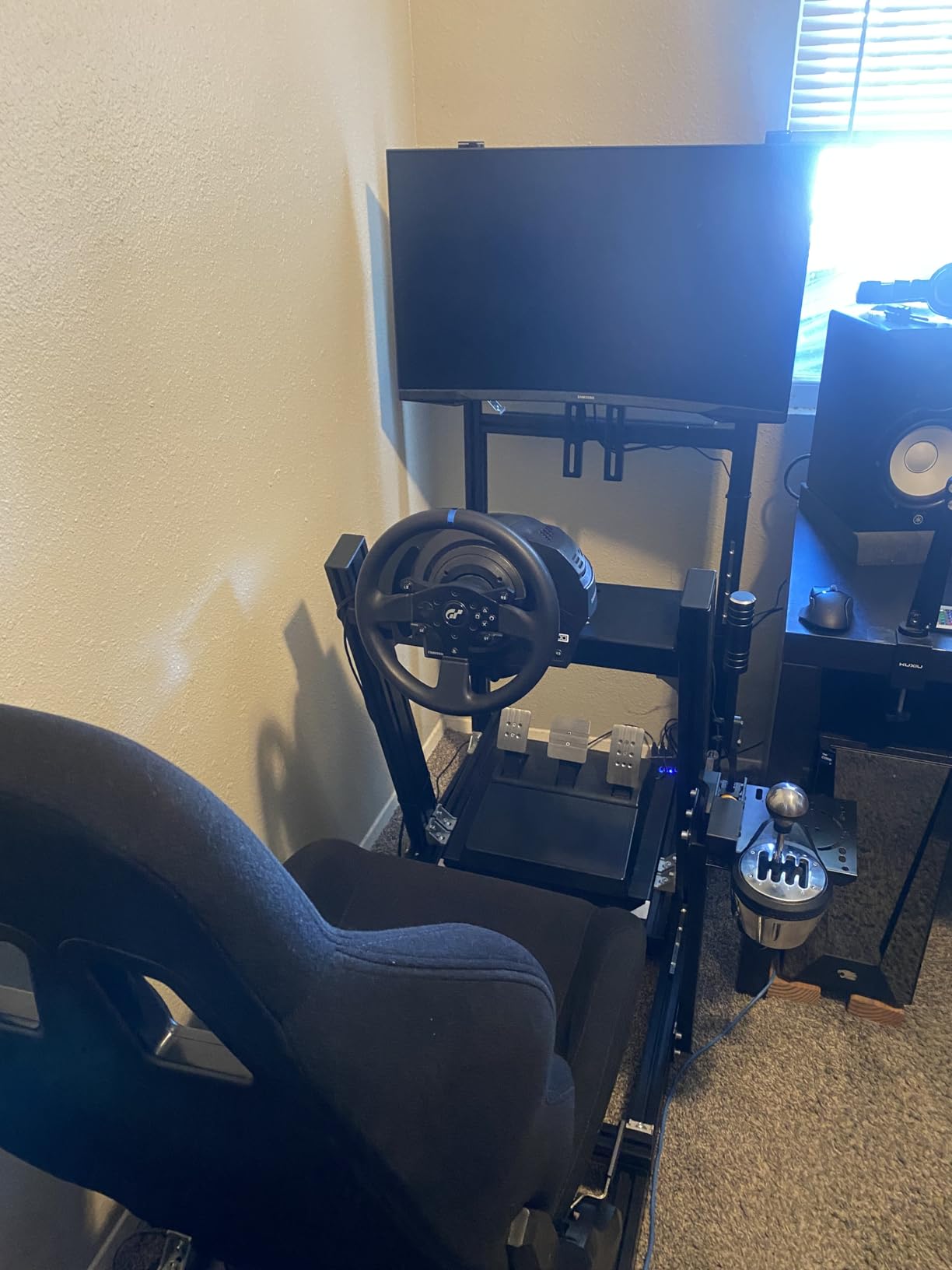
The T300RS GT is the sensible upgrade from a pad for PlayStation and PC players who have decided they want force feedback. The belt-driven motor transmits curbs, drifts and traction loss smoothly, which is the feedback you cannot get from any gamepad on this list.
The three-pedal set is the bigger win in lap time terms. With a clutch alongside brake and throttle you can drive manual transmission cars properly, and the extra pedal spacing gives you better modulation on braking and acceleration.
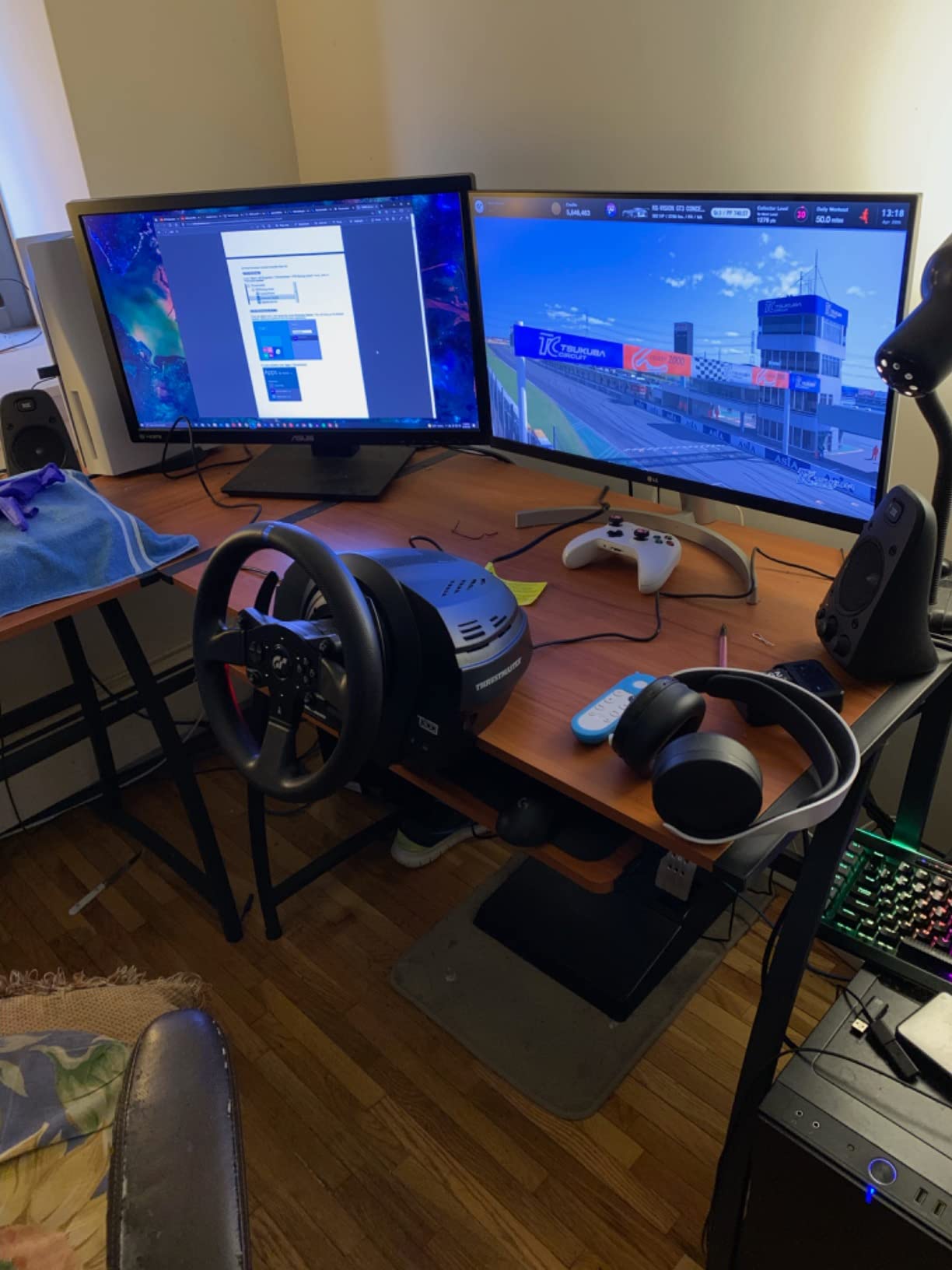
It is officially licensed for Gran Turismo, so it works on PS5 and PC over USB. The detachable rim with a quick release makes swapping wheels easy, and 18 action buttons cover most menus without a fight.
Owners describe the steering as fluid and consistent, which is what lets you brake later and control slides better than a pad allows. The belt-drive layout runs quietly enough for a normal room.
Who the T300RS GT suits best
Gran Turismo players on PS5 who want real force feedback and manual transmission capability. It sits at the point where you have outgrown a pad but do not need a direct drive base.
PC sim racers benefit too, particularly anyone who wants three pedals and expects to grow into a rig later, since the setup is compatible with other Thrustmaster wheels, shifters and pedals.
Where the T300RS GT falls short
The belt-driven motor is noisier and less precise than direct drive alternatives. Pedal feel and base rigidity also trail metal direct drive sets, and the force feedback strength is modest for the category.
This bundle is PlayStation only with no Xbox support, and at 22.4 lb it is the heaviest unit here, needing a sturdy desk or a dedicated rig. If you build the rig, our sim racing cockpit picks cover the frame.
9. MOZA R5 Bundle – Best Direct Drive Feedback for PC Sim Racing
MOZA R5 Bundle Racing Wheel, Direct Drive Base, Pedals Simulator Kit for PC
- 5.5 Nm direct drive with no gear slack
- Compact 280 mm rim gives crisp torque
- Steel pedals with Hall sensors
- Ready-to-race kit with quick release
- PC only with no console support
- Pedals have no clutch or load cells
- Desk clamp may not suit a thick desk
Direct drive removes the mechanical slack and noise that defines belt and gear wheels, and the R5 delivers that at 5.5 Nm of peak torque. Owners moving up from an entry wheel describe it as a night-and-day change because the wheel communicates curb strikes and weight transfer instead of hiding them.
The compact 280 mm ES rim gives the motor maximum leverage, so 5.5 Nm feels crisp rather than dampened. The aluminum quick release makes rim changes quick, and 22 buttons cover the controls you will actually use.
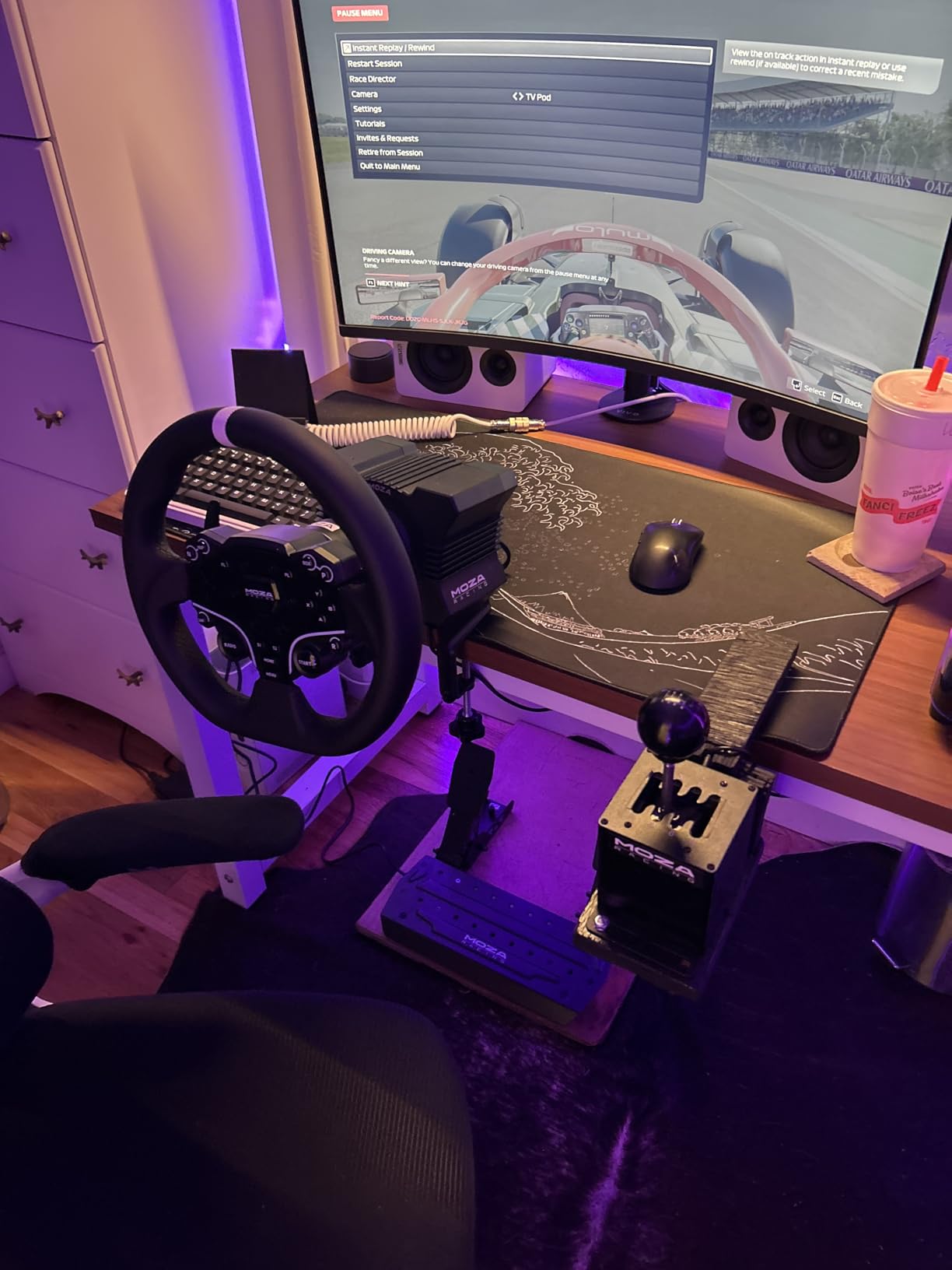
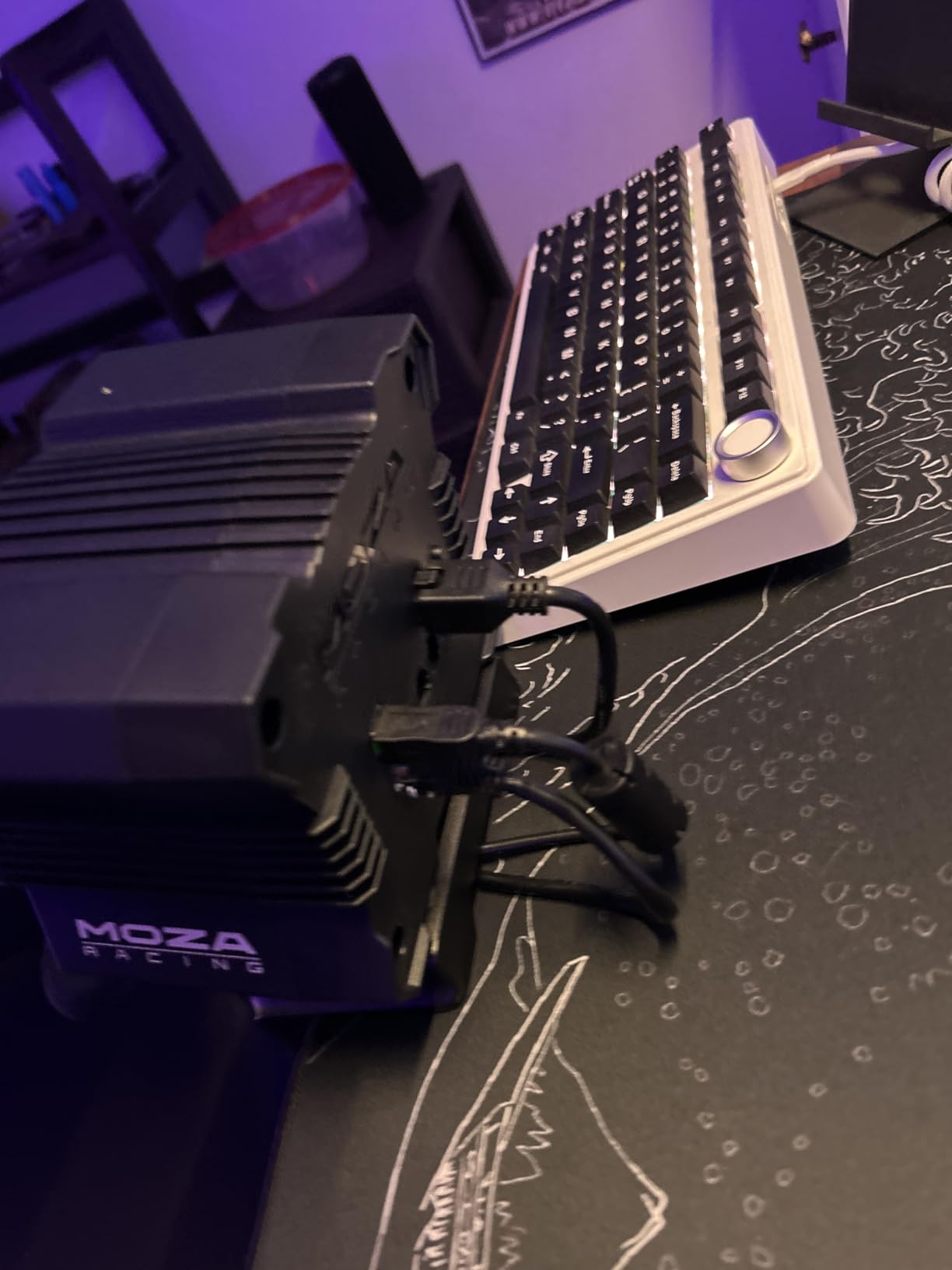
The bundle is genuinely ready to race. You get the wheel base, the ES wheel, steel SR-P Lite pedals with Hall sensors and adjustable spacing, height and output curves, plus a desk clamp, all in one package.
Setup is a four-bolt job and the MOZA Pit House software plus its cloud app let you save settings and launch directly into a game. The whole rig sits in a small footprint, which is unusual for a direct drive base.
Who the MOZA R5 suits best
PC sim racers who want to feel traction and slip rather than guess at them. It is the point on this list where feedback fidelity changes how you drive, and 5.5 Nm is enough torque to push back through a slide without the wheel spinning.
Anyone building toward a proper sim setup will appreciate the ecosystem and the desk clamp included in the box, which removes one purchase from the upgrade path.
Where the MOZA R5 falls short
It is PC only. Xbox and PlayStation need additional adapters, and there is no native console support, so console racers should look at the G920 or the T300RS GT instead.
The pedals are the basic clutch-less set with no load cells or haptic feedback, the desk clamp may not fit a thick or metal-framed desk, and the pedal base can tilt back under heavy braking if it is not bolted to a rig. The motor housing also has no active cooling, so sustained high loads may throttle back.
10. MOZA R3 Bundle – Lowest Cost Way Into Direct Drive on PC
MOZA R3 Bundle Kit Direct Drive Servo base, Racing Wheel and Pedals for PC
- Low-cost route into direct drive feedback
- Very low torque ripple for instant response
- 22 remappable buttons on the rim
- Compact base fits tight desks
- 3.9 Nm is the lightest torque in this roundup
- PC only with no Xbox support
- No clutch pedal and fewer owner reviews
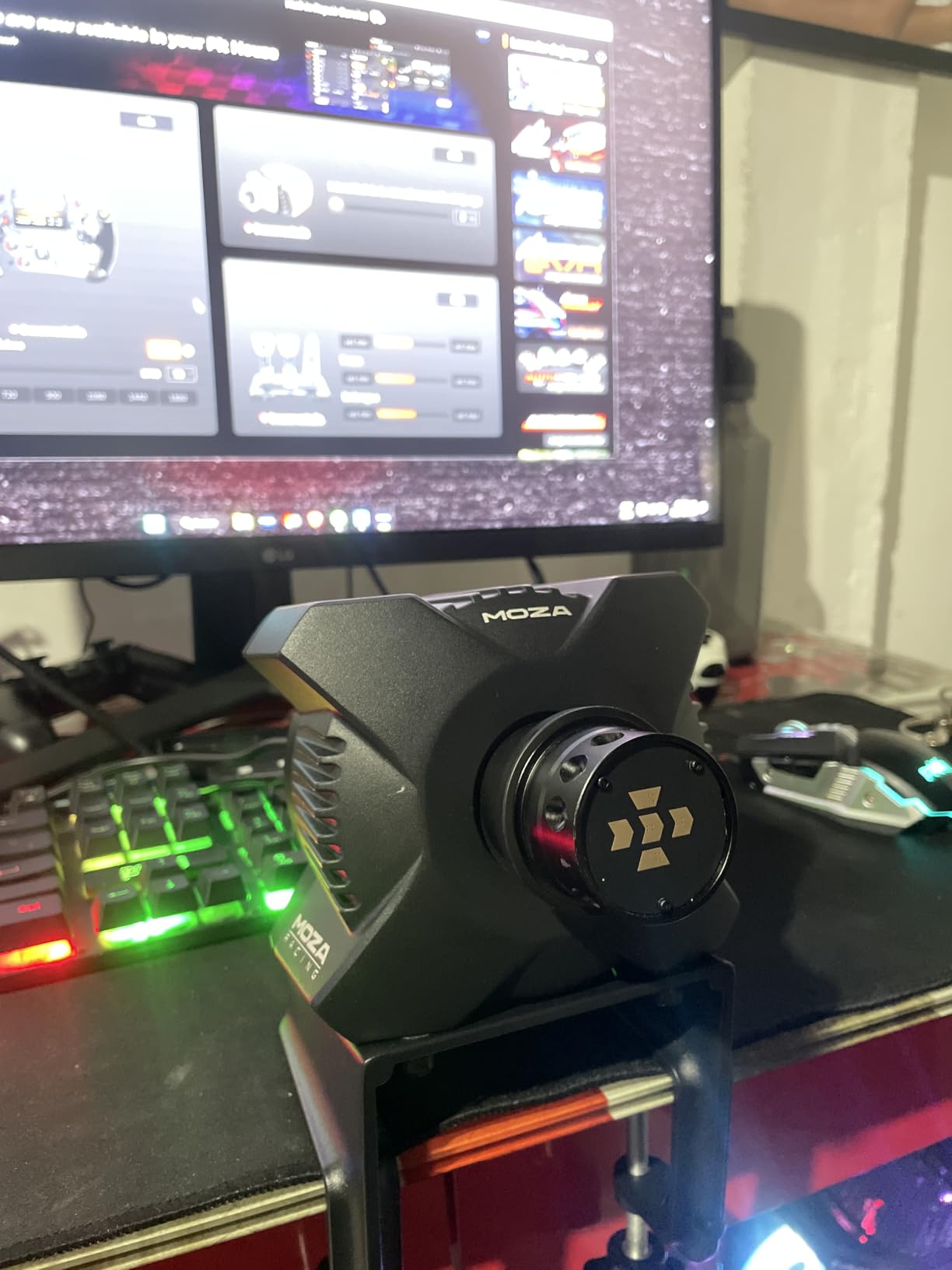
The R3 answers the most common objection to wheels, which is cost. You get direct drive smoothing and low torque ripple at 3.9 Nm, and the difference between this and a belt or gear wheel is visible immediately in how consistently the wheel returns to centre.
Low torque ripple matters more than raw torque for consistency. The rim responds instantly and predictably, which lets you hold a steering input without the wheel fighting you as it crosses the centre point.
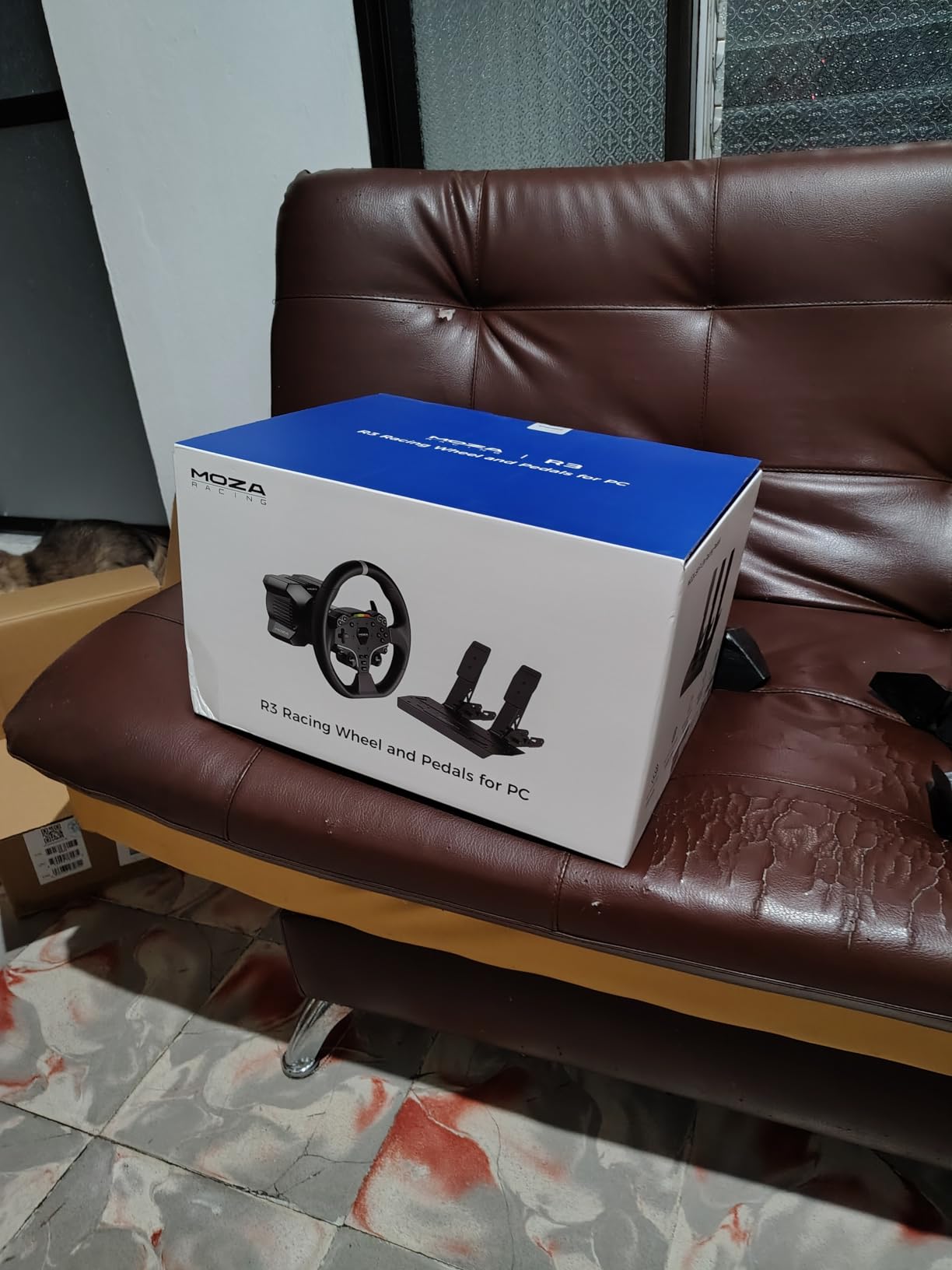
The ES Lite rim is an 11 inch wheel with an aluminum alloy rim, durable PU grips and 22 customizable buttons. The racing-level quick release swaps rims quickly, and the package includes the SR-P Lite steel pedals with a Hall sensor plus an angle-adjustable desk clamp.
MOZA Pit House and its cloud app handle firmware, device status, saved settings and game launching. The whole package fits in a tight desk setup because the base itself is compact.
Who the MOZA R3 suits best
PC players who want to try direct drive without committing to a large torque figure or a full rig. It is the practical entry point, and the compact footprint works in a home office rather than a dedicated room.
Anyone who will later move up within the same ecosystem keeps the software and mounting approach, so it is a stepping stone rather than a dead end.
Where the MOZA R3 falls short
At 3.9 Nm it produces the least torque of the wheels here, so heavy cars and high-speed corners leave less push back under your hands. It is PC only, with no Xbox support in the bundle, and there is no clutch pedal.
The review base is much smaller than the mainstream pads, which limits long term reliability data. Treat it as a first direct drive experience rather than an end state.
What Actually Matters in a Racing Controller
Six things decide whether a controller is good at driving games. Everything else on the box is decoration.
Analog trigger resolution. The throttle and brake need to report how far you have pressed, not just that you pressed. A linear, analog-capable trigger gives gradual control over a braking point instead of an on or off switch. A controller with pressure-sensitive triggers lets you trail brake into a corner; one without makes you modulate with the face buttons.
Stick precision and drift resistance. Your steering input is analog and continuous, so a stick that wanders is worse for racing than for aiming. Potentiometer sticks wear and drift, while Hall Effect and TMR sticks use magnetic sensing with no contact wear. If your current pad drifts, replace it rather than recalibrating it forever.
Remappable rear buttons. Paddles mapped to shift up and shift down keep both thumbs on the sticks. Any pad with two programmable rear inputs can do this, and a physical lock switch on the paddle prevents an accidental press mid-corner.
Feedback that carries information. Rumble, haptics and adaptive triggers should tell you something: front axle let go, rear stepped out, kerb strike, engine note change. Feedback that is constant is noise, and you will learn to ignore it.
Latency and connection. A frame of input delay changes your braking point. Wired USB removes the question entirely, which is why two of the picks here are wired only. Over wireless, a 2.4GHz dongle is generally more consistent than Bluetooth for input, though both are far better than the old Bluetooth pads.
Comfort across a full event. Endurance races and long online sessions punish grip and weight. Textured grips, a non-slip surface and a weight that does not fatigue your hands matter more than any single feature, and hand size drives the choice more than most buyers expect.
Controller vs Wheel: When the Switch Is Worth It
A controller is faster in Forza than a wheel, and this is not an opinion. Pro Forza RC competition is played on a standard Xbox pad, and the reasoning is recovery: steering input is instant, so you can catch a slide in a way a wheel makes you fight. The same forum debate points the other way for almost every other simulator, where a wheel is faster once you are past the learning curve.
The practical framework is genre. Arcade and semi-sim titles such as Forza Horizon, Need for Speed and Mario Kart are tuned around a pad, so a pad matches the intended handling model. Simulation titles such as Assetto Corsa Competizione, iRacing and Le Mans-style endurance events reward sustained, smooth wheel inputs and mechanical feel, so a wheel wins there.
Skill curve is the deciding factor for most buyers. Pad to lap time improvement stops earlier; wheel improvement keeps going for months because feedback teaches you. If you play more than a few hours a week and want the realistic side, a wheel is worth the desk space. Our sim racing wheel guide covers the tiers in more detail.
How to Map Paddles and Tune Your Dead Zones
Mapping rear buttons to gear changes is the single setup change that makes a pad feel like a racing controller. Five steps cover it.
1. Open your controller profile editor. On Xbox that is the Accessories app, on PlayStation your controller profile menu, on PC Steam Input handles non-XInput pads.
2. Find the rear button assignment screen and map the upper paddle to shift up and the lower paddle to shift down.
3. Delete the default face button bindings for shifting so one input does not fire twice.
4. Set the paddle dead zone low but not at zero, then test in a stationary car to confirm a press registers once.
5. Save the layout as a named profile so racing setups stay separate from your shooter remaps.
For drifting, four settings matter more than the hardware. Set the steering dead zone as low as your pad allows without the stick twitching, set steering linearity high so the stick response is linear rather than accelerating toward centre, lower the steering rate to about 40-60 percent so you can hold an angle, and reduce throttle rate so the throttle builds gradually. Drifters in the community describe the technique as feathering the throttle and letting the car coast, which is a skill far more than a setting.
Wireless deserves one honest note. Plenty of PC racers default to wired because they do not want to think about wireless latency at all, and nothing in this roundup measures a polling rate. If you must go wireless, use the 2.4GHz option rather than Bluetooth and keep the dongle in line of sight.
Frequently Asked Questions
What is the best controller for driving games?
The DualSense is our top pick for most players because its adaptive triggers and haptic feedback convey brake pressure, kerbs and traction loss better than any other console pad. Xbox players who prioritise adjustability should choose the Elite Series 2 for its interchangeable paddles and adjustable stick tension.
What is the best controller for PC racing games?
On PC, the GameSir G7 SE stands out because Hall Effect sticks do not drift and a wired USB connection removes wireless latency entirely. If you want force feedback rather than a pad, the MOZA R5 delivers 5.5 Nm of direct drive torque for PC-only sim racing.
What controller do most pro gamers use?
Professional Forza competition runs on a standard Xbox controller rather than a wheel, because instant steering input makes recovering from a mistake easier. Most other simulators tell the opposite story, where a wheel is faster for competitive players past the learning curve.
Are analog triggers better than digital triggers for driving?
Yes. An analog trigger reports how far you have pressed, which lets you trail the brake and feather the throttle at a kerb or mid-corner. A digital trigger only registers fully pressed, so you lose gradual control over braking points and traction.
Do I need a wheel to play racing games competitively?
No for arcade and semi-sim titles such as Forza Horizon, where a controller matches the intended handling model and pro Forza competition is played on a pad. Yes for full simulators such as Assetto Corsa Competizione or iRacing, where sustained wheel input and force feedback are faster once you are past the learning curve.
What are some good racing games to test a new controller?
Forza Motorsport and Forza Horizon 5 reward analog trigger control and respond well to remapped paddles. Assetto Corsa and F1 titles test trigger resolution and wheel or stick precision hardest, while Mario Kart is a good wireless and couch-play test. Try each with the profile settings above before judging the hardware.
Best Controllers for Racing Games: The Final Word
The DualSense is the best overall pick for 2026 because it delivers the most useful information through your hands per unit of effort, and it works across PS5, PC, Mac and mobile. Xbox players who want to fine tune should step up to the Elite Series 2, and anyone whose old pad drifts should go straight to the Hall Effect sticks in the GameSir G7 SE.
If your racing has moved past arcade titles, the Logitech G920 is the smoothest first wheel on Xbox and PC, while PC sim racers should look at the MOZA direct drive bundles. Map the paddles, dial down the dead zone and then go drive.