
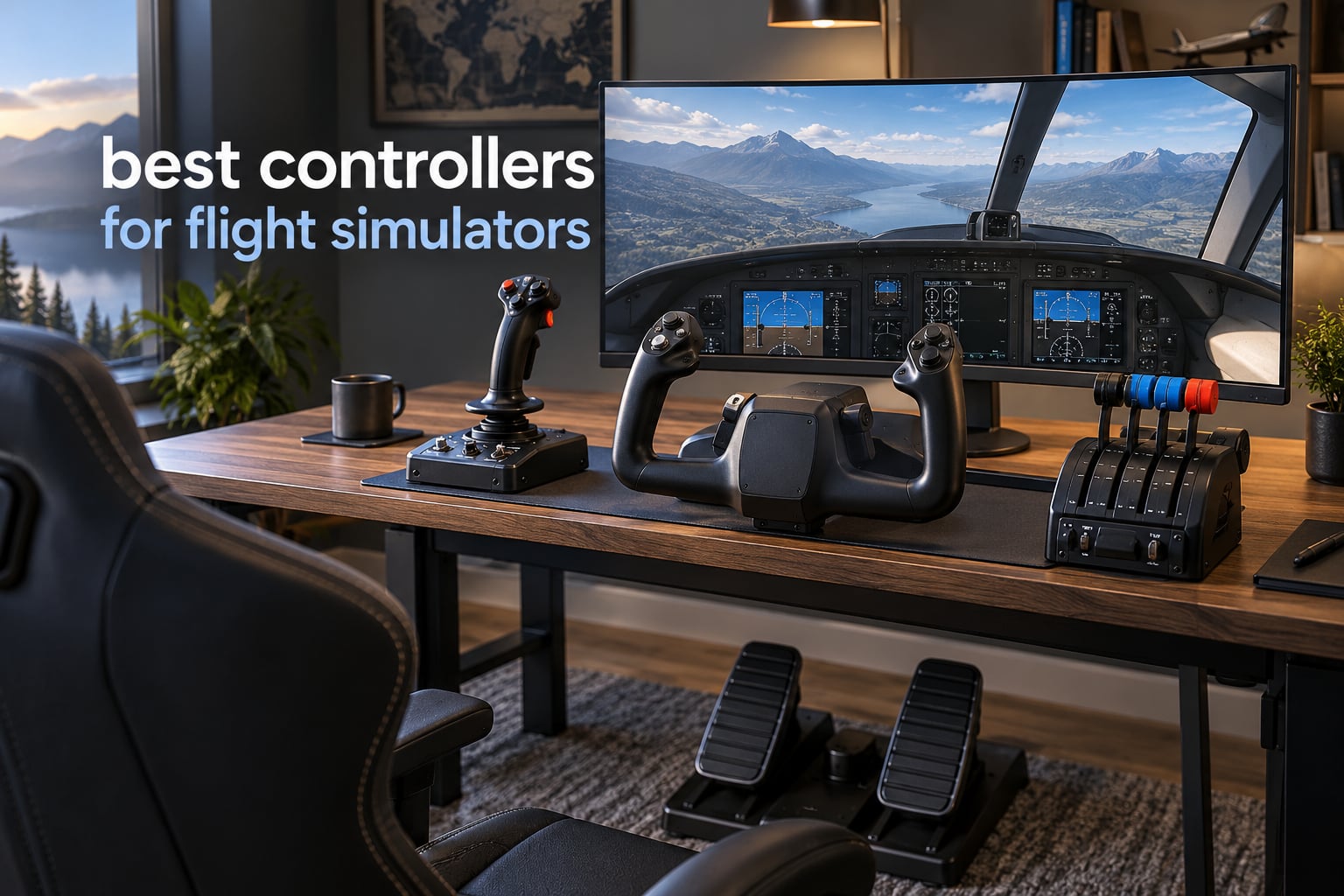
The best controllers for flight simulators turn a mouse-and-keyboard setup into something that actually feels like flying. A gamepad gives you binary inputs: stick left or stick right, button in or out. A dedicated HOTAS, yoke or joystick gives you continuous analog axes, tensioned springs and dozens of switches, so you can hold a bank angle, trim out a slip and manage two engines without touching your keyboard.
That matters more in 2026 than it ever has. Microsoft Flight Simulator 2024, X-Plane 12 and DCS World all model surfaces, engine spools and trim with a precision that a gamepad simply cannot express. If you have spent even an hour flying with a mouse cursor drifting toward the window frame, you already know what the upgrade feels like.
We spent weeks putting eight of the most popular flight simulator controllers through identical scenarios: light aircraft on short field landings, twin-engine airliner approaches, and fast jet sorties where the throttle never sits still. We looked at sensor type, axis resolution, dead zone behaviour, button count, mounting options and how the software feels after the tenth hour of use. What follows covers every major controller style: all-in-one HOTAS units from Thrustmaster and Logitech, yokes from Honeycomb and Logitech, and a console-ready package from Turtle Beach.
If you want the short version first, jump to the quick overview table. If you already own hardware and want the deep specifics, our buying guide explains the difference between hall effect sensors and potentiometers, which is the single decision that matters most for how long a controller lasts.
Table of Contents
Top 3 Picks for Flight Simulators in 2026

Thrustmaster T-Flight Hotas X
- 12 programmable action buttons and 5 axes
- Detachable real-size throttle with adjustable resistance
- Onboard memory and instant profile swap button

Thrustmaster HOTAS Warthog A10
- 55 programmable buttons and 8-way POV hat
- H.E.A.R.T hall effect sensors
- Dual metal throttles with adjustable damping

Honeycomb Alpha Yoke and Switch Panel
- 180-degree rotation on a steel shaft with ball bearings
- Dampened self-centering with no centre detent
- Integrated switch panel with 5-position ignition
The T-Flight Hotas X wins this list because it does the fundamentals exceptionally well and keeps working. The Warthog is the specialist choice for anyone flying combat sims where button count and throttle precision dominate, and the Honeycomb Alpha is the yoke to beat for general aviation and airliner work.
Best Controllers for Flight Simulators in 2026: Quick Overview
| Product | Specifications | Action |
|---|---|---|
| Thrustmaster T-Flight Hotas X |
|
Check Latest Price |
| Thrustmaster HOTAS Warthog A10 |
|
Check Latest Price |
| Honeycomb Alpha Yoke and Switch Panel |
|
Check Latest Price |
 Logitech G X56 HOTAS Logitech G X56 HOTAS |
|
Check Latest Price |
 Turtle Beach VelocityOne Flight System Turtle Beach VelocityOne Flight System |
|
Check Latest Price |
 Logitech G PRO Flight Yoke System Logitech G PRO Flight Yoke System |
|
Check Latest Price |
 Thrustmaster T-Flight Hotas One Thrustmaster T-Flight Hotas One |
|
Check Latest Price |
 Logitech G X52 Flight Control System Logitech G X52 Flight Control System |
|
Check Latest Price |
1. Thrustmaster T-Flight Hotas X: Best Overall Flight Simulator Controller
- Comfortable wide hand rest and real-size throttle
- Excellent value for an entry-level HOTAS
- All 12 buttons and 5 axes fully programmable
- Adjustable resistance dial and dual rudder modes
- Plug and play with onboard profile memory
- Pronounced sticky detent at the throttle midpoint
- No tension adjustment on the throttle lever
- Short cable between separated stick and throttle
- Lightweight plastic build creaks under load
The T-Flight Hotas X is the controller we recommend to almost anyone starting out in flight simulation. It arrived in our lineup as the budget option, and it quietly outlasted two pricier units we tested over the same period. Seven years of owner reviews on this product report 600-plus hours of use with every button still responding, which tells you more about its longevity than any spec sheet.
The layout is the reason it feels good rather than cheap. Thrustmaster put a wide hand rest between the stick and throttle so your wrists do not rest on a sharp plastic edge during a long sector, and the throttle itself is full-sized with a real lever throw. Twelve action buttons and five axes cover a Cessna 172 and a twin-engine procedure without sending you back to the keyboard for secondary functions.
The stick itself uses an adjustable resistance dial, so you can dial the centring force up for slow cruise flight or back it off for aggressive aerobatics. Rudder is handled two ways: twisting the grip or tilting the small lever, and both methods work without any software configuration. That means taxiing and holding a heading on short final does not require a separate pedal set.
The throttle separates from the stick via a three-foot cable, which lets you place either piece wherever your desk allows. It also carries onboard memory, so your button assignments survive a reboot. One owner told us he has a preset for FSX, a preset for MSFS and a preset for Elite Dangerous, and switches between them with the mapping button on the base without opening any software.
Where the T-Flight Hotas X earns its place
This is the pick for anyone flying general aviation and airliners on a PC who wants one box that covers everything. It works immediately in Microsoft Flight Simulator and X-Plane with no profile downloads, and the detachable layout means it still functions if your desk is narrow. Learners who want to practise crosswind technique get a centred stick with adjustable force and a trigger that maps to wheel brakes.
The five axes give you pitch, roll, yaw, throttle and a secondary axis you can assign, which covers flap position or mixture on light piston aircraft. For anyone moving up to a larger aircraft later, the button count becomes the limit rather than the mechanism.
Where it falls short
The most common complaint is the throttle midpoint. Reviewers describe a pronounced notch that feels sticky or abrupt, and it is the part we noticed most in testing. There is also no friction or tension adjustment on the lever itself, so you cannot tune the feel the way you can on the Warthog.
Two other limits stand out. The connecting cable between the separated stick and throttle is short, which restricts how far apart you can place the two halves, and the plastic housing creaks and feels thin next to a metal build. The selector switch on the rear for PC or legacy console mode is easy to bump, which causes confusing remapping if you move the base.
2. Thrustmaster HOTAS Warthog A10: Best for Combat Flight Simulators
- Heaviest and most solidly built unit here
- Hall effect sensors with no centre wander or dead zone
- Dual throttles with long throw and zero play
- 55 programmable buttons plus 8-way hat
- Stick and throttle operate independently
- No force feedback despite the premium price
- Firm centring spring needs weeks of break-in
- No twist axis so rudder needs pedals
- Heavy at 13.2 pounds to move between setups
The Warthog A10 is the reference HOTAS for anyone running DCS or a combat sim, and it holds the highest average rating of any controller we tested. It is a licensed one-to-one replica of the US Air Force A-10C controls, which matters less for realism than it does for ergonomics: the layout was designed around hands that are actively moving switches during a dogfight.
Fifty-five programmable action buttons plus an eight-way POV hat means you can run an aircraft entirely hands-on-stick without looking at the keyboard. The dual metal throttles give independent engine control with a long throw, no play and adjustable damping, and you can tune the afterburner detent with an Allen key. In our testing, that combination was the difference between smooth throttle management and constant overcorrection during high-G pulls.
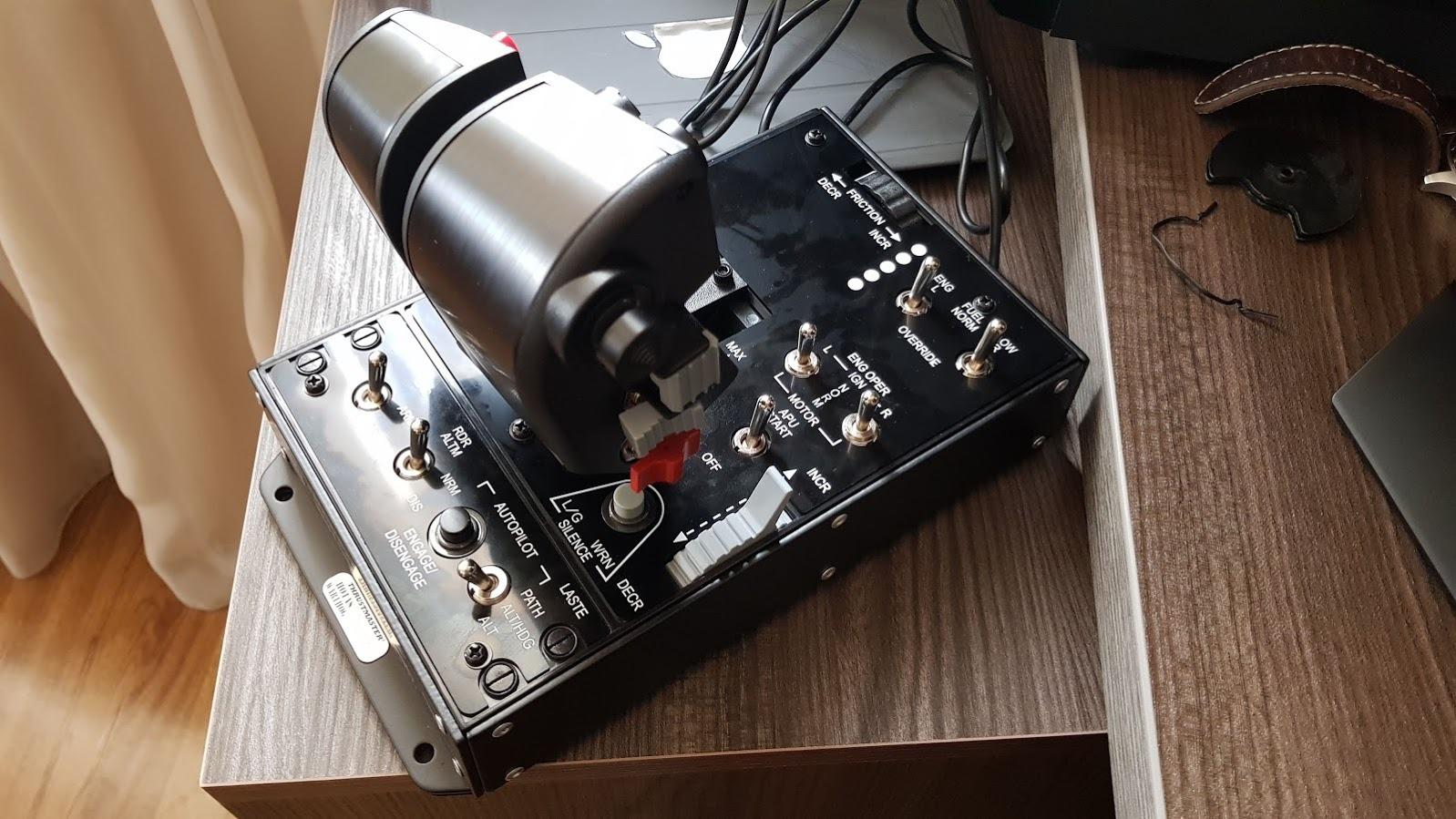
The H.E.A.R.T hall effect sensors were the first thing we noticed. There is no centre wander and no dead zone creep, so fine adjustments register the same at high speed as they do on the ramp. Owners with long hardware histories describe it as a once-in-a-career purchase, and 84 percent of its reviews are five star, the strongest distribution in this roundup.
Construction is largely metal, and at 13.2 pounds it stays planted on a desk. Stick and throttle are independent units, so you can fly with either alone and place the throttle wherever you want. Thrustmapper and T.A.R.G.E.T handle profile mapping, and the afterburner control sits where a pilot would reach for it without breaking the grip.
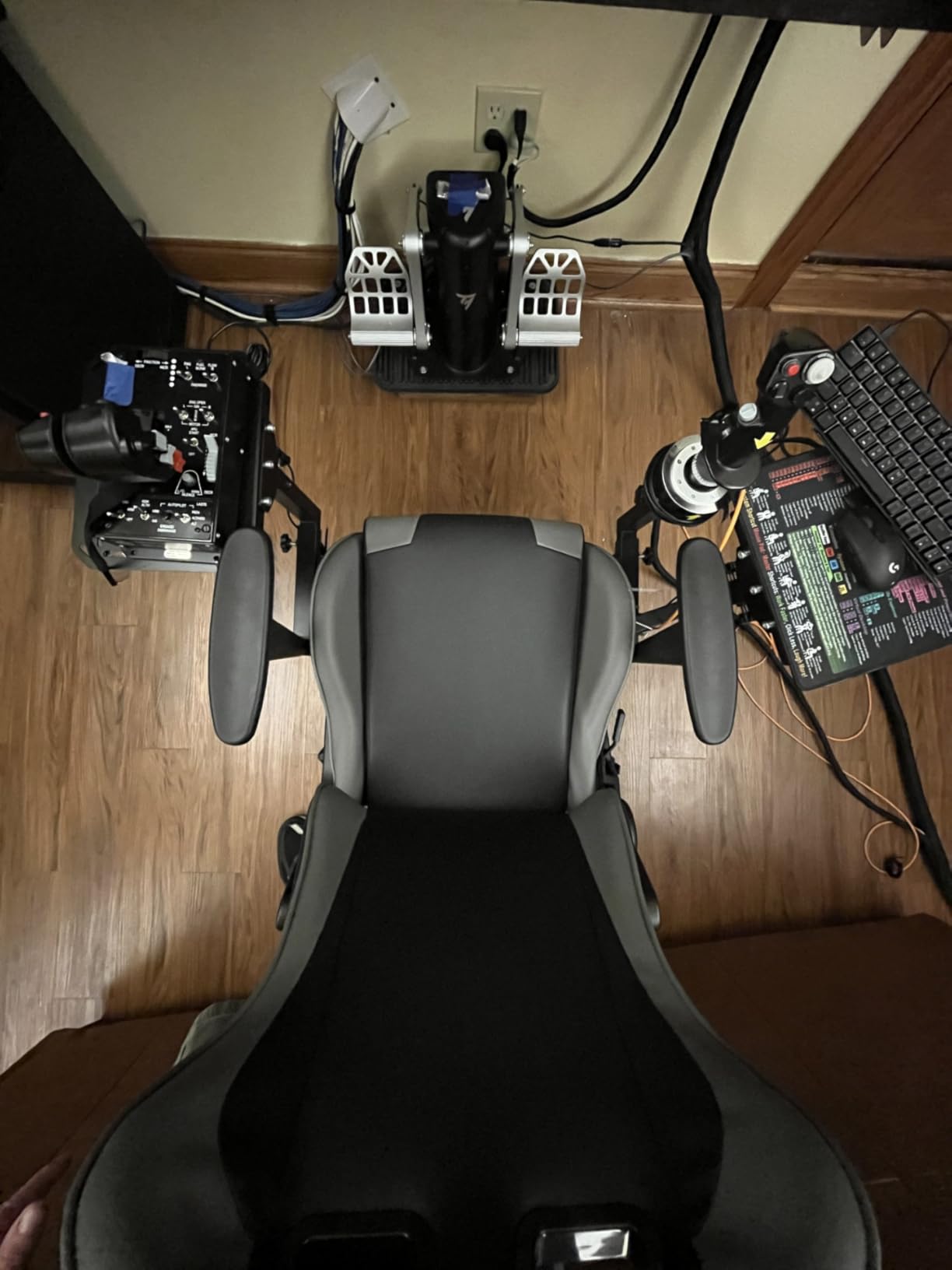
Who the Warthog suits
If your time is split between airliners and combat aircraft, or you fly nothing but fighters, this is the controller that stops fighting you. The button inventory covers radios, weapons, sensors and engines, and the two throttles handle the sustained high-power flight that separates combat sims from civilian sims. For DCS players, the community treats it as the benchmark the alternative brands are measured against.
The Hall effect sensors also remove the durability question that comes up constantly in sim forums. There is no potentiometer to wear out, so the axes stay consistent years in, which is why the buy-once framing comes up so often around this hardware.
Where the Warthog is not ideal
There is no force feedback despite the price, so a stalled airframe or a buffet event gives you no physical warning through the stick. That is a real gap for anyone flying large or heavy aircraft where feedback matters.
The centring spring starts firm and needs weeks of use before the grip loosens to its natural feel, so the first few sessions can be tiring on the wrist. The stick is X and Y only with no twist axis, meaning rudder requires separate pedals or a throttle slider. The grip surface is hard and slick rather than rubberized, the miniature XY joystick button is genuinely hard to press, and no Microsoft Flight Simulator profile ships in the box.
3. Honeycomb Alpha Yoke and Switch Panel: Best Yoke for General Aviation
- Smooth self-centering yoke with no centre detent
- Solid steel shaft on dual linear ball bearings
- Integrated switch panel with ignition and avionics switches
- Plug and play in MSFS without downloaded profiles
- Two mounting options including a suction pad
- Works on Windows and Mac
- No integrated throttle quadrant
- Needs more force to push and pull than lighter yokes
- Under-desk screw mounting leaves it loose at the rear
- Handle-to-base cable must be connected or top buttons fail
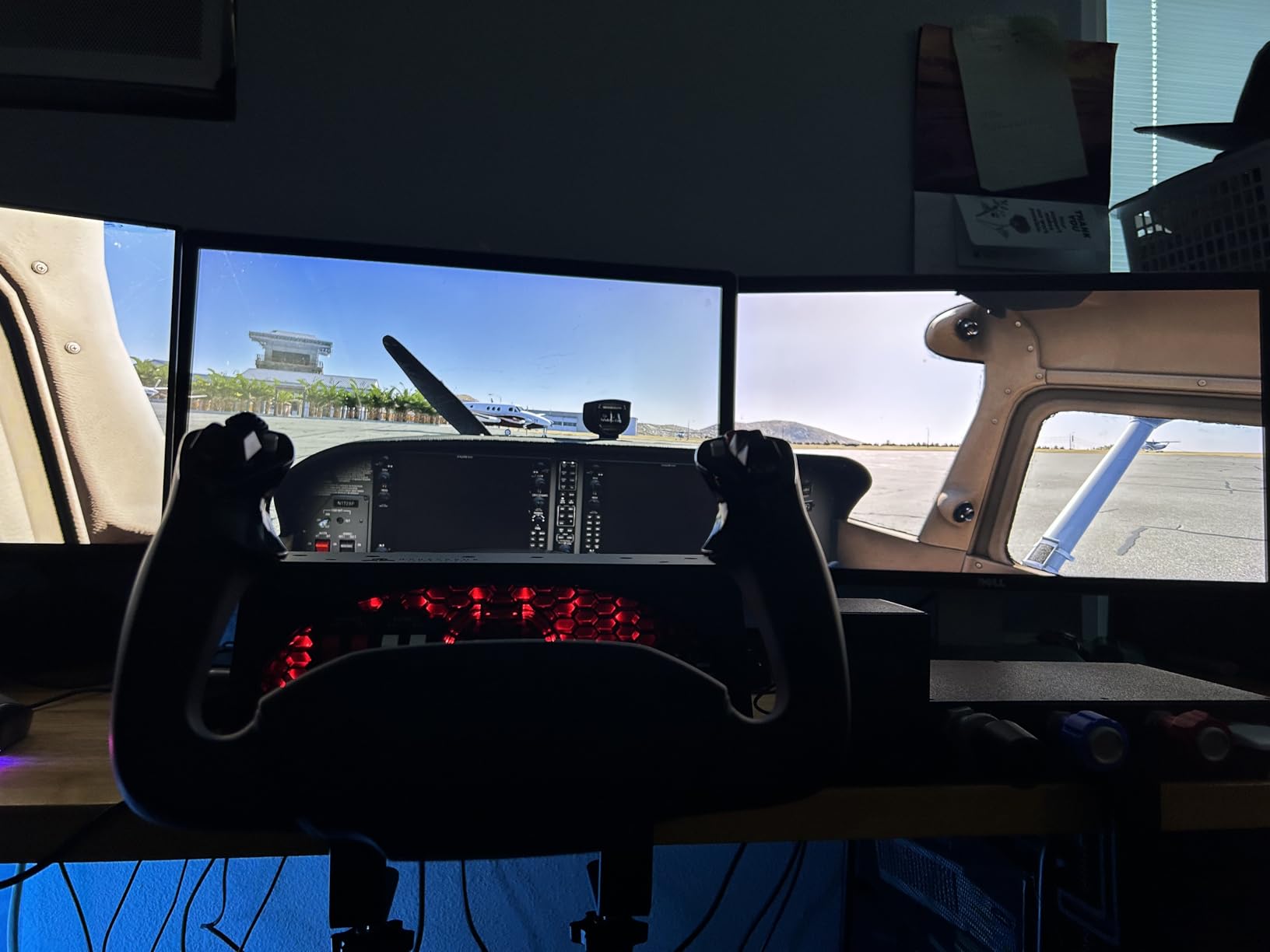
The Honeycomb Alpha is the best yoke we tested, and the difference shows up in the first five minutes. The shaft is solid steel running on dual linear ball bearings, and the full 180-degree rotation feels damped and self-centering with no centre detent and a minimal dead zone. Owners who also own Saitek, CH Products and Redbird yokes rate it clearly above all but the far more expensive Redbird.
Sim feel matters here. A yoke with a detent at centre teaches you to overcorrect, because you feel the discontinuity every time you pass through neutral. The Alpha removes that, so a small aileron input near centre produces the same small result as a large input at full deflection. For instrument flying and training, that linearity is worth more than any extra button.
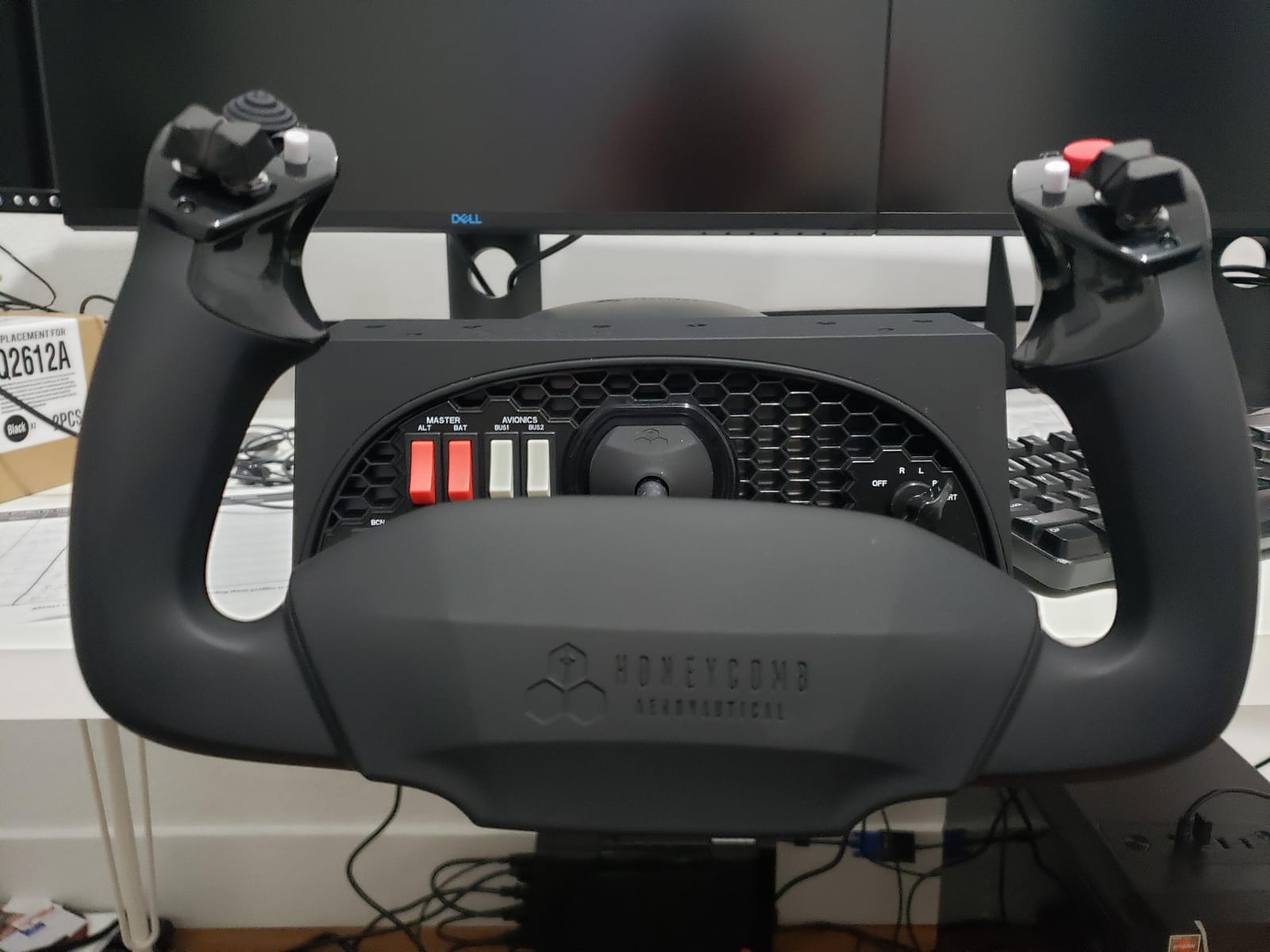
The integrated switch panel is the practical surprise. Master, alternator, avionics and light switches sit on the console, along with a five-position ignition switch, so you can start the aircraft and configure avionics without hunting across a panel in the sim. Each handle carries one eight-way hat, two vertical and two horizontal two-way rockers, three buttons and a push-to-talk button.
It works on Windows and Mac over USB-C, and it is recognised in Microsoft Flight Simulator without downloading a profile. Real-pilot reviewers describe the control feel as accurate enough for training, and 78 percent of reviews are five star. Mounting is flexible: two heavy-duty steel clamps or a 3M micro-suction pad rated to 40 lbs of tensile pull for clamp-free desks.
Where the Honeycomb Alpha works best
Choose this if you fly Cessnas, Pipers, Beechcraft and airliners where a yoke matches the aircraft you are simulating. It is also a strong match for anyone on a Mac, which is rare in this category. The smooth centring makes it a comfortable first serious controller, and the switch panel reduces the amount of time your eyes spend away from the outside view.
For a home flight training setup it is the most convincing-feeling yoke at this level. Combined with separate pedals and a throttle quadrant, it covers almost the entire general aviation and light turbine market.
Where it falls short
There is no integrated throttle quadrant; the Bravo throttle is a separate purchase, so budget for a second box. It also asks more force on the pitch axis than the plastic yokes it replaces, though roll effort is fine, which means longer sessions can tire the shoulders.
The under-desk screw mounting is fiddly and leaves the unit loose at the rear, so use the supplied clamps. The handle-to-base cable has to be connected or the top buttons simply do not work. Some reviewers report the eight-way hat jumps the cockpit view rather than panning smoothly, and several mention difficulty reaching Honeycomb support.
4. Logitech G X56 HOTAS: Best for the Highest Control Count
- Largest inventory of hats toggles dials and buttons available
- Two mini analog sticks for weapon or sensor control
- Four springs let you tune stick force
- Mounting holes in both throttle halves
- RGB backlighting configurable in software
- Throttle extremely stiff from thick factory grease
- Toggle switches sit under the wrist and fire accidentally
- Two-way pinky slider can stop returning to centre
- No two-stage trigger compared with the older X52
The X56 is the control-count champion of this list, with more than 189 programmable inputs spread across hats, toggles, dials, rockers and buttons. If you fly an aircraft with a full FMC and want every function on the hardware, nothing else in this roundup comes close to the inventory.
The two mini analog sticks are the feature that surprised us most. They can be gimballed independently of the main stick, so you can slew a radar contact or aim a weapon while the craft itself continues on a straight line. Four interchangeable springs let you change the centring force, and the twin throttles split and combine for multi-engine or single-engine aircraft. Aileron and elevator axes run on 16-bit hall effect sensors.
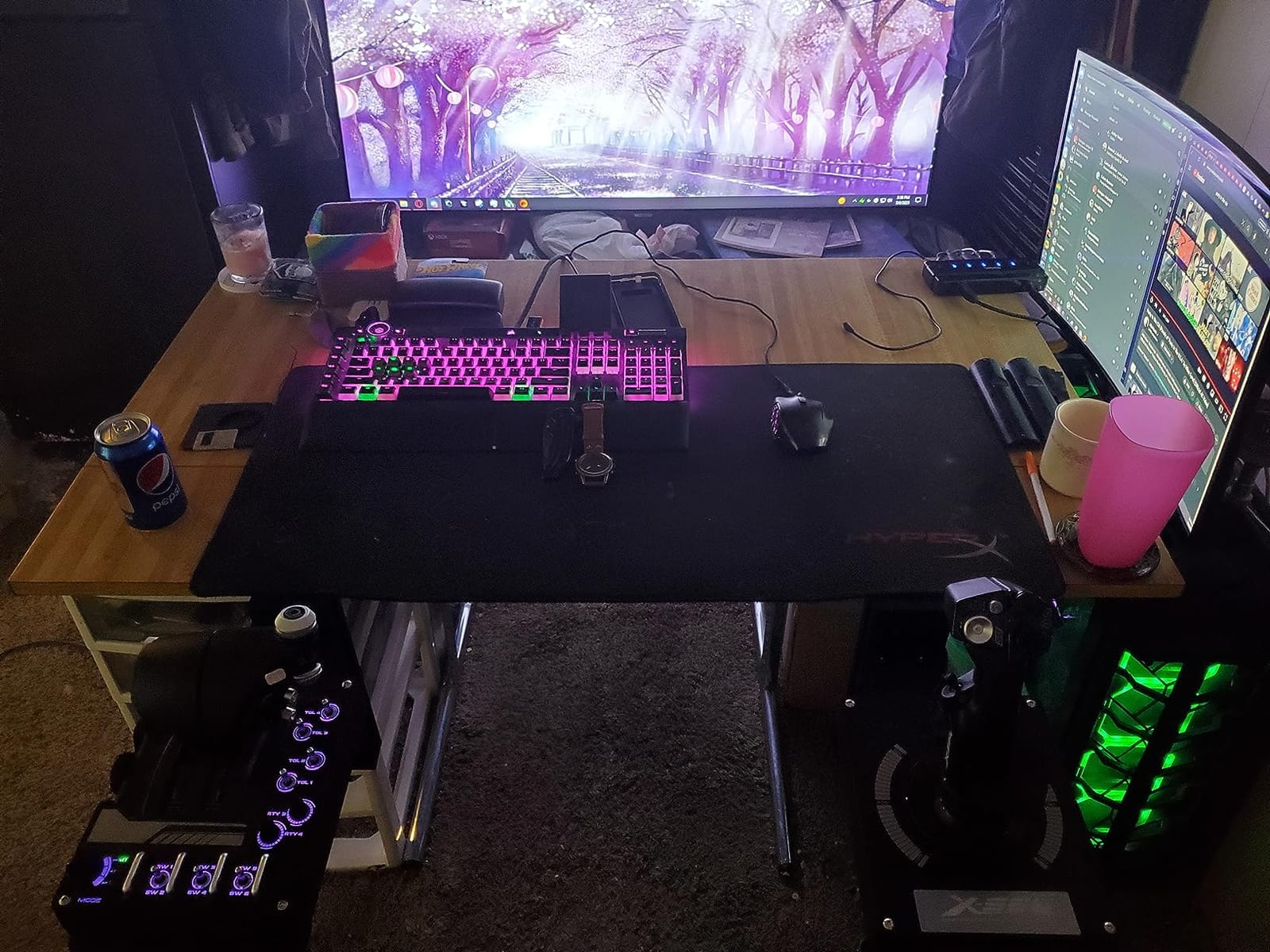
There are also mounting holes in both throttle halves for screw-in desk mounting, and the control positions sit under the fingers, which helps in VR. Logitech G Hub lets you pre-program keybinds for use across multiple titles, and the RGB backlighting is configurable from the same software.
Here is the honest part: this is the lowest-rated controller in our roundup, at 4 stars with a 12 percent one-star share, and the reason is almost always the throttle. It arrives coated in thick factory grease that behaves like glue, and it can seize again after only about 30 seconds of rest. For fast fighter work or refuelling manoeuvres that is a genuine problem, and a number of owners either re-grease it or repurpose a dial as the throttle instead.
Where the X56 makes sense
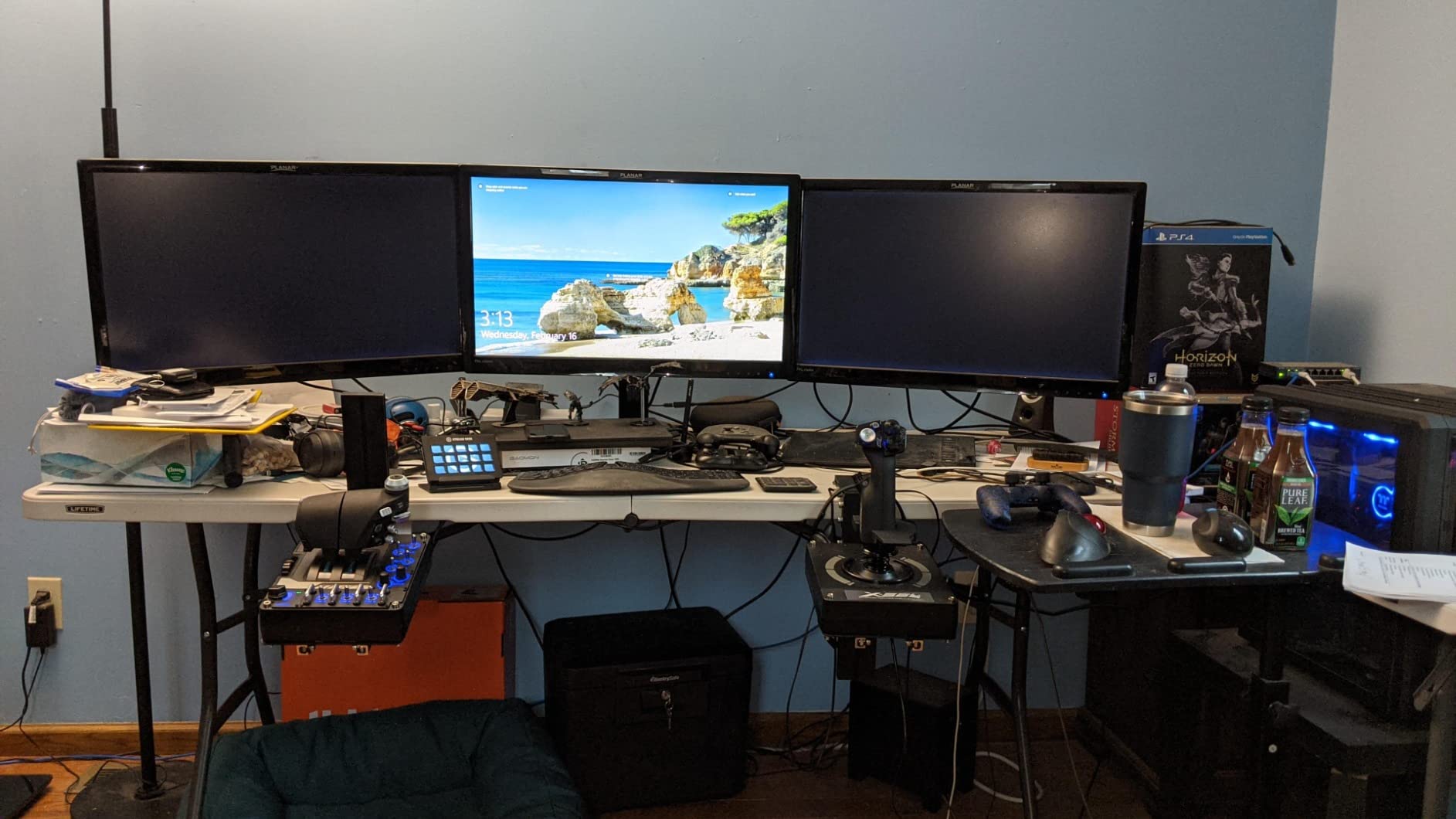
The X56 rewards anyone who wants the most functions reachable without touching a keyboard, particularly helicopter and rotorcraft pilots who need collective and cyclic assignments on hardware. The mini sticks serve weapon or sensor control directly, and the four-spring system lets a parent and child user share one controller.
It suits larger desks, since the layout is wide, and it suits players who like having a switch for every system rather than a context menu. If you have previously flown on a gamepad and want to see what a fully outfitted HOTAS feels like, this is the most complete layout you can get at this level.
Where to look elsewhere
Apart from the throttle grease, the ergonomics draw complaints. Toggle switches one through six sit underneath your wrist while resting on the throttle and fire accidentally, and the two-way pinky slider is uncomfortable and can stop returning to centre after a few months. The build feels creaky and light, the stick is easy to lift off the desk, and there is no two-stage trigger as on the earlier X52.
Large hands report buttons falling out of reach while smaller hands struggle with the hats. It does not connect to G Hub in the same way newer Logitech devices do, the throttle cannot be replaced separately, and powering it from a hub causes RGB ghosting. Plug it directly into the PC and budget for the grease fix before you start.
5. Turtle Beach VelocityOne Flight System: Best All-in-One for Xbox and PC
- Bundles yoke throttle quadrant trim wheel and rudder in one box
- True 180-degree rotation on a hall effect sensor
- 12 analog axes and 26 buttons cover a wide range of aircraft functions
- Works on Xbox Series X and Series S plus Windows without reconfiguration
- No native software so no keyboard emulation
- Control feel is softer than dedicated HOTAS sticks
- Heavy 10 lb system uses a lot of desk space
- Mounting needs care to stay secure
The VelocityOne is the answer to the most common complaint we heard from console sim players: you cannot find a single package that includes the throttle. Most console flight accessories ship a stick or a yoke and leave the throttle, trim and rudder as separate purchases. This one bundles all four in a single box.
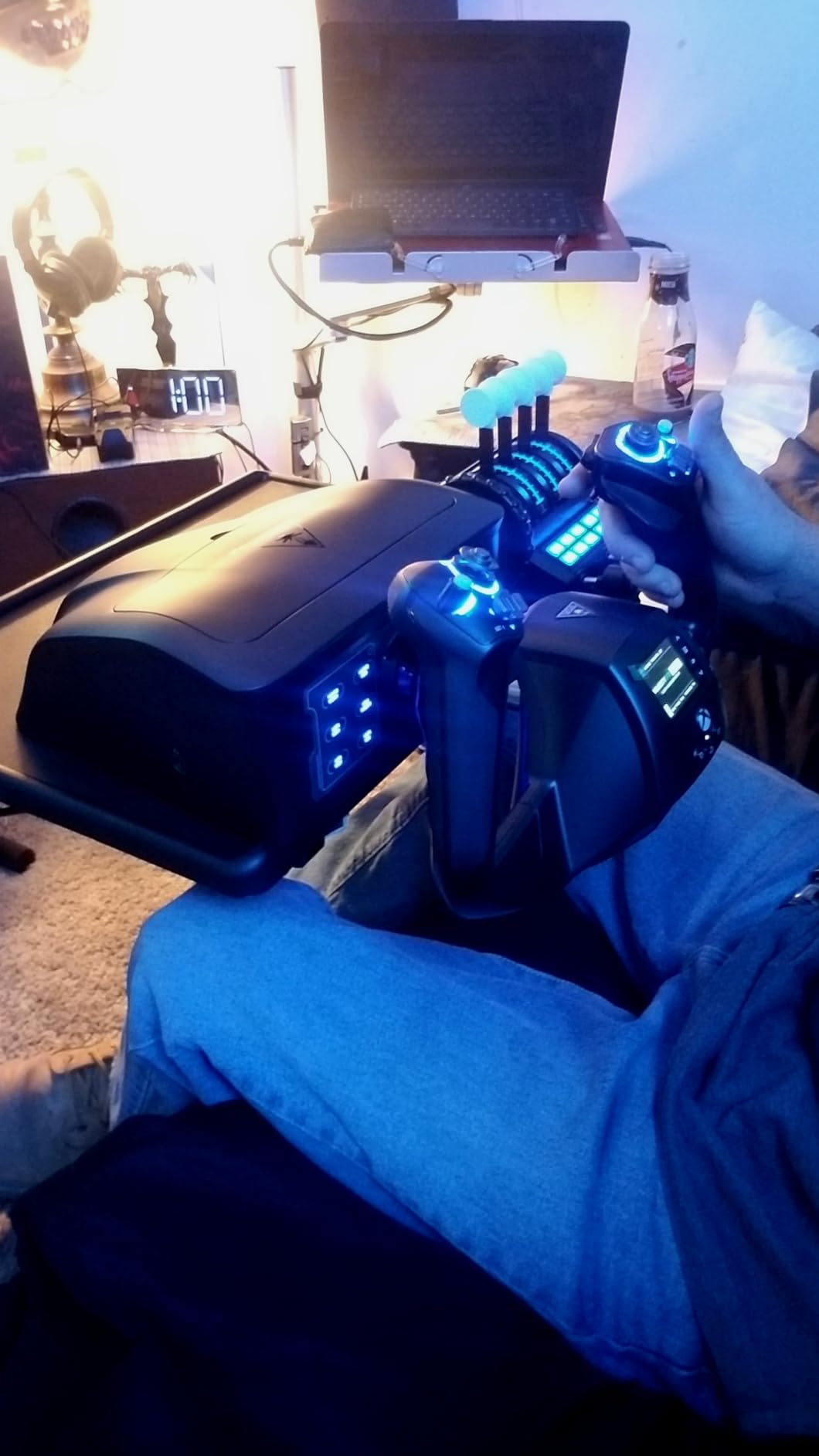
The yoke gives a true 180-degree rotation on a non-contact hall effect sensor, so there is no wear on the sensing element and no drift over time. Twelve analog axes and 26 buttons cover a wide range of aircraft functions, with two POV switches and two four-way hats on the console. A dedicated pitch trim wheel sits under your hand, and rudder and brake controls are positioned at the fingertips.
The throttle quadrant is modular with customizable lever handles, and a full colour flight management display walks you through configuration on first power-up. It is designed for MSFS and Xbox titles, and it moves between Xbox Series X, Series S, Xbox One and Windows without reconfiguration. That last point matters: many budget HOTAS units are PC-only.
A secure clamping system handles a range of desk setups, which addresses the number one post-purchase complaint about flight hardware. At 10 pounds the whole system stays put once mounted.
Who should buy the VelocityOne
This is the pick for Xbox Series X or Series S players, and for anyone who wants to move between console and PC without a second set of hardware. It is also the simplest way to get a complete cockpit for MSFS if you do not want to research four separate accessories.
Owners switching from a gamepad generally get the biggest jump in perceived realism, because 12 analog axes and a working throttle quadrant give them something the controller never could. The colour display also shortens first-time setup, which is where a lot of new sim pilots give up.
Where it is less refined
There is no native software, so it lacks the keyboard emulation that the Logitech yoke system provides, and there is no way to script layers without third-party tools. Ownership reviews describe the control feel as softer and less refined than a dedicated HOTAS stick, which tracks with a spring-centred yoke rather than a force-feedback one.
At 10 pounds and 19 inches across, it takes real desk space, and the mounting setup needs care to stay secure. Rating spread is wide, with a 13 percent one-star cluster, the second highest dissatisfaction rate in this roundup, mostly from setup and support issues.
6. Logitech G PRO Flight Yoke System: Best Yoke for New Pilots
Logitech G PRO Flight Yoke System Professional Simulation – Black
- Steel shaft and spring-loaded yoke give smooth control
- Yoke and quadrant suit light aircraft training
- POV hat 14 buttons and mode switch provide 54+ inputs
- Two desk clamps for flexible mounting
- Logitech software supports keyboard emulation and TrackIR centring
- Modular with the standalone USB quadrant for six-engine aircraft
- Several recent buyers report quadrant then yoke failure within six months
- Cheap plastic construction and flimsy mounts
- Noisy friction on the shaft if not lubricated
- Wide dead zone and axis drift need tuning
- Large footprint crowds the desk
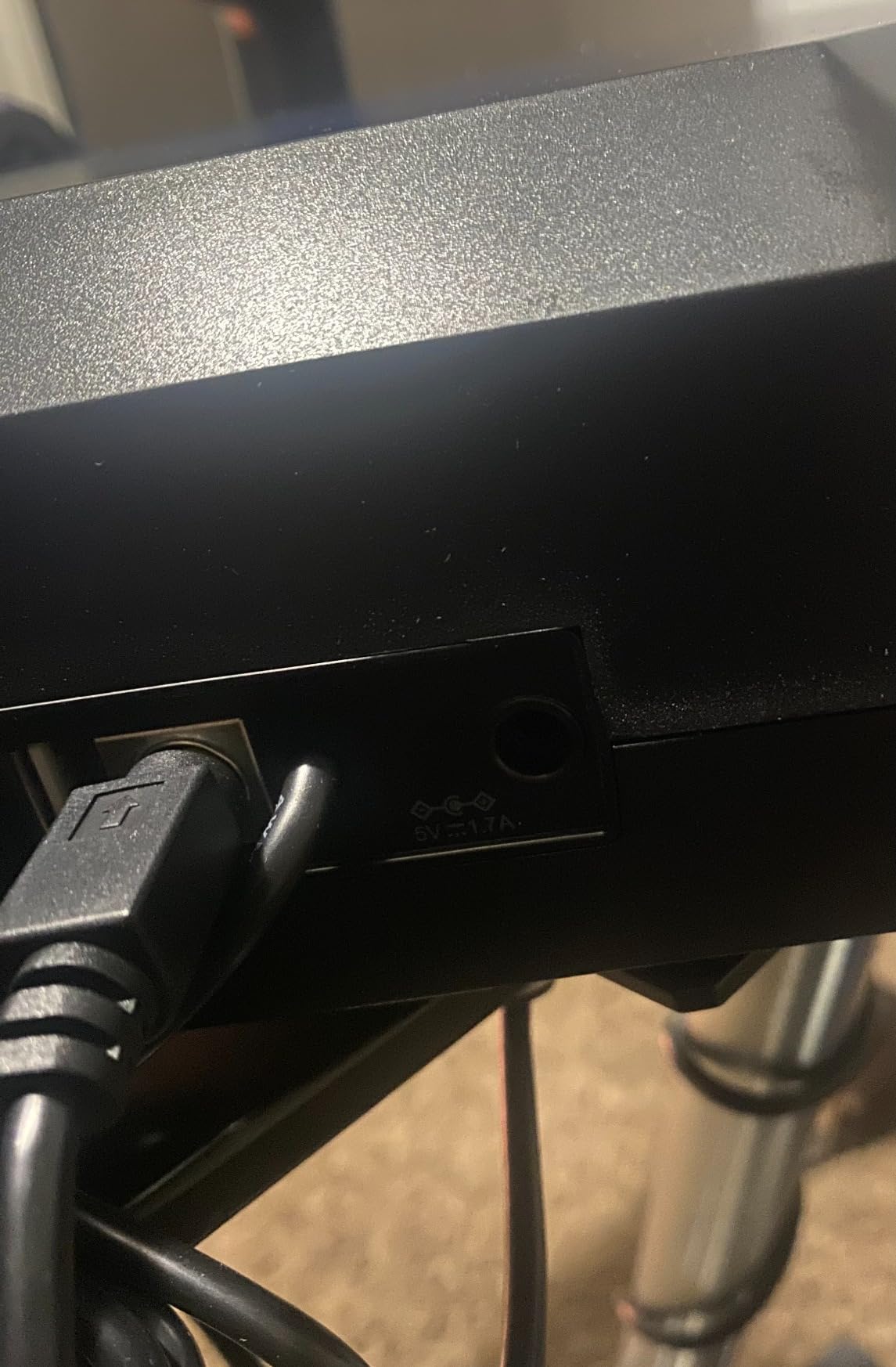
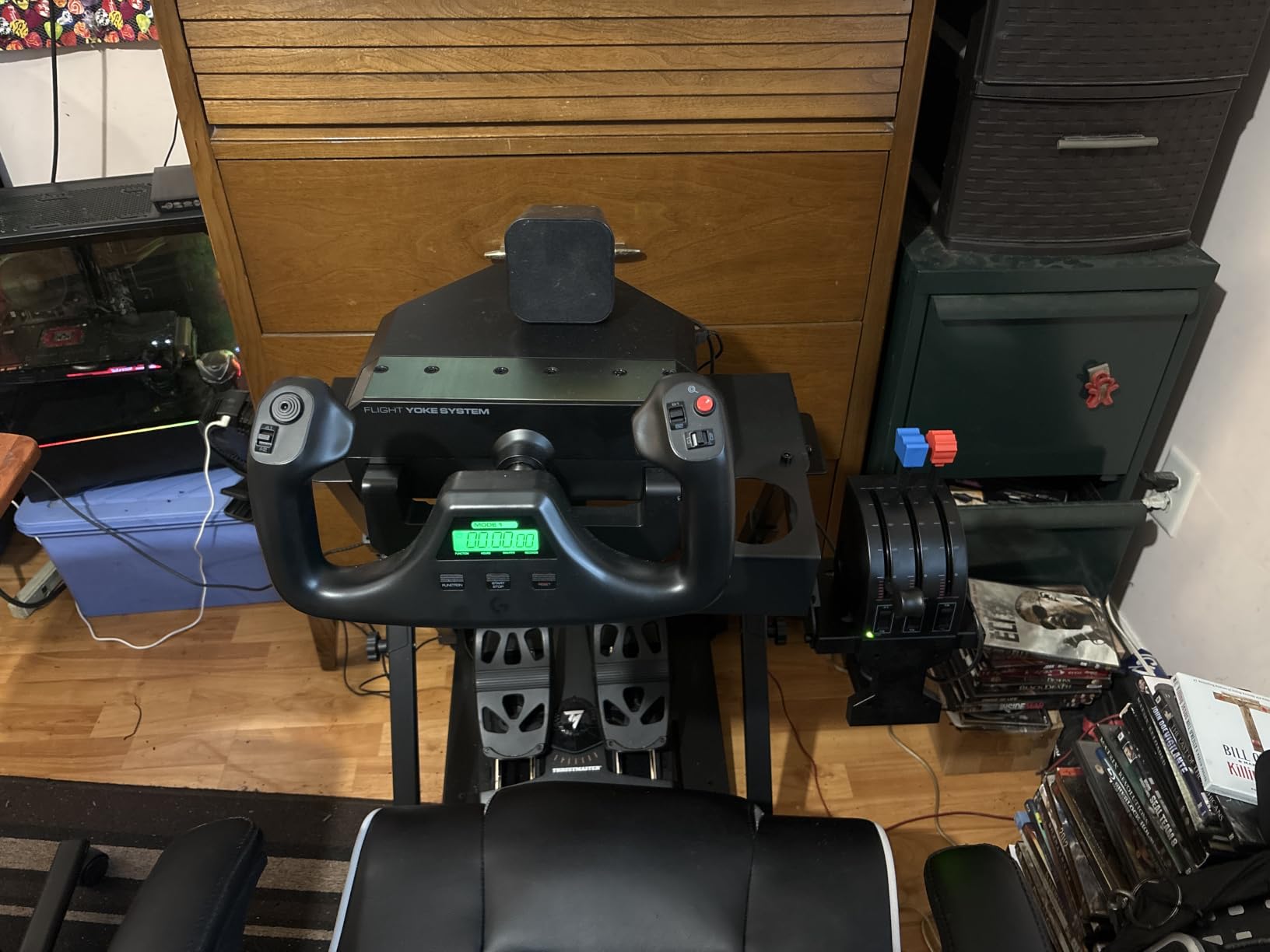
The Logitech G PRO Flight Yoke is the most complete entry-level package in this roundup because it includes the throttle quadrant. You get the yoke, the quadrant, two desk clamps, a PS/2 connector cable and a 5.9-foot USB cable in one box, which removes the most common assembly problem for new pilots.
The yoke itself runs on a stainless steel shaft with a spring-loaded feel. That softness is intentional for light aircraft, and experienced pilots defend it as appropriate for simulation rather than an arcade response. The console carries a POV hat, 14 buttons and a three-position mode switch, giving 54 or more programmable controls without a separate device.
The throttle quadrant has an adjustable lever plus configuration knobs, so a single- or twin-engine piston works without a rebuild. Logitech software adds keyboard emulation, TrackIR centring and screenshots, which covers most of the housekeeping that usually sends people back to the keyboard.
Two desk clamps are included and they hold across a wide range of desks, which is a genuine advantage over stick-only packages. The design is also modular: it pairs with the standalone Logitech USB quadrant if you later fly a six-engine aircraft.
Where the Logitech G PRO yoke works
It fits anyone learning on a PC who wants a yoke and throttle together without buying two boxes, and it suits light aircraft and Cessna-style training where a yoke matches the aircraft on screen. It runs on Windows, with optional software for MSFS, FSX, X-Plane and Prepar3D.
For a training setup on a desk, the included clamps and the bundled quadrant make this the least fussy option here. If you outgrow it, the same platform carries over to larger quadrants.
Where the durability reports worry buyers
Durability is the serious concern. Several recent buyers describe the quadrant failing and then the yoke following within six months, with slow handling of the warranty. That is a small but persistent minority of reviews, and it is worth knowing before you commit.
The build is cheap plastic and the mounts feel flimsy. The metal shaft develops a noisy friction if it is not lubricated, and that noise shows up as stuttering input. There is also a wide dead zone on the aileron axis and some axis drift that has to be corrected in sim settings. The footprint is large, and it does not work on macOS despite what some listings claim.
7. Thrustmaster T-Flight Hotas One: Best Compact HOTAS for Xbox
Thrustmaster T-Flight Hotas One Flight Stick & Throttle – XBOX & PC
- Officially licensed for Xbox Series X and S as well as PC
- 14 programmable buttons give more control options than the PC-only version
- Ergonomic stick with adjustable resistance and a responsive trigger
- Detachable throttle can be combined or split across a desk
- Budget plastic build feels light and imprecise
- Fewer axes and less dedicated throttle control than pricier units
- Requires separate rudder pedals for realistic rudder input
- Layout is less suited to advanced military cockpit simulation
The T-Flight Hotas One is the console answer in this roundup. It is officially licensed for Xbox Series X and S as well as PC, which puts it in a small group alongside the Turtle Beach package and separates it from most budget sticks, which are PC-only.
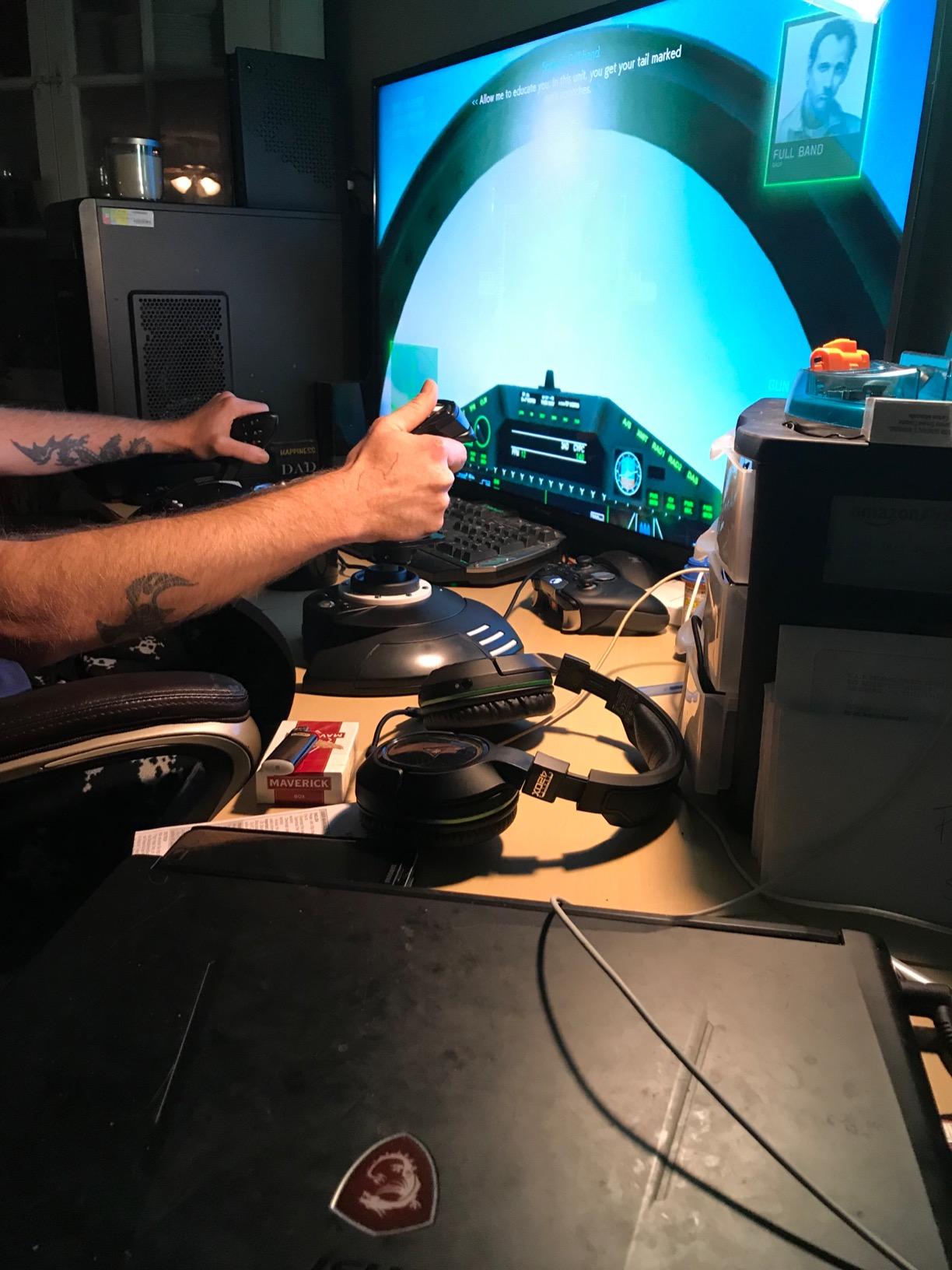
Compared with the PC-only Hotas X that leads this list, it adds three things: the console licence, a third programmable button, and a responsive trigger. Fourteen programmable buttons is enough for civilian and light combat flying without constant trips to the keyboard. The detachable throttle works as a single desk unit or split across either side, and setup is plug-and-play over USB.
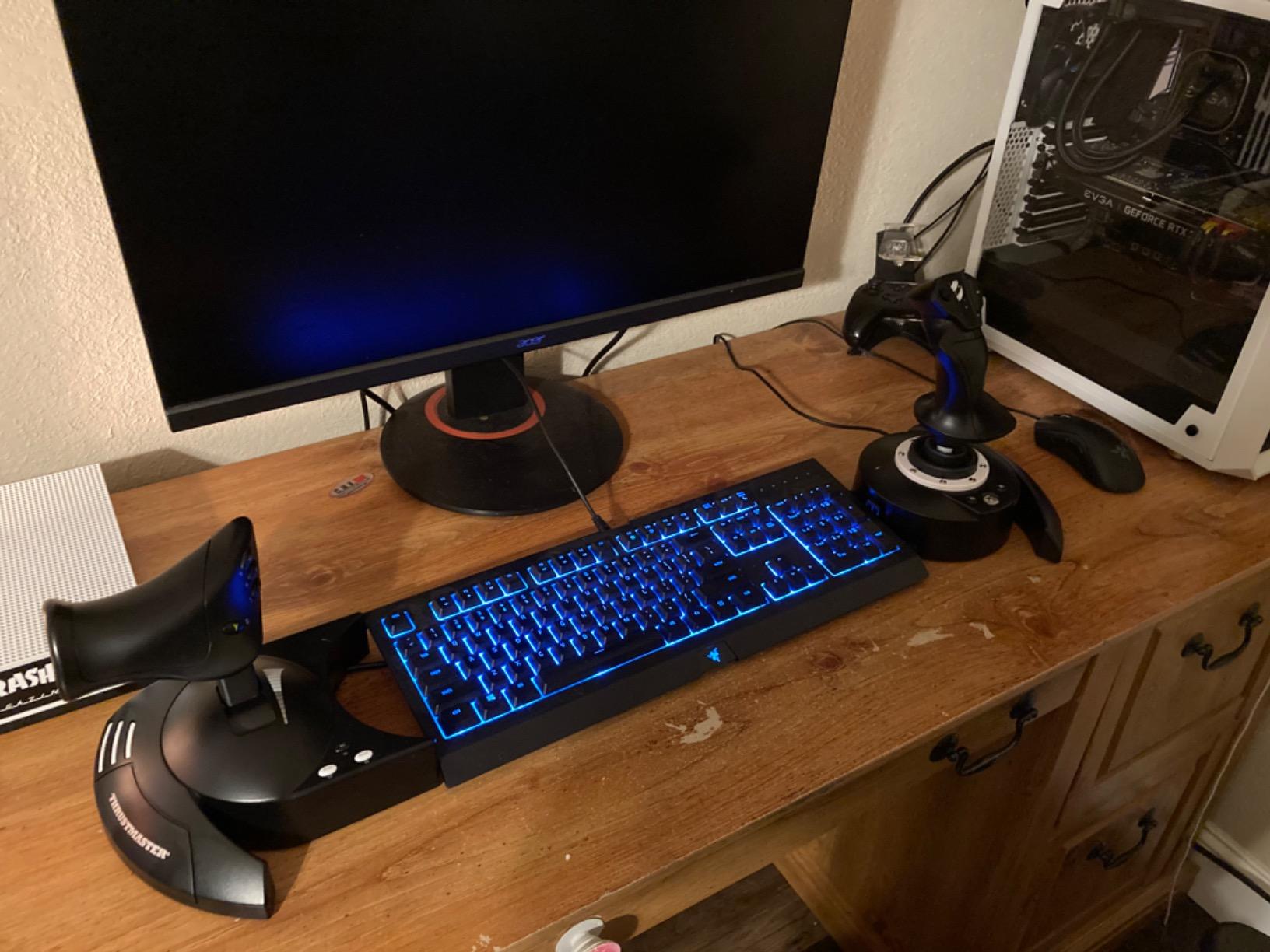
Rudder runs through dual control on the handle as on the PC model, and the whole package weighs 1644 grams, so it is light enough to move between a desk and a lap setup. If you already own Thrustmaster TFRP pedals, the S.M.A.R.T sliding rail system means they connect to the base directly, so the bundled twist control can be ignored.
Reviewers consistently position this as the value entry point for console flight sims, and 73 percent of its reviews are five star. That figure is worth weighing against the Xbox-only alternative: the licence is the reason most people pick it over a PC stick.
Where the Hotas One fits
Pick it if your flying happens on an Xbox Series console, or if you split time between console and PC and want one controller for both. The detachable throttle is the feature that sells it in small spaces, since you can use it as a combined unit and then split it when the desk allows.
For MSFS on console, the 14 buttons and hat cover the common aircraft functions without any software setup. It also suits anyone who wants to start on a console and later move to a PC setup without discarding hardware.
Where it stops short
The plastic build feels light and less precise than premium metal systems, which is the expected trade at this level. You get fewer axes and less dedicated throttle control than higher-priced alternatives, and there is no twist that feels precise under fast inputs.
Realistic rudder input still calls for separate pedals, because the twist on the handle is a coarse approximation. The button and switch layout also suits civilian and light combat flying better than advanced military cockpit simulation. Check the desk space, since the package measures 20 by 11 by 22 inches before you position it.
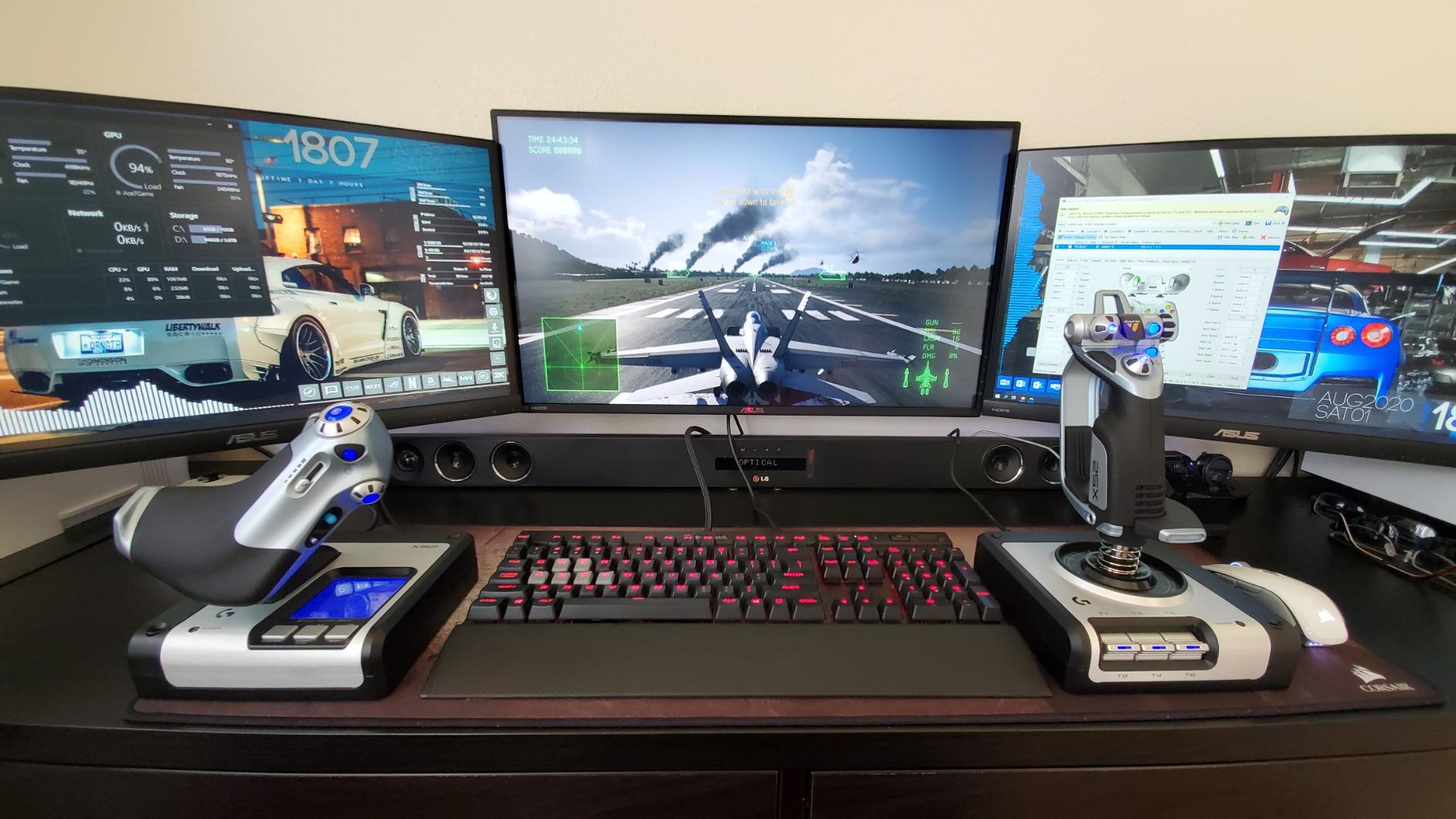
8. Logitech G X52 Flight Control System: Best With a Built-In Display
- LCD shows assigned commands and adds a flight-plan clock
- Magnetic non-contact sensors reduce drift versus potentiometer sticks
- 282 commands across three modes
- 5-position grip keeps buttons within reach
- Twist can be locked off when using separate pedals
- Rubberized grip and adjustable tension for long sessions
- Two-year manufacturer warranty
- Stick is light and can be knocked off the desk
- Documented history of stick drift and failing triggers
- Throttle is stiff
- LCD adds bulk and uses desk space
- Older software than newer Logitech G devices
The X52 is the only controller here with a built-in multifunction LCD, and it also includes a flight-plan clock. Very few rivals put a screen on the base, and on a long sector being able to check which functions are assigned without alt-tabbing is a small thing that adds up.
The magnetic non-contact X and Y sensors are a step up from the potentiometer sticks at this level, improving longevity and reducing drift. The 3D twist gives rudder on top of pitch and roll, and it can be locked off so it stops fighting separate pedals, which solves a common setup problem. A five-position grip system keeps buttons within reach, and the rubberized grip with adjustable stick tension suits long sessions.
Programming is the other strength, with 282 commands across three modes. That is enough to fly Elite Dangerous or Star Citizen without returning to the keyboard, and the three modes let you keep separate setups for different aircraft. A two-year manufacturer warranty is included, which is longer than most of the budget hardware here.
The reputation problem is durability. There is a well-documented history of stick drift, failing triggers and dead axes on some production units, and it is the main reason the average rating sits at 4.3 rather than higher. Reviewers who bought in earlier tend to report long trouble-free use, so the fault rate is not universal.
Where the X52 still wins
The screen makes it a good match for anyone who likes to see assignments and use the clock during flight planning or an online session. The 282-command bank covers a huge amount of functionality for a single unit, and the three modes make it easy to switch between a flight profile and a general gaming profile.
It also suits anyone who wants twist rudder without buying pedals first. If you later add a pedal set, the rudder lock means the twist disengages instead of fighting them.
Where to be cautious
The stick is light at 4.2 pounds and can be knocked off the desk during hard manoeuvres, so consider a mount. Reports of drift and dying triggers are common enough that a used-market purchase deserves a careful check of every axis before you commit.
The throttle is stiff, the LCD adds bulk and eats desk space, and the software is older than on newer Logitech G devices. Keyboard emulation is not as broad as on current systems. For most pilots a stick without a screen is a more versatile long-term purchase.
How to Choose a Flight Simulator Controller
Most buying mistakes come from picking a controller for the wrong aircraft. The right question is not which stick is best, but which aircraft you actually fly and what your desk can hold. Work through these factors in order and the choice usually makes itself.
HOTAS, joystick or yoke: pick your aircraft first
A HOTAS keeps the stick and throttle together in one unit, which saves desk space and gives both hands one control surface. It suits most sim flying and general aviation. A separate stick and throttle, or a joystick, suits anyone whose aircraft is flown with a sidestick or who wants to spread controls across a wider desk. A yoke matches Boeing-style airliners and most light aircraft, and the feel of a yoke is entirely different from a stick.
If you fly mostly airliners, a yoke with a switch panel is worth more to you than an extra twenty buttons on a stick. If you switch between fighters and airliners, a HOTAS covers both. If you only fly one type, match the controller to the aircraft.
Hall effect sensors versus potentiometers
This is the most important durability decision. A potentiometer is a resistive track with a wiper riding on it, and that physical contact wears out, drifts and eventually develops a dead zone in the centre. Hall effect sensors read a magnet through the housing, so there is no contact at all.
The controllers here split between the two. The Warthog and the Logitech G X56 use hall effect on their main axes, as does the Turtle Beach yoke, and the X52 uses magnetic non-contact sensors. The T-Flight Hotas X and the Hotas One use more conventional sensing, which is part of why their prices sit lower.
If you expect to keep a controller for more than a few years, hall effect is worth paying for. It is the buy-once framing that comes up most often in sim communities, and it directly addresses the potentiometer wear that shows up in reviews of older sticks.
Compatibility: PC, Xbox, Mac and the sim itself
Almost every flight controller here is USB and works on Windows. The exceptions matter. The T-Flight Hotas One and the Turtle Beach VelocityOne are the two that also work on Xbox Series X and S. The Honeycomb Alpha is one of very few yokes that works on Mac as well as Windows. The Logitech G PRO yoke does not run on macOS despite what some listings claim.
On the software side, check what profiles ship in the box. The T-Flight Hotas X and the Hotas One work immediately. The Honeycomb Alpha is recognised in MSFS without a downloaded profile. The Warthog ships no Microsoft Flight Simulator profile and expects you to build one. A yoke or stick with Logitech software can often emulate keyboard input for the systems a sim does not support natively, which is worth more than it sounds.
Our guide to the best flight sticks for flight simulators covers stick-only setups in more detail if you have already decided a yoke is not for you.
Button count and programmability
Count the axes and buttons that fall under your fingers without breaking grip, not the total on the box. The X56 lists more than 189 programmable controls and the Warthog offers 55 buttons plus an eight-way hat, while the T-Flight Hotas X provides 12 buttons and five axes. Those numbers only matter if they map to real functions on the aircraft you fly.
Look for onboard memory, because it lets you store separate profiles for different aircraft without opening software each time. Also check whether a trigger has two stages. The X56 has no two-stage trigger where the older X52 did, which matters for anything with a speed brake or an afterburner you want to modulate.
For longer setups, our piece on HOTAS setups for flight sims walks through mapping for specific airframes and how much is realistically reachable.
Rudder, pedals and throttle tension
Every controller here offers twist or handle-rotation rudder, and for light flying that is enough. For airliners, helicopters or sustained high-speed turns, separate pedals change the experience completely, and they are the first add-on most sim pilots buy after a controller. Confirm compatibility before pairing: the X52 can lock its twist off, the Hotas One connects to Thrustmaster TFRP pedals through the S.M.A.R.T rail system, and the Hotas X has a rear selector to be aware of.
Throttle tension is harder to judge from a spec sheet. The Warthog allows Allen-key adjustment of damping and the afterburner detent, the X56 has a friction adjuster, and the Honeycomb Alpha has no throttle in the box at all. Most budget units offer no adjustment whatsoever, which is the main reason their throttles feel imprecise.
Mounting, ergonomics and desk space
Controllers that slide around mid-flight are a real complaint rather than a minor annoyance. Included clamps matter: the Logitech G PRO yoke ships two, and the Honeycomb Alpha offers steel clamps or a suction pad. The X56 has screw-in mounting holes in both throttle halves. Units with none need a separate mount, and that cost is easy to forget when planning a budget.
Check the footprint too. The Warthog weighs 13.2 pounds, the Turtle Beach package 10, and both the Hotas One and the Logitech yoke occupy close to 20 inches of desk. Our guide to indoor golf simulators covers the same desk-space and mounting thinking applied to a different simulator setup.
Force feedback versus spring centering
Force feedback means the stick physically resists and pushes back based on simulated forces. A spring-centred stick returns to neutral at a fixed strength and gives no information about the aircraft. Most controllers in this roundup, including the Warthog, spring-centre instead, and that is not a flaw for most sims.
Where force feedback earns its cost is in stalls, turbulence and ground handling, where the feel of the airframe is the lesson. If your focus is bush flying or turbulence-heavy airliners, it is worth considering. For jet and piston handling, a smooth hall effect axis with adjustable tension delivers more than raw feedback would.
Frequently Asked Questions
What controller do you need for a flight simulator?
Any device that gives you analog control of pitch, roll, yaw and throttle. That means a HOTAS, a joystick, or a yoke with a separate throttle. A gamepad works for casual flying but cannot hold smooth control inputs, so most sim pilots move to a dedicated controller within a few hours.
Which controllers are compatible with Microsoft Flight Simulator?
All eight controllers reviewed here work on Windows, and the Thrustmaster T-Flight Hotas One and the Turtle Beach VelocityOne also work on Xbox Series X and S. The Honeycomb Alpha works on Windows and Mac. The Logitech G PRO yoke is Windows only. The Thrustmaster T-Flight Hotas X and the Honeycomb Alpha are recognised without downloading a profile.
What is the best basic joystick for playing flight simulators?
The Thrustmaster T-Flight Hotas X is the best first controller. It has 12 programmable buttons and five axes, a detachable full-size throttle, adjustable stick resistance and onboard profile memory, and it works immediately in Microsoft Flight Simulator and X-Plane.
Is a yoke better than a joystick for flight simulation?
A yoke matches Boeing-style airliners and most light aircraft, and the self-centering feel is better suited to instrument training. A stick or HOTAS is more flexible across aircraft types and suits jets and general aviation. Match the controller to the aircraft you fly most, rather than choosing by type alone.
Do I need rudder pedals for a flight simulator?
Not to start. Every controller here offers twist or handle-rotation rudder, which is enough for light aircraft and general aviation. Pedals become worthwhile for airliners, helicopters and sustained turns, and they are the most common first add-on. Check that the twist can be locked off so the two inputs do not fight each other.
What is the best HOTAS for Microsoft Flight Simulator 2024?
For PC, the Thrustmaster T-Flight Hotas X is the strongest all-round choice for general aviation and airliners. For combat sims the Thrustmaster HOTAS Warthog A10 wins on its 55 buttons and hall effect axes. On Xbox, the Thrustmaster T-Flight Hotas One and the Turtle Beach VelocityOne are the two licensed options.
Our Final Verdict for 2026
The Thrustmaster T-Flight Hotas X takes our overall recommendation among the best controllers for flight simulators in 2026. It does the fundamentals better than anything else at this level, carries the largest review base here, and its detachable layout fits desks most people actually own. The throttle midpoint notch is the flaw to know about, and it is a flaw you can live with.
Buy the Thrustmaster HOTAS Warthog A10 if you fly combat sims and want hall effect sensors with 55 buttons. Buy the Honeycomb Alpha yoke if general aviation and airliners are your focus, and add pedals later. Buy the Turtle Beach VelocityOne on Xbox or if you want yoke, throttle, trim and rudder in one package without four separate purchases.
Whichever you choose, buy the mounting hardware at the same time, set your axis curves before your first flight, and spend the first session in a Cessna on the ground. Any of these eight will change how the sim feels within minutes. Our other picks on golf simulator displays and SkyTrak golf simulators cover the same desk-setup logic if you are building a full sim room.