
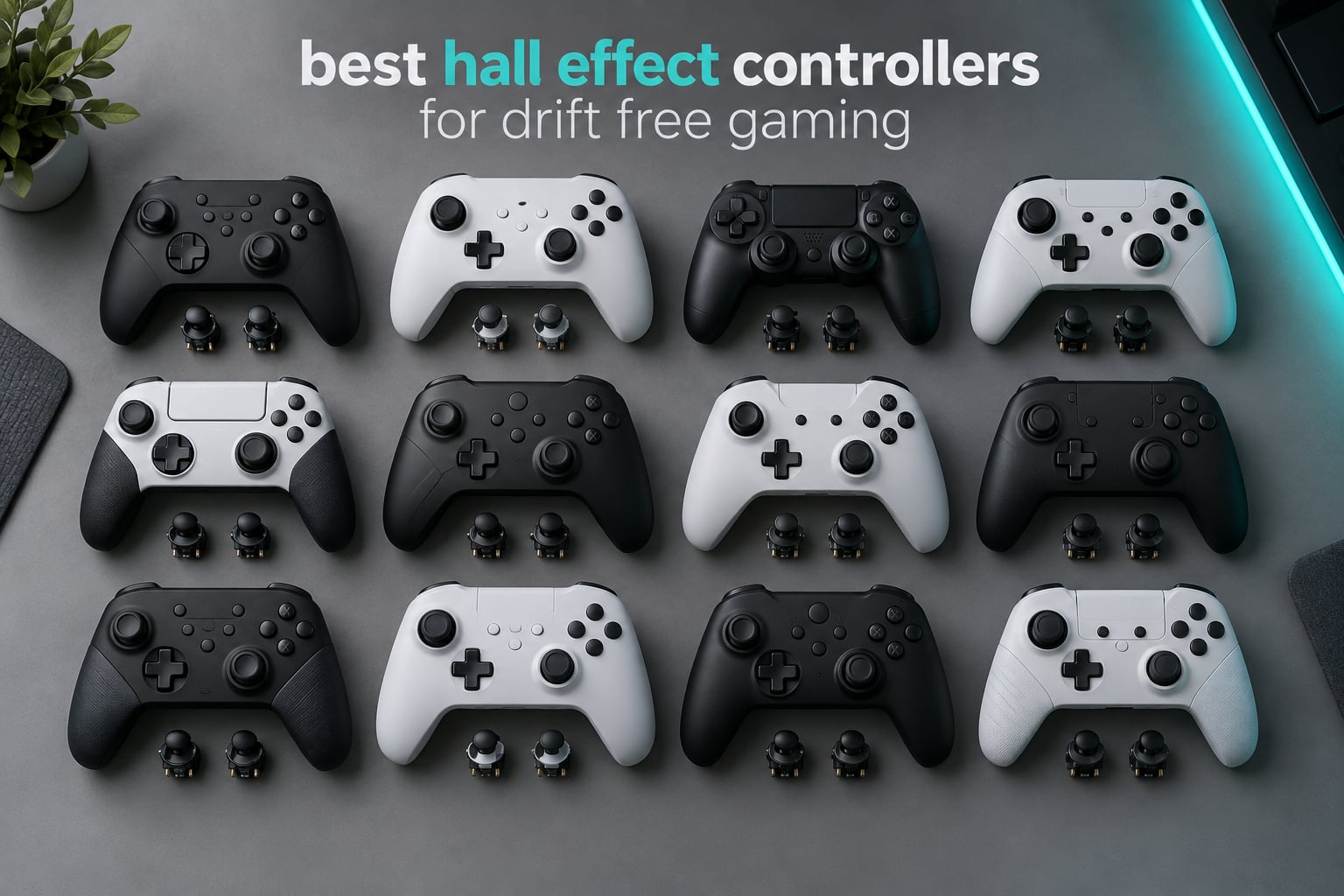
That is the complaint that dominates controller forums, and it is exactly what the best hall effect controllers are built to solve.
Hall effect joysticks read your thumb position with a magnetic sensor instead of a contact-based potentiometer. A potentiometer wears a thin resistive track down with every movement, and once that track is gouged the sensor reports a false position even when your thumb is not touching it. A hall effect sensor never touches the stick shaft at all, so there is no track to wear. Do hall effect joysticks prevent drift? Mostly yes at the sensor level, but stick springs, shafts and caps still wear, so drift is delayed rather than erased forever.
That distinction matters more than the marketing suggests. Owners in the r/Controller and r/gaming threads we read while putting this list together keep a running tally on how many movements a stick survives, and the number that keeps coming up is somewhere around 500,000 to 1,000,000 movements before degradation shows up. That is movement count, not calendar time, and it is the honest way to think about how long one of these lasts.
This roundup covers 12 hall effect controllers across PC, Xbox Series X|S, Xbox One, PS5, PS4, Switch, Switch 2 and Steam Deck. Every pick below has magnetic stick sensing, and most add magnetic triggers, a high polling rate, or back paddles on top. We also cover what hall effect technology cannot fix, how to test a controller for drift before you buy, and how to repair an existing pad instead of replacing it.
If you are still building out a controller shelf, our guide to pro controllers for competitive gaming covers the layout side of things, and elite controllers for Xbox is worth a look if you want the licensed first-party experience for comparison.
Table of Contents
Top 3 Hall Effect Controllers for Drift-Free Gaming in 2026


All 12 Hall Effect Controllers Side by Side in 2026
The table below covers every controller in this roundup with its sensor type, polling rate, connection method and the platform it suits best. Scroll it if you already know your platform and just want the shortlist.
| Product | Specifications | Action |
|---|---|---|
| GameSir G7 SE Wired Controller |
|
Check Latest Price |
 Yommor Wireless Switch 2 Pro Controller Yommor Wireless Switch 2 Pro Controller |
|
Check Latest Price |
| 8BitDo Ultimate 2C Wireless |
|
Check Latest Price |
 FUNLAB Switch 2 Pro Controller FUNLAB Switch 2 Pro Controller |
|
Check Latest Price |
 GameSir G7 Pro Wired Controller GameSir G7 Pro Wired Controller |
|
Check Latest Price |
 ECHTPower EP03 Controller ECHTPower EP03 Controller |
|
Check Latest Price |
 EasySMX X15 Wireless Controller EasySMX X15 Wireless Controller |
|
Check Latest Price |
 8BitDo Ultimate C Wired Controller 8BitDo Ultimate C Wired Controller |
|
Check Latest Price |
 GameSir Nova Lite 2 Wireless GameSir Nova Lite 2 Wireless |
|
Check Latest Price |
 AceGamer Wireless PS5 Controller AceGamer Wireless PS5 Controller |
|
Check Latest Price |
 Hyperkin DuchesS Wired Controller Hyperkin DuchesS Wired Controller |
|
Check Latest Price |
 PowerA Advantage Wireless Controller PowerA Advantage Wireless Controller |
|
Check Latest Price |
What Hall Effect Fixes and What It Cannot Fix
The honest version starts here, because every roundup that skips this section is selling you something. Magnetic sensing fixes one specific failure mode and leaves several others completely untouched.
What it does fix
The core failure is potentiometer wear. Inside a standard stick is a small variable resistor with a wiper that rubs against it every time the stick moves. A year of ordinary play is enough to wear a channel enough that it reports 5 or 10 percent deflection when your thumb is parked at rest, which is the drift everyone recognises.
Hall effect sensing removes that contact entirely. A magnet sits on the stick shaft and a sensor reads the strength and angle of the magnetic field, so position is inferred rather than measured by contact. There is no wiper and no resistive track, which means sensor-level drift from that mechanism simply does not occur.
What it does not fix
Analog trigger drift is the big one. Triggers on most pads, including the DualSense and DualShock 4, still use potentiometers. If your trigger creeps backward in a racing game or an action title, magnetic sticks will not touch that problem. Only the controllers in this list that specifically list hall effect triggers address it, and even there the trigger stop hardware can wear.
D-pad float and D-pad feel are mechanical. The D-pad is a set of switches, not an analog axis, so hall effect has nothing to do with it. A mushy or diagonal-prone D-pad stays exactly as it was.
Stick springs, shafts and housings still wear. If the return force fades and the stick no longer centres as crisply, that is the mechanism, not the sensor. The sensor will still read true position, but the stick will feel loose.
Dead zones and calibration software can cause what looks like drift. Owners who swap in third-party hall effect joystick modules report sticks that read too sensitive at the extremes of travel until the dead zone is widened, which looks like drift but is tuning.
Bad soldering, cracked ribbon cables and water damage are all mechanical or electrical faults that no sensor technology addresses.
Wireless interference and Bluetooth latency are radio problems. A controller can have perfect magnetic sticks and still feel laggy.
The 3.5mm jack, headphone output and charging port are wear items like anything else, and we see reports of jack durability problems on more than one model here.
So the truthful answer to “which controller never gets stick drift” is that none of them, for all time. What magnetic sensing does is remove the single most common cause, which pushes realistic service life to roughly three to five years of normal use instead of one or two. Treat any product promising literal permanent drift-free performance with suspicion, and read the fine print.
1. GameSir G7 SE – Best Overall Hall Effect Controller
- Hall Effect sticks and Hall triggers
- Two programmable back buttons with a lock switch
- GameSir Nexus app for profiles and calibration
- Braided 10ft USB-C cable
- Removable magnetic faceplate
- Wired only with no wireless option
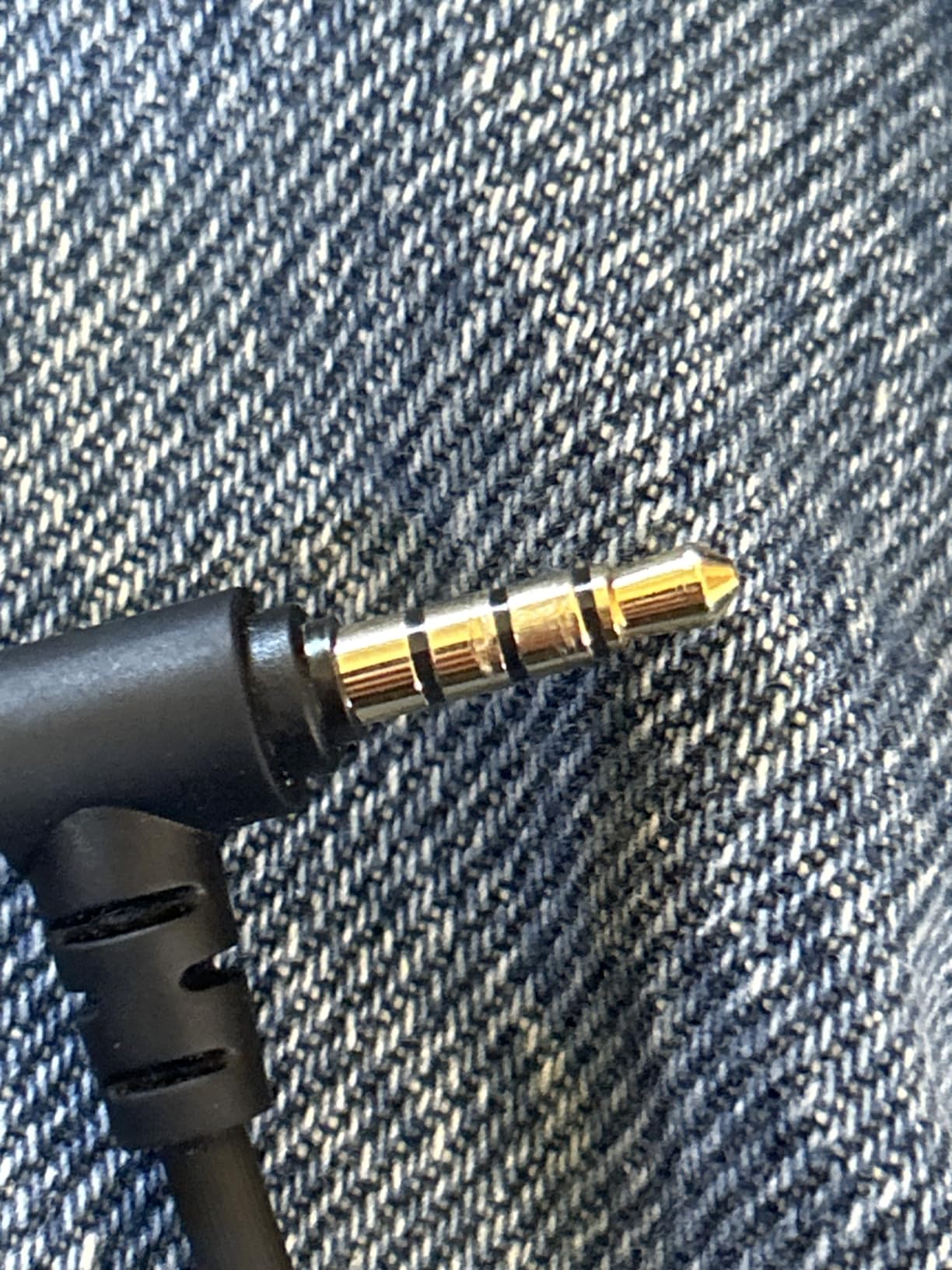
- Some reports of audio jack durability issues
- Raising polling to 500Hz or 1000Hz caused input issues for a few users
The G7 SE is the one most people should end up buying, and the reason is the review volume behind it. At more than 14000 reviews it is the most thoroughly documented controller on this list, and long-term owners in that pool consistently report zero drift after a year or more of daily play.
Weighing 420 g it is the heaviest controller here, and that mass is what makes the magnetic faceplate and textured grips feel stable rather than cheap. The faceplate lifts straight off, which makes cleaning the shell around the stick base something you can actually do instead of meaning to do.
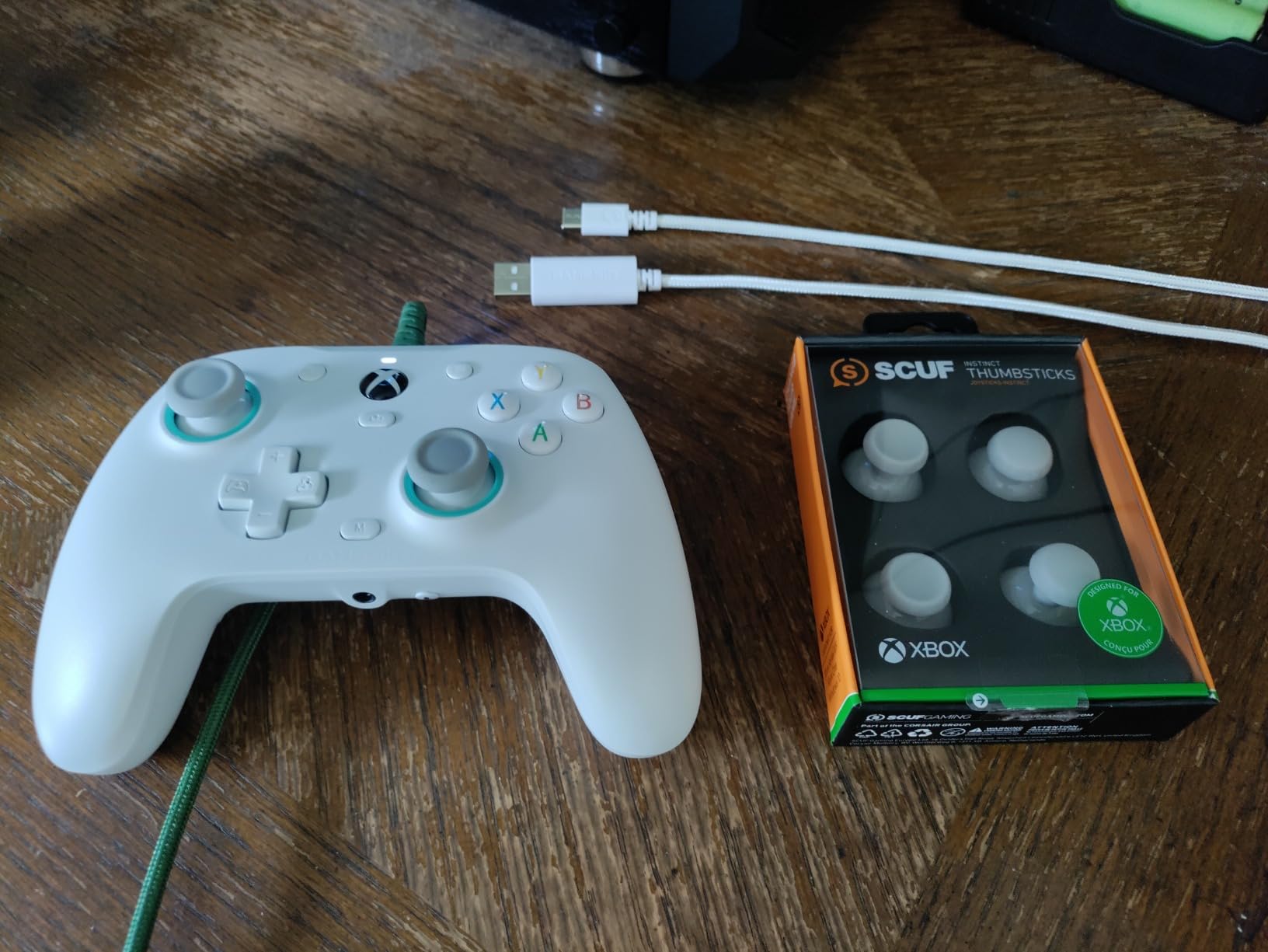
Both sticks and both triggers are hall effect, which is rarer than the marketing pages suggest at this level. Trigger drift is one of the things magnetic sensing usually does not solve, so a wired pad that fixes both is doing something specific. The Nexus app handles profiles, stick calibration and remapping.
The one real limitation is wireless. This is a cabled controller, full stop, with a 10ft braided USB-C lead. For a desk setup that is an advantage because you never charge anything, but it rules out couch play and any Steam Deck use.
Why it earns the top spot
It pairs hall effect sensing on sticks and triggers with a 1000Hz polling rate on PC, and it does so in a body with a proven owner history rather than a launch window. Owners replacing a third controller for drift need confidence more than they need another feature line.
Our only caution is the polling rate itself. A handful of users report input hiccups after switching from the default to 500Hz or 1000Hz in the app. If you buy it, leave it on the default until you have decided you want more.
Who should skip it
Skip it if you play on the couch, on a console you cannot reach a USB port near, or on a Steam Deck. Also skip it if you are on PS5 or PS4, since this is an Xbox layout wired pad and will not work natively on PlayStation.
If you need hall effect on Xbox and want wireless plus a gyro, look at the GameSir G7 Pro further down, which is the same idea with the extras turned on.
2. Yommor Wireless Switch 2 Pro Controller – Best Switch Pad With Hall Effect Sticks
- Hall Effect joysticks at a budget price point
- 1000mAh battery rated 12-18 hours
- 9-axis gyro for motion control
- One-click wake-up from sleep
- Works across Switch 2 Switch PC Android and iOS
- Build quality feels a step below first-party pads
- Software customization options are limited
- Gyro performance varies between units
This is the pick if your drifting controller is a Switch one and you have never seen the Nintendo Pro Controller in person. It runs Switch 2, Switch, Switch Lite, PC, tablets and both mobile platforms from the same body, and 8800 reviews at a 4.6 average is the highest rating of any controller in this roundup.
Only the sticks are magnetic here. The triggers are conventional, so if your Switch pad has creeping triggers rather than a drifting stick, this does not address it. For stick drift, which is the common complaint, it does.
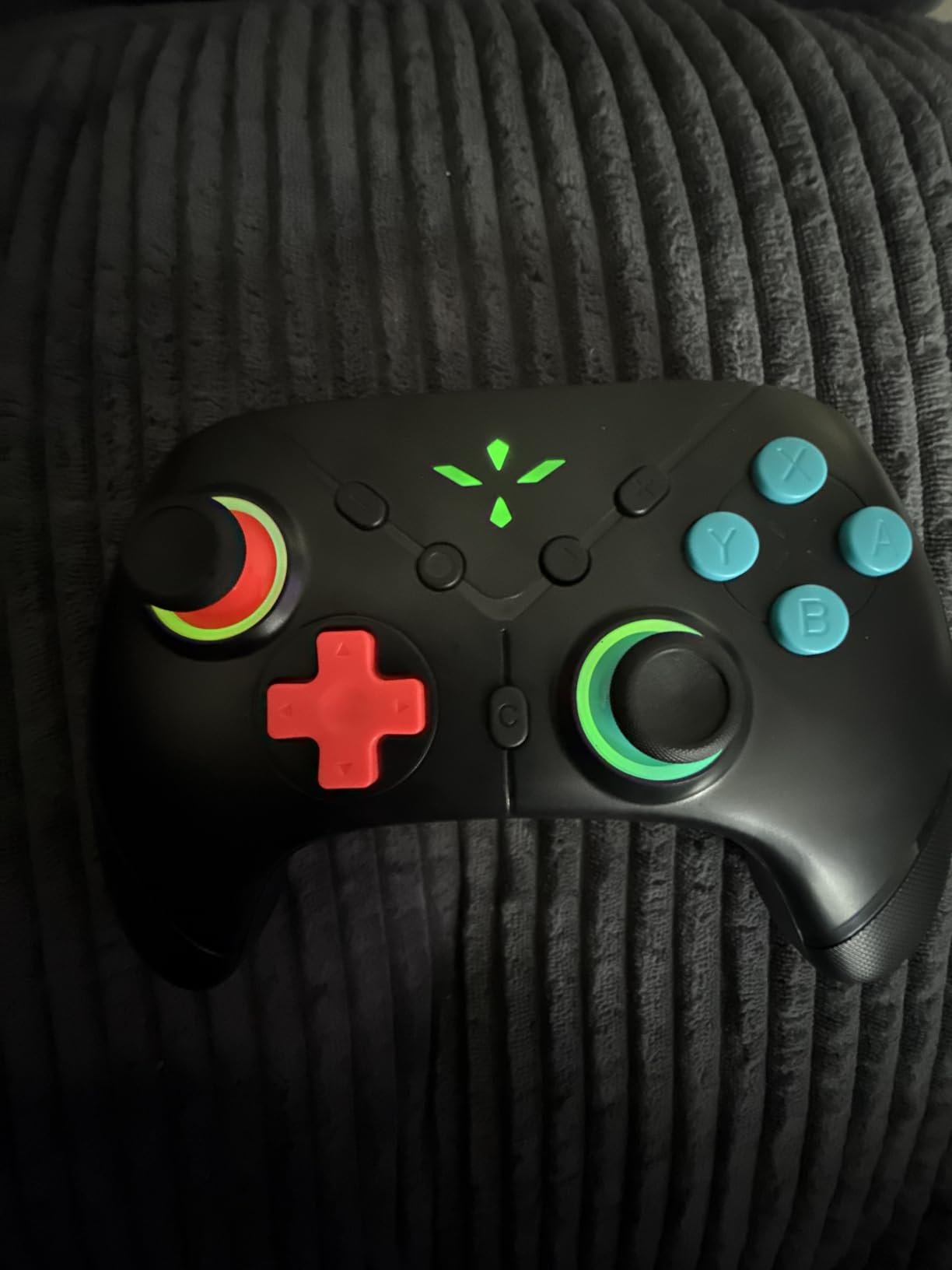
The 9-axis gyro matters more than it sounds. Switch players lean on motion controls in Zelda, Metroid and a lot of emulation, and the anti-slip silicone grips stay comfortable through a long handheld session where a bare plastic shell would not.
One-click wake-up from sleep is a small feature that becomes a large one in practice. You pick the controller up and it reconnects instead of making you go to the home menu first.
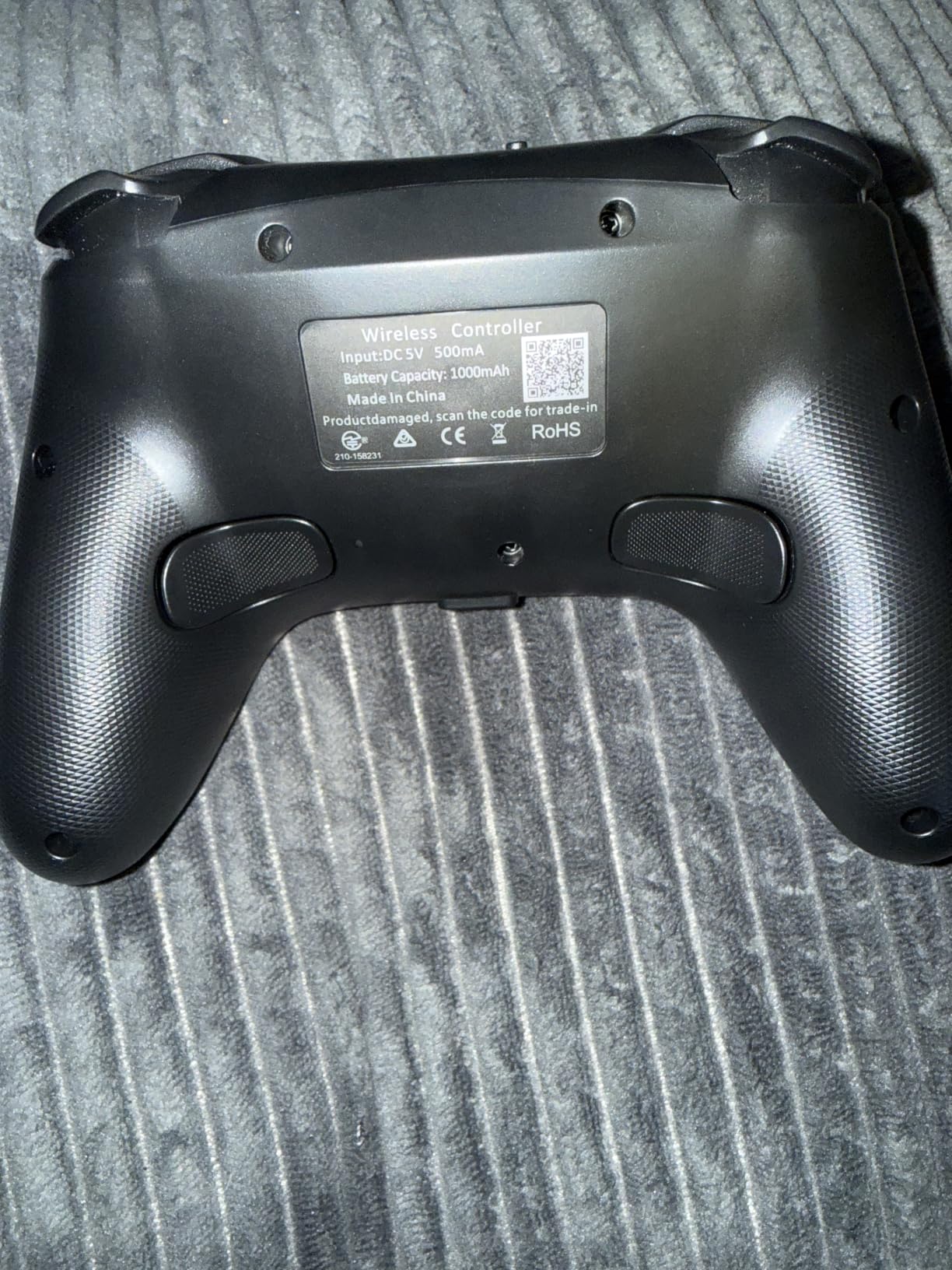
Where it beats the licensed options
Licensed Switch pads carry a premium because of the licence and the warranty behind it, not because the sticks are better. For pure stick longevity this one is competitive with the licensed pads, and the battery figure of 12 to 18 hours covers most people several sessions before a charge.
The 4.6 average, earned across thousands of reviews, tells you the gap in build quality is not something buyers feel daily.
Who should skip it
Skip it if you care about hall effect triggers, about remapping more than a couple of buttons, or about a shell that feels solid in the hand. It is also the wrong shape if your hands are large, since the grip length is short.
For a Switch 2 pad with a Nintendo licence, a two-year warranty and mappable back buttons, the PowerA Advantage later in this list is the alternative.
3. 8BitDo Ultimate 2C Wireless – Best Value Hall Effect Controller
- Hall Effect sensing on sticks and triggers
- 1000Hz polling on 2.4G and wired
- Remappable L4 and R4 bumpers
- Metal anti-friction joystick rings
- Battery life measured in days for light use
- No 3.5mm headphone jack
- Face buttons feel slightly mushy
- Bumpers sometimes need a harder press
- D-pad can trigger accidental diagonals
The 8BitDo Ultimate 2C is the controller we recommend to anyone who has not decided how seriously they take this yet. It is the value pick on this list for a simple reason: at 7600 reviews it has a proven track record longer than several premium pads here, and it does the two things that matter, hall effect sticks and 1000Hz polling.
It covers Windows PC, Android, Nintendo Switch and Steam Deck with a mix of 2.4G wireless, Bluetooth and wired USB-C. That makes it the one to buy if your hardware changes every couple of years.
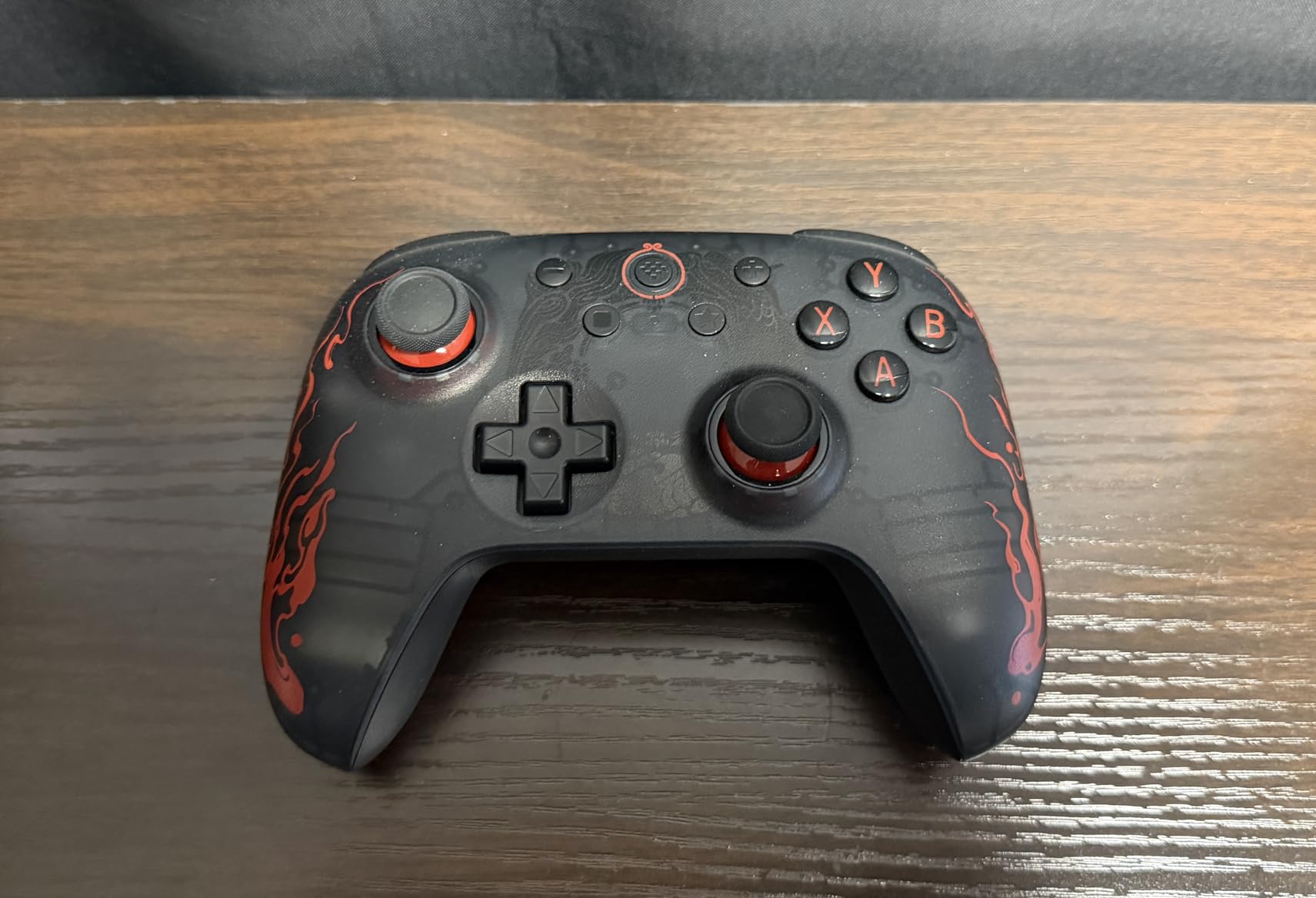
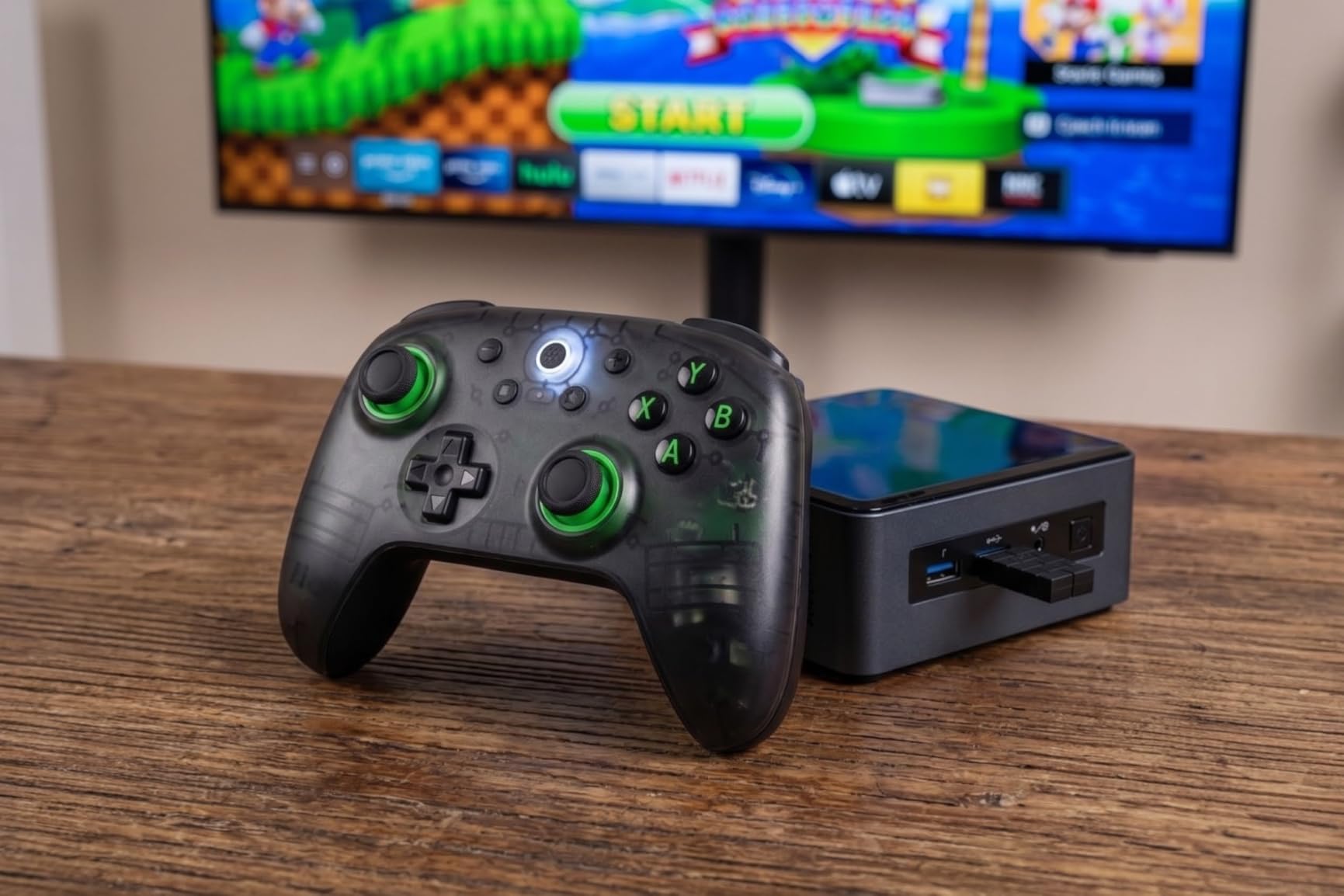
The wear-resistant metal joystick rings around the stick tops are a nice touch that most cheap pads omit, and the extra L4 and R4 bumpers on the underside can be remapped on-device without opening any software. Battery life is the standout in practice, with owners reporting several days of light use between charges.
Because the grips are textured rather than glossy, this is one of the few budget pads that does not get slippery during a long session. It weighs 0.24 kg, which is light but not anaemic.
Why the value case holds up
Forum regulars name 8BitDo as the value pick in the budget tier repeatedly, and the reason is not loyalty to a brand. It is that hall effect sensing has become affordable enough that a pad with it plus 1000Hz polling no longer carries a premium.
The cost-per-year maths favours this one. If you expect a controller to last three to five years and you play daily, buying a mid-range anti-drift pad rather than an expensive one is the sensible calculation, not the lazy one.
Who should skip it
Skip it if you use headphones with a 3.5mm jack and do not want to carry a separate dongle, if you need a companion app for deeper remapping, or if a mushy face button bothers you in a fast shooter.
For an Xbox or PlayStation machine, this is a PC and Switch pad first. The 8BitDo Ultimate C covers Xbox properly, and the AceGamer later on covers PS5.
4. FUNLAB Switch 2 Pro Controller – Best for Macros, NFC and Lighting
- Hall Effect joysticks
- NFC built in for amiibo
- Macro back buttons that are actually mappable
- 6-axis gyro for motion control
- Hidden glow RGB lighting
- Bluetooth only with no 2.4G dongle option
- RGB cannot be fully disabled on some variants
- Battery life is unremarkable
The FUNLAB is the one to buy if the drifting controller you are replacing lives under a TV and you want amiibo scanning without a second accessory. It is one of only a few pads on this list with NFC built in, and it runs Switch, Switch 2, Switch OLED and Switch Lite.
Macro back buttons are the feature that separates it from a basic Switch pad. Rather than fixed paddles, you can assign multi-button sequences, which turns a fighting game or a grind-heavy RPG into something easier to play without memorising inputs.
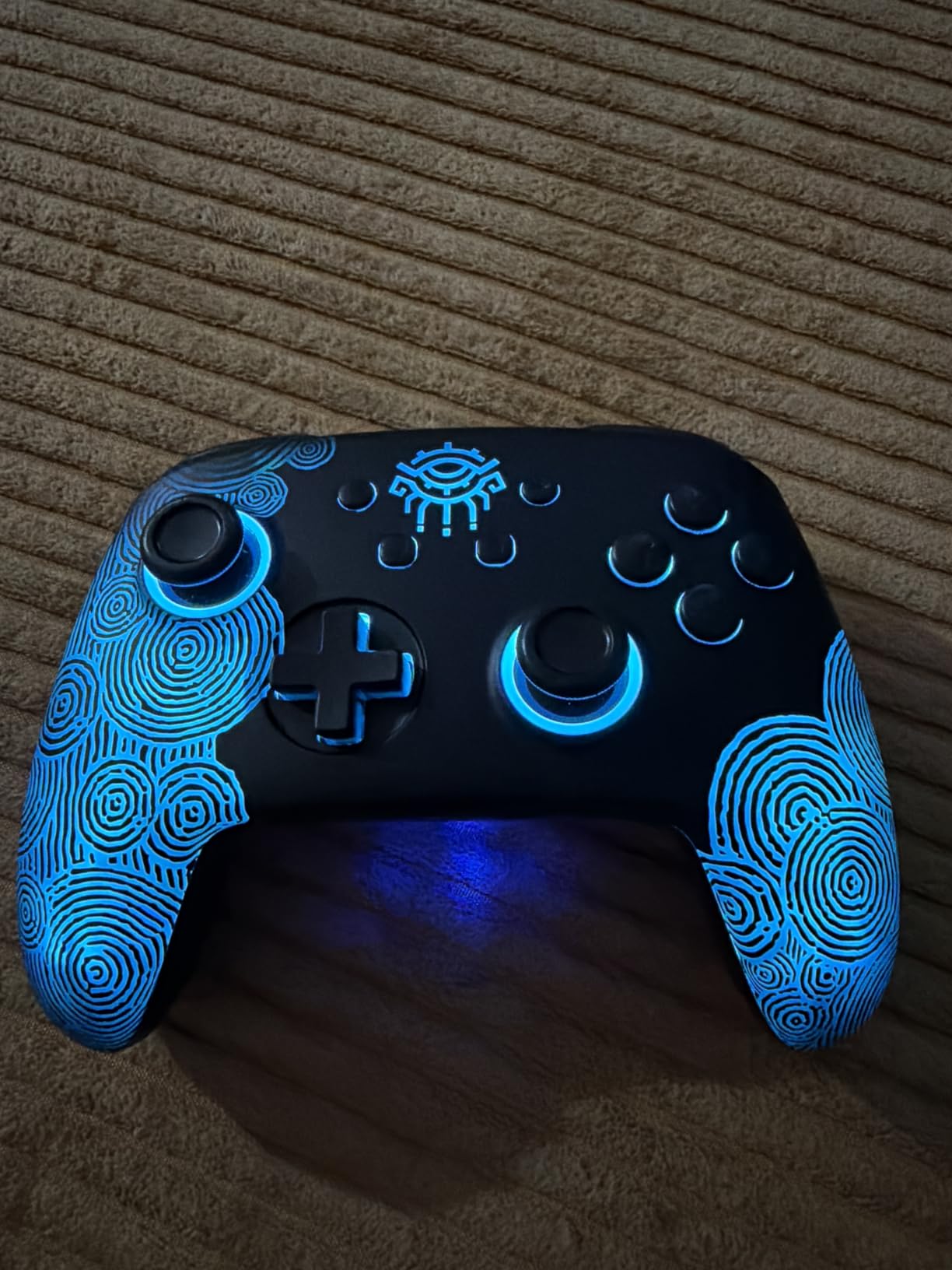
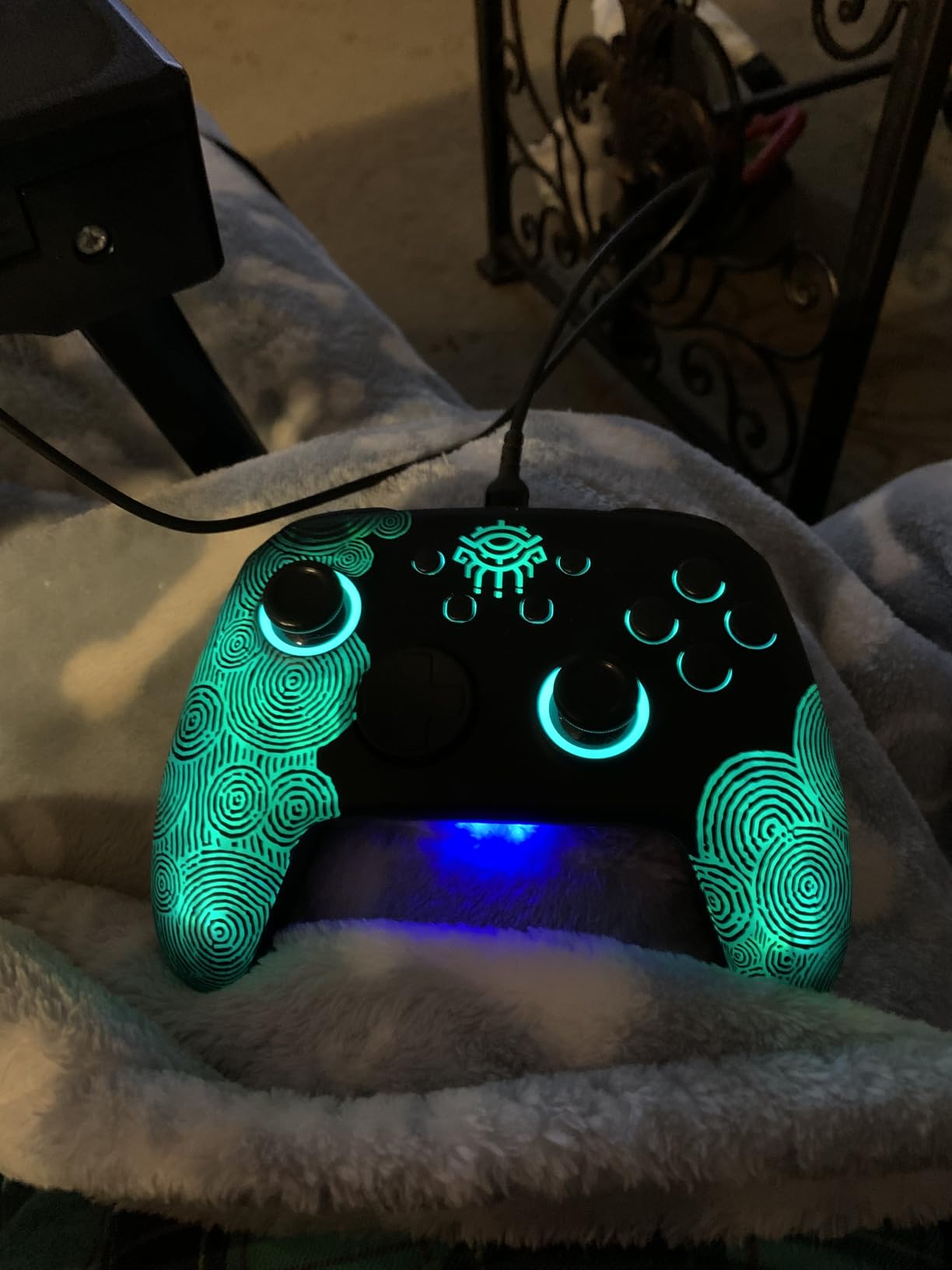
The hidden glow lighting runs a wave pattern across the shell rather than a single ring, and at 7.34 ounces it is one of the lighter controllers here. At 5200 reviews it has enough history that the 4.4 average is meaningful rather than a launch artifact.
The 6-axis gyro handles motion control properly, so it works for Switch emulation setups and for any title that leans on tilt aiming.
What makes it different from a plain Pro Controller shape
NFC and macros together are the reason. If you play anything with amiibo support, scanning normally means reaching for a separate reader or fiddling with a Joy-Con. Having it in the pad removes a step that most players do not realise they tolerate.
The macro paddles also make this a reasonable co-op pad for someone who wants to test a layout before committing to leverless controls.
Who should skip it
Skip it if latency matters to you. This is Bluetooth only, with no 2.4G dongle option, so it sits closer to the roughly 16ms Bluetooth baseline than to the 3 to 6ms a dongle delivers.
Skip it if you cannot stand a lit shell, since RGB cannot be fully switched off on some colour variants. The EasySMX X15 later on has a proper off switch for its lighting.
5. GameSir G7 Pro – Best Premium Pick With TMR Sticks
- TMR sticks combine magnetic durability with a familiar feel
- Hall Effect triggers with micro-switch trigger stops
- 1000Hz polling on PC over wired and 2.4G
- Built-in gyro for aim assistance on PC
- Charging dock with hidden receiver storage included
- Wired only on Xbox consoles
- Clicky mechanical buttons are not for everyone
- No user-replaceable battery
- Trigger stop microswitch durability concerns
The G7 Pro is where hall effect stops being the whole story. It uses TMR, or tunnel magnetoresistance, sticks, which is a different magnetic sensing approach that keeps the durability benefit while feeling closer to a conventional potentiometer stick than most magnetic pads do.
It also fixes the thing the G7 SE cannot, because the triggers are hall effect with micro-switch trigger stops. If you play racing games and your triggers creep, this is the controller on this list that addresses it directly.
Four extra buttons do a lot of work here: two top bumpers and two back buttons with a physical lock switch, which is the arrangement competitive players ask for. The Nexus app handles gyro tuning, stick curves and button-to-mouse mapping, and the gyro works on PC.
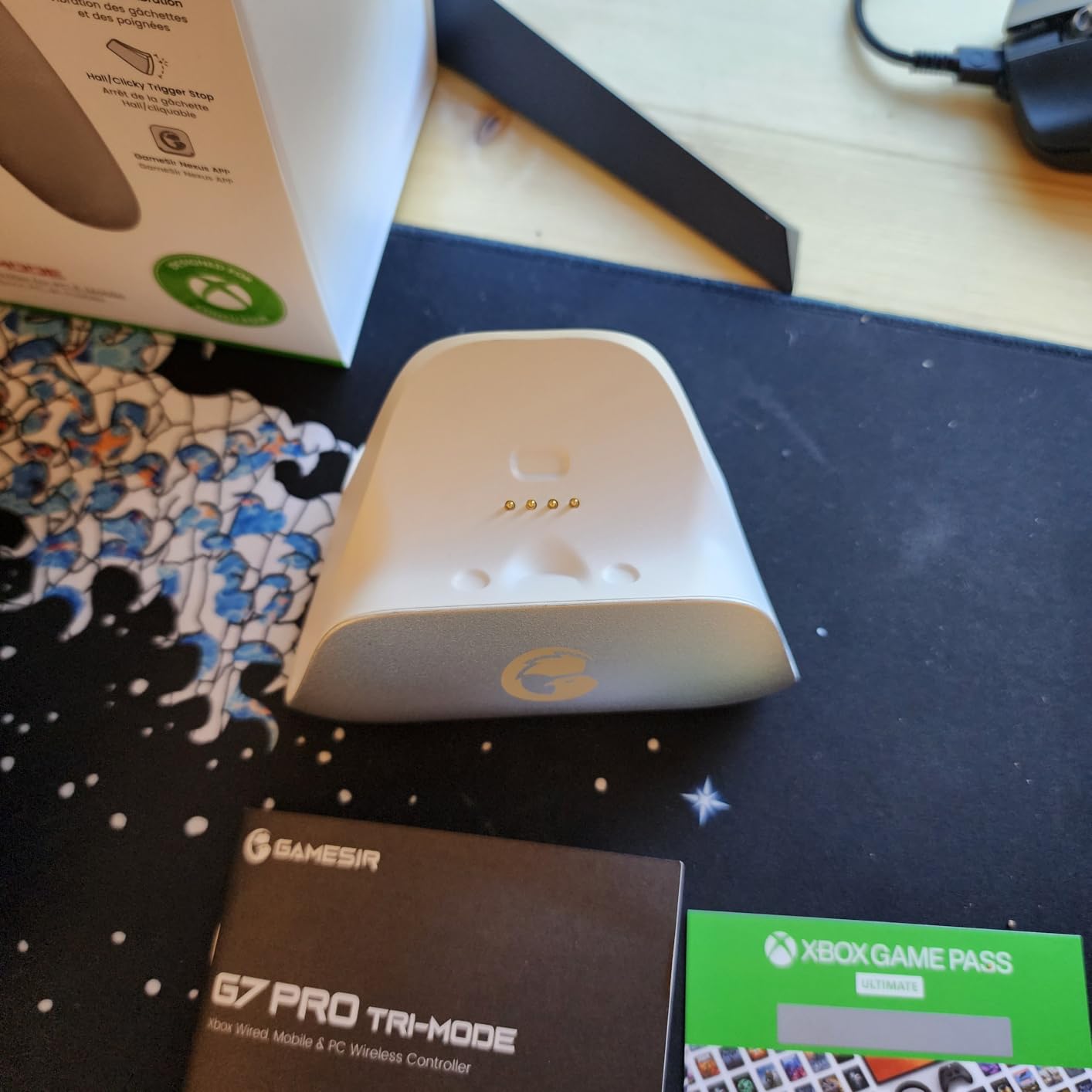
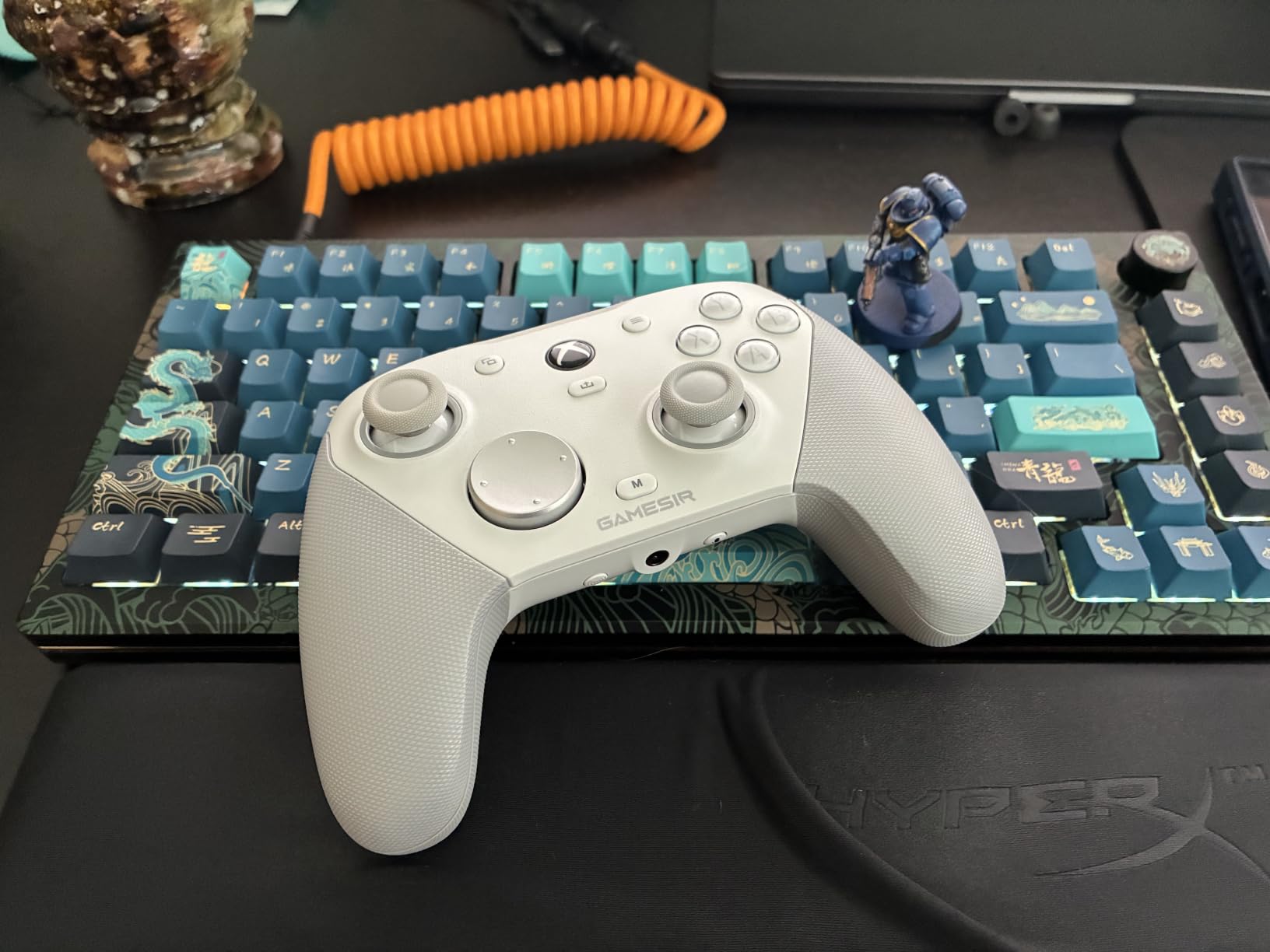
At 272 g it is lighter than the other wired pads in this roundup despite packing the most features, and the charging dock stores the 2.4G dongle inside it so the receiver does not vanish.
Why step up to this one
The step up buys you three things a budget pad cannot give: magnetic triggers, a gyro, and a companion app with real depth. Reviewers consistently describe it as competing with pads several tiers above it, and with 5000 reviews the 4.3 average reflects a settled product rather than a new release.
On PC, 1000Hz polling works over both the cable and the 2.4G dongle, which at 1ms worst-case report latency is a real difference in a competitive shooter.
Who should skip it
Skip it if you play on an Xbox console and want wireless. It is wired on Xbox, and the console path also caps polling at 250Hz, so the headline number does not apply there.
Also skip it if you dislike clicky mechanical face buttons or want to replace the battery yourself later. The 1200mAh cell is not user-replaceable, and trigger stop microswitches are a wear item worth knowing about.
6. ECHTPower EP03 – Best All-In-One Bundle With TMR Sticks
- TMR sticks rated for a 5 million cycle lifespan
- Magnetic charging dock stores the 2.4G receiver
- Works across PC Switch Switch 2 Steam Deck iOS and Android
- Turbo runs at three speeds including on triggers
- Six-axis gyro with four vibration levels
- 2.4G dongle range needs line of sight
- Bluetooth connection problems reported
- No PC software so configuration is button codes only
- D-pad sits high above the faceplate
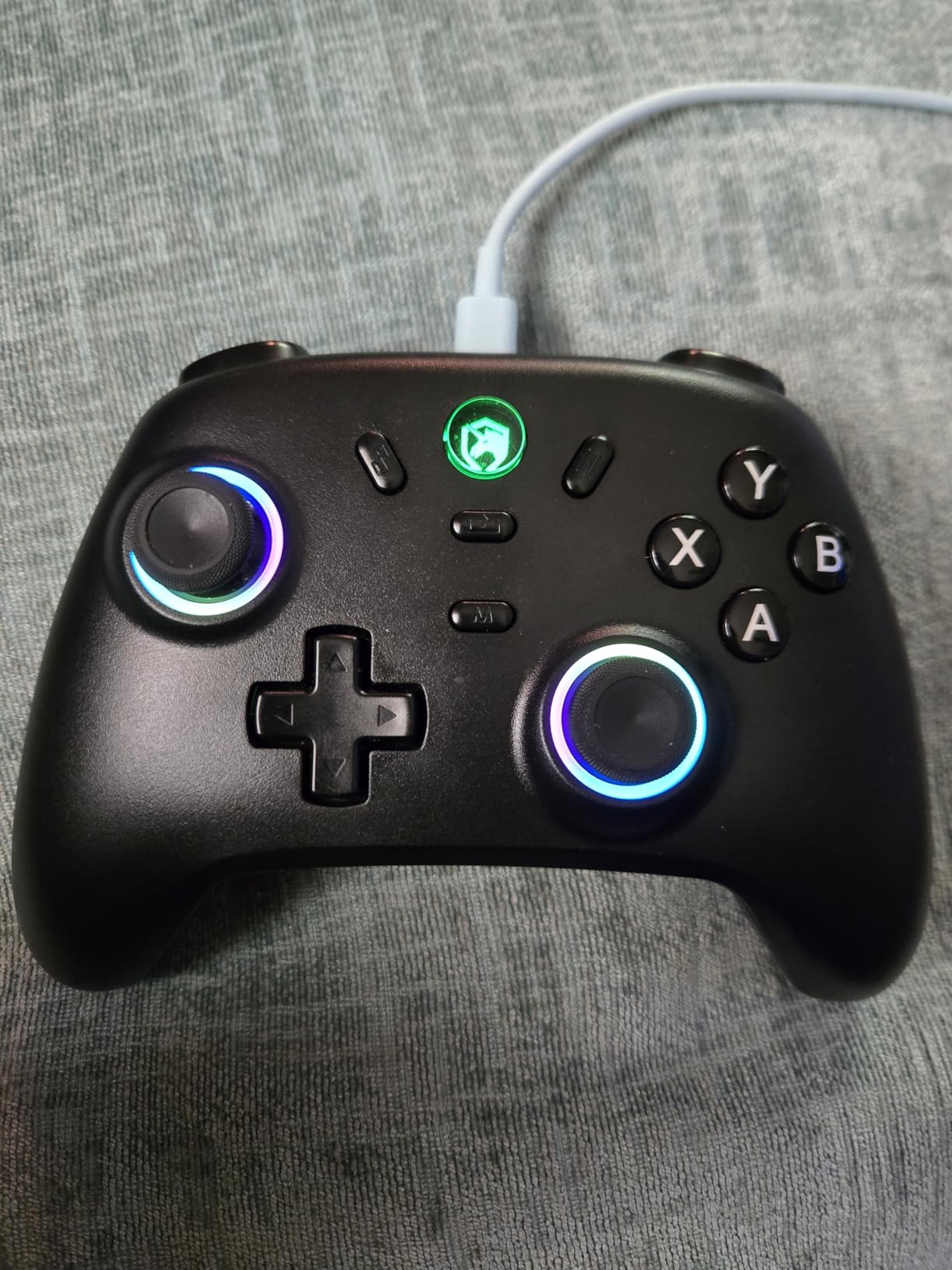
The EP03 packs more into the box than anything else at this level. You get a magnetic charging dock that doubles as storage for the 2.4G receiver, which is the part most people lose within a month of buying a wireless pad.
Its sticks are TMR with a stated 5 million cycle lifespan, and the dual-mode hall triggers switch between a long pull and an instant short stroke. That is a real feature for shooters where trigger travel matters more than trigger feel.
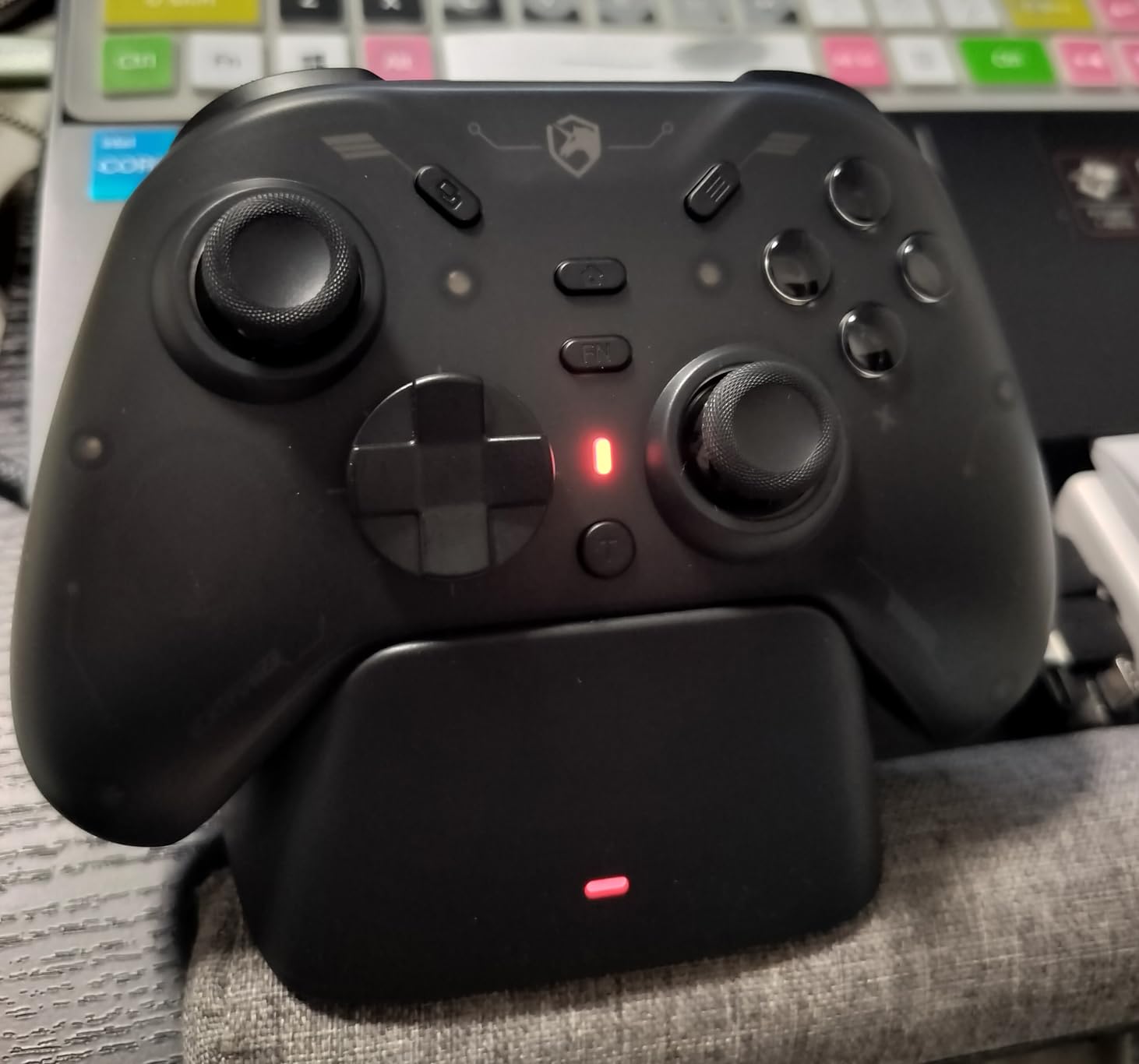
The magnetic faceplate toggles between Xbox and Switch button layouts, so the same pad works as both. Turbo runs at three speeds, 8, 16 or 21 shots per second, and it applies to the triggers as well as the face buttons.
At 4000 reviews and a 4.2 average, the pattern is consistent: people like the bundle and forgive the wireless quirks.
Where the money goes
Everything budget buyers normally skip is in this box. The dock, the receiver storage, the gyro, the switchable faceplate and the turbo speeds are all things you would buy separately on a cheaper pad.
The 5M cycle stick rating is the number worth noting if you play heavily, since it sits well above the 500,000 to 1,000,000 movement range owners quote for hall effect sticks generally.
Who should skip it
Skip it if wireless reliability is your top concern. The 2.4G dongle needs line of sight and Bluetooth connection failures are reported, and there is no PC software to help when something goes wrong.
Skip it if you dislike fiddly configuration. Everything is done with button combos on the pad itself rather than in software, and the D-pad sits higher than most players expect.
7. EasySMX X15 – Best for Tri-Mode Wireless With Hall Effect Triggers
EasySMX X15 Wireless PC & Steam Gaming Controller, Hall Effect, Black
- Hall Effect sensing on sticks and triggers
- Three connection modes in one body
- 1000mAh battery rated up to 20 hours
- RGB lighting with a real off switch
- Twelve-month warranty
- Build feels plasticky and light
- No 3.5mm headphone jack and no gyro
- Back buttons are on-device only
- Some owners report drift despite the hall effect claim
The X15 is the one to look at if you move between a docked PC, a laptop and a Switch without wanting three pads. It carries 2.4G wireless, Bluetooth and wired USB-C in the same body, and 1000Hz polling over the fast paths.
Unlike several pads at this level, the RGB lighting here has a genuine off switch rather than a firmware setting you have to find. On a desk at night that matters more than it sounds.
The ABXY layout switch between PC and Switch modes is the detail that separates it from generic multi-platform pads. Battery life is quoted at up to 20 hours on the 1000mAh cell, with owners typically reporting 16 to 20 hours in practice.
Two programmable back buttons cover the common case of a jump or grab button, and the 12-month warranty is longer than several other pads here offer.
The honest wrinkle
Some owners report stick drift on this model despite the hall effect claim, which is the single most important caveat on this list. A small number of them appear to arrive with faulty or poorly seated stick modules, and the pattern in reviews is that EasySMX support replaces them.
That is a supply quality issue rather than a technology failure, but if you are buying to replace a drifting pad, buying a second time is exactly what you wanted to avoid. This is why warranty length belongs in the buying guide rather than in the marketing.
Who should skip it
Skip it if you need a headphone jack, a gyro, or a shell with any weight to it. There is no jack, no gyro, and the listed weight of 0.35 g means it is one of the lightest shells here.
Skip it if you cannot tolerate a possible replacement cycle. The GameSir G7 SE and the 8BitDo Ultimate C both have much longer review histories behind the same price band.
8. 8BitDo Ultimate C – Best Licensed Xbox Hall Effect Controller
- Officially licensed by Xbox for Series X
- S and One Hall Effect sticks and impulse triggers Clicky bumpers and a refined D-pad 3.5mm audio jack included Upgradeable firmware
- Wired only with no wireless version
- Cable stiffness concerns
- Face buttons feel slightly mushy
- No back buttons or paddles
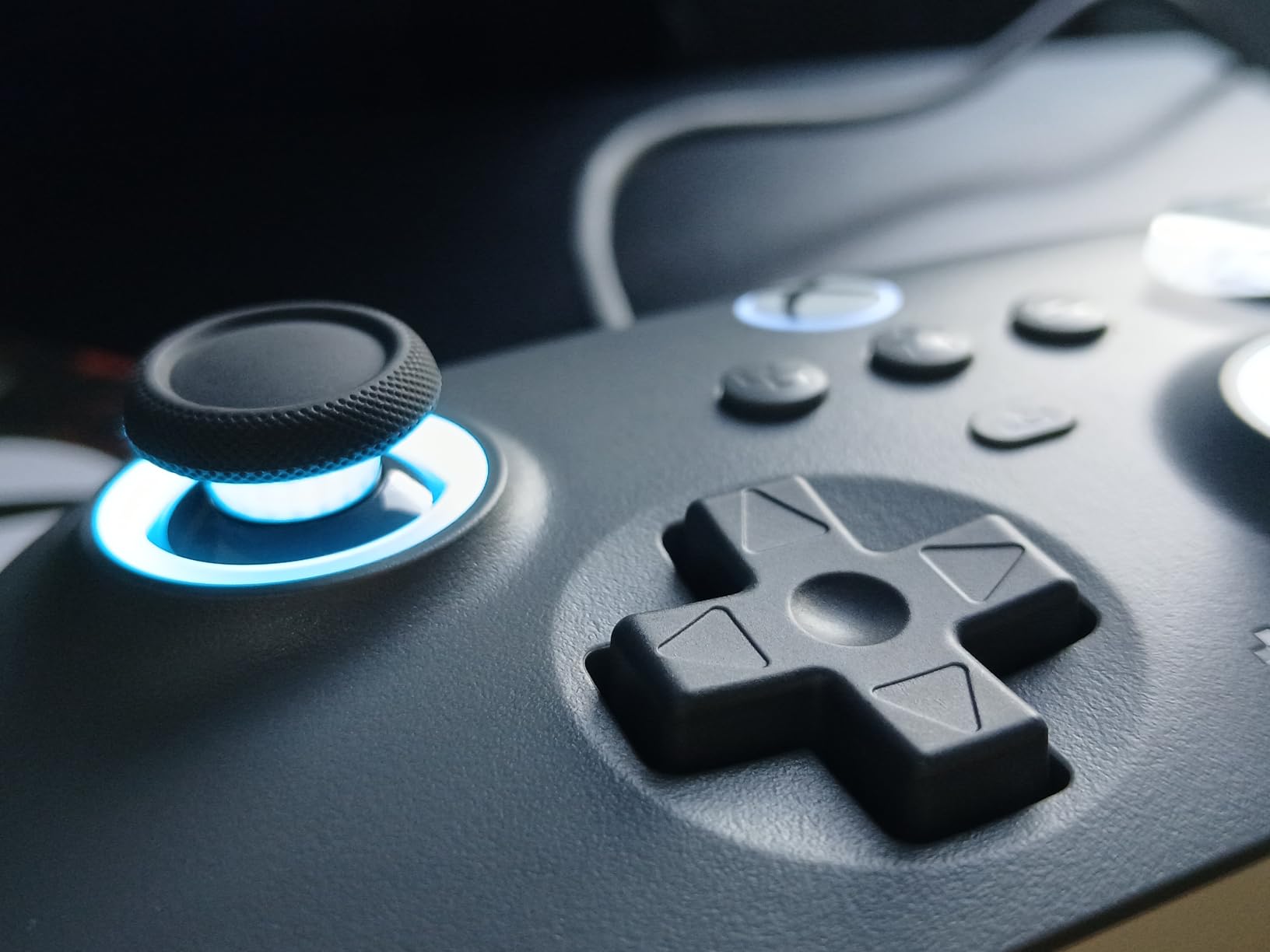
This is the one to buy if you want magnetic sticks and an Xbox licence at the same time. Almost everything in the affordable band is a clone without official backing, and the Ultimate C is licensed, which means it passes Microsoft’s certification and its warranty is real.
It runs Xbox Series X|S, Xbox One and Windows 10 and 11 with no adapter, and the impulse triggers deliver vibration rather than a stiff pull. The clicky bumpers are the standout physical detail, and reviewers single out the D-pad as better than on several licensed pads.
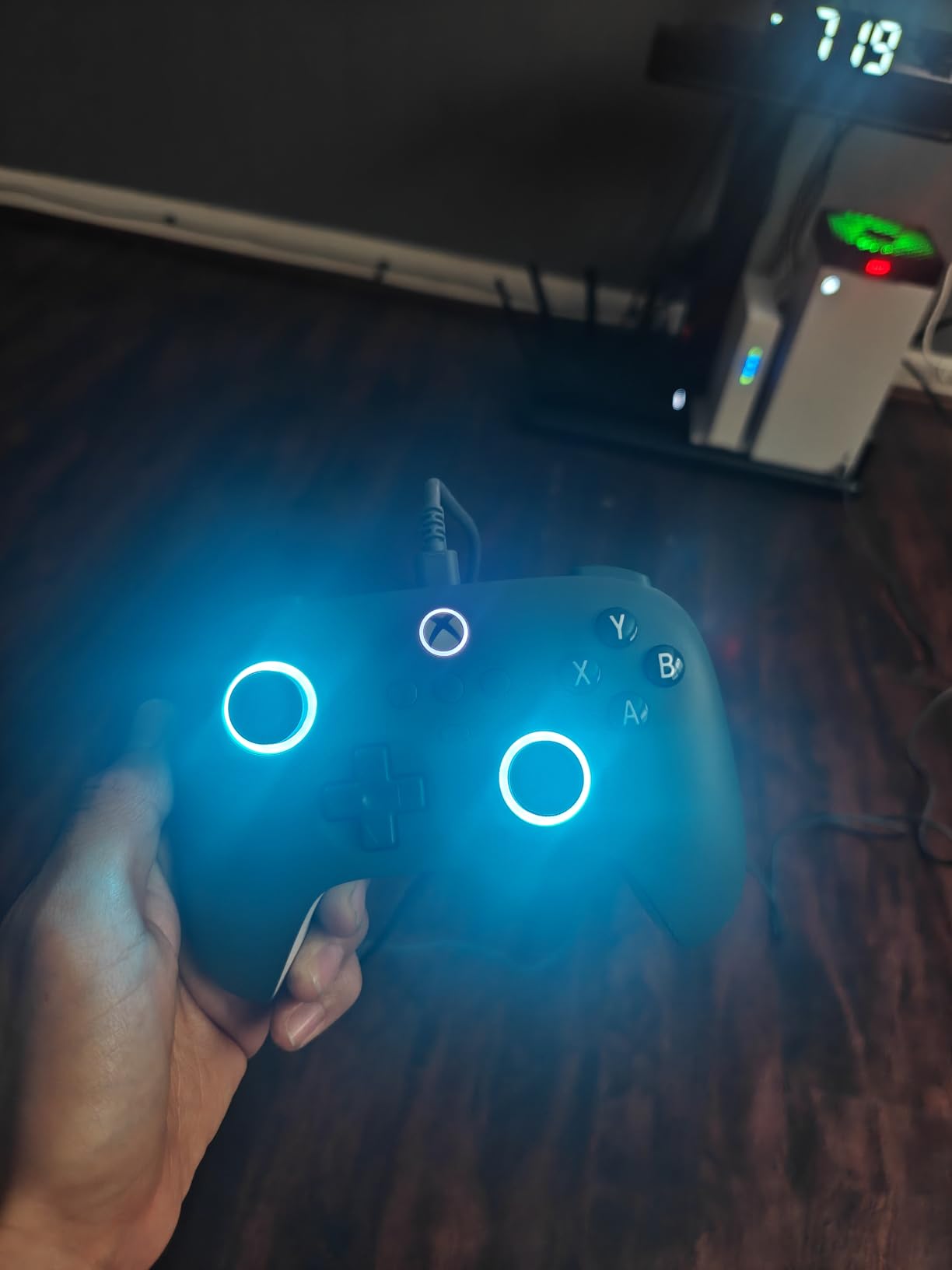
The RGB Fire Ring around the touchpad area runs multiple lighting modes, which is unusual on a licensed wired controller. At 0.4 kg it is heavier than the wireless budget pads and feels correspondingly more solid in the hand.
Firmware is upgradeable, which matters if you buy it now and the manufacturer ships tuning changes later.
Licensed versus unlicensed
An unlicensed pad can produce the same electrical output. What the licence buys you is warranty support, Microsoft certification, and the knowledge that a firmware update will not brick it. For a controller you plan to keep for years, that is worth paying a little more for.
The 3.5mm jack is another licensed-pad perk. Most unlicensed budget controllers dropped it, and if you use wired headphones you will feel that every session.
Who should skip it
Skip it if you play competitively and need back paddles. This is a plain six-button-plus-four layout with nothing on the back, which rules it out for shooters where binds matter.
Skip it if you want wireless, and skip it for PlayStation. If you need paddles on Xbox with hall effect sensing, the GameSir G7 Pro is the direct answer.
9. GameSir Nova Lite 2 – Best for Travel, Emulation and Battery Swaps
GameSir Nova Lite 2 Wireless PC Controller Hall Effect Sticks
- Hall Effect sticks with anti-friction rings
- Two-way trigger lock including a hair trigger mode
- 1000Hz polling over 2.4G and wired
- Travel case and 2.4G dongle in the box
- GameSir Connect PC software for deep customization
- 600mAh battery only about 4 to 6 hours
- No user-replaceable battery in stock form
- Bluetooth device switching is awkward
- Back buttons have no lockout switch
The Nova Lite 2 is the one to buy if you travel, emulate, or move a single pad between a Switch, a PC and a phone. It covers Bluetooth, 2.4G wireless and wired USB-C, and the box holds a travel case and the 2.4G dongle.
The 2-way trigger lock is the sleeper feature. It switches between a full pull and a short pull, and the hair trigger mode shortens travel dramatically, which is exactly what a shooter player wants and what most budget pads cannot do.
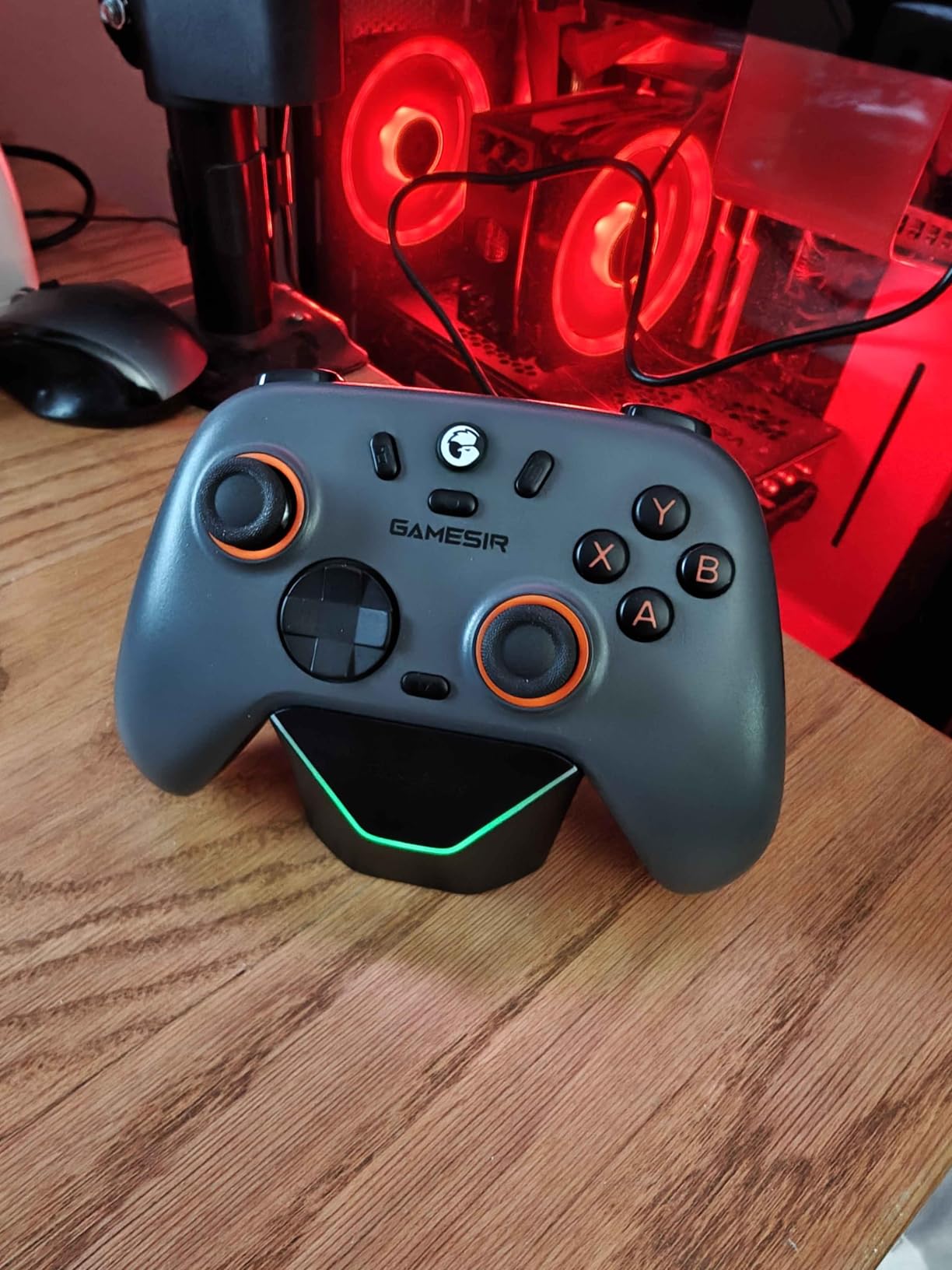
The mechanical circular D-pad is crisp where the membrane style used in this price band often feels mushy, and the two back buttons support both a single mapping and macro recording. GameSir Connect on PC and the GameSir app on mobile give real customization depth rather than button codes.
At 0.24 kg it is one of the lightest here, and owners note it stays comfortable over long sessions.
The battery caveat and its fix
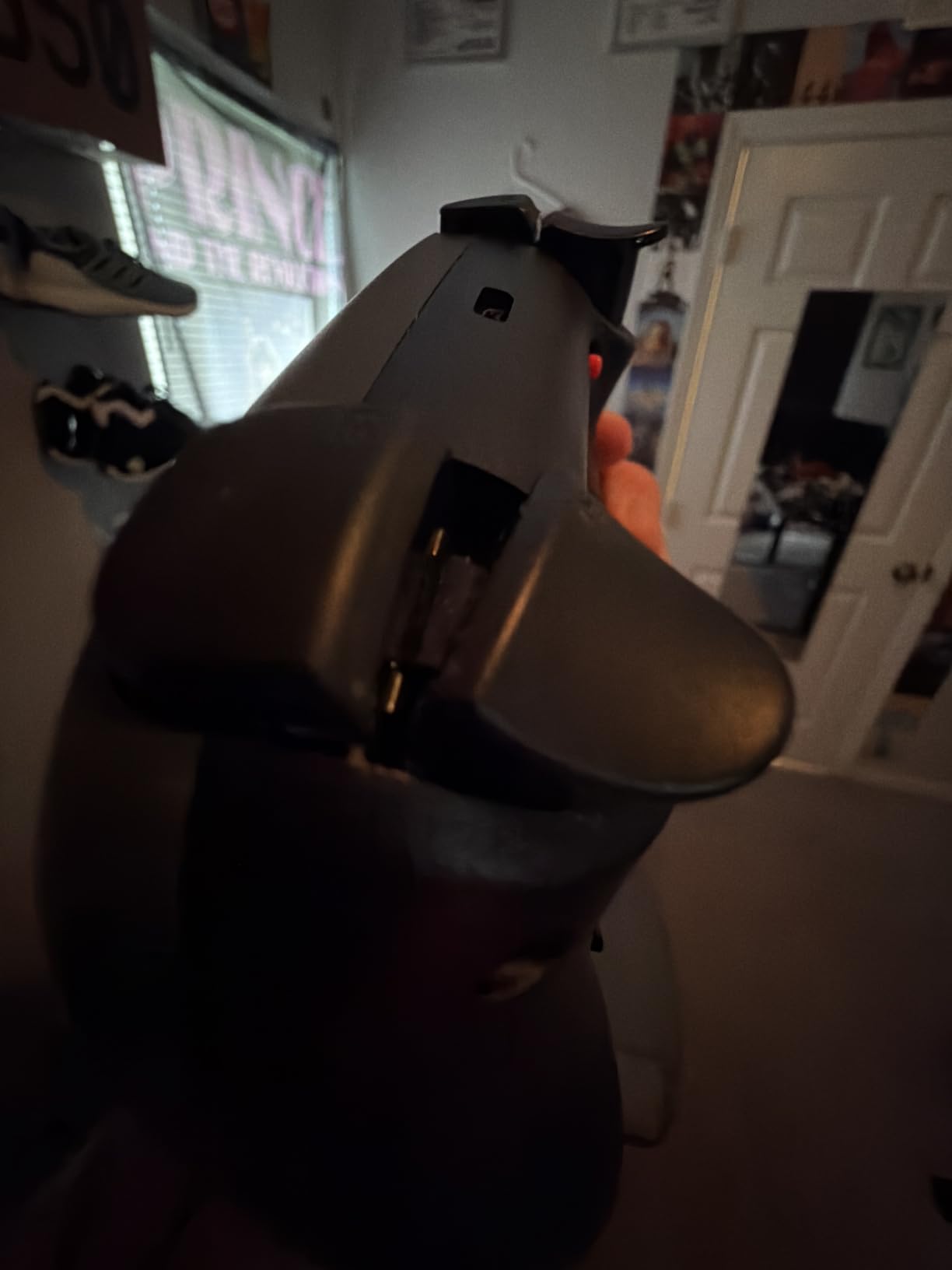
The 600mAh cell gives roughly 4 to 6 hours, which is the shortest endurance quoted on this list. The workaround owners use is swapping in a 1000mAh pack, and many report doing it easily, but out of the box the runtime is short.
There is no back button lockout switch either, so if you press a paddle in a game that treats it as a menu command, you will be moving through menus with it. Minor, but real.
Who should skip it
Skip it if you play long sessions away from a charger. Six hours is fine for an evening and not fine for a weekend trip without a cable.
Also skip it if you constantly switch between two Bluetooth devices, since the switching process is reported as cumbersome and the pairing process takes patience.
10. AceGamer Wireless PS5 Controller – Best Hall Effect Pad for PS5 on a Budget
- Hall Effect sticks rated at 10x a potentiometer lifespan
- Full PlayStation feature set with touchpad speaker and gyro
- Two programmable back buttons and three turbo speeds
- Works on PS5 PS5 Pro PS5 Slim and PC via Steam
- Bluetooth only with no 2.4G option
- Gyro does not work properly in wireless mode
- Battery life around four hours
- Back buttons map only to L3 and R3
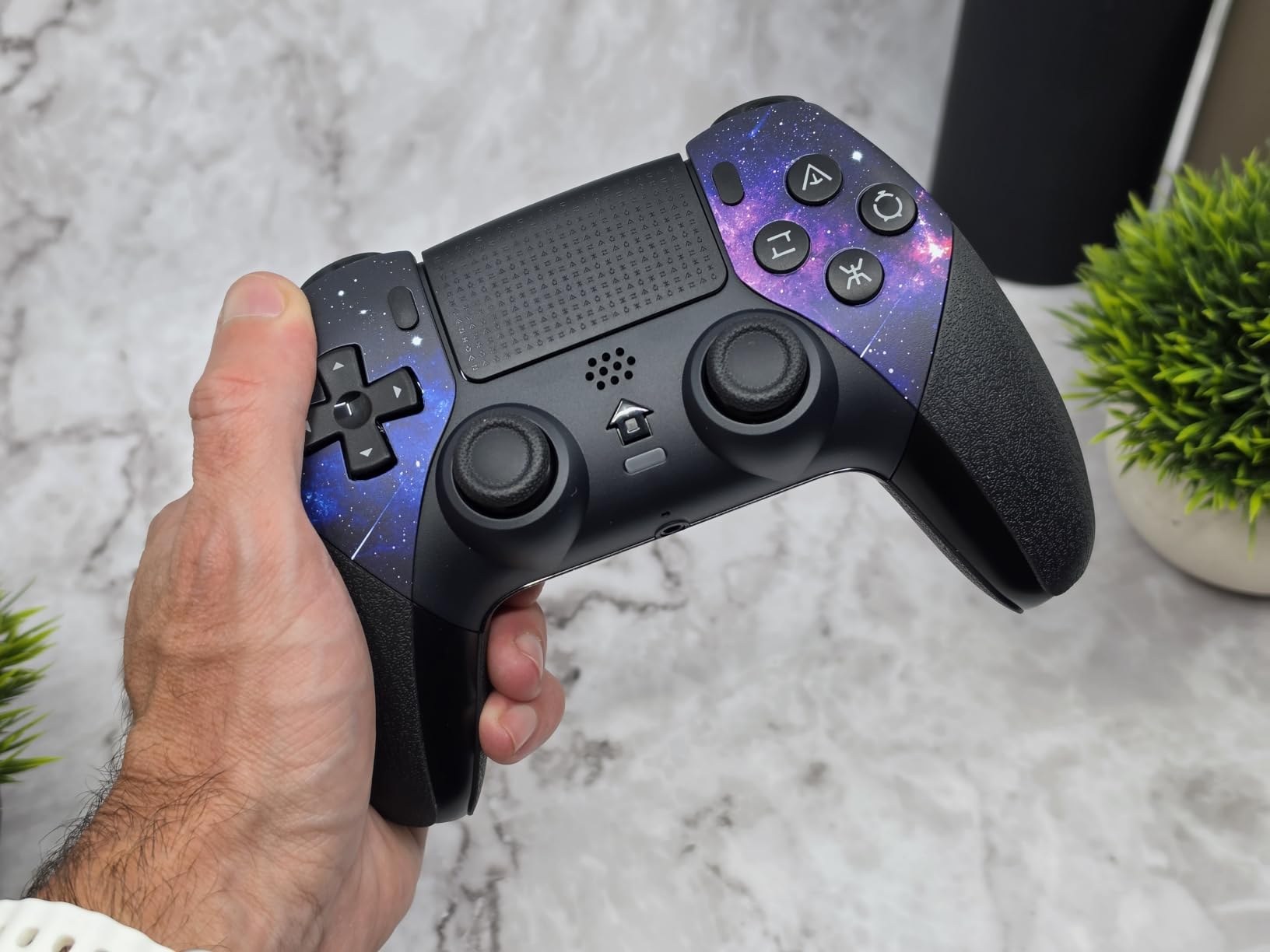
The AceGamer exists because the DualSense still uses potentiometer sticks. This pad gives you hall effect sticks plus the PlayStation features most third-party controllers drop, including the touchpad, the built-in speaker and the 6-axis gyro.
It works on PS5, PS5 Pro and PS5 Slim over Bluetooth, and on PC it is recognised as a DualShock through Steam. The galaxy water-transfer finish with a protective coating is unusual at this level.
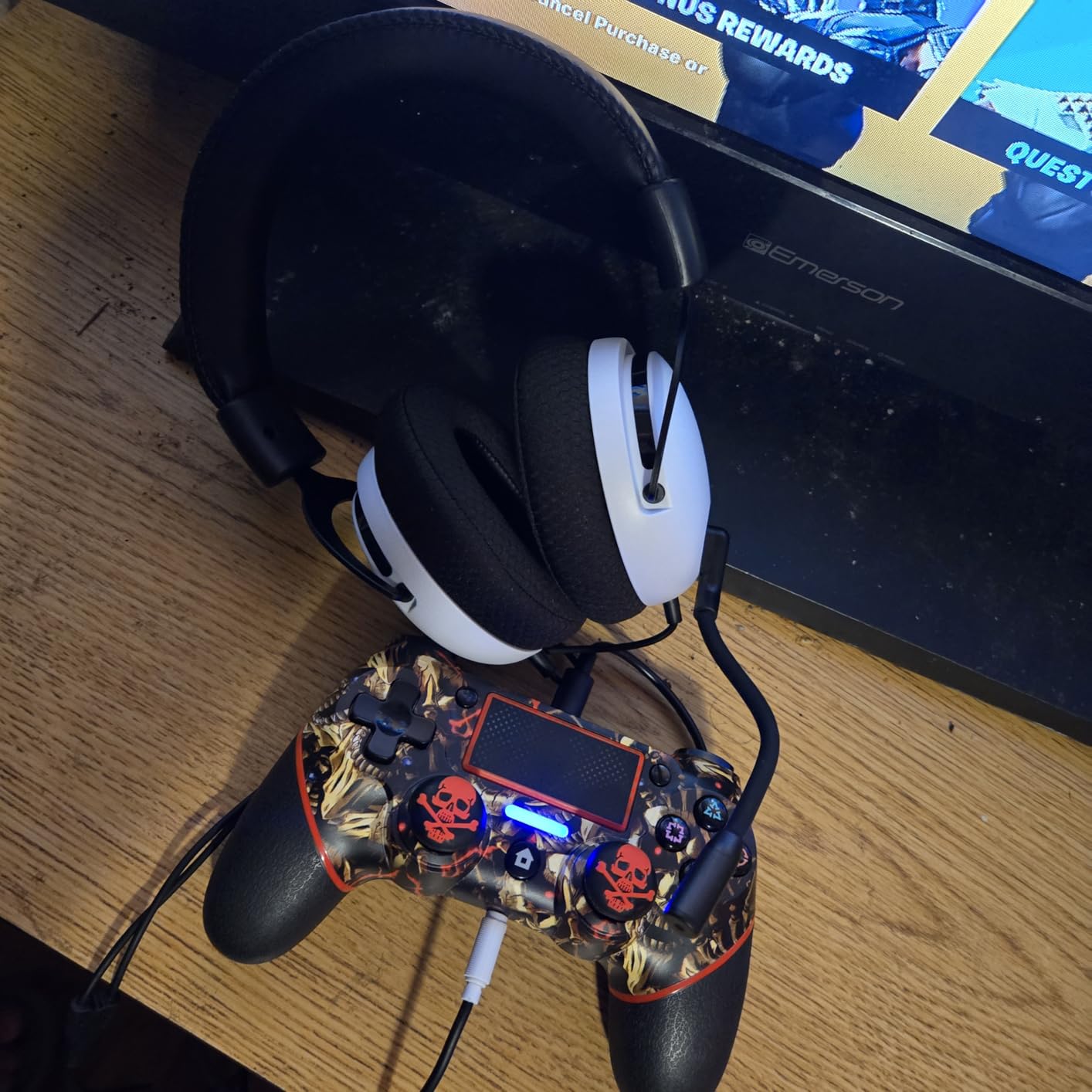
Two programmable back buttons and three turbo speeds cover the common bind case. Buttons are rated at 500,000 presses, and a 3.5mm TRRS jack on the bottom handles wired headphones, though it will not accept Apple Lightning headphones.
At 994 reviews this is the smallest sample in the roundup, so treat the 4.3 average as promising rather than proven.
What “works with PS5” actually means here
It works fully on PS5 for games that do not need the DualSense haptics or adaptive triggers, because those are hardware features no third-party pad can reproduce. It pairs over Bluetooth, which is the normal path for any wireless PlayStation controller.
There is a genuine caveat on the gyro: it is reported to work properly on PC when wired, but not reliably in wireless mode. If gyro aiming is your reason for owning a PlayStation pad, test it before you commit.
Who should skip it
Skip it if you want the full DualSense experience, if you play competitively on PS5, or if you need low latency. It is Bluetooth only, PC wireless latency is reported as high, and the battery runs about four hours.
The back buttons are also less flexible than they look, since they map to the stick clicks rather than to arbitrary inputs.
11. Hyperkin DuchesS – Best Classic Xbox Shape With Hall Effect Sticks
- Hall Effect sticks in the original Xbox Controller S shape Impulse triggers with strong tactile feedback Large Black and White style shoulder buttons Detachable 10ft braided USB-C cable Officially licensed for Xbox Series X
- S and One
- Buttons need more force which hurts rapid fire
- Stiff cable with kinking concerns
- Shell feels light and slippery
- Menu button placement is awkward for modern games
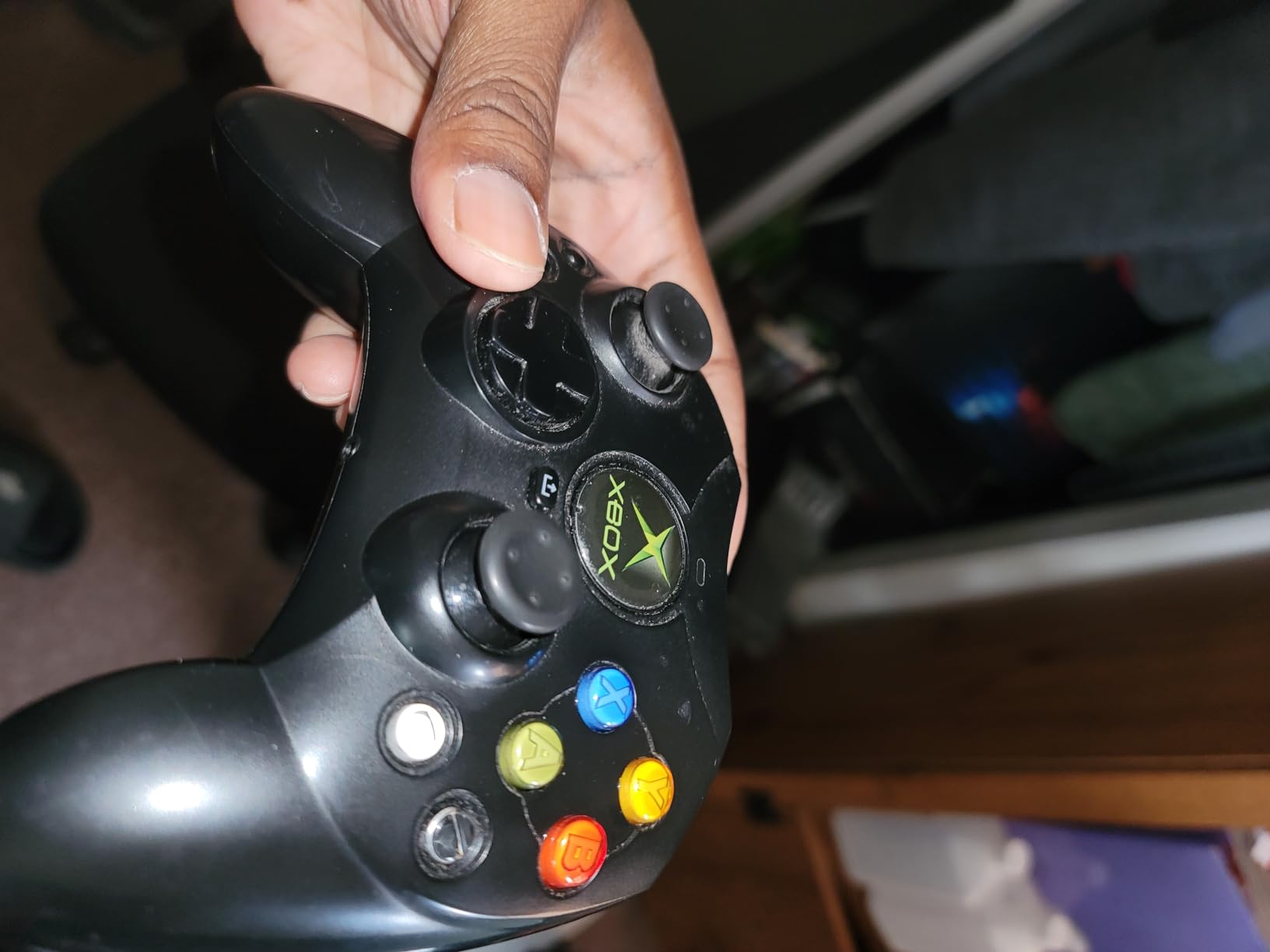
The DuchesS is a nostalgia product with modern internals. It takes the original Xbox Controller S shell, modernises the proportions slightly, and fits hall effect sticks inside it. If you grew up on the fat grey controller and never got over it, nothing else here will feel right.
The Black and White style button layout is the visual signature, and the large clicky shoulder buttons have a distinctive feel that reviewers describe as either the best or the worst thing about the pad depending on your taste.
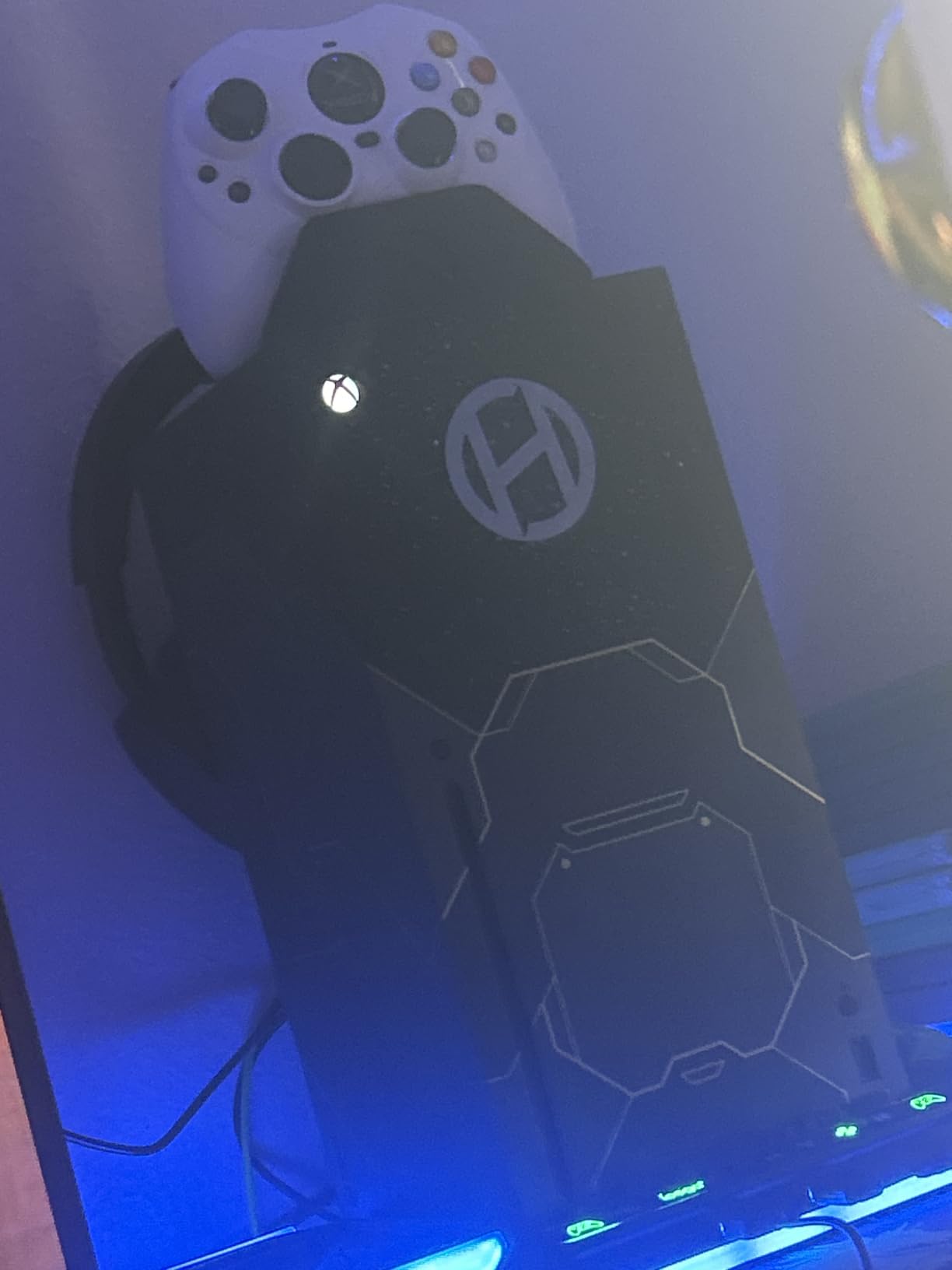
It is officially licensed and works on Xbox Series X|S, Xbox One and Windows with a detachable 10ft braided USB-C cable, which is an upgrade on the original fixed cable. The 3.5mm jack and a Share button for Series consoles are both present.
Silent buttons make this a genuinely good late-night option in a way that clicky pads are not.
Why the D-pad is the reason to buy it
Reviewers repeatedly call out the D-pad as the standout feature. On a four-direction pad that is unusual, and it is what makes this worth considering for platformers, retro emulation and any game where diagonal inputs cause problems.
The impulse triggers add tactile feedback that the original Xbox pad never had, which is a nice piece of irony for a nostalgia shape.
Who should skip it
Skip it if you play shooters or anything needing fast repeated clicks. The buttons require noticeably more force, which reviewers flag as hard to rapid-fire, and the Black and White buttons mirror the bumpers rather than mapping independently.
Skip it if you are on PS5 or Switch, if you need wireless, or if the plastic shell feels cheap to you at 8.71 ounces. This is a shape preference, not a universal upgrade.
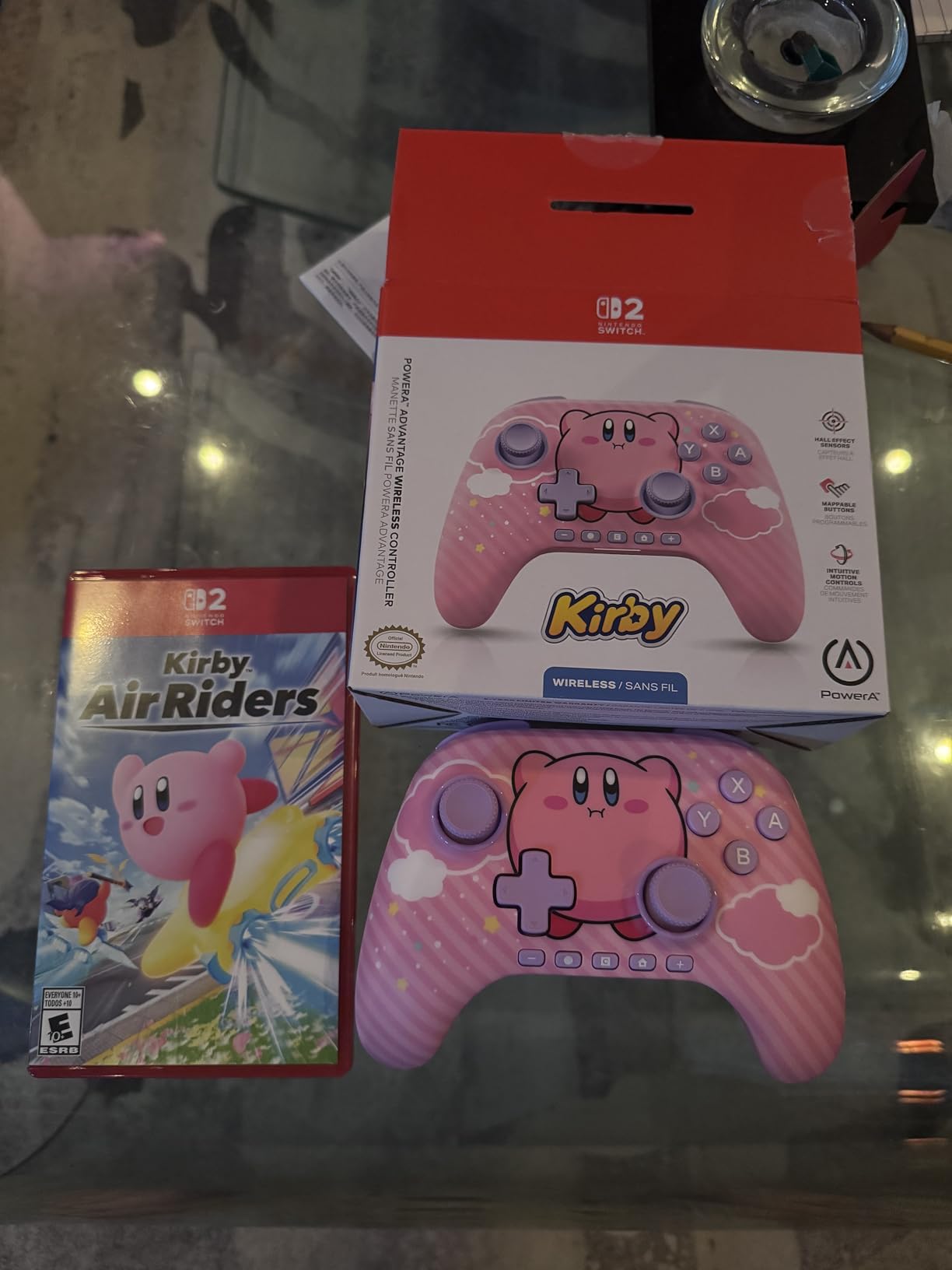
12. PowerA Advantage Wireless – Best Licensed Hall Effect Controller for Switch 2
PowerA Advantage Wireless Controller for Nintendo Switch 2 – Black, Officially Licensed, Hall Effects, Mappable Buttons, Pro Controller, C Button, Motion Controls
- Officially licensed by Nintendo with a two-year warranty
- Hall Effect thumbstick modules with contract-free magnetic sensors
- Mappable back buttons programmable mid-game
- Rechargeable battery rated up to 30 hours
- 3.5mm audio jack with EQ and a 10ft cable included
- Cannot wake the console from sleep
- Button layout takes adjustment
- Lightweight build
- Wired and Core Wireless variants differ in features
The PowerA Advantage is the licensed answer for Switch 2 owners who want hall effect sticks and a warranty that a retailer will honour. It runs Switch 2, Switch, Switch OLED, Switch Lite and PC, and it carries a two-year limited warranty, which is the longest here.
At a 4.5 average it has the second-highest rating in the roundup, behind only the Yommor. The mappable Advanced Gaming Buttons can be programmed mid-game rather than through system menus, which saves a lot of friction if you play several genres on the same pad.
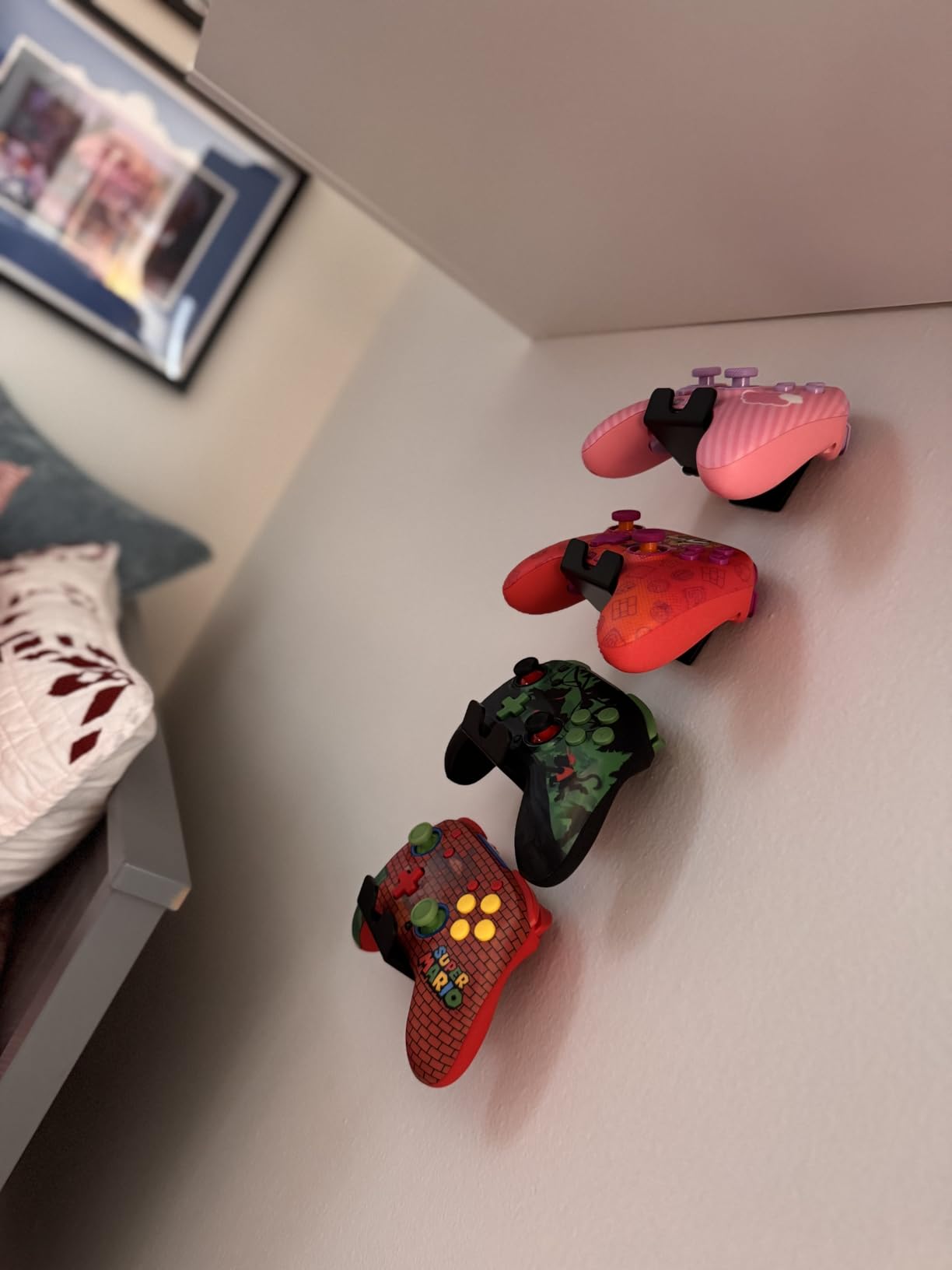
The 30 hour rechargeable battery is the longest quoted endurance on this list, and the box includes a 10ft USB-C cable plus a 3.5mm jack with EQ options. The C Button for GameChat features is a Nintendo-specific addition most third-party pads skip.
Some owners rate the D-pad above the official Pro Controller, and the 6-axis motion controls handle tilt aiming properly.
What the licence actually delivers
Contract-free magnetic sensors on the thumbstick modules, Nintendo’s own testing standard, and a warranty backed by a company with a long track record. That combination is why it holds a 4.5 at 1200 reviews where comparable unlicensed pads sit lower.
If you are buying for a Switch 2 and expect to keep the pad for several years, this is the pick we would make over a cheaper clone.
Who should skip it
Skip it if you rely on waking the console from sleep with the controller. You have to reach the console’s power button, which is a genuine annoyance when you sit on a couch.
Skip it if you dislike the rearranged bottom button row with Home, plus, minus, Capture and C together, or if you are on a tight budget, since unlicensed Switch 2 pads cost noticeably less than this one.
Hall Effect vs TMR: What Changes When You Step Up a Tier
Two magnetic technologies show up on this list and people constantly mix them up. Hall effect sensing reads the strength of a magnetic field through a Hall element. TMR, short for tunnel magnetoresistance, reads the resistance change in a tunnel junction at a much smaller scale, which produces a sharper signal over a narrower range.
The practical difference is feel and precision rather than durability. Both remove physical contact between the stick and its sensor, so both address the same wear mechanism. TMR resolves smaller movements more distinctly, which owners describe as a more connected and slightly heavier stick that still returns to centre cleanly.
On this list the TMR pads are the GameSir G7 Pro, which also has hall effect triggers and a gyro, and the ECHTPower EP03, which claims a 5 million cycle stick lifespan. Everything else uses hall effect sensing only, which is the sensible choice at the budget level because the durability benefit is the same and the cost is lower.
Neither technology is a guarantee. Both still rely on a stick return mechanism, and a worn spring will feel loose whether the sensor behind it is magnetic or resistive.
How to Test a Controller for Drift Before You Buy
Most retail listings do not tell you whether a pad arrived with a faulty stick, and a few owners of the pads in this roundup did receive faulty stick modules. Testing takes about two minutes and tells you a lot.
Five checks worth doing
Leave the stick untouched. Power the controller on, place it flat on a desk, and do not touch it for sixty seconds. Watch the on-screen stick position in the controller test screen or in a game’s calibration menu. Any movement without contact is drift.
Test all four directions plus the diagonals. A stick that holds true on the axes but slides off at a diagonal points to a housing or plate issue rather than a sensor issue.
Push each stick to the edge and release ten times. A healthy stick returns to the same centred reading every time. A stick that sits slightly off centre after a hard push is showing you early wear.
Rotate the controller slowly in your hands while watching the stick readout. Drift that appears only at certain angles usually means a loose module or a cracked ribbon cable rather than a worn potentiometer.
Check the triggers separately. Pull each trigger slowly and watch its analog value. If the reading climbs without a proportional pull, you have trigger drift, and hall effect sticks will not fix it.
If a pad you already own is drifting and you want to try something before buying, widen the dead zone first, then recalibrate, then clean around the stick base with a dry microfiber cloth and gentle air. WD-40 is not a drift fix and can damage plastic and contact surfaces.
When a controller is beyond tuning, the repair path exists. Third-party hall effect and TMR joystick module kits replace the stick module inside an existing pad for a fraction of what a new controller costs. Owners report these working fine, with the one recurring complaint being sensitivity at the extremes of travel until the dead zone is widened.
Hall Effect Controller Buying Guide: Nine Things That Matter
Sensor technology is the headline, but it is one of nine decisions that actually shape whether you like a controller in year two.
Platform and layout fit
Xbox layout is standard on PC, so anything labelled XInput works with most PC games out of the box. On PC, XInput is the native method and DirectInput is the older fallback; if a pad needs DirectInput remapping, that is a warning sign. PlayStation layout means no Xbox button prompts, and Switch layout means no analogue stick clicks on the face.
Check what “works with PS5” means. Over Bluetooth you get the buttons, sticks, touchpad and gyro, but you do not get DualSense haptics or adaptive triggers. Any pad that claims full DualSense parity is overselling.
Wired, 2.4GHz or Bluetooth
A wired connection has no radio latency and no charging to think about. A 2.4GHz dongle typically lands around 3 to 6ms of overhead, while Bluetooth sits closer to a 16ms baseline. That gap is invisible in a single-player game and obvious in a competitive shooter.
If your pad is Bluetooth only, treat it as a casual or handheld option rather than a competitive one.
Polling rate and the latency maths
Polling rate is how often the controller reports its position. At 125Hz, worst-case latency is 8ms. At 1000Hz it is 1ms. At 8000Hz it is 0.125ms, which is eight reports per millisecond. Beyond 1000Hz the gains are small and the hardware cost rises sharply.
Note the console cap. The GameSir G7 Pro hits 1000Hz on PC but the console path tops out at 250Hz, so the number on the box may not apply where you play.
Sensor coverage: sticks only or sticks and triggers
This is the least understood spec in the category. Most pads list hall effect sticks only. A minority, including the GameSir G7 SE, the G7 Pro, the 8BitDo Ultimate 2C, the EasySMX X15 and the ECHTPower EP03, also cover the triggers.
If your current controller drifts on the stick, sticks alone solve it. If it drifts on the trigger, you need the triggers covered or you need to accept the problem.
Trigger stops and hair triggers
A trigger stop shortens travel mechanically and stops the trigger returning fully, which reduces how far you can accidentally pull it. A hair trigger does the same in software. The GameSir Nova Lite 2 and the GameSir G7 Pro both offer a two-way lock, which is the more useful version of this feature.
Back buttons and paddles
Competitive players bind jump, crouch or weapon-switch to rear inputs so their thumbs never leave the sticks. If you play shooters or extraction games, treat paddles as close to mandatory. Check whether they are lockable, because an accidental rear press in a menu is annoying.
Hand size and grip length
This is the question that surfaces constantly in forums and that no spec sheet answers. Larger shells with longer grips suit big hands and reduce finger cramp over long sessions. The Hyperkin DuchesS with its classic fat shape suits people who like a full, wide grip. Compact pads suit smaller hands and travel.
Weight matters too. Heavier pads tend to feel more stable and less cheap, while very light pads are easier to carry. In the region of 0.24 kg to 0.3 kg is the usual range for travel-friendly pads.
Battery and charging
Battery claims range from about four hours on the AceGamer to 30 hours on the PowerA Advantage, and the difference matters for how far you play from a cable. Check whether the battery is replaceable, because a non-replaceable cell ends the controller’s life rather than just its convenience.
A charging dock is worth more than it looks, since the dock on the GameSir G7 Pro and the ECHTPower EP03 also stores the wireless receiver.
Warranty, firmware and app support
Forum owners treat warranty length and companion app quality as decisive tiebreakers. Two years is the best on this list, from the PowerA Advantage. The GameSir Nexus app and GameSir Connect are the deepest configuration tools available, while several pads in the budget band offer no software at all.
Updateable firmware matters too, because stick tuning and dead zone behaviour can improve after launch.
If you want a broader look at layout, weight and platform tradeoffs, our pro controllers for competitive gaming guide covers those in more depth, including the paddles and trigger stops that separate a competitive pad from a general one.
Frequently Asked Questions
Do Hall effect joysticks prevent drift?
Mostly at the sensor level. Hall effect sensing has no contact between the stick shaft and a resistive track, so the mechanism behind most stick drift cannot occur. The stick spring, shaft, housing and cap still wear, so drift is delayed rather than eliminated entirely. Expect three to five years of normal use rather than a permanent fix.
Is it possible for Hall effect controllers to get stick drift?
Yes. Magnetic sensing removes potentiometer wear but does not fix analog trigger drift on most pads, does not improve D-pad feel because the D-pad is mechanical, and cannot prevent spring or shaft wear, dead zone miscalibration, water damage or wireless interference. Owners who swap in third-party hall effect modules also report sticks that read too sensitive at the extremes of travel until the dead zone is widened.
Which gaming controllers don’t get stick drift?
Any controller with hall effect or TMR sticks, because both remove the contact-based potentiometer that wears. On this list the GameSir G7 SE, GameSir G7 Pro, GameSir Nova Lite 2, 8BitDo Ultimate 2C, 8BitDo Ultimate C, EasySMX X15, ECHTPower EP03, Yommor, FUNLAB, AceGamer, Hyperkin DuchesS and PowerA Advantage all use magnetic stick sensing.
Which controller has the worst stick drift?
Potentiometer-based first-party controllers, including the Sony DualSense, DualShock 4 and the Xbox Wireless Controller. Forum owners report accelerating failure rates on newer USB-C Xbox pads, with some units drifting within months of normal use. That is why hall effect alternatives are the safest upgrade path.
Can stick drift be fixed permanently?
Usually not on the original hardware. Work through this order: test in another connection mode, widen the dead zone, recalibrate the sticks, clean around the stick base with a dry microfiber cloth and gentle air, then test in another game. If none of that works, replace the stick module with a third-party hall effect or TMR kit, which costs far less than a new controller.
Does WD-40 get rid of controller drift?
No. WD-40 is not a drift fix. It can damage plastic parts and contact surfaces, and it does nothing for a worn potentiometer or a hall effect sensor. Use a dry microfiber cloth and gentle compressed air around the stick base instead, then recalibrate.
Which Hall Effect Controller Should You Buy in 2026?
For Xbox and PC at a desk, the GameSir G7 SE is the pick. It fixes both stick and trigger drift, has the longest proven track record on this list at more than 14000 reviews, and the removable faceplate makes maintenance easy. The cable is the trade you accept.
For a Switch or Switch 2 player, the Yommor covers the budget end and the PowerA Advantage covers the licensed end with a two-year warranty and 30 hour battery. The PowerA is the one to buy if this pad is meant to last.
For competitive shooters, you need back paddles and low latency, which points to the GameSir G7 Pro with its TMR sticks, hall effect triggers, gyro and 1000Hz PC polling. For PlayStation, the AceGamer is the only hall effect option here, and it is a budget compromise rather than a DualSense replacement.
For anyone still deciding, the 8BitDo Ultimate 2C gives you hall effect sticks and triggers plus 1000Hz polling across PC, Switch and Steam Deck at the lower end of this list, and 7600 reviews suggest it will not be another replacement cycle.
Whatever you choose, test the sticks on arrival before you play anything serious. Two minutes of testing tells you more than any rating, and it is the only way to find out if you have joined the owners who finally stopped replacing pads every year.