
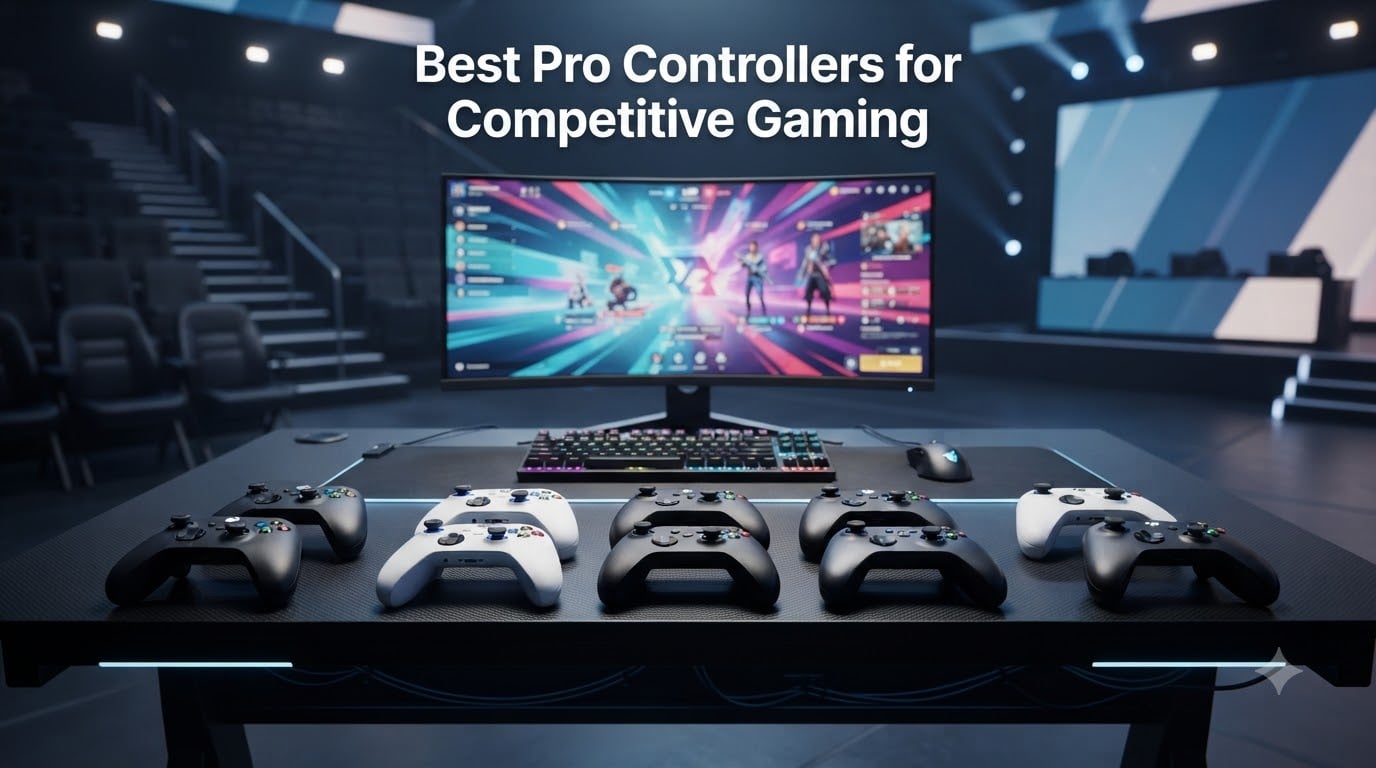
What is the best controller for competitive gaming? The answer depends on your platform, genre, and tolerance for wired play, but the strongest all-around shortlist starts with the GameSir G7 Pro 8K for PC, the Xbox Elite Series 2 for Xbox customization, and the Razer Wolverine V3 Pro 8K for tournament-focused PC play. Each solves a different problem: ultra-low polling, component-level control, or an extremely light wireless build.
We compared 10 pro controllers across PC, Xbox, PlayStation, and Nintendo Switch 2, checking the specifications and review themes that matter in real matches. Our focus was input lag, stick technology, trigger response, back paddles, wireless reliability, battery life, and long-term durability rather than a long list of cosmetic extras.
If you play fighting games, a modular pad such as the Victrix Pro BFG deserves a closer look. If you need a capable PC controller without spending heavily, the 8BitDo Ultimate 2 and GameSir G7 Pro are more practical starting points. Read our breakdown of the best arcade sticks for fighting games if your game is better suited to leverless or stick play.
Table of Contents
Top 3 Picks for Pro Controllers for Competitive Gaming
Best Pro Controllers in 2026
| Product | Specifications | Action |
|---|---|---|
 GameSir G7 Pro 8K GameSir G7 Pro 8K |
|
Check Latest Price |
 Xbox Elite Series 2 Xbox Elite Series 2 |
|
Check Latest Price |
 Razer Wolverine V3 Pro 8K Razer Wolverine V3 Pro 8K |
|
Check Latest Price |
 GameSir G7 Pro Wired GameSir G7 Pro Wired |
|
Check Latest Price |
 DualSense Edge DualSense Edge |
|
Check Latest Price |
 Victrix Pro BFG Victrix Pro BFG |
|
Check Latest Price |
 Razer Wolverine V2 Pro Razer Wolverine V2 Pro |
|
Check Latest Price |
 8BitDo Ultimate 2 8BitDo Ultimate 2 |
|
Check Latest Price |
 Nintendo Switch 2 Pro Nintendo Switch 2 Pro |
|
Check Latest Price |
 Razer Wolverine V3 Pro Razer Wolverine V3 Pro |
|
Check Latest Price |
1. GameSir G7 Pro 8K PC Wireless Gaming Controller
GameSir G7 Pro 8K PC Wireless Gaming Controller,Gen 2 TMR Sticks,Windows
- Gen-2 TMR sticks
- 8000Hz polling
- charging dock
- swappable faceplates
- Small body for some hands
- dongle quality concerns
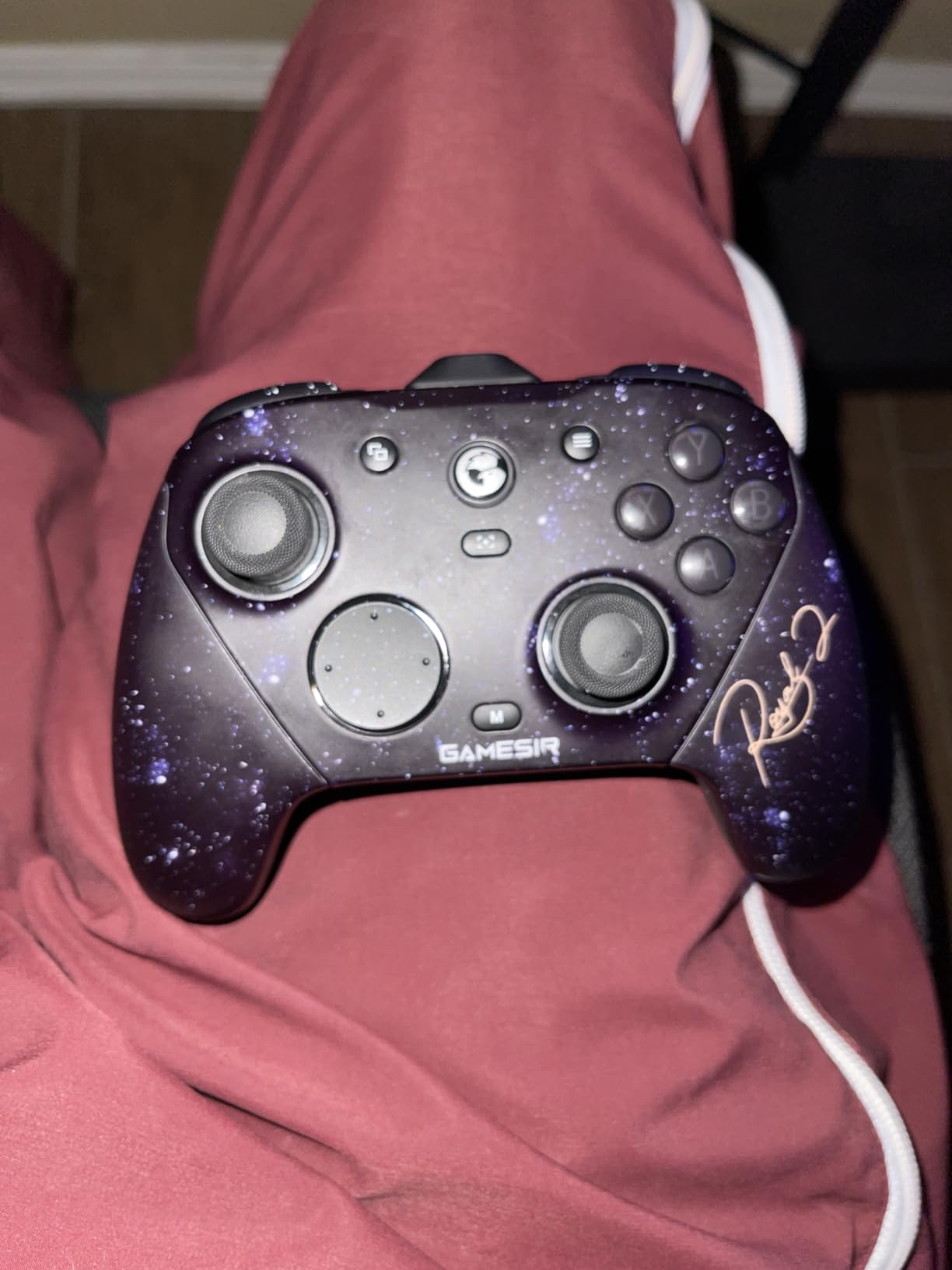
I would choose the GameSir G7 Pro 8K when PC competitive FPS is the priority. The advertised 8000Hz polling rate is the headline feature, but the Gen-2 TMR sticks make the day-to-day experience more convincing: aiming feels consistent, and the review data reports no drift.
Its four programmable controls give you room to move jump, reload, crouch, or melee actions off the face buttons. The Hall Effect triggers switch between analog control and a clicky stop, which is useful when you want faster shooting in an FPS without giving up a separate racing or action-game profile.
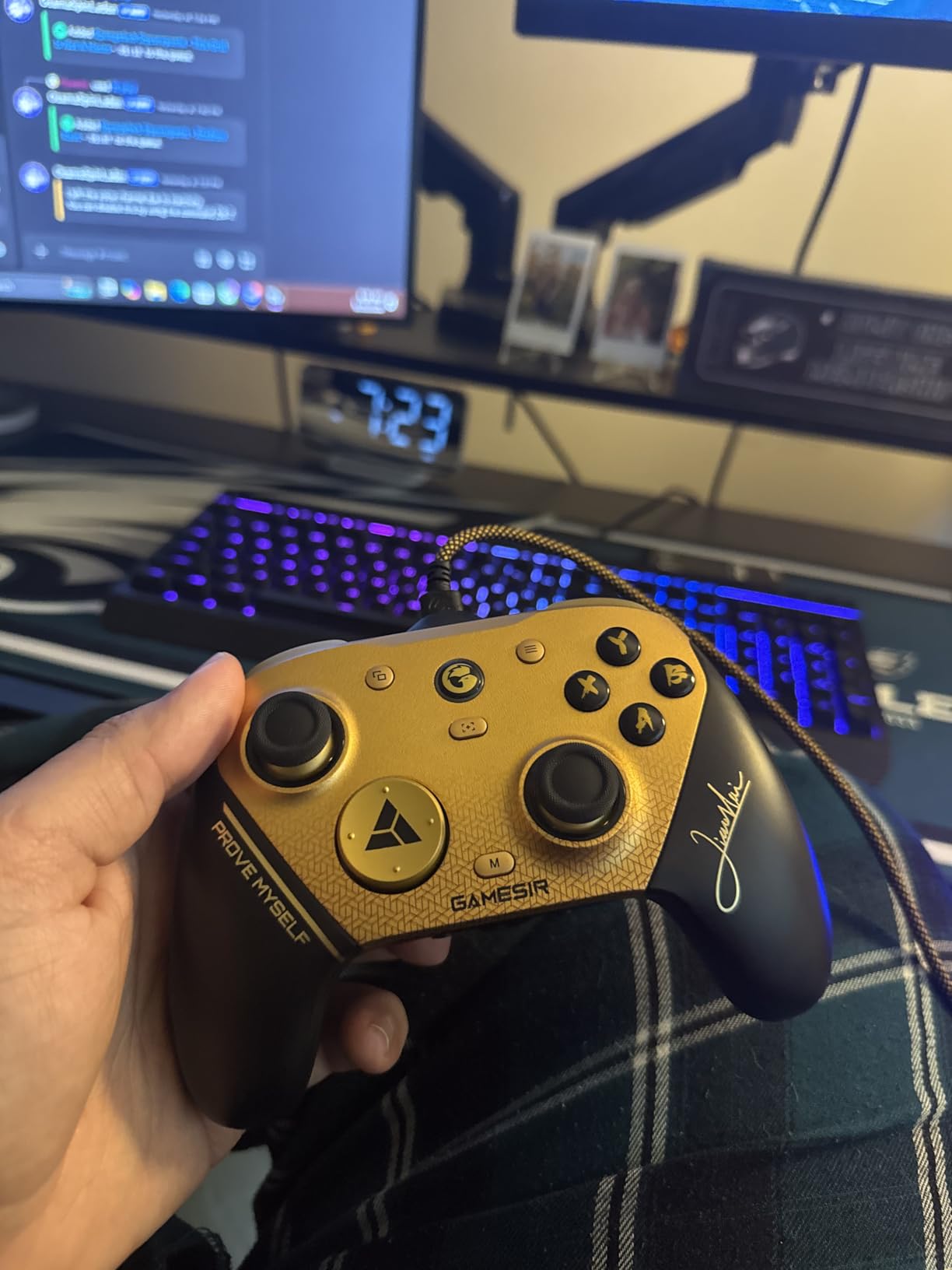
The controller is lighter and less expensive than many premium alternatives, and the charging dock is a useful addition for a desk setup. The trade-offs are size, a mechanical D-pad that may not suit fighting games, and reported wireless dongle or disconnect issues.
That makes the G7 Pro a strong budget-conscious PC pick rather than a universal tournament controller. Use the wired connection when the rules or your setup allow it, and keep the dongle clear of other USB devices.
For whom it is good
This is best for PC players who want high polling, TMR sticks, and paddles without paying for a premium console-focused controller. It is especially attractive for Valorant, Call of Duty, Fortnite, and other games where small input changes matter.
It also works for players who want a rechargeable controller with a dock and do not mind a compact shape. The GameSir Connect software gives you more control than a basic gamepad, although first-time setup takes patience.
For whom it is bad
It is less suitable for players with large hands or anyone who wants a large, relaxed grip. The D-pad is not the best choice for precise directional fighting-game inputs, and the documented dongle concerns mean reliability should be tested before a major event.
I would not buy it solely for Switch or Android use. Its strongest use case remains Windows PC competitive gaming, where the 8000Hz connection can be used with games and software that support it.
2. Xbox Elite Series 2 Wireless Gaming Controller
- unmatched adjustability
- three profiles
- long battery life
- strong grip
- high cost
- known long-term drift concerns
- heavy body
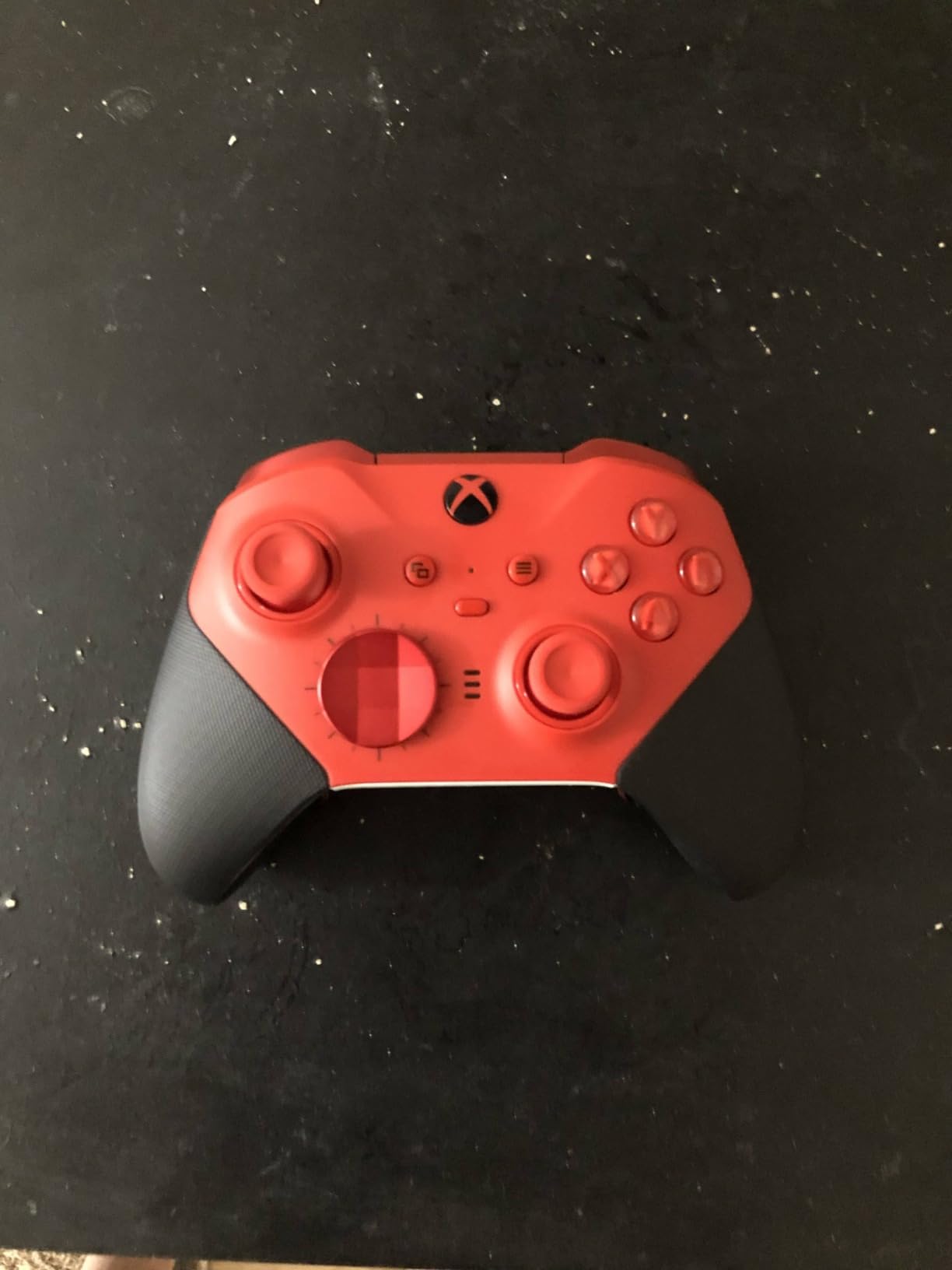
The Xbox Elite Series 2 remains the controller to beat when you want to tune the physical feel rather than rely on one fixed design. Adjustable-tension thumbsticks, three trigger-stop positions, interchangeable D-pads, and multiple paddles let you build a setup around your grip and preferred games.
Three onboard profiles are more useful than they first sound. I would keep one profile for precise FPS aiming, one for racing with shorter triggers, and one for an action game with extra paddle assignments. The controller works across Xbox, Windows PC, TVs, mobile, and Bluetooth devices, so it is one of the most flexible premium options in this list.
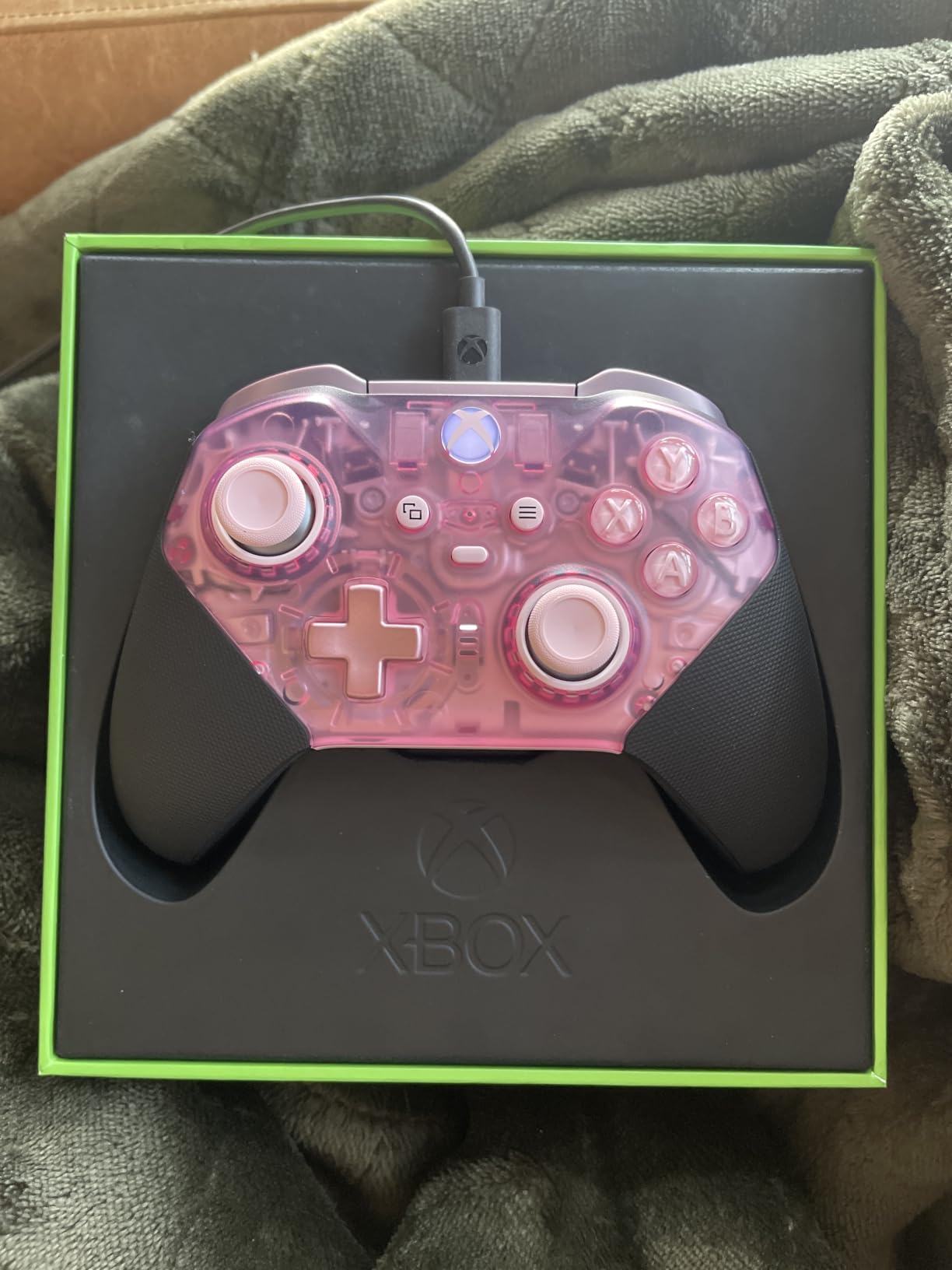
The main reason not to call it the automatic winner is durability. Its review summary flags stick drift after extended use and reliability concerns, while the 2.6-pound listed weight makes it heavier than many newer esports controllers. It is also expensive, but the number of included components and profiles helps explain the premium.
For Xbox players who value a traditional layout and extensive adjustment, this is still a benchmark. Keep the controller clean, avoid forcing the thumbsticks, and test the replacement parts before an important session.
For whom it is good
It is good for Xbox and PC players who want to change stick height, tension, trigger travel, D-pad shape, and paddle layout. Long sessions favor its rubberized grips, and the 40-hour battery claim gives it an advantage over the DualSense Edge.
It is also a sensible choice for someone who wants one premium controller to share across devices. Bluetooth and USB-C add flexibility, while the Xbox Accessories app handles profiles and button assignments.
For whom it is bad
It is a poor fit for someone who wants the lightest possible tournament controller or who is wary of analog-stick reliability reports. The price is difficult to justify if you only need two paddles and a trigger stop.
I would also think twice about buying it for fighting games unless you prefer a standard-style D-pad over a dedicated six-button fight pad. Its customization is broad, but the Victrix Pro BFG is more specialized for that genre.
3. Razer Wolverine V3 Pro 8K PC Wireless Gaming Controller
- ultra-low latency
- light build
- six controls
- strong PC software
- PC-only
- no vibration
- no stick tension adjustment
The Razer Wolverine V3 Pro 8K is the specialist pick for a Windows PC player who wants very high polling without giving up wireless. Its 8000Hz HyperPolling is available wired and wirelessly, while the TMR sticks aim to keep aiming stable and resistant to drift.
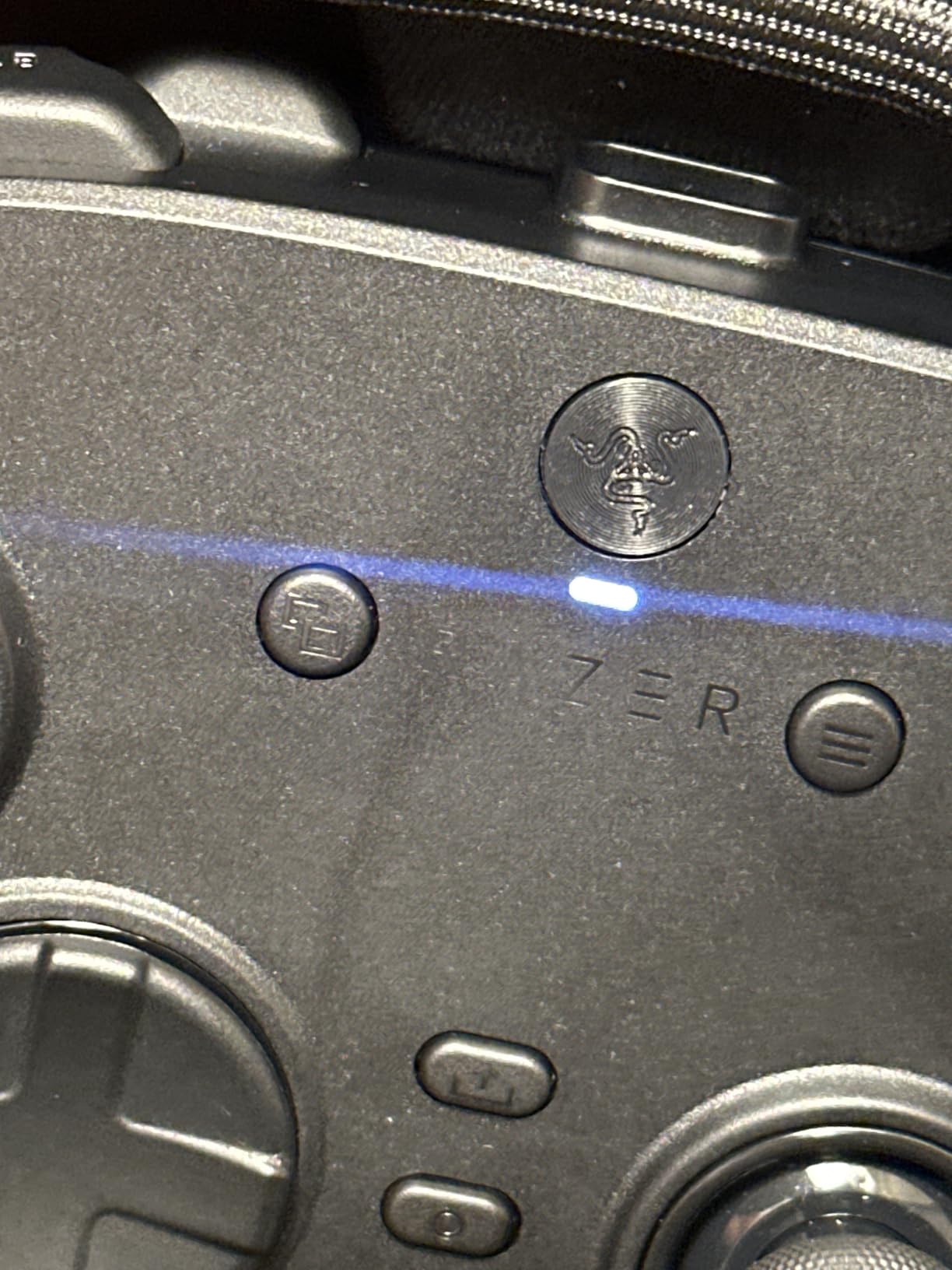
It has four mouse-click back buttons, two claw-grip bumpers, clicky or analog Pro HyperTriggers, and a floating eight-way D-pad. The review notes call out its light 1.28-pound weight and comfortable feel, which helps during long ranked sessions.
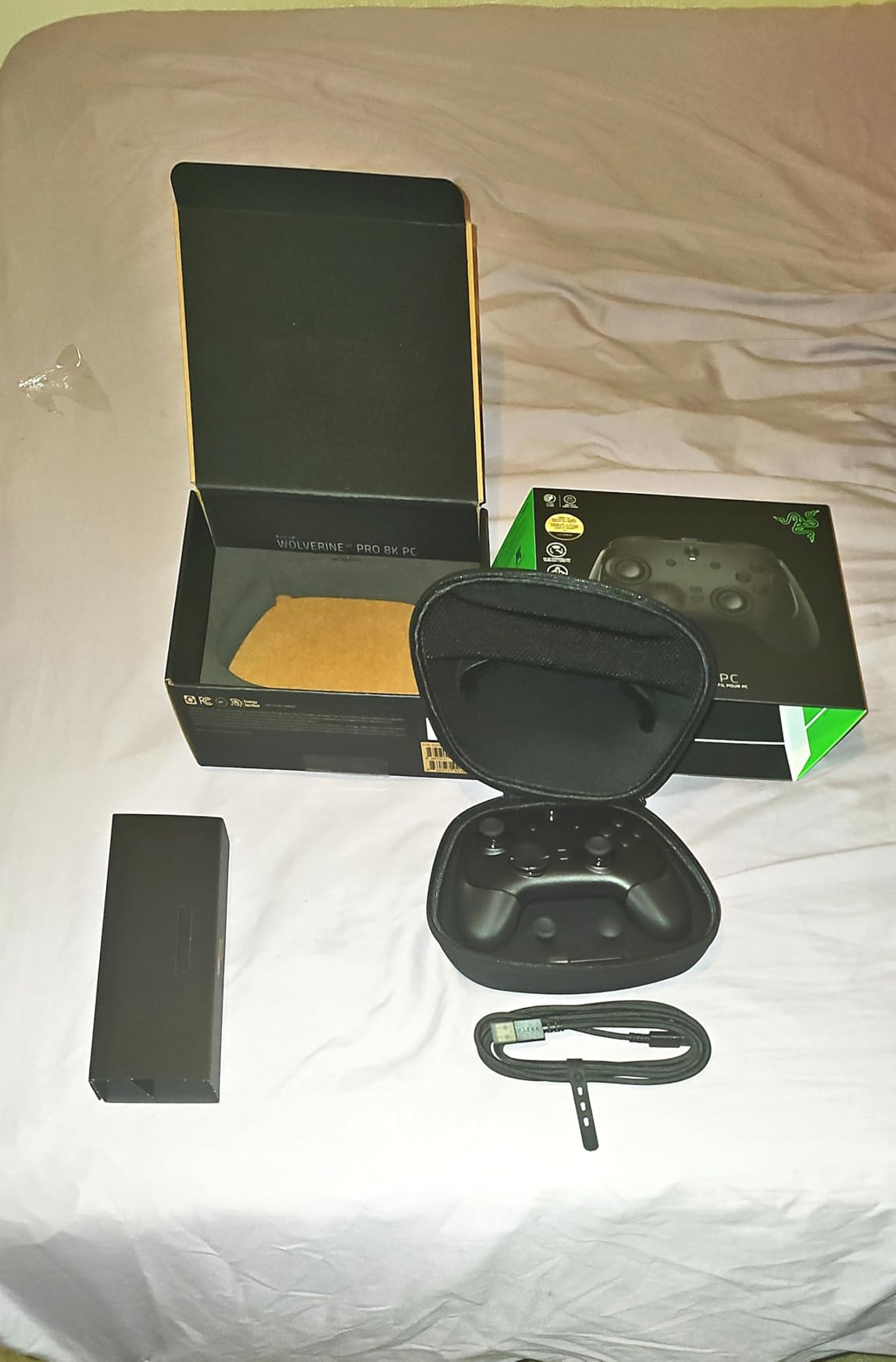
The compromise is platform scope. This model is PC-only and lacks vibration, which may be noticeable if you play story games or sports titles. There is no adjustable stick tension, and the review data mentions occasional connection quirks when switching between wired and wireless modes.
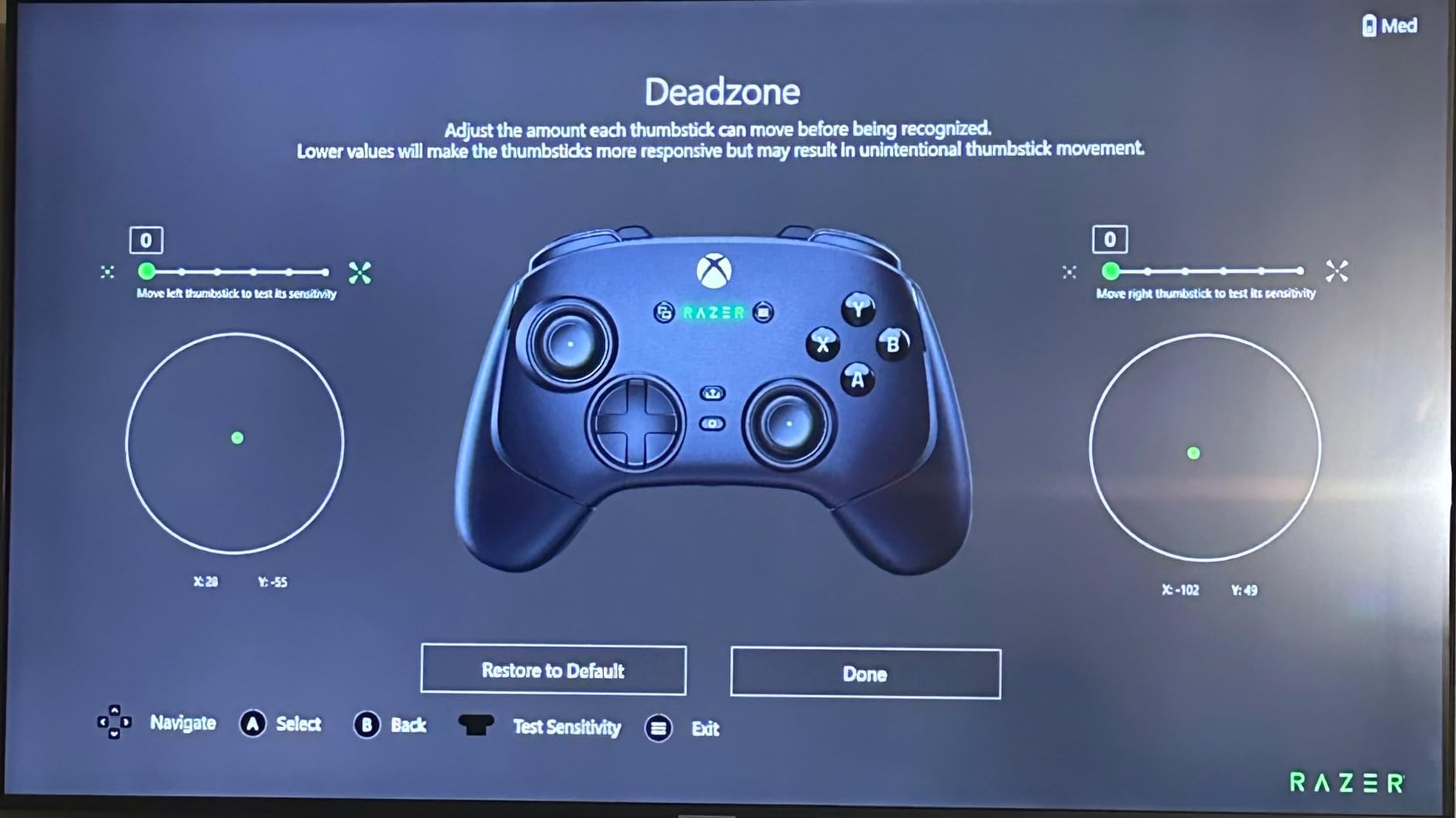
Still, for a competitive FPS setup, the combination of low input latency, light weight, and six remappable controls is compelling. Test your preferred deadzone and trigger mode in the Razer Synapse software before carrying it to a tournament.
For whom it is good
This controller is for PC-only FPS players who want a wireless gamepad and are willing to trade haptics for lower weight. It is particularly useful when you want paddles for movement and actions without covering the face buttons.
It is also a good match for players who want a direct competitor to the GameSir G7 Pro 8K and value Razer’s software and trigger design. The carrying case and braided cable make it easier to transport.
For whom it is bad
Do not buy this for Xbox, PlayStation, macOS, or mobile. The lack of rumble and the fixed stick tension also make it less versatile than the Xbox Elite Series 2.
If your game does not support high polling or you do not notice a difference in your own tests, the lower weight and extra controls may not justify the price. Tournament rules can also matter, so confirm whether 8000Hz wireless is permitted in your event.
4. GameSir G7 Pro Wired Controller for Xbox and PC
- strong value
- TMR sticks
- charging dock
- four extra buttons
- Xbox requires wired play
- loose D-pad reports
- minor QC concerns
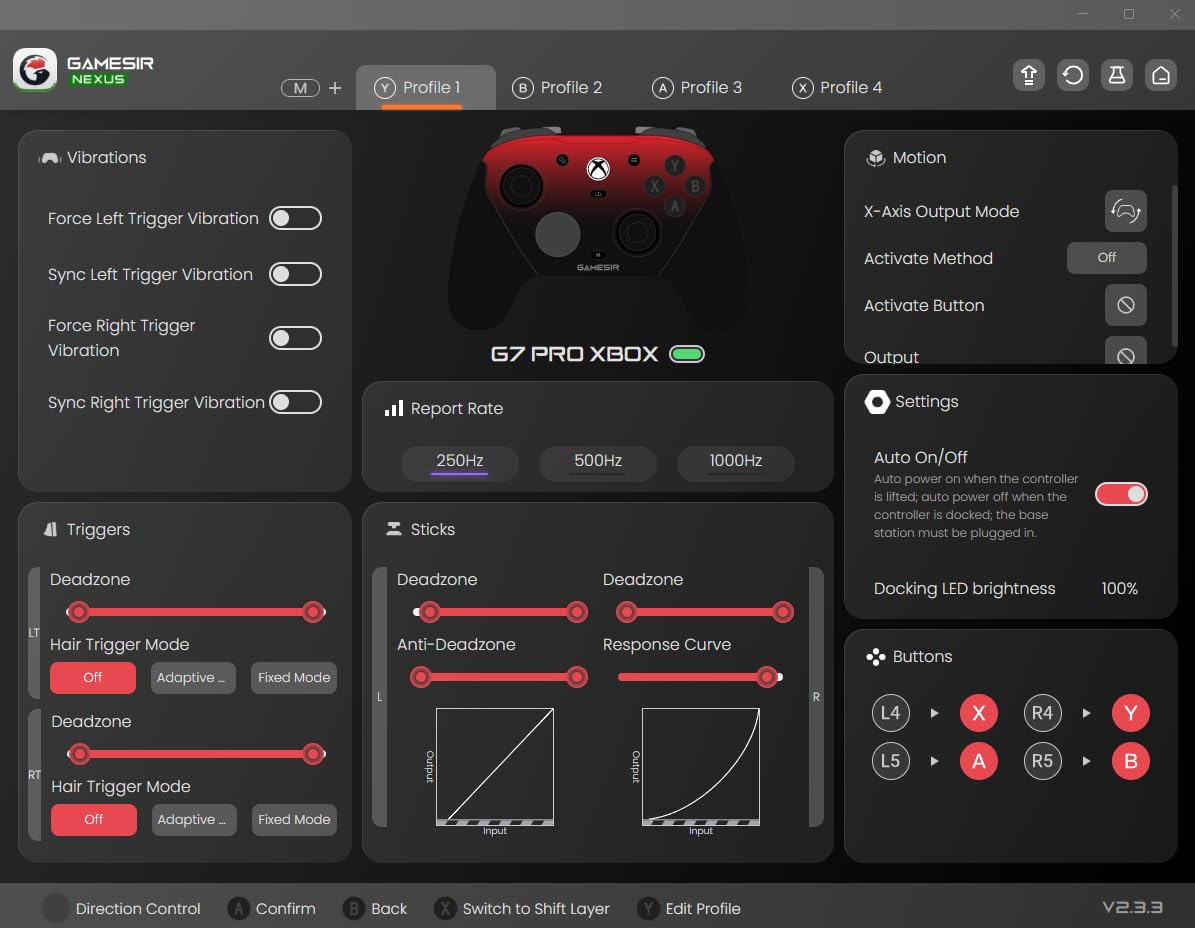
The wired GameSir G7 Pro is a compelling alternative when you want the same core GameSir formula at a lower cost. It offers TMR sticks, Hall Effect analog triggers, a clicky trigger-stop mode, four extra buttons, and a 1000Hz PC polling rate over wired or 2.4GHz connections.
Tri-mode support is more flexible than the name suggests. Xbox play uses USB, PC can use USB or 2.4GHz, and Android can use Bluetooth, so this is a useful option for a setup that moves between an Xbox, a Windows PC, and a phone.
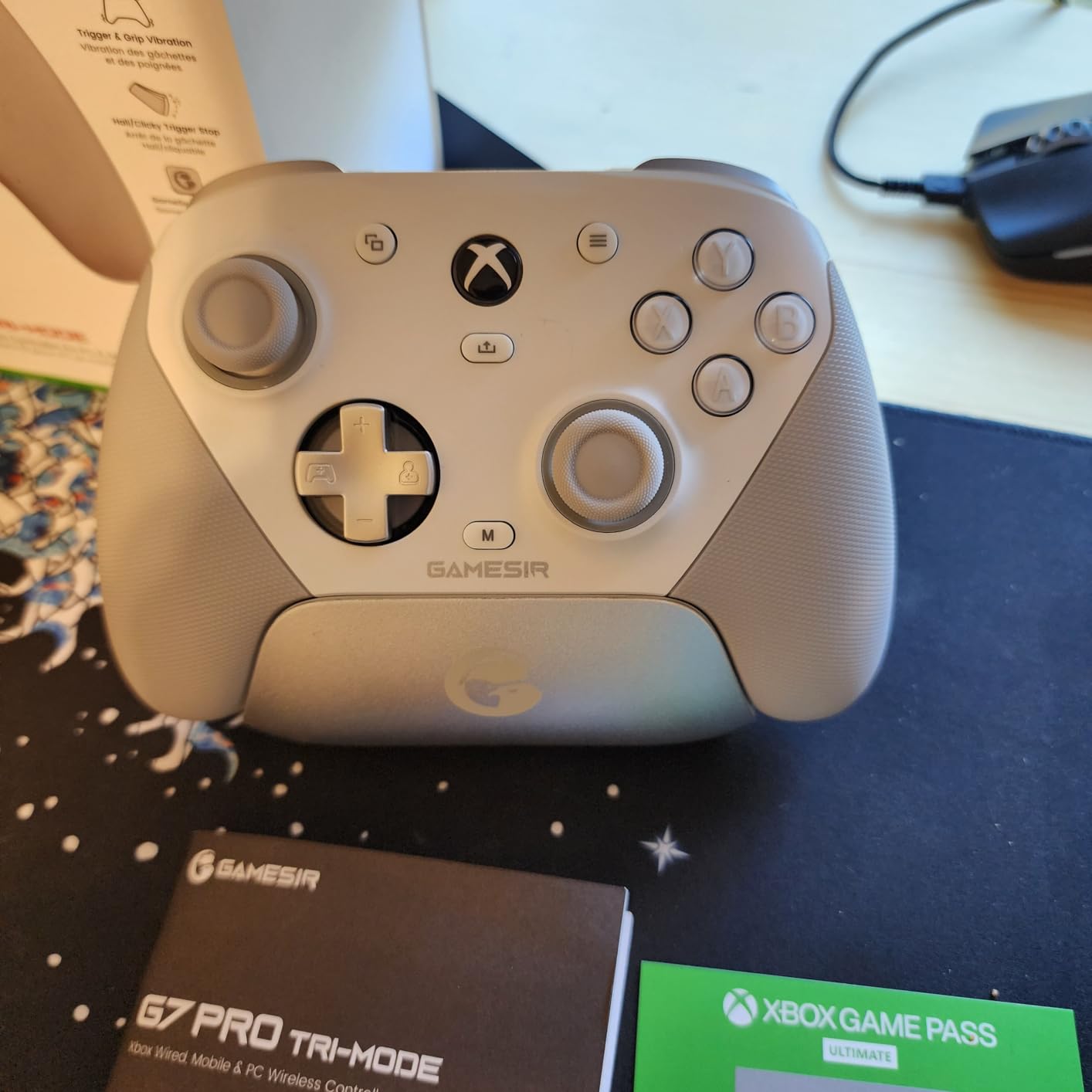
The smart charging dock is unusually useful at this price, and the swappable faceplates add some personality without interfering with the controls. The review data also praises the grip texture, mechanical switches, and GameSir Nexus customization options.
Some units have reported loose D-pad feel, USB port failures, or trigger-toggle inconsistencies. That is a reminder to inspect the controller when it arrives and test every switch before relying on it in a match.
For whom it is good
This is good for budget-focused Xbox and PC players who want drift-resistant TMR sticks and trigger stops. The dock and four extra buttons make it a better fit for someone building a dedicated desk setup than for a player who only needs a basic gamepad.
It also suits players who want a wired fallback controller. If wireless latency makes you nervous, USB gives you a simple, dependable path for supported Xbox play.
For whom it is bad
It is not the best choice for wireless Xbox gaming, because the supplied wireless modes are for PC and Bluetooth is listed for Android. The D-pad may also feel too soft for fighting-game players who want a crisp leverless or six-button input.
For the lowest-risk purchase, check the return policy and inspect the USB port, paddles, and trigger stops as soon as you open the box. Third-party quality control can vary, even when the feature list looks excellent.
5. PlayStation DualSense Edge Wireless Controller
- modular sticks
- custom profiles
- adjustable triggers
- premium grip
- short battery life
- fragile charging concerns
- high price
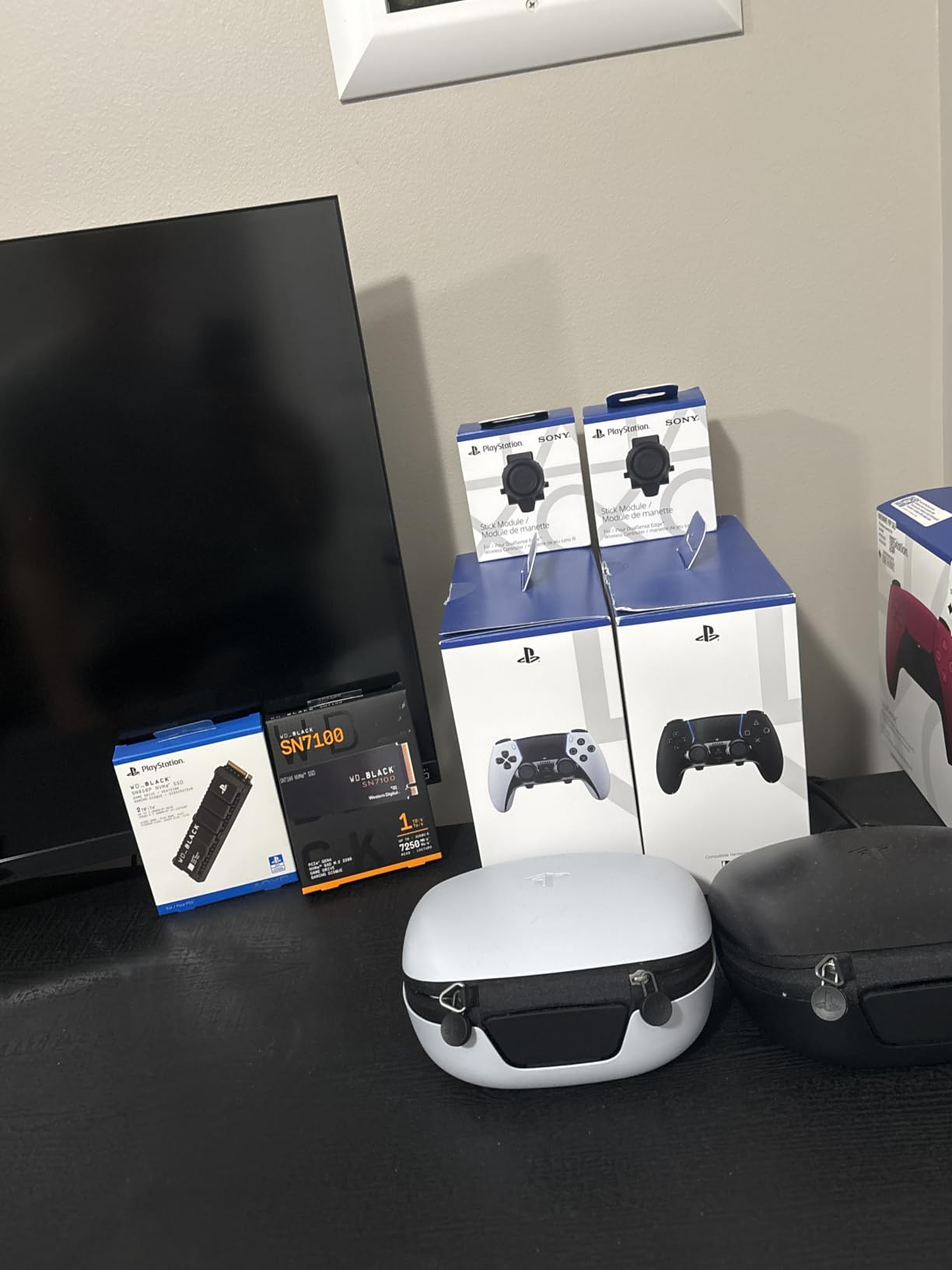
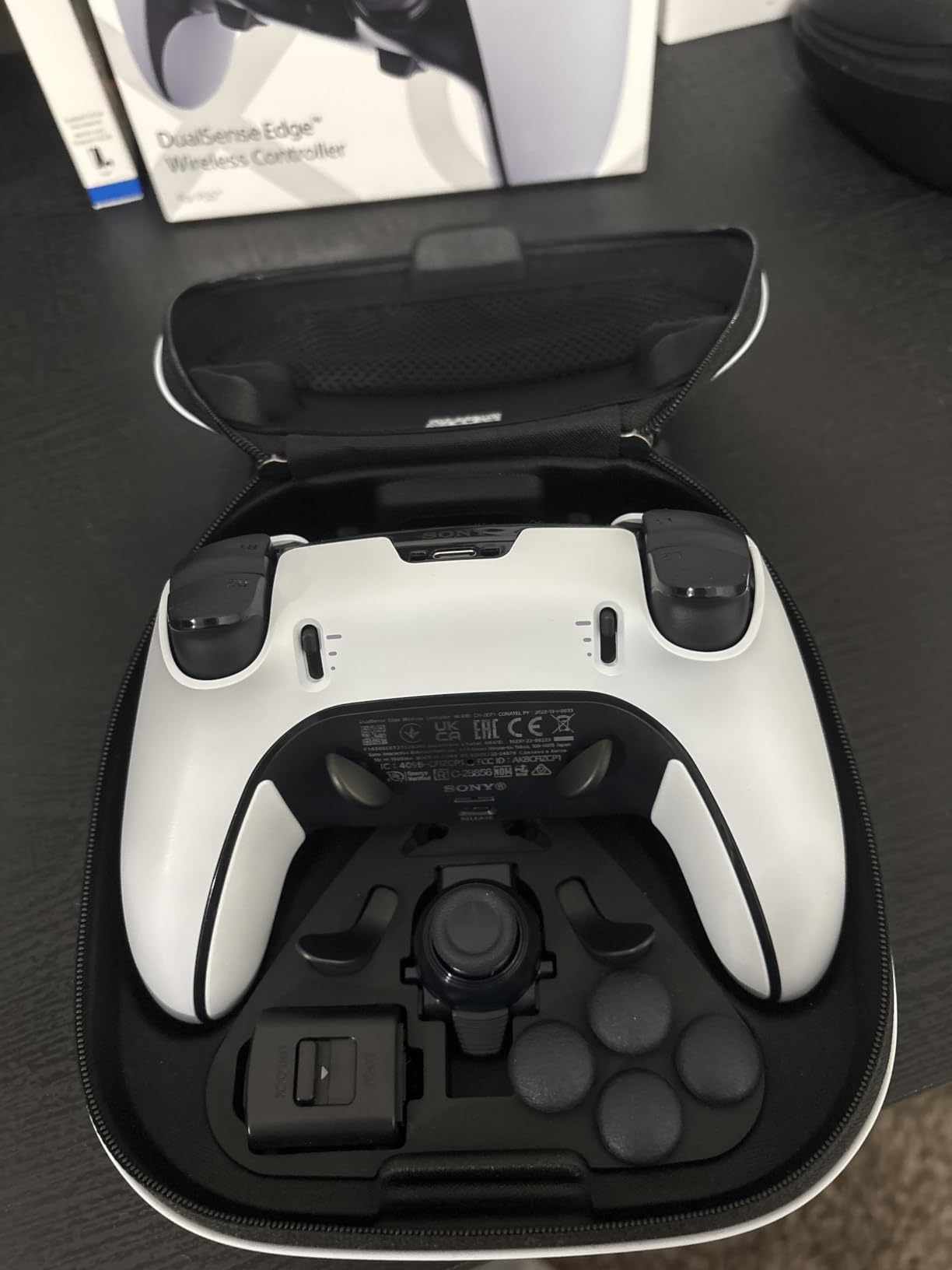
The DualSense Edge is the clear choice for PlayStation 5 players who want a premium controller that preserves the DualSense experience. Swappable stick modules, remappable back buttons, adjustable trigger lengths, and quick-swap profiles give you more control than the standard DualSense.
Its modular stick design is the feature I would value most over time. Being able to replace the stick module can address a worn or drifting component without replacing the entire controller, which matters for a device that sees thousands of hours of use.
There is a real cost to that flexibility. The review summary lists battery life around five to six hours, charging-port concerns, and a price roughly double that of a standard DualSense. If you play long sessions away from a cable, the Elite Series 2’s 40-hour battery is much easier to live with.
For competitive PS5 shooters, the remappable buttons and trigger adjustments can help. The controller still keeps the haptics and adaptive-trigger identity that makes Sony’s platform distinctive, unlike the Razer Wolverine V2 Pro.
For whom it is good
It is good for PS5 owners who want official PlayStation ergonomics, profiles, and modular sticks. It is the obvious upgrade when you want paddles but do not want to leave the DualSense layout.
It is also attractive to players who regularly switch between games with different trigger requirements. The quick-swap profiles reduce the time spent changing settings between sessions.
For whom it is bad
It is bad for players who demand long wireless battery life or who move the controller while charging. The shorter battery makes it less convenient for travel, and the charging connection deserves extra care.
I would not choose it for PC-only FPS play. Sony’s premium features are strongest on PS5, and a PC-focused controller can deliver higher polling and a lighter design for less money.
6. PDP Victrix Pro BFG Wireless Gaming Controller
- six-button fight module
- extensive module set
- low deadzone
- charging dock
- nonstandard shape
- back-button accidents
- D-pad feel
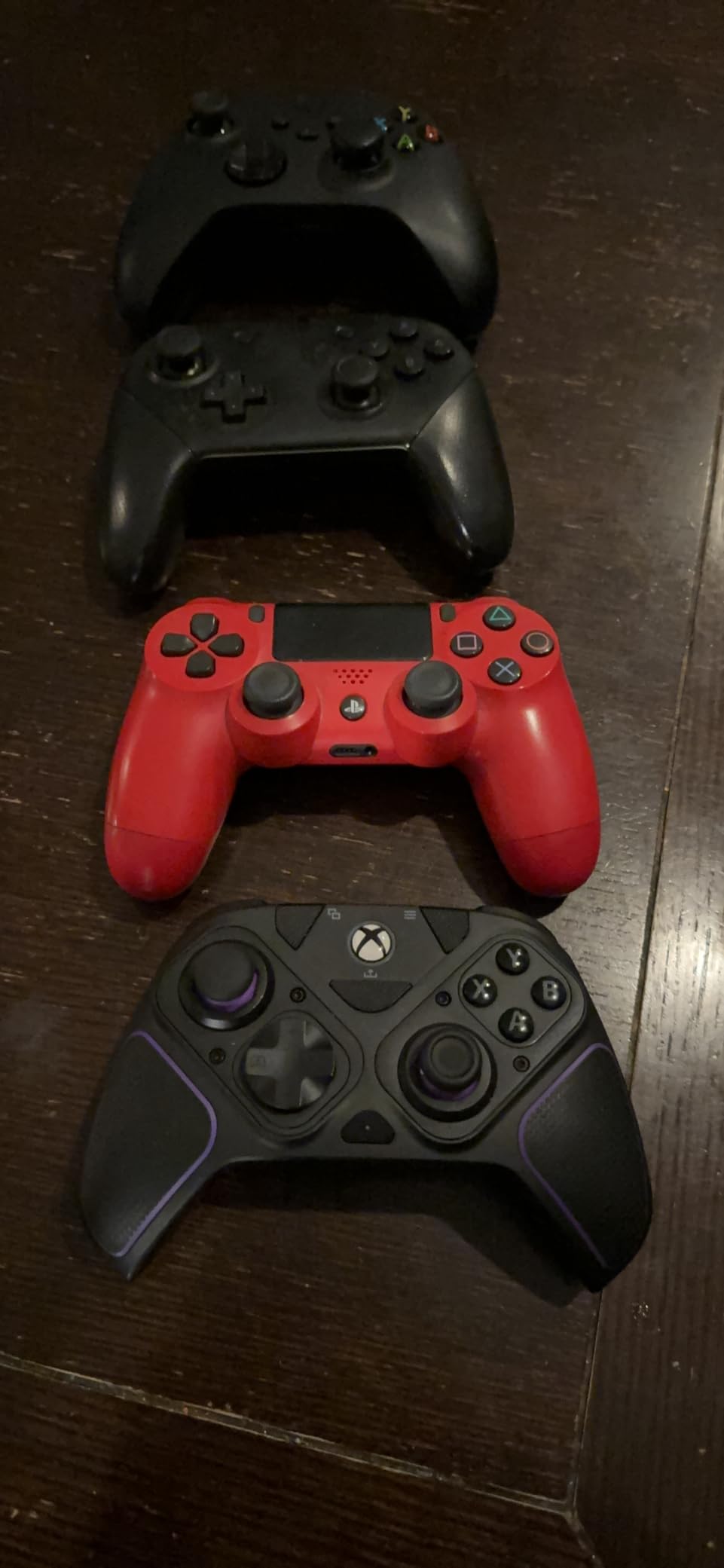
The Victrix Pro BFG is the most specialized controller here. Its reversible left module, six-button fight-pad module, four interchangeable sticks, three D-pads, and four gates let you change the physical layout instead of trying to adapt one shape to every genre.
The Clutch Triggers have five stops plus a hair-trigger mode, while four mappable back buttons handle jump, reload, or other recurring actions. The low deadzone and Hall Effect trigger upgrade are useful for responsive inputs, and the included dock and case make the package practical for events.
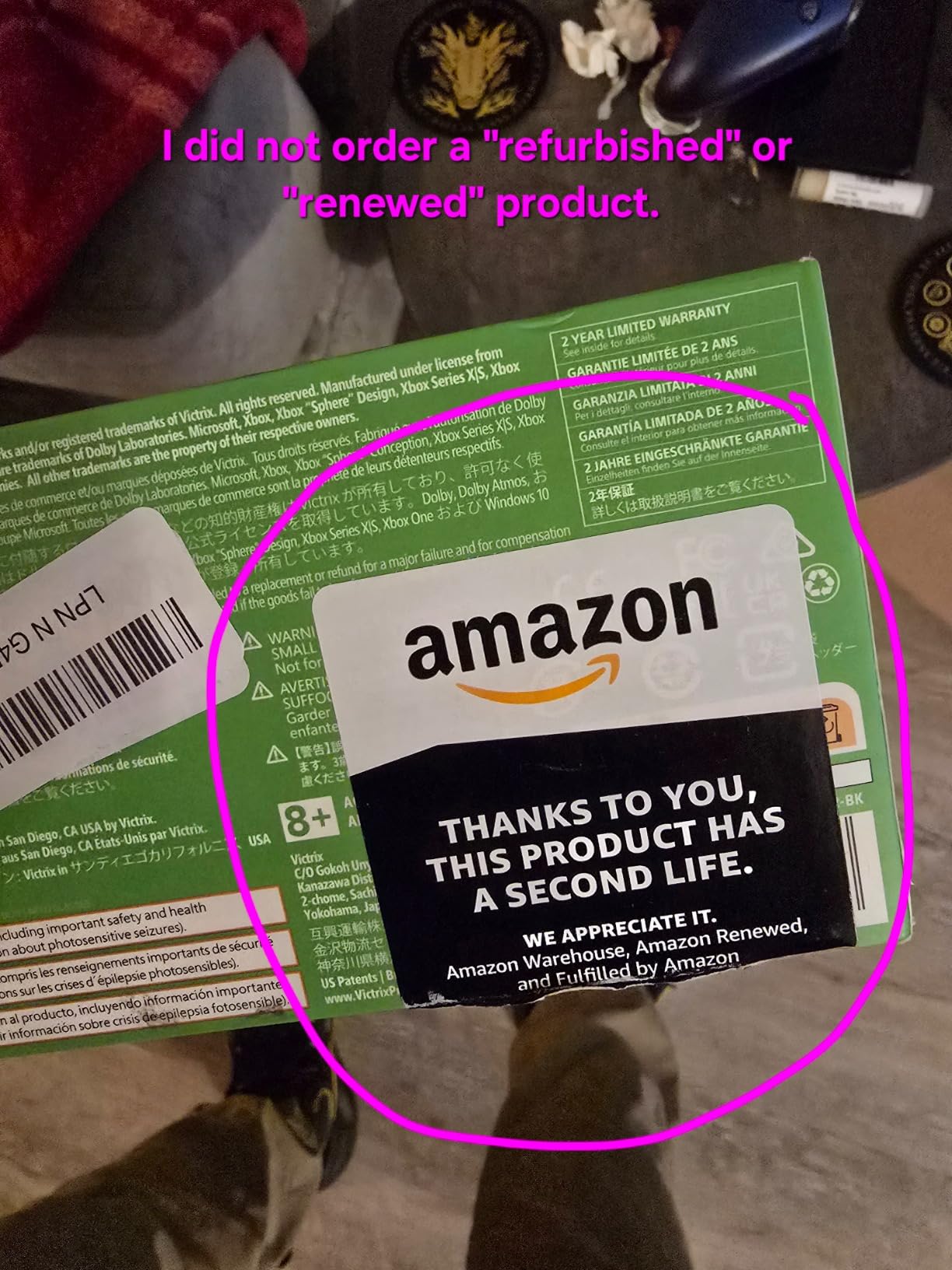
The trade-off is ergonomics. The controller shape differs from a standard Xbox layout, the back buttons can be pressed accidentally, and the D-pad may feel mushy compared with a dedicated arcade stick. We link to Sanwa arcade buttons for customization for players who want to build a more traditional fight station.
If you regularly switch between FPS and fighting games, the modular design is a real advantage. If you only play one game, however, the added bulk and learning curve may not be worth it.
For whom it is good
This is the best fit for fighting-game players who want a six-button layout without giving up console compatibility. The reversible module and multiple stick choices let you tune the controller for different titles and hand positions.
It is also good for players who want one controller that can serve both shooters and fighters. The dock, case, and extra modules make it a more complete package than a simple pad.
For whom it is bad
It is less suitable for someone who wants a small, lightweight, Xbox-like controller. The back buttons are close together, so accidental activation is possible if you use a loose grip.
The D-pad is another reason to test the layout before buying. A dedicated arcade stick may feel more natural for precise directional inputs, especially if you already play on a larger setup.
7. Razer Wolverine V2 Pro Wireless PlayStation Controller
Razer Wolverine V2 Pro Wireless PlayStation Gaming Controller, Black
- mechanical switches
- low-latency wireless
- strong D-pad
- custom mapping
- no haptics
- no Bluetooth
- connection and deadzone reports
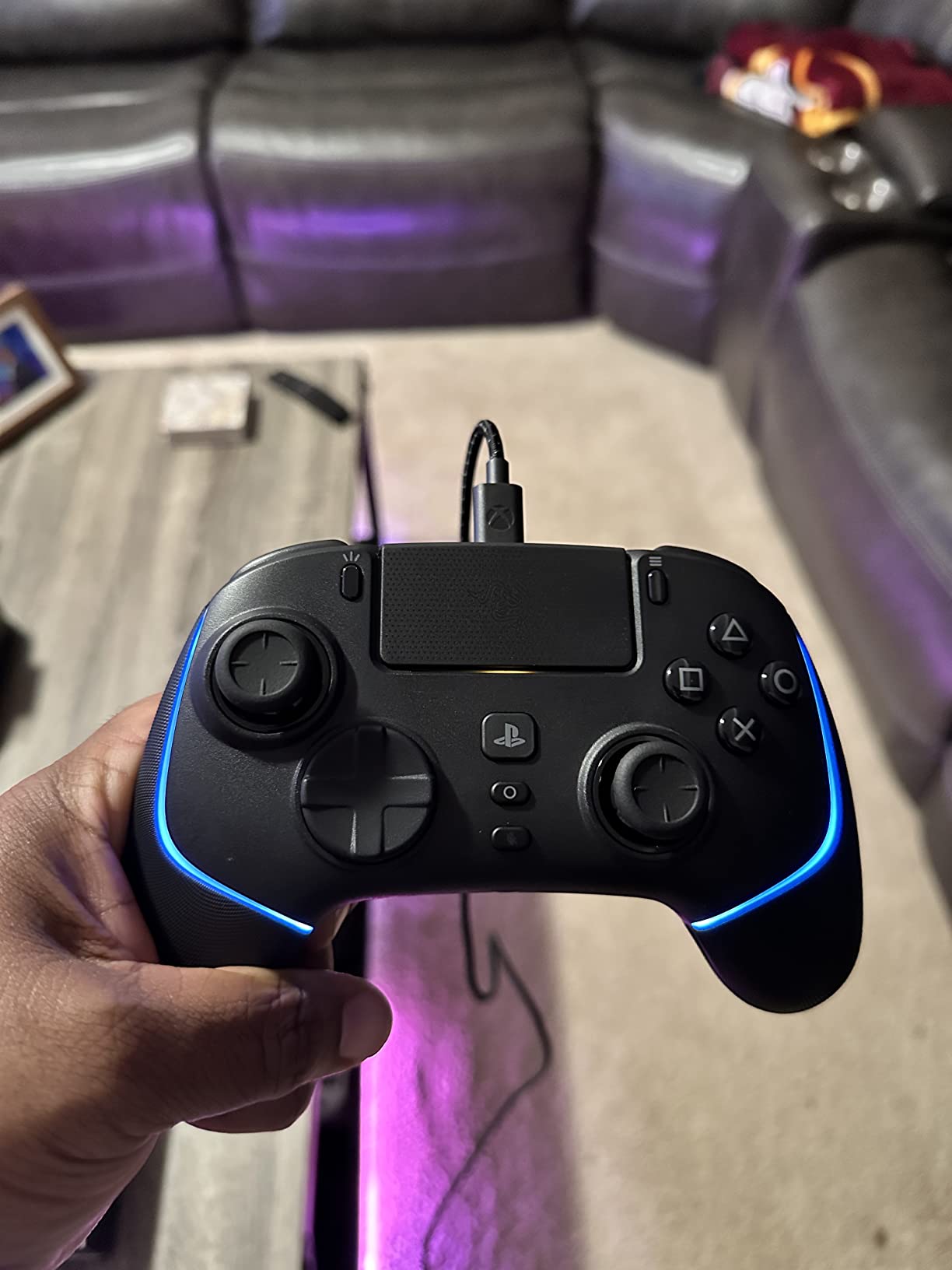
The Razer Wolverine V2 Pro is a PS5 controller for players who prioritize mechanical buttons and a low-latency wireless connection over Sony’s haptics. The eight-way microswitch D-pad is a meaningful upgrade for fighters, and the HyperTrigger mode shortens trigger travel for faster firing.
Six remappable controls and interchangeable thumbstick caps add useful flexibility. The 2.4GHz dongle is straightforward once configured, and the larger shape is comfortable for players with bigger hands according to the product review themes.
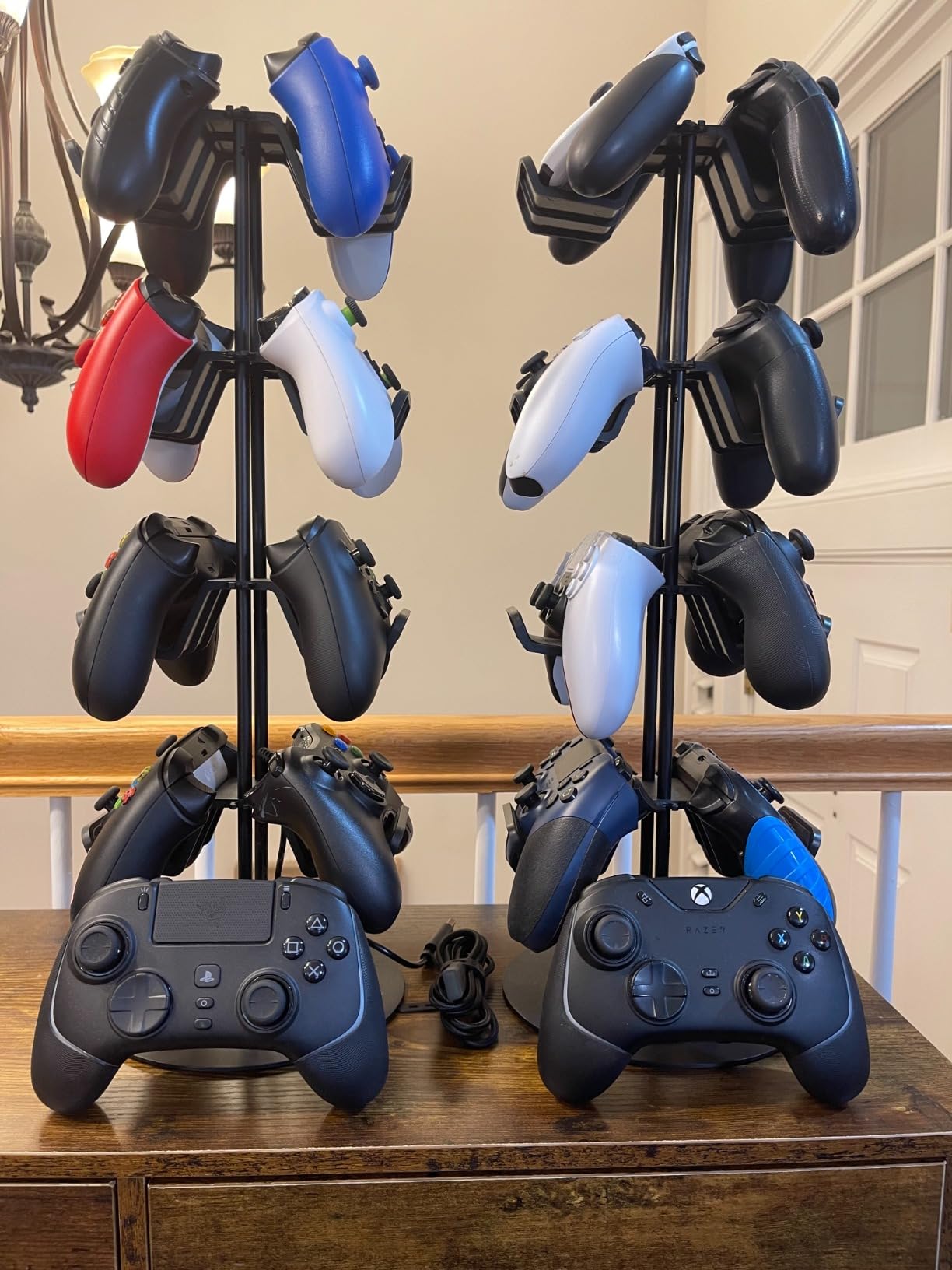
It loses the DualSense Edge’s adaptive triggers, haptic feedback, and Bluetooth. The review data also reports large deadzones and connection stability issues on some units, so a firmware update and a careful deadzone test are sensible steps.
This is not the most polished PS5 choice, but it is a focused one. If you care about button feel and tournament-like input response more than immersion, it deserves a place on your shortlist.
For whom it is good
It is good for PS5 players who like crisp mechanical face buttons and want a dedicated wireless dongle. The D-pad can be a real advantage in fighting games, while HyperTrigger helps in shooters.
It also suits players who find the standard DualSense’s adaptive triggers unnecessary. The six remappable controls give you a familiar pro-controller setup without changing the basic PlayStation layout.
For whom it is bad
It is a poor choice for players who want haptics, adaptive triggers, or Bluetooth pairing with multiple devices. The absence of turbo and macro support is another limitation if you rely on those features.
Because of the reported deadzone and connection issues, I would avoid using it as an untested tournament controller. A wired alternative may be safer when wireless stability is the priority.
8. 8BitDo Ultimate 2 Wireless Controller
8Bitdo Ultimate 2 Wireless Controller for PC, Apple, Steam & Android, Black
- excellent value
- TMR precision
- low latency
- charging dock
- software setup friction
- unmapped extra buttons
- platform limits
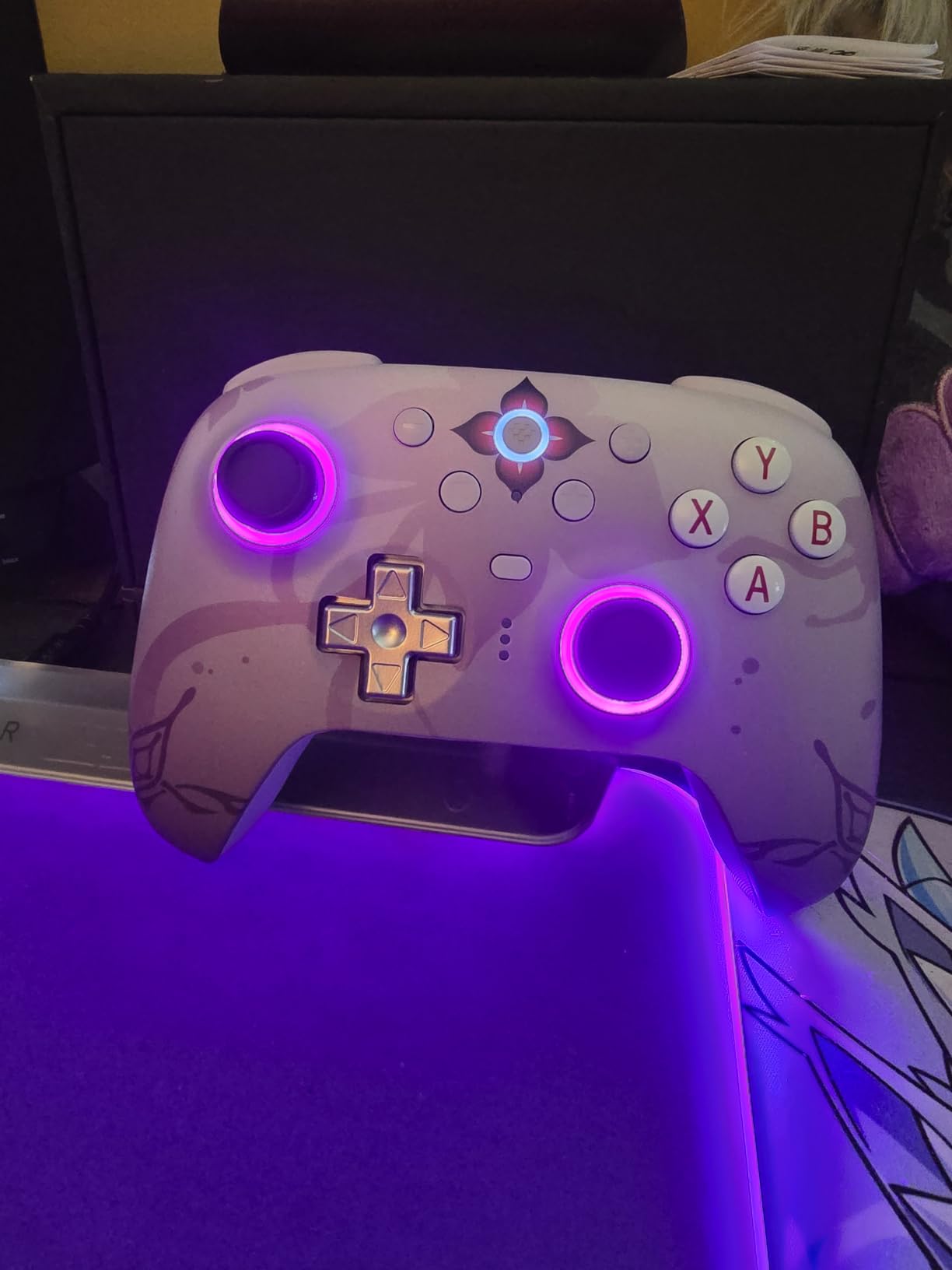
The 8BitDo Ultimate 2 is the value winner for PC and mobile players who want modern stick technology without a premium price. TMR joysticks, a 1000Hz polling rate over 2.4GHz or USB, and 8Speed wireless advertised under 1ms make it a serious competitive option.
Switchable Hall Effect linear triggers and tactile trigger modes make it useful across genres. Two pro back paddles and L4/R4 bumpers provide extra inputs, while gyro support adds another option for games that support motion aiming.
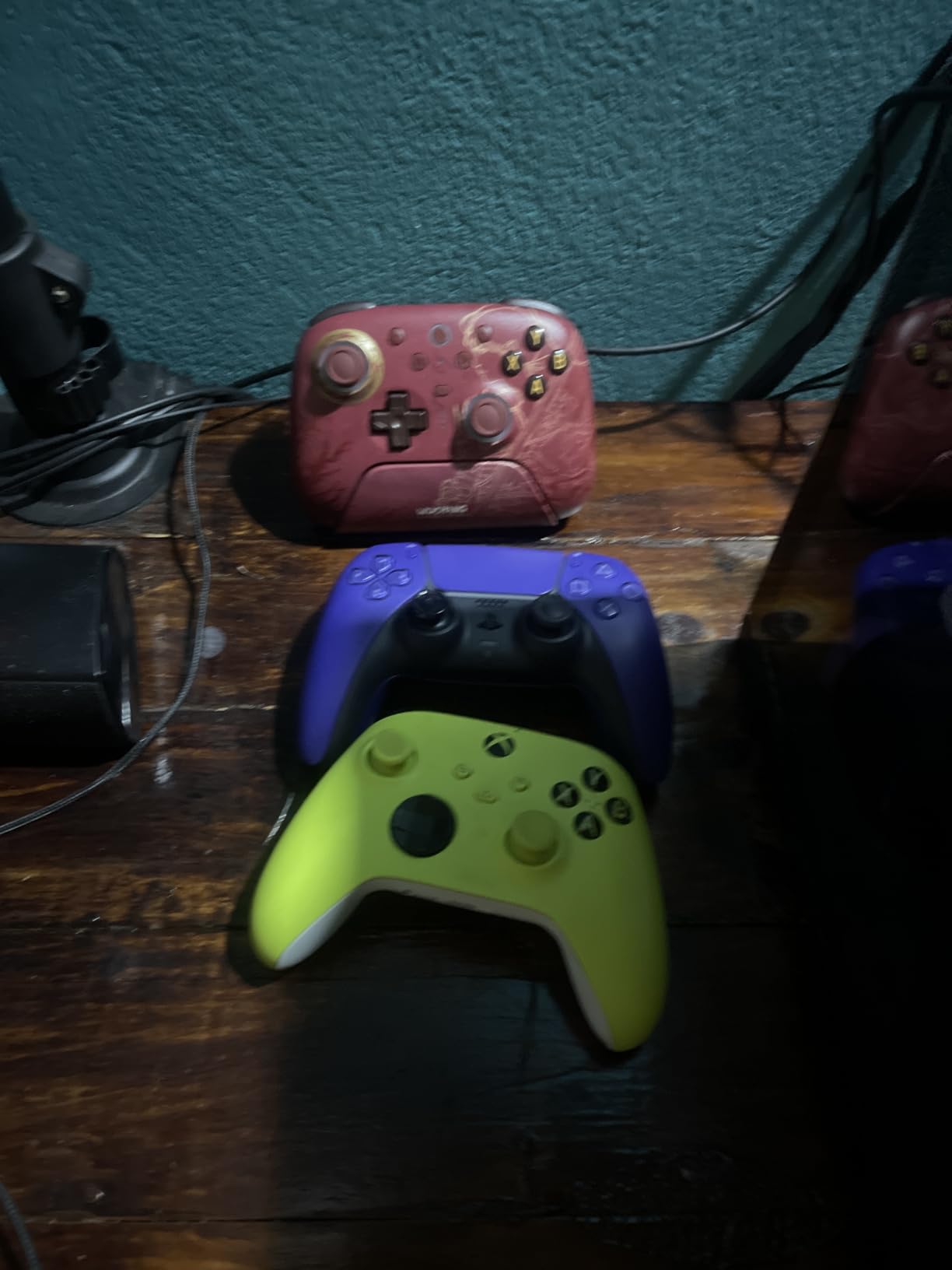
The included multifunctional charging dock and strong review rating make it easy to recommend. The drawbacks are software friction, extra-button recognition issues in Steam without configuration, and the fact that the Star and Square buttons cannot be remapped in the listed feature set.
For a player who wants TMR sticks, 1000Hz polling, and a dock for less than the premium controllers, this is the most balanced pick. Treat it as a PC controller first, not a cross-platform replacement for every console pad.
For whom it is good
This is ideal for budget-conscious PC players who care about stick durability and low latency. It is also good for mobile users who want more control than a basic Bluetooth gamepad.
It works well for players who enjoy tuning trigger feel. The ability to switch between linear Hall Effect and tactile modes is more useful than it sounds when you move from a driving game to an FPS.
For whom it is bad
It is not ideal for someone who wants every button remapped, since some PlayStation-symbol inputs cannot be changed. Steam configuration may also be required before the extra buttons work correctly.
I would choose a platform-native controller instead if console compatibility is your main concern. The Ultimate 2 makes more sense as a flexible PC and mobile value pick.
9. Nintendo Switch 2 Pro Controller
- long battery life
- comfortable grip
- remappable back buttons
- amiibo support
- Switch 2-only focus
- occasional stick reports
- limited PC flexibility
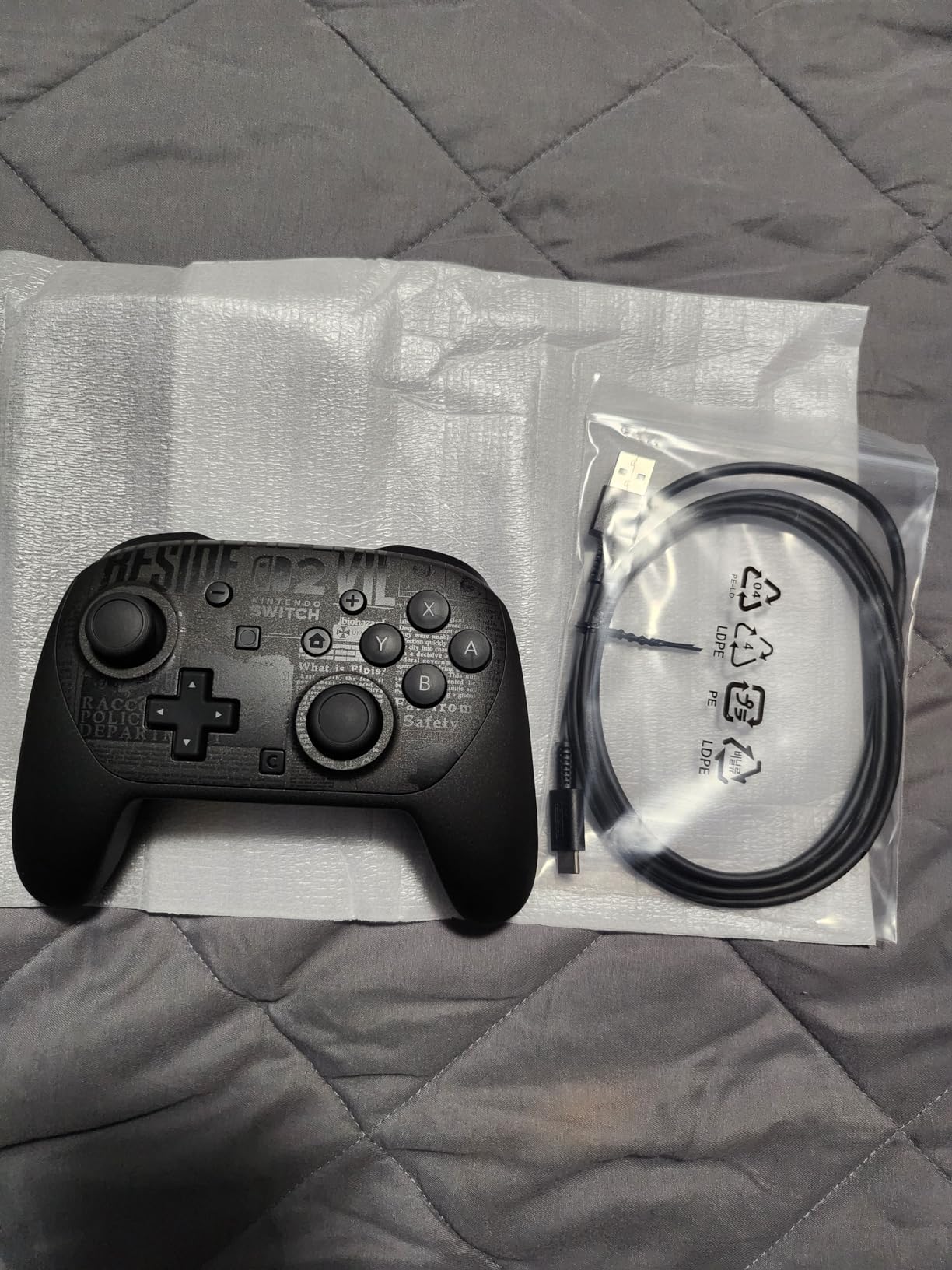
The Nintendo Switch 2 Pro Controller is the best choice here for a dedicated Switch 2 player. It keeps the comfortable, premium feel of a first-party Nintendo controller while adding GL and GR mappable back buttons, a 40-hour battery, HD Rumble 2, motion controls, and amiibo support.
Its battery life is a major advantage for a portable console. The controller is rated up to 40 hours, which is far more practical for long sessions than the DualSense Edge’s short runtime, and the C button gives direct access to the Switch 2’s GameChat features.
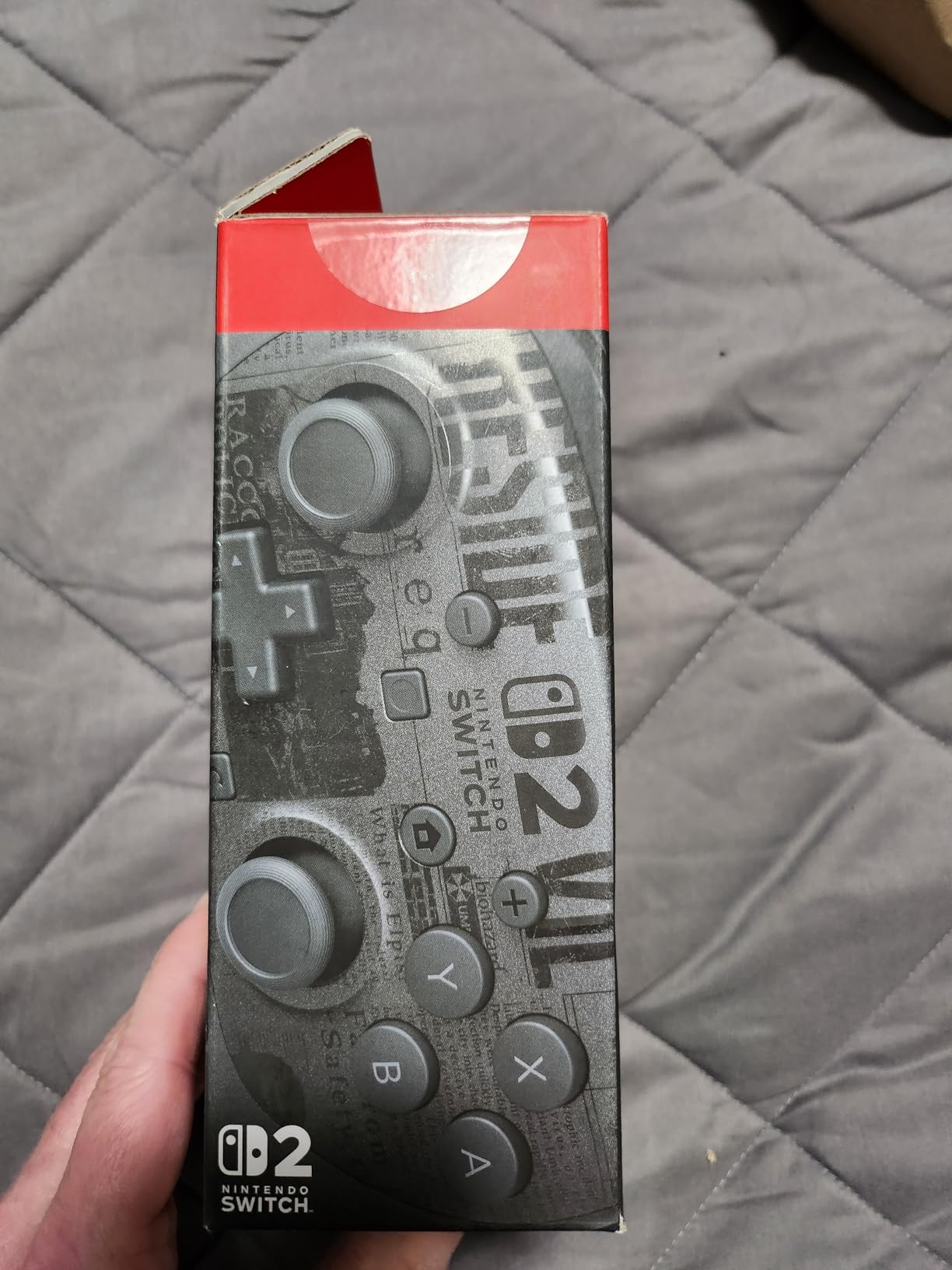
The drawback is specialization. The listed compatibility is for Nintendo Switch 2, so it is not the controller I would buy for a multi-platform PC or living-room setup. The review data also mentions occasional joystick flick-back behavior and a slippery grip before it is broken in.
For Mario Kart, Super Mario, and other Switch 2 games, the extra back buttons are a welcome addition. For traditional competitive PC shooters, its platform focus and connection options leave it outside the main consideration set.
For whom it is good
This is good for Switch 2 owners who value comfort, battery life, motion controls, and first-party pairing. The 40-hour claim means fewer interruptions than many premium wireless controllers.
It is also a strong choice for players who want remappable back buttons without learning third-party software. The amiibo functionality and GameChat button are useful extras in the Nintendo ecosystem.
For whom it is bad
It is a bad fit for someone who needs a PC-first controller or cross-platform flexibility. If your main games are shooters on Windows, the GameSir G7 Pro or 8BitDo Ultimate 2 offers more relevant controls and polling information.
It is also not the first choice for serious fighting-game input, where a six-button fight pad or arcade stick provides a more deliberate layout. The controller is best viewed as a premium Switch 2 gamepad, not a universal esports tool.
10. Razer Wolverine V3 Pro Wireless Controller for Xbox and PC
- excellent Hall Effect sticks
- comfortable paddles
- tactile triggers
- carrying case
- wireless reports
- no Bluetooth
- no adjustable stick tension
The original Razer Wolverine V3 Pro is a feature-rich Xbox and PC controller with Hall Effect sticks, four mouse-click back buttons, two claw-grip bumpers, and Pro HyperTriggers. The latter can switch between instant actuation and analog control, giving shooters and action games different trigger behavior.
I like the tactile feel of Razer’s Mecha-Tactile action buttons, and the floating eight-way D-pad is useful beyond first-person games. The carrying case and 10-foot cable are practical touches for tournament travel, while four onboard profiles let you save separate setups.
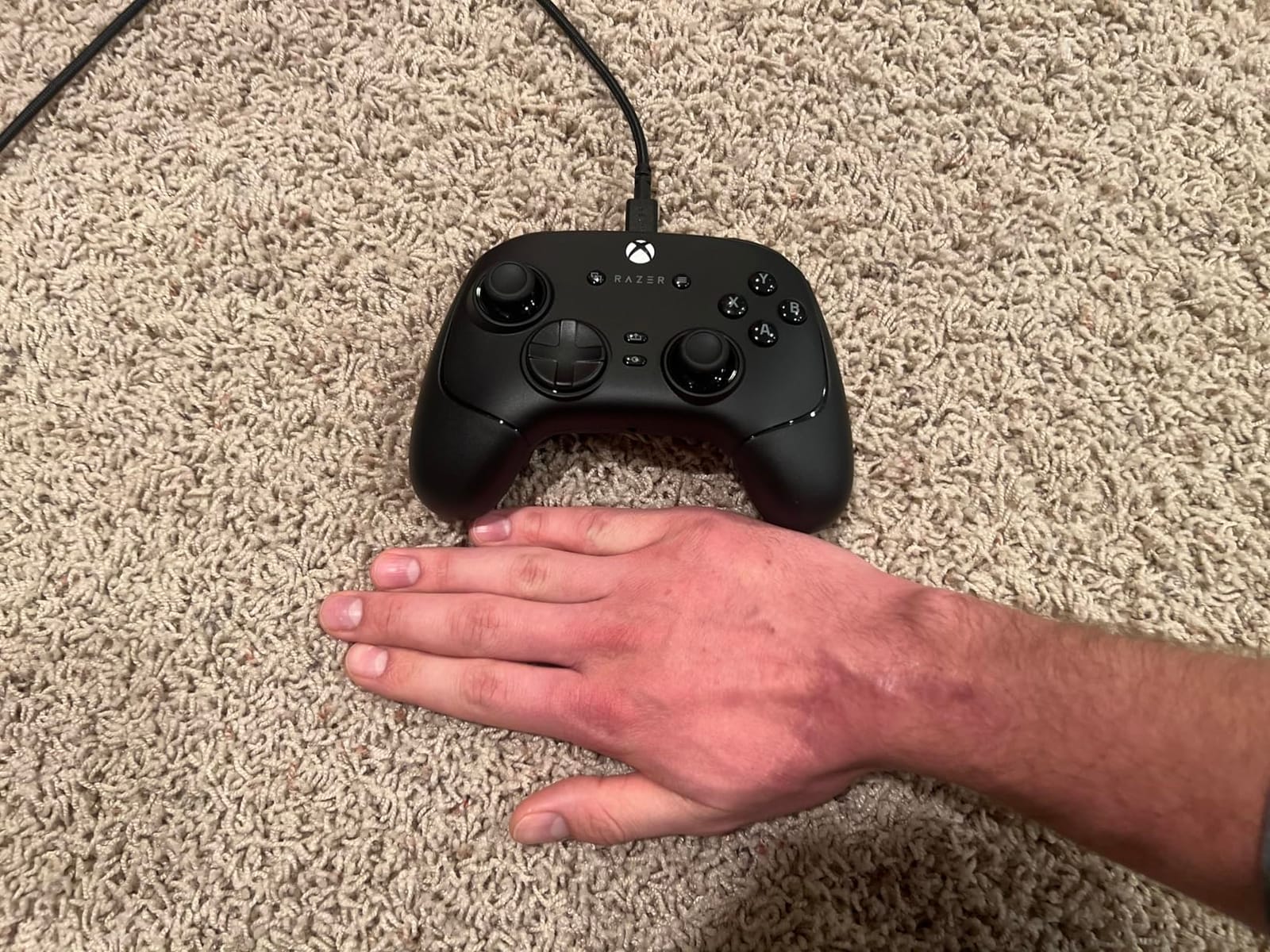
The review summary is less enthusiastic about wireless reliability. Some users report connection issues and occasional stick drift when using the 2.4GHz link, while the dongle itself may be vulnerable to damage. The controller also has no Bluetooth and no adjustable stick tension.
For Xbox players, the wired tournament mode is the safer recommendation. It offers a responsive PC connection and premium controls without pretending that every wireless feature is equally dependable.
For whom it is good
It is good for Xbox and PC players who want Hall Effect sticks, tactile buttons, and a full set of rear controls. The wired mode is especially appropriate for tournament use when reliability matters more than cable freedom.
It is also a good fit for players who already use Razer software and want profiles stored on the controller. The case makes it easier to protect the paddles, cable, and dongle between events.
For whom it is bad
It is not the best pick for someone who needs Bluetooth or adjustable stick tension. The wireless complaints in the review data also make it a less confident all-day wireless recommendation.
If you play mostly on PC, the V3 Pro 8K model is the more focused successor, with 8000Hz polling and a lighter design. This version still makes sense for Xbox users who value the licensed layout and wired mode.
Buying Guide for Competitive Gaming Controllers
Choose latency before extras
Input lag is the first spec I would compare when choosing a pro controller for competitive gaming. A wired USB or 2.4GHz connection is usually easier to reason about than Bluetooth, while polling rates from 1000Hz to 8000Hz can reduce the time between a physical input and the next report.
Polling rate alone does not guarantee a better result. The game, your deadzone, frame rate, wireless environment, and controller firmware all affect how the controller feels, so I would test the exact settings you use in ranked play.
Match the stick sensor to your priorities
Hall Effect and TMR sticks are designed to reduce the risk of analog drift compared with conventional potentiometer sticks. That does not make every unit immune to failure, but the technology is attractive for long sessions and for players who have dealt with drift before.
Traditional sticks can still feel familiar, and some players prefer their calibration or resistance. If you already know a stick shape and tension that works, avoid changing both the controller and your aim settings at the same time.
Use paddles and trigger stops without overloading your hands
Back paddles let you keep your thumbs on the sticks while assigning jump, crouch, reload, or melee. Two paddles are often easier to learn than four, while four paddles provide more flexibility once your muscle memory is established.
Trigger stops reduce travel for faster shooting, but they can make gradual throttle control less useful in racing games. Keep a separate profile when you switch genres, and make sure the paddles do not press when you grip the controller normally.
Pick the right platform and tournament mode
Platform compatibility is the quickest way to narrow the list. Xbox users should check whether a controller works on the console itself, while PC buyers should verify the operating system, dongle, cable, polling support, and software.
Before a tournament, check the event rules for paddle restrictions, remapping, wireless approval, and controller modifications. A feature is not useful if it is not legal, and a wired mode can be the simplest choice when rules are unclear.
Think about durability and maintenance
Build quality matters because competitive controllers are used for thousands of hours. Look for replaceable sticks, replaceable caps, accessible paddles, and a warranty that matches your expectations, then keep the controller clean and store the cable and dongle in its case.
Forum discussions repeatedly raise quality control, battery life, wireless disconnects, and stick drift as real concerns. I would buy from a seller with an easy return process and test every button, trigger, and stick immediately after delivery.
Choose a genre first
Competitive FPS players usually benefit most from low latency, precise sticks, rear controls, and trigger stops. Fighting-game players should prioritize D-pad or six-button modules, while racing and action players may value analog triggers, profiles, and comfort over the highest polling rate.
Our related guide to premium arcade cabinets for competitive gaming is useful if you are building a larger setup. The right controller is the one that matches the game and the event, not the one with the longest feature list.
Frequently Asked Questions
What is the best controller for competitive gaming?
The best controller depends on your platform and game, but the GameSir G7 Pro 8K is our PC FPS pick, the Xbox Elite Series 2 is the strongest Xbox customization pick, and the Razer Wolverine V3 Pro 8K is a top PC wireless option.
What controllers do competitive gamers use?
Competitive gamers use a mix of official and third-party controllers, including Xbox Elite Series 2, Razer Wolverine models, GameSir G7 Pro, Victrix Pro BFG, DualSense Edge, and 8BitDo Ultimate 2. Platform, game genre, latency, and personal grip often matter more than a single brand.
Is GameSir better than Xbox?
GameSir is not automatically better than Xbox. GameSir often offers higher polling, TMR sticks, and strong value, while Xbox controllers provide native compatibility, familiar ergonomics, broad software support, and a more established ecosystem.
What controllers do pro fighting game players use?
Many fighting-game players use six-button fight pads, arcade sticks, leverless controllers, or modular gamepads such as the Victrix Pro BFG. The best choice depends on the game, input style, tournament rules, and whether you prefer directional or button-based movement.
What controllers do most Call of Duty pros use?
There is no single controller used by every Call of Duty pro. Many players use customized Xbox or PlayStation controllers, wired connections, trigger stops, rear paddles, and carefully tuned deadzones, while others prefer a high-polling PC controller such as the GameSir G7 Pro 8K or Razer Wolverine V3 Pro 8K.
Conclusion: Choose the Controller That Matches Your Match
The GameSir G7 Pro 8K is our best overall value for PC players who want TMR sticks and 8000Hz polling, while the Xbox Elite Series 2 remains the benchmark for physical customization and cross-platform flexibility. The Razer Wolverine V3 Pro 8K is the choice for a lightweight, PC-only wireless setup, and the 8BitDo Ultimate 2 is the smart budget pick.
Before you buy, check the event rules, test your preferred connection, and keep a wired fallback when wireless stability is uncertain. A good pro controller should make your existing muscle memory easier to use, not force you to relearn every game.