
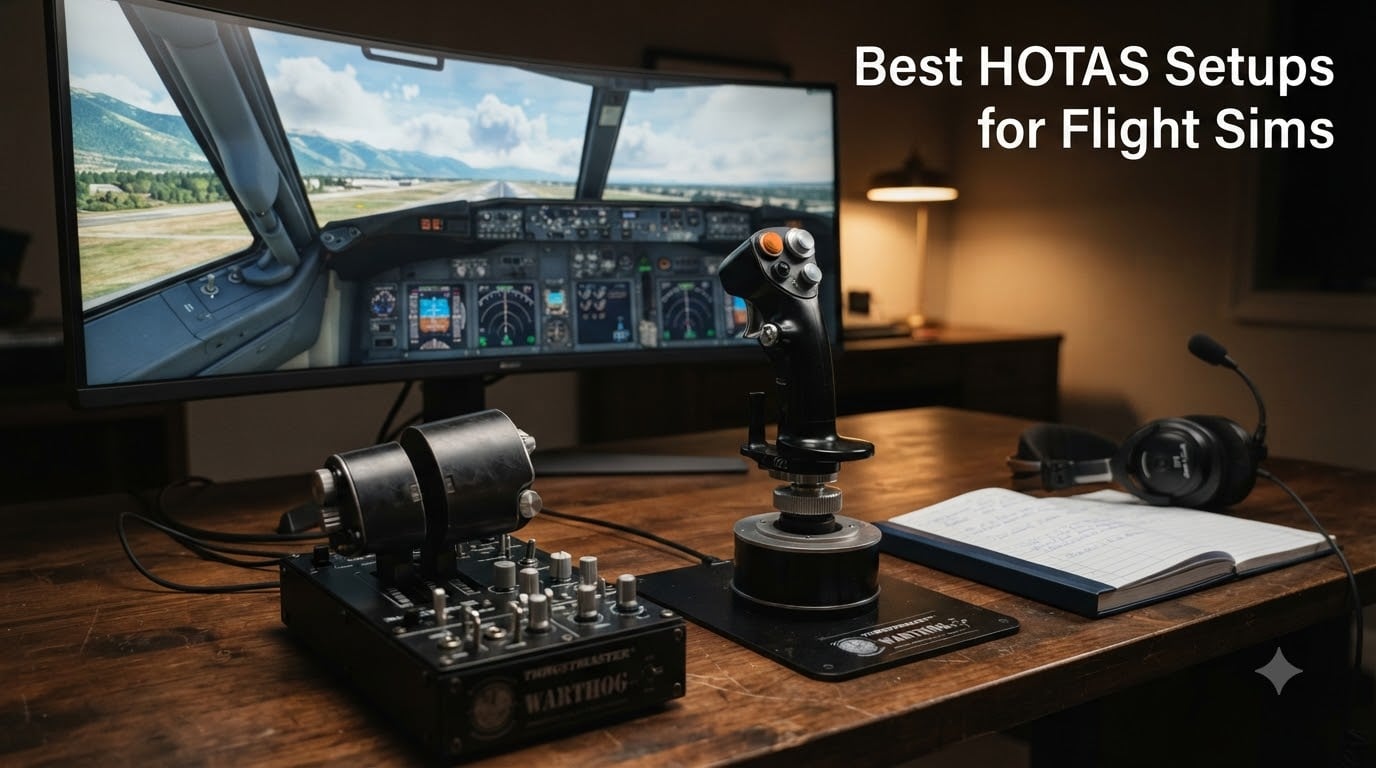
I still remember my first hour with a proper HOTAS in DCS World. I had been fighting an Su-25T with a mouse and keyboard for months, and within fifteen minutes of gripping the throttle, I understood why pilots laugh at desk-bound sim players. That throttle became an extension of my hand. Trimming became instinctive. Engine management stopped being a chore.
If you are hunting for the best HOTAS setups for flight sims in 2026, you are not looking for a generic gamepad recommendation. You want realistic, two-handed flight control: a stick in your dominant hand and a throttle in the other, the same way real aviators fly. This guide covers everything I have learned after hundreds of hours across DCS World, Microsoft Flight Simulator, X-Plane 12, IL-2 Sturmovik, and Elite Dangerous, plus what the wider sim community on r/hotas and r/hoggit consistently recommends.
We will walk through twelve current HOTAS and HOTAS-adjacent setups that span every budget and use case. Whether you fly civilian airliners in MSFS or you are running combat missions in a fully clickable cockpit in DCS, there is something here for your desk. I will share what each stick does well, where it falls short, and which sims it pairs best with so you do not waste money on the wrong tool.
Table of Contents
Top 3 HOTAS Picks at a Glance

Thrustmaster HOTAS Warthog Flight Stick…
- 55 programmable buttons
- H.E.A.R.T. Hall-effect sensors
- All-metal construction
- Dual throttle
- A-10C replica

Thrustmaster T16000M FCS HOTAS
- Hall-effect sensors
- 30 buttons
- Twist rudder
- Ambidextrous
- T.A.R.G.E.T. software

Thrustmaster T-Flight Hotas X
- 12 programmable buttons
- Detachable throttle
- 5 axes
- Plug and play
- Dual rudder control
Best HOTAS Setups for Flight Sims in 2026
1. Thrustmaster T-Flight Hotas X — Best Budget HOTAS for Beginners
- Great value for entry-level HOTAS
- Detachable throttle for flexible setup
- Comfortable ergonomic design
- 12 programmable buttons and 5 axes
- Plug and play with no complex setup required
- Plastic construction feels cheap
- Throttle has a notch in the middle position
- Short cable between stick and throttle
When my friend asked me what to buy for his first HOTAS setup, I pointed him straight at the Thrustmaster T-Flight Hotas X. It is the cheapest genuine stick and throttle combo on this list, and after more than 8,000 reviews on Amazon with a 4.4-star average, the community has voted.
I tried one for a couple of weeks before sending it over to him. Out of the box, it feels lighter than the premium kits, but the wide hand rest and full-size throttle make longer sessions surprisingly comfortable. The throttle detaches so you can clamp it to your desk separately, and the resistance dial on the stick lets you dial in tension to mimic heavier jets versus light civilian aircraft.
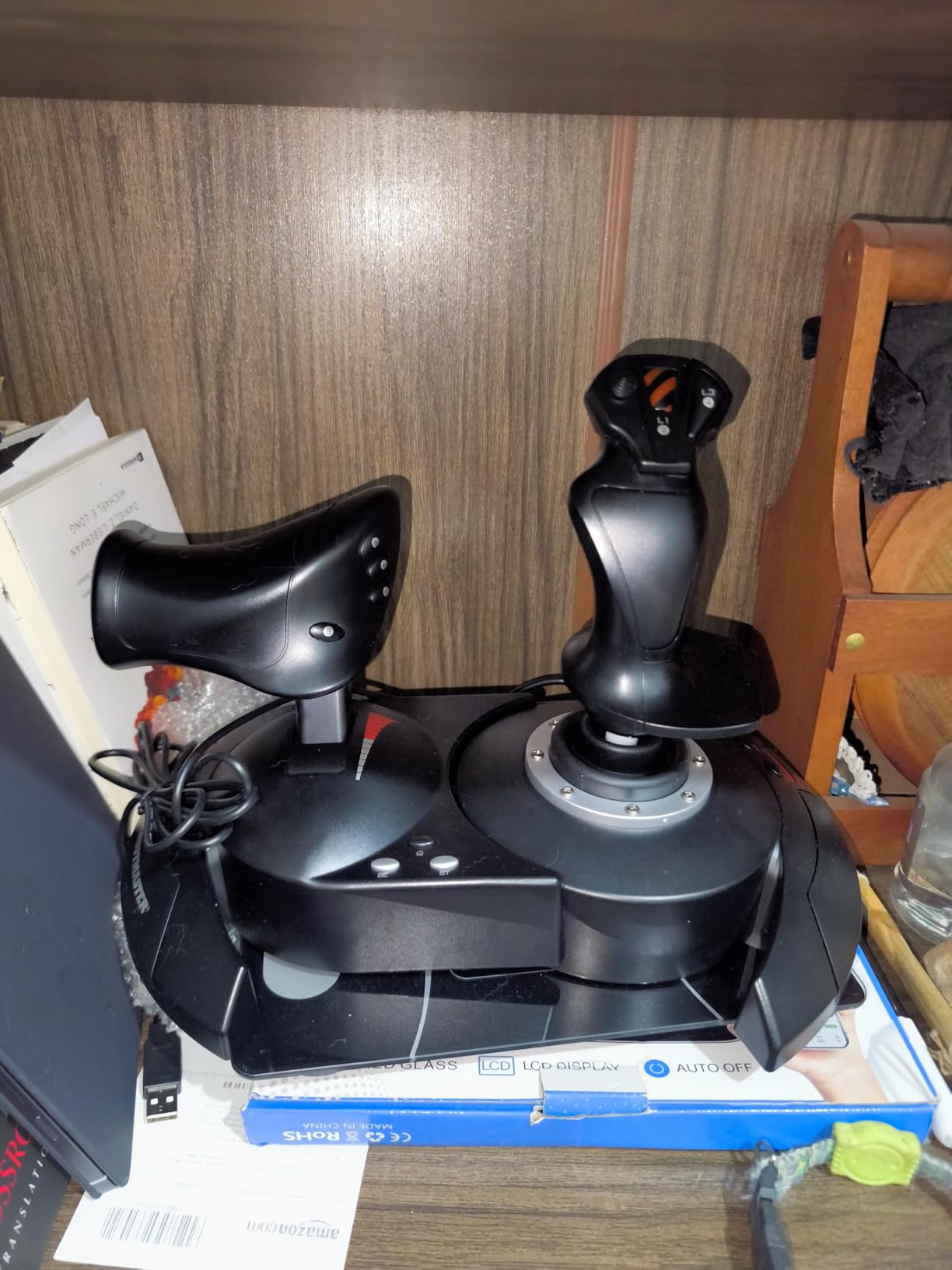
For Elite Dangerous and Microsoft Flight Simulator, the T-Flight Hotas X works great right away. DCS World needs the T.A.R.G.E.T. software for deeper button mapping, but for casual use it works without any extra software. The 12 programmable buttons and 5 axes cover the basics, and dual rudder control through the handle or a progressive lever gives you a workaround until you buy dedicated pedals.
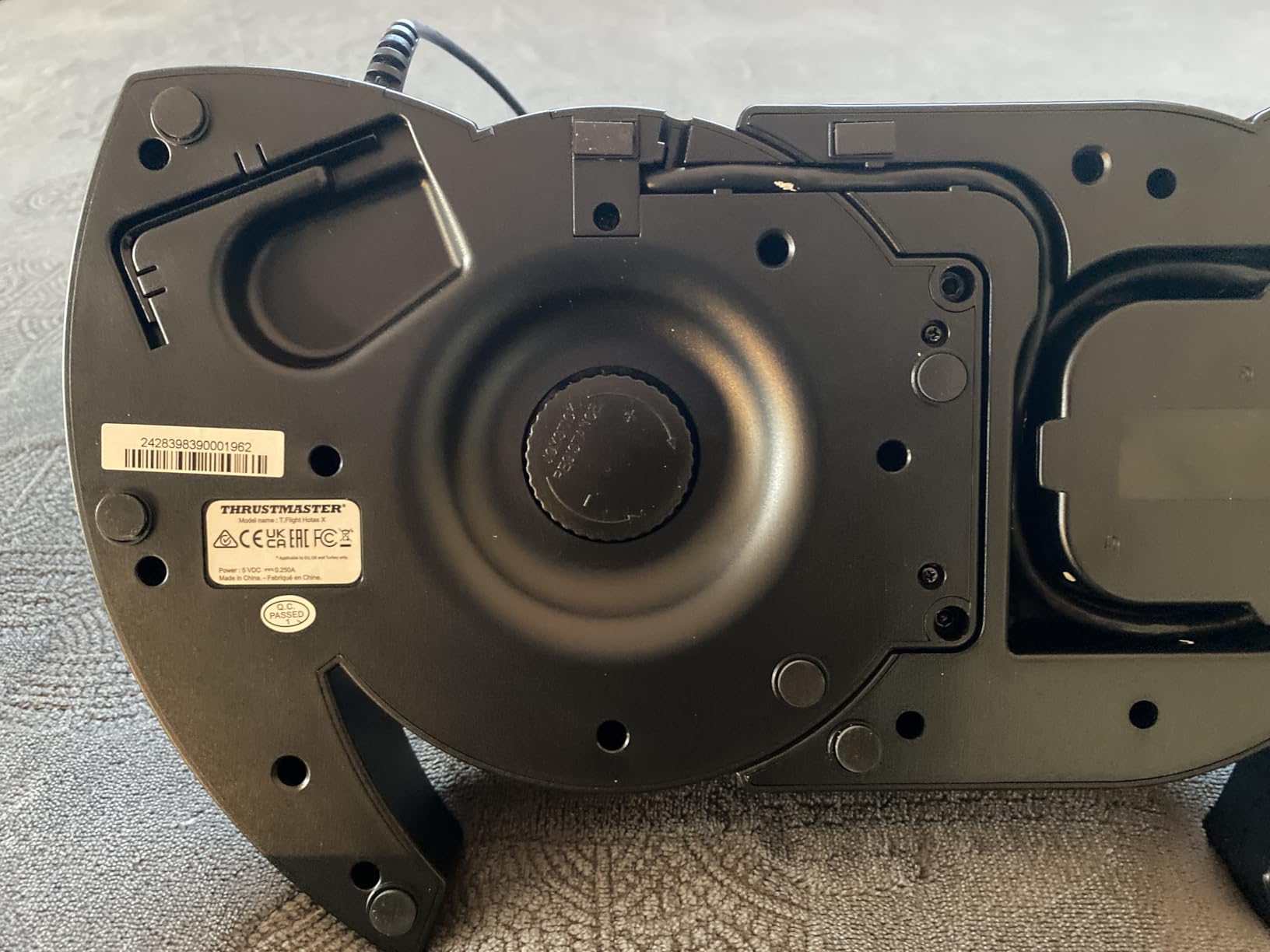
The trade-offs are obvious. The plastic body will never feel premium, and the throttle has a small notch at the midpoint that some pilots find annoying when managing fuel in airliners. The cable between stick and throttle is also short, so plan your desk layout before you mount anything.
Who this works best for
Anyone testing the waters in flight sims without committing several hundred dollars. If you are unsure whether DCS or MSFS will hold your attention past a few months, start here. The T-Flight Hotas X is also a smart second rig for a guest setup or a kid who wants to fly with you.
Where it falls short
Heavy combat sim pilots will outgrow this stick fast. The potentiometer-based sensors drift over time, and the button count is too low for a complex warbird like the F/A-18C or the F-14 in DCS. If you know you will sink hundreds of hours into combat sims, skip to the Hall-effect options below.
2. Thrustmaster T-Flight Hotas One — Best Xbox-Compatible Budget HOTAS

- Great value flight stick for budget
- Works seamlessly with Elite Dangerous on Xbox
- Comfortable and responsive controls
- Detachable design for flexible setups
- Good build quality for the price
- Throttle base can be unstable when separated
- USB cable between stick and throttle is short
- Some users report connection issues with front USB ports
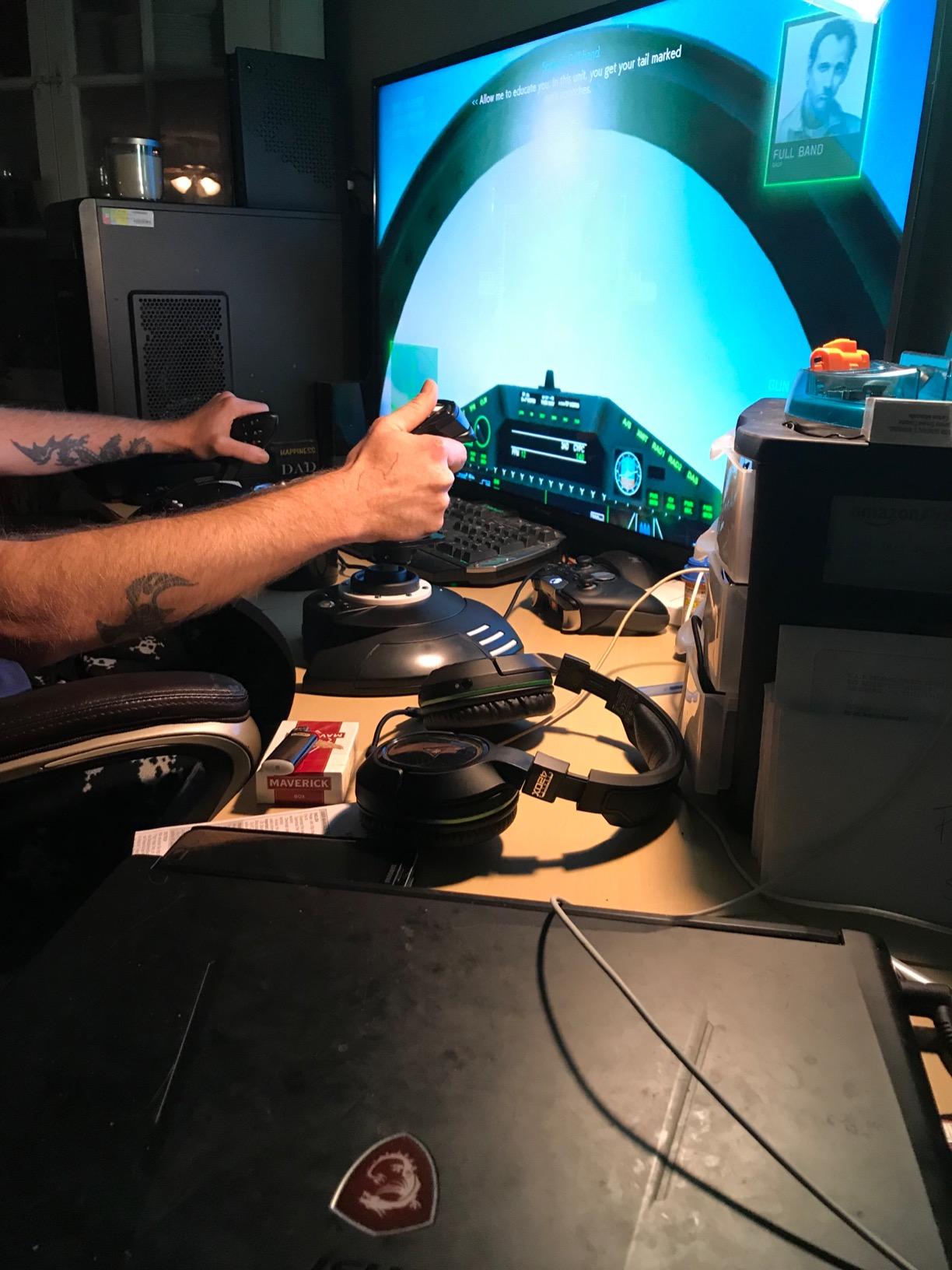
Console flight sim players have fewer choices than PC players, and the Thrustmaster T-Flight Hotas One is the most popular Xbox-licensed HOTAS you can buy. I tested it on an Xbox Series X with Elite Dangerous and Star Wars Squadrons, and the plug-and-play experience was flawless. No drivers, no config menus, just instant control.
The stick has 14 programmable buttons, adjustable resistance, and an ambidextrous layout that suits both left and right handed players. The throttle detaches so you can position it wherever you want on your desk or lap tray, and the trigger and hat switch are well placed for combat-style flying.
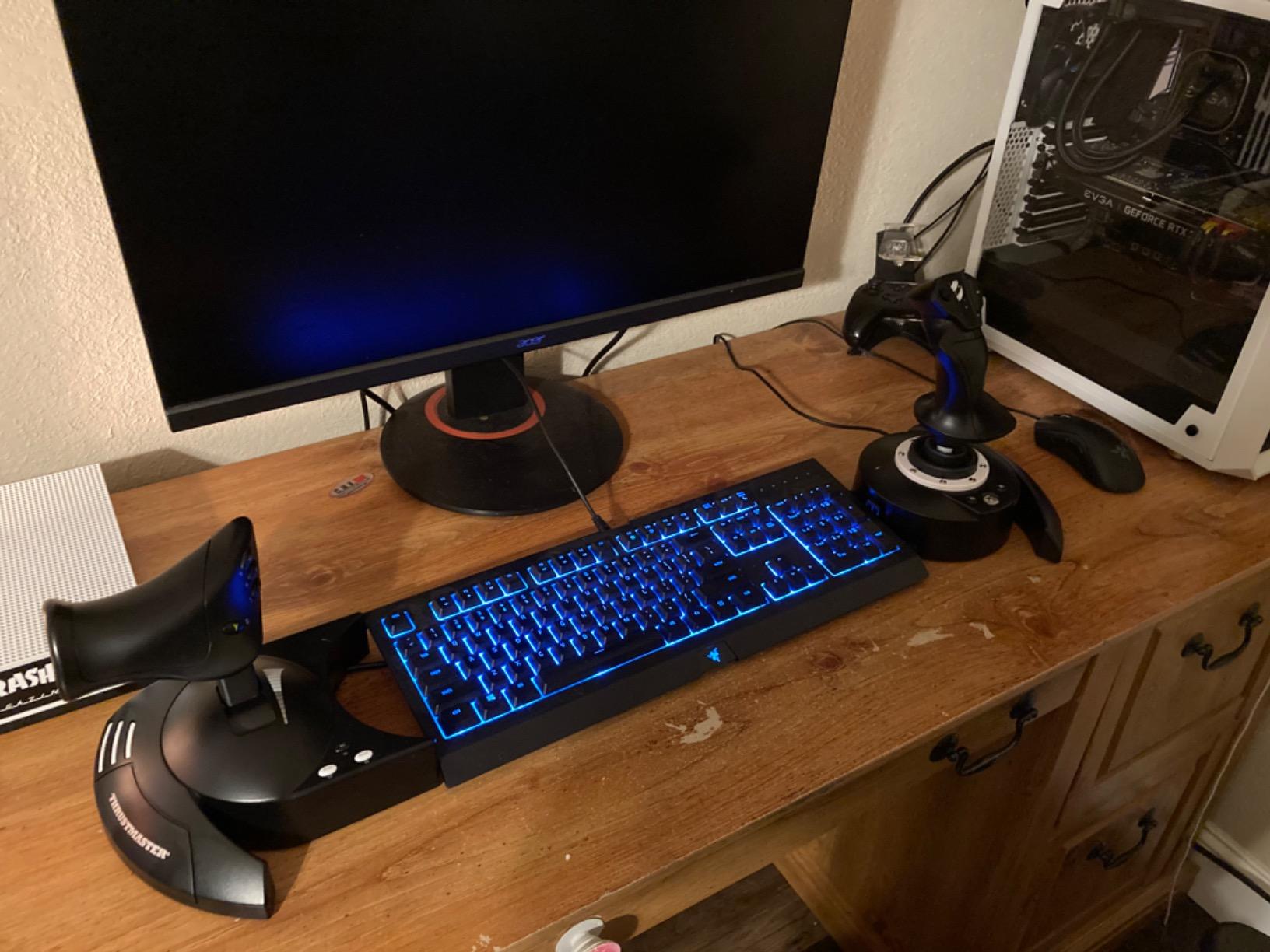
Build quality is better than the older T-Flight Hotas X. The plastic feels denser, the throttle slides more smoothly, and the base has a wider footprint that resists tipping during aggressive maneuvers. At 1,644 grams, it stays planted without needing a suction mount.
The main complaints I saw in user reviews focus on the throttle base wobble when fully separated and a slightly short interconnect cable. Neither is a deal-breaker for the price.
Who this works best for
Xbox Series X/S owners flying Elite Dangerous, Microsoft Flight Simulator, or Ace Combat 7. It is also a fine PC option if you do not need T.A.R.G.E.T. software support, since the controls map cleanly through Windows.
Where it falls short
PC-only DCS players who want full programming depth. Without T.A.R.G.E.T. compatibility, you are limited to what each sim assigns directly. The Hall-effect joystick is excellent, but the throttle still uses potentiometers, so expect minor drift after extended use.
3. Thrustmaster T16000M FCS HOTAS — Best Mid-Range Value
- Excellent Hall effect sensors for precision control
- Great value mid-range HOTAS
- Twist rudder built into stick
- Large number of buttons (30 total)
- Compatible with T.A.R.G.E.T. software for advanced programming
- Throttle can become sticky requiring lubrication
- T.A.R.G.E.T. software has poor usability
- Base buttons hard to reach without looking
- Windows 11 compatibility issues with TARGET software
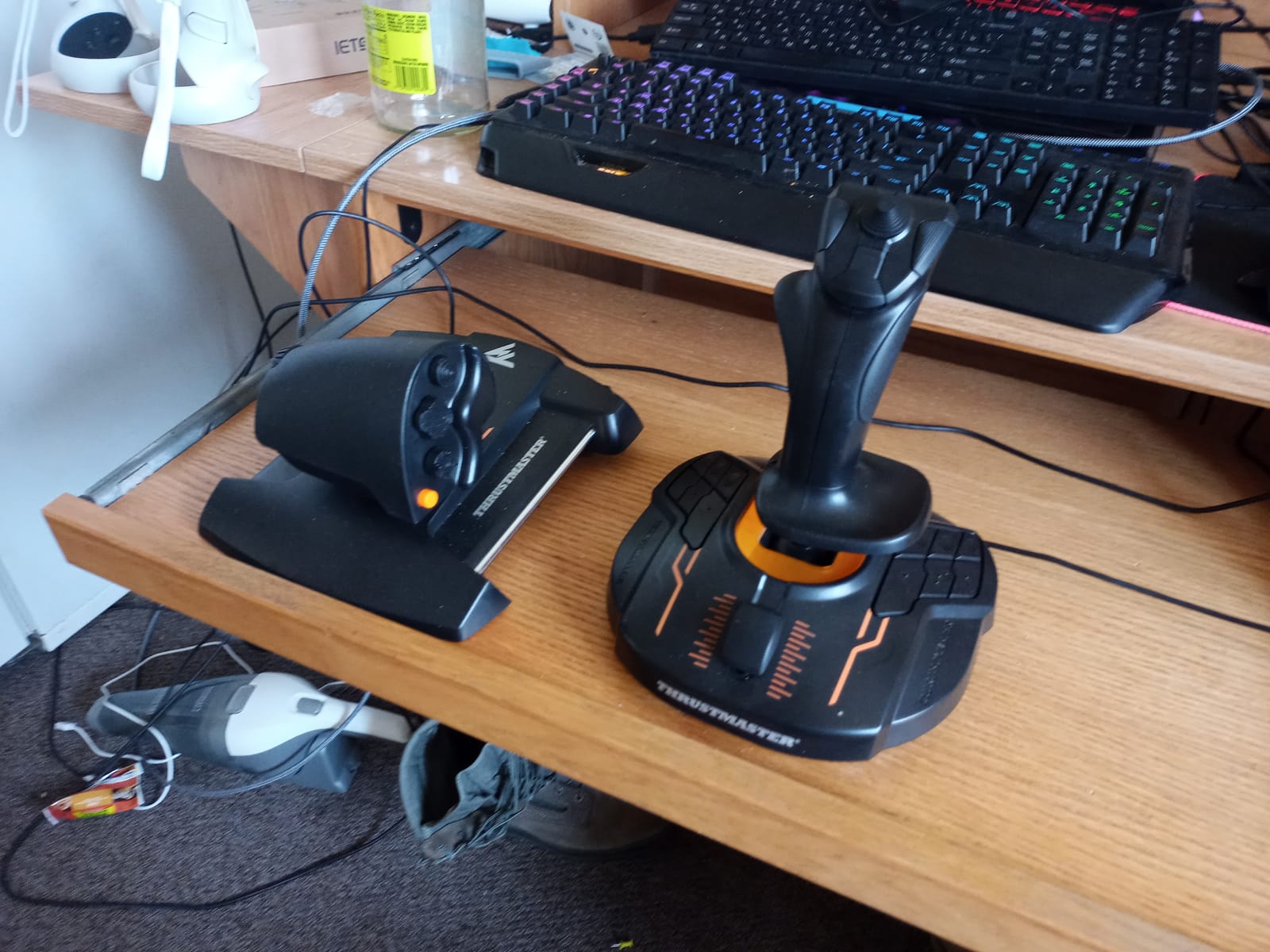
If I were buying a HOTAS today with my own money and I had a strict mid-range budget, the Thrustmaster T16000M FCS would be my pick. I have owned one for three years, and the Hall-effect sensors are the reason it still feels as precise as the day I unboxed it. No drift, no calibration issues, just clean inputs every flight.
The 16 action buttons plus 8-way hat, dual 4-way switches, and mini-stick give you 30 programmable controls in total. That is plenty for DCS modules like the Ka-50 or the P-51D. The twist-rudder axis in the stick base saves you from buying pedals on day one, though most users eventually upgrade to dedicated pedals for finer control.
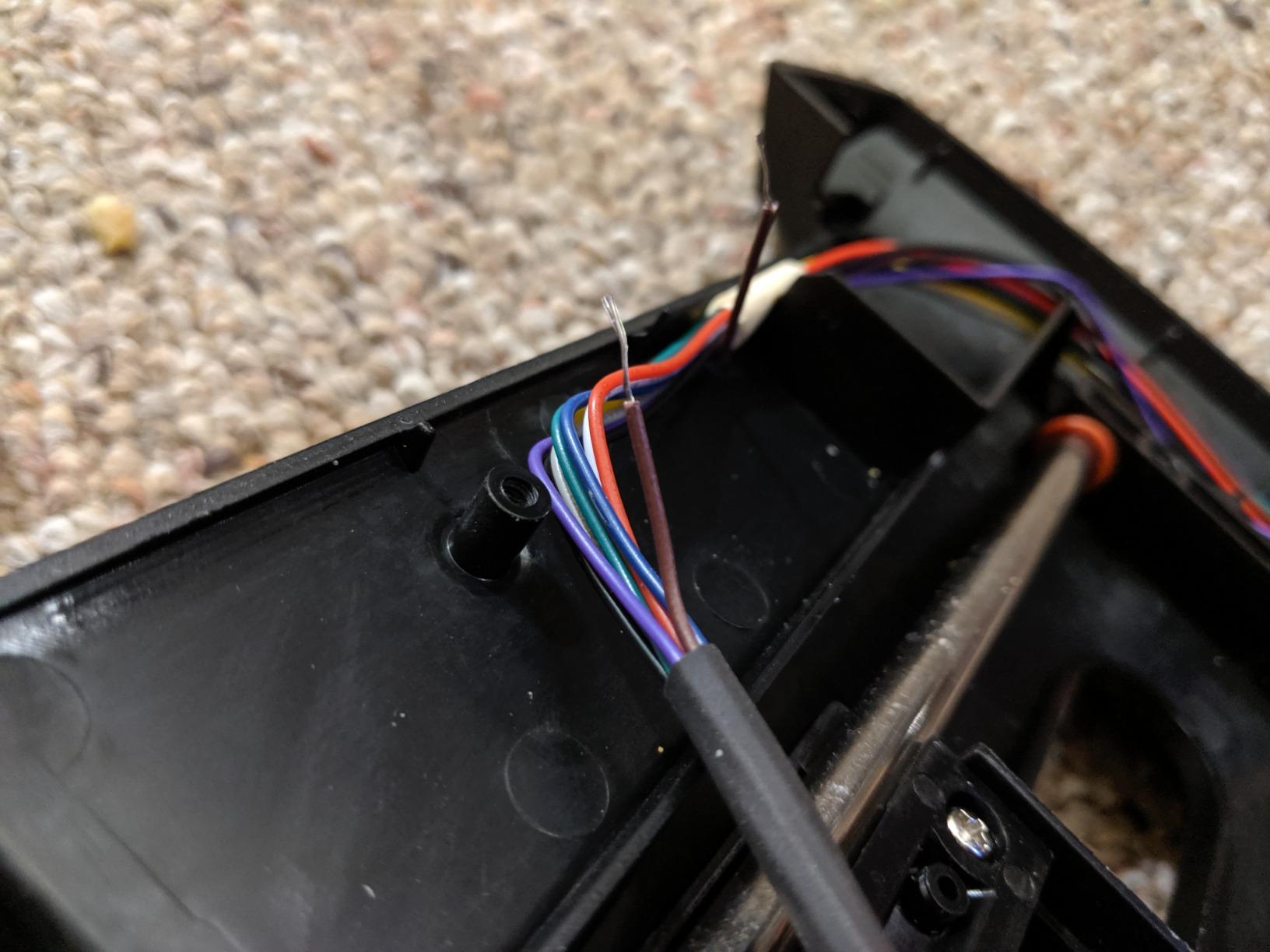
Where the T16000M frustrates is in the throttle. Out of the box it is acceptable, but after about a year of heavy use, several pilots on r/hotas reported a sticky center position that needs lubrication. T.A.R.G.E.T. software, which lets you program every button and shift modes, has a learning curve and some Windows 11 quirks. Once configured it is powerful, but it is not plug-and-play.
The stick also runs slightly small for pilots with larger hands, though the ambidextrous design works for left-handed users too.
Who this works best for
Combat sim enthusiasts on a budget. If you fly DCS, IL-2 Sturmovik, or War Thunder and you want the precision of Hall-effect sensors without paying Warthog prices, this is the sweet spot. Also ideal as an upgrade path from a budget stick before you decide to spend on premium gear.
Where it falls short
Pilots who want polished software and out-of-box throttle smoothness. The T.A.R.G.E.T. software is powerful but dated, and the throttle needs periodic maintenance. If you fly long-haul airliners in MSFS where throttle smoothness matters, consider saving up for the Warthog.
4. Logitech G X56 H.O.T.A.S — Best VR Flight Control

- Excellent build quality and solid construction
- Huge number of programmable buttons (189+ programmable controls)
- Great for VR with controls perfectly positioned
- Hall-effect sensors provide precision accuracy
- RGB lighting adds aesthetic appeal
- Twin throttles with friction adjuster
- Throttle is very stiff even at lowest tension setting
- Requires driver installation before use
- Can have power issues requiring powered USB hub
- Button placement can be awkward for some users
- Some QC issues reported with stick drift
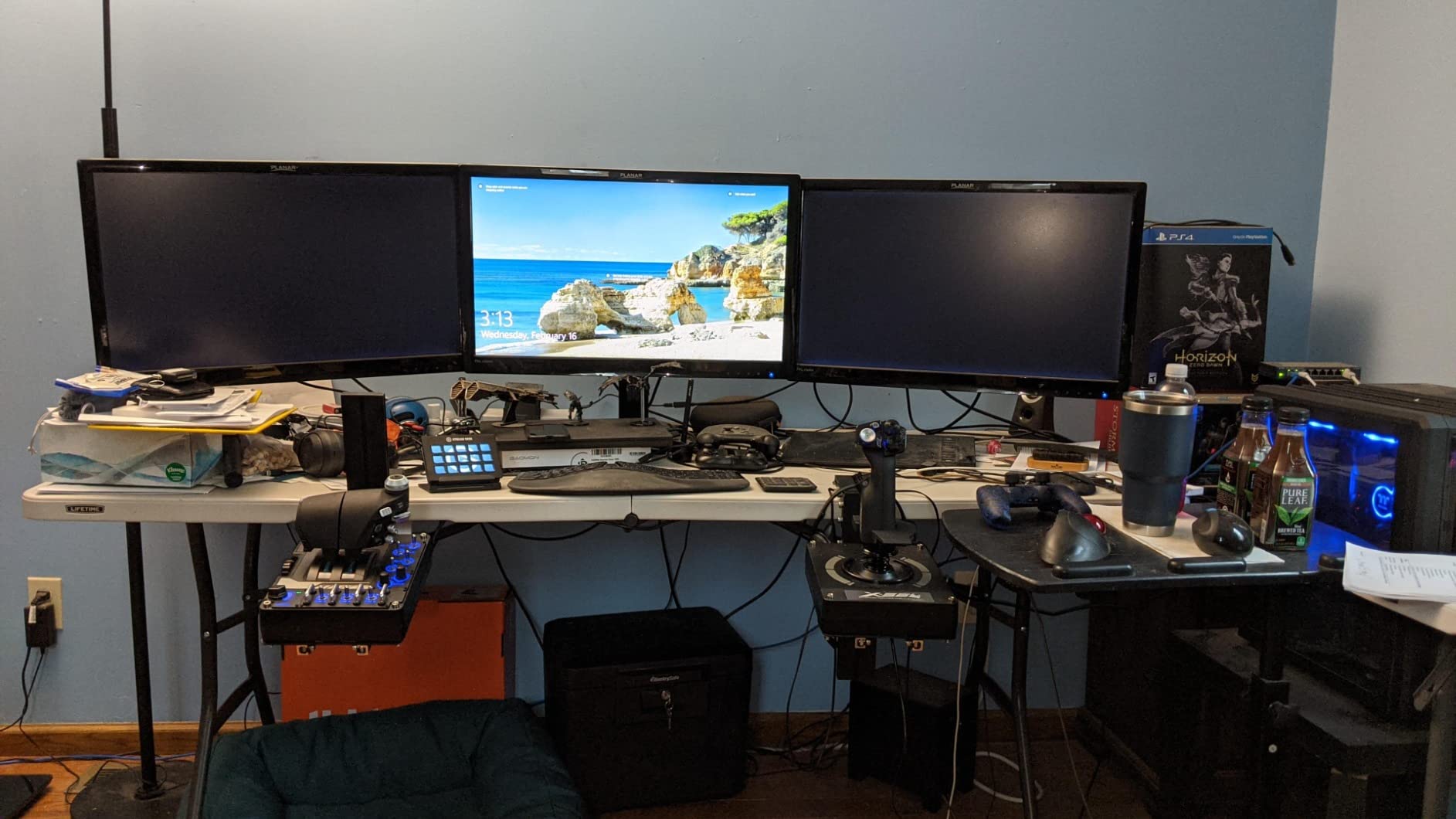
The Logitech G X56 is the odd duck in this roundup. It is the only kit here with twin throttles, RGB lighting, and 189 programmable controls. I wore it during a DCS F-14B Tomcat session in VR, and being able to feel my way to every switch without looking was a game changer. The controls sit exactly where my fingers expect them after a few hours.
Build quality is genuinely solid at 6.9 pounds. The 16-bit Hall-effect sensors on the aileron and elevator axes track accurately, and the four-spring tension system lets you tune stick feel from light civilian aircraft to heavy warbirds. The thumb-controlled mini analog sticks for pitch and yaw are unique in this price range.
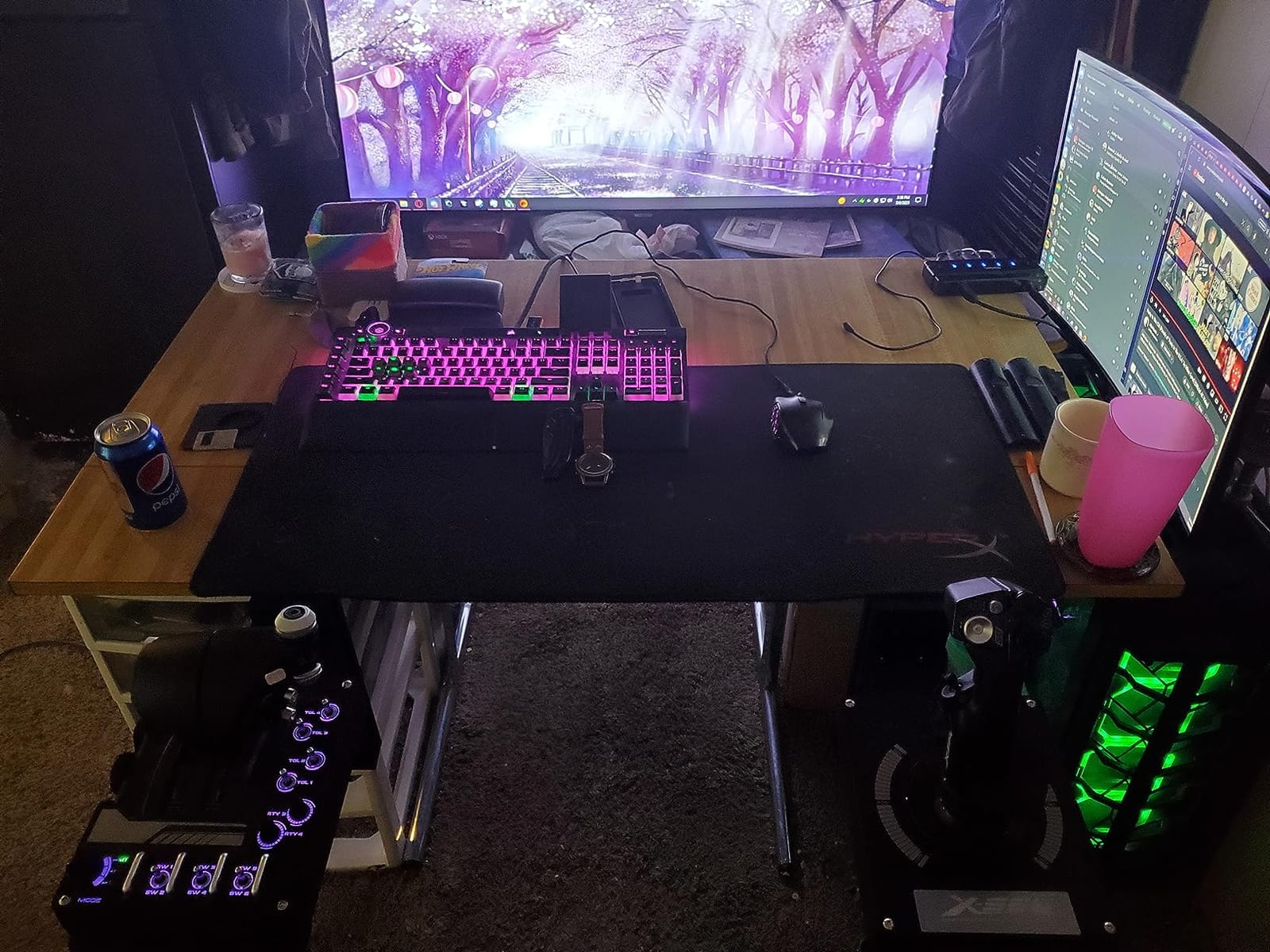
On the downside, the throttle is stiff even at the lowest tension setting, which makes smooth airliner throttles in MSFS harder than it should be. Driver installation is mandatory, and some USB ports cannot power the X56 alone, so a powered hub may be required.
Quality control varies. Some users report stick drift after a few months, and the throttle occasionally creeps down if not locked in place.
Who this works best for
VR flight sim players who need every control under their fingers without looking. Space sim fans running Elite Dangerous or Star Citizen with hundreds of keybinds also benefit from the massive programmable button count.
Where it falls short
Civilian airliner pilots who want a smooth, friction-free throttle. The X56 throttle is built for combat, not for fine civilian power management. It is also heavier on the desk than most competitors, so make sure your desk can handle the weight.
5. Thrustmaster HOTAS Warthog Stick (Standalone) — Best Premium Combat Stick

- Incredible build quality with all-metal construction
- Premium weighted feel at over 6 lbs
- Excellent array of buttons and hat switches
- Superior ergonomics modeled after real A-10C
- Hall effect sensors provide precision without drift
- Great for DCS and serious flight simulation
- Base is extremely tall requiring cockpit setup for comfortable use
- Plastic gimbal (not all-metal) noted by some users
- No twist rudder - requires separate pedal purchase
- Heavy and may cause fatigue during long sessions
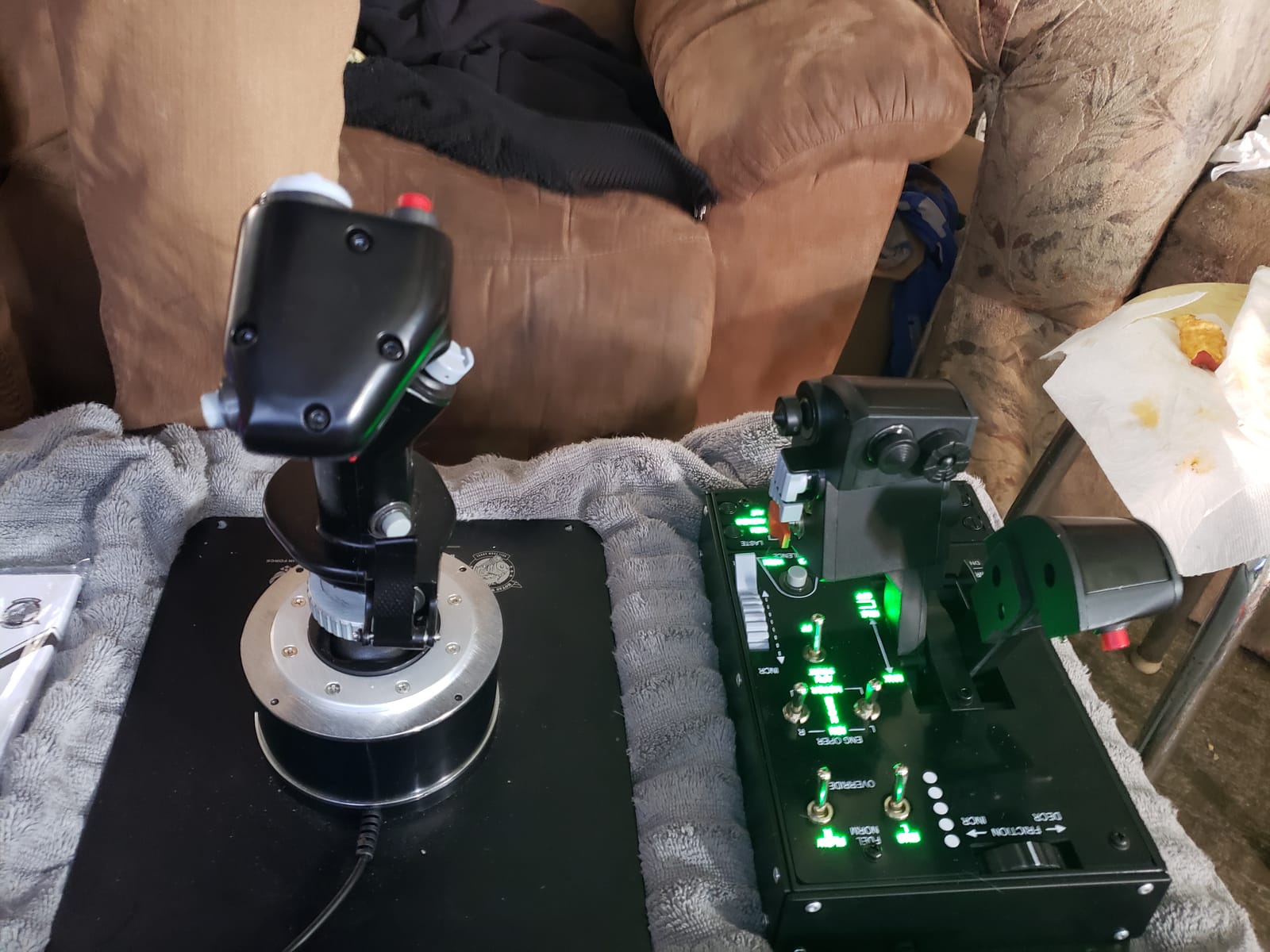
This is the standalone Thrustmaster HOTAS Warthog joystick without the matching throttle. I list it separately because some simmers already own a throttle quadrant or another throttle and just want the best stick money can buy. With a 4.6-star rating and an all-metal handle, this is the most authentic A-10C replica you can put on a desk.
The 19 buttons include three 8-way hats, a 4-way hat with push, metal dual trigger, and pinkie switches. T.A.R.G.E.T. software support means you can program complex mode shifts for the F-16C, F/A-18, or A-10C Warthog modules in DCS. The H.E.A.R.T. Hall-effect sensors deliver 16-bit resolution with zero drift.
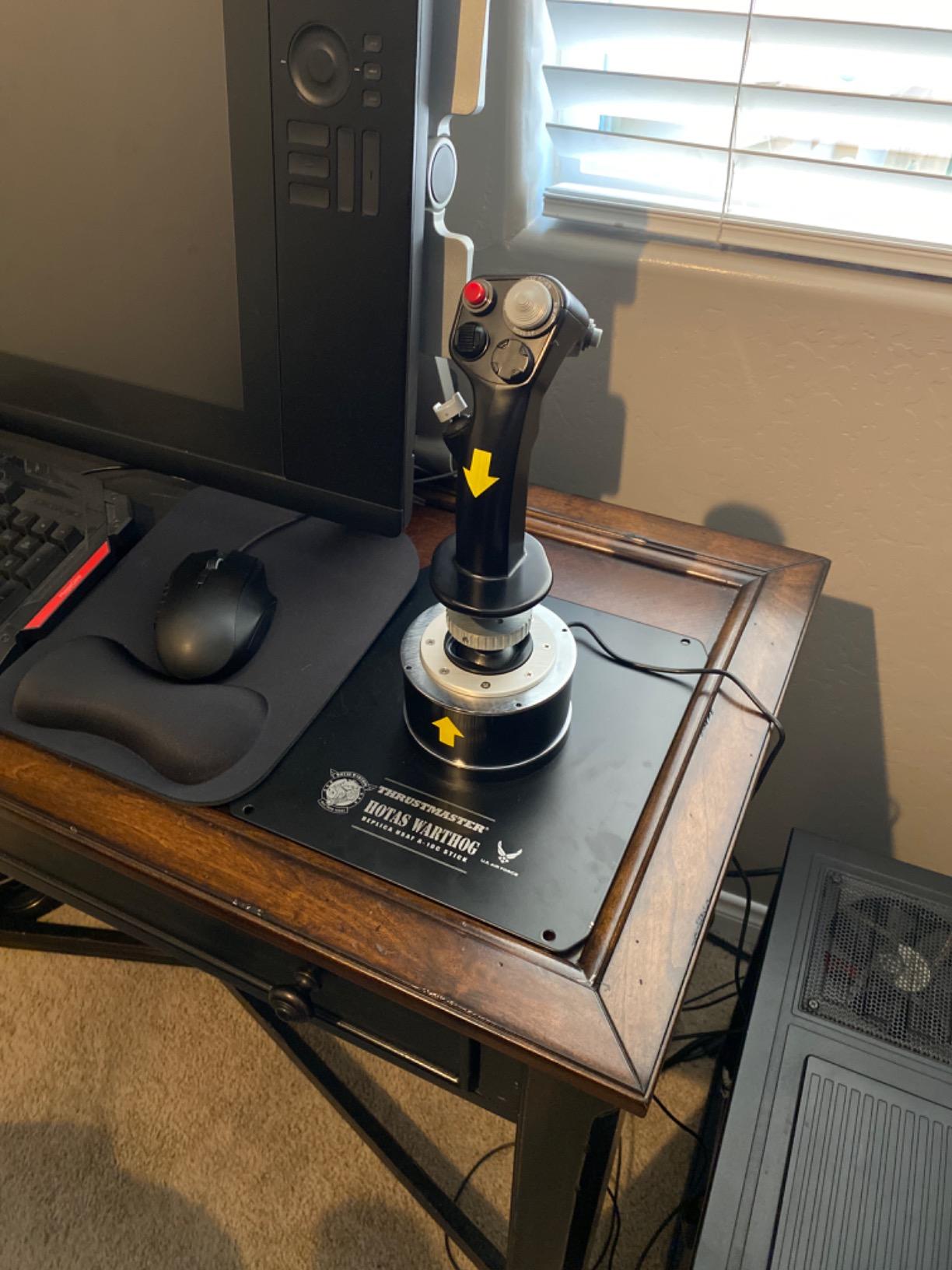
At 9.8 pounds with the weighted base, this stick does not move during combat maneuvers. The handle is detachable, so if you already own the Warthog throttle, this stick mounts right onto the matching throttle base.
Heads up: this stick is tall. Without a cockpit mount or deep desk, you will find yourself reaching up. It also has no twist rudder, so plan on buying rudder pedals for proper coordinated turns.
Who this works best for
Serious combat sim pilots who already own a throttle or throttle quadrant. It is also the upgrade path for T16000M owners who want to keep their existing throttle but step up to metal construction and superior sensors.
Where it falls short
Anyone who needs a complete package. If you do not already own a throttle, the full Warthog set below is the better buy. The tall base is awkward without a dedicated cockpit or chair-mount solution.
6. Thrustmaster HOTAS Warthog Flight Stick & Throttle Set — The Benchmark Premium HOTAS
Thrustmaster HOTAS Warthog A10 Replica Flight Stick & Throttle Set – PC
- Exceptional build quality with metal construction
- H.E.A.R.T sensors provide ultra-precise
- long-lasting accuracy
- 55 fully programmable buttons for deep customization
- Authentic military-grade replica feel
- Dual throttle for independent engine control
- Very expensive
- Extremely heavy (13+ pounds)
- Requires permanent mounting for best experience
- Takes up significant desk space
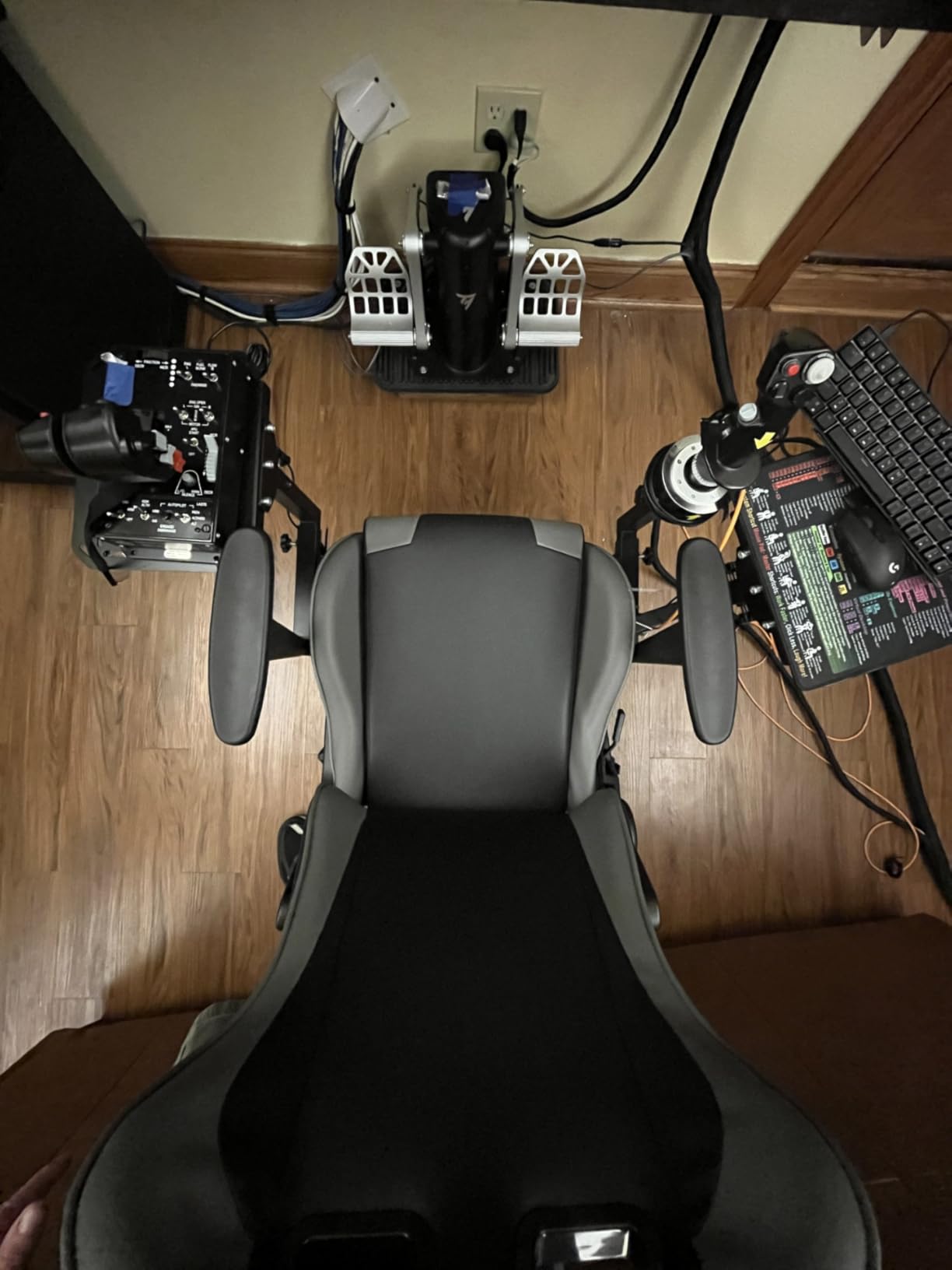
The full Thrustmaster HOTAS Warthog set is the gold standard that every other HOTAS gets compared to. I have flown with one for over 1,000 hours in DCS, and it is the single biggest upgrade I have ever made in sim hardware. From the moment you grip the handle, it feels like an aviation tool, not a toy.
The set includes both the joystick and the throttle, with 55 fully programmable buttons between them. The dual throttle lets you manage left and right engines independently, which is essential for warbirds, heavies, and turbine aircraft. H.E.A.R.T. Hall-effect sensors in both units ensure decades of drift-free precision.
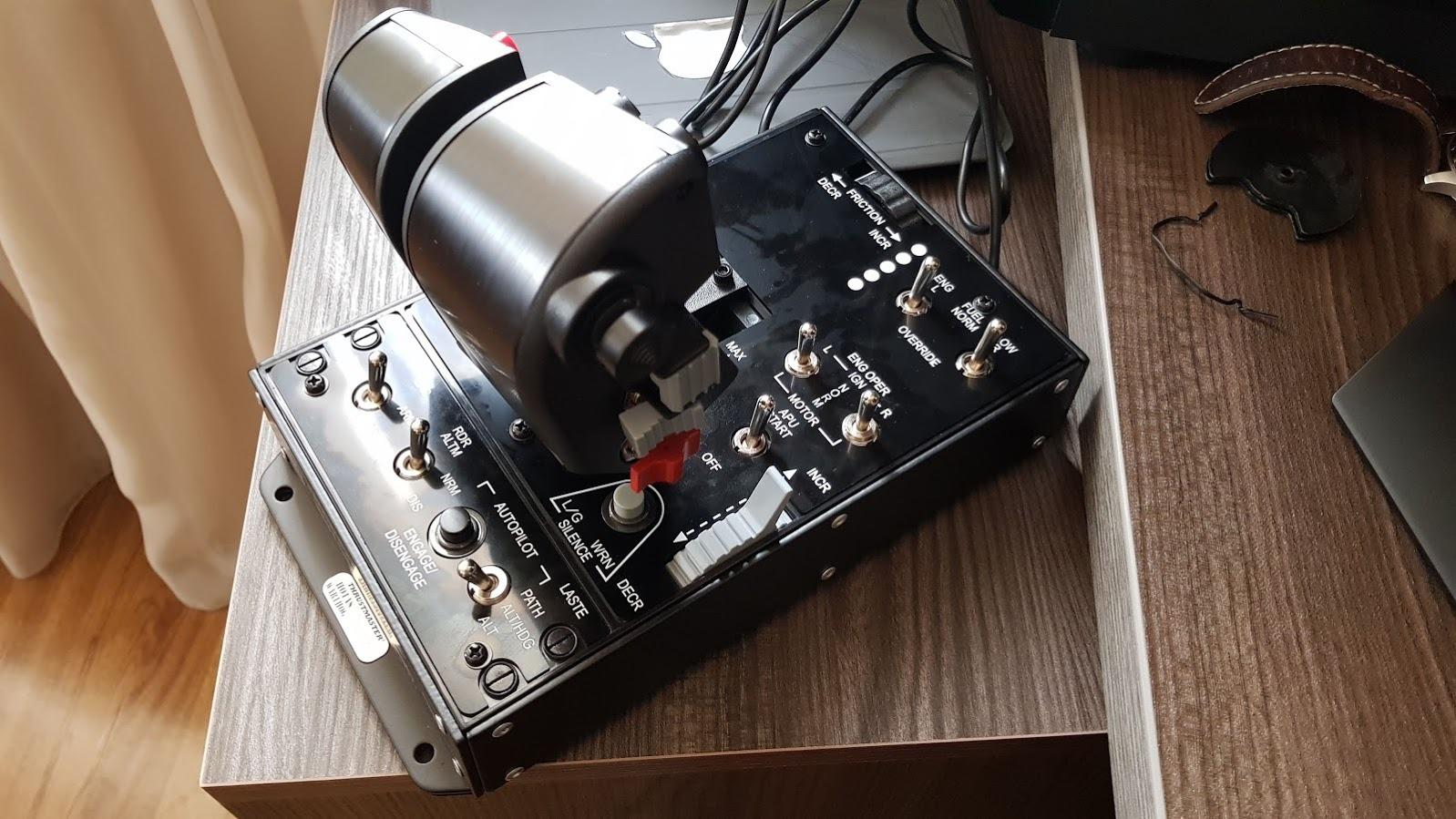
Construction is almost entirely metal. The whole set weighs 13.2 pounds, so once you mount it, it stays put. The T.A.R.G.E.T. software lets you save profiles for every aircraft you fly, then switch between them with a single keystroke.
There is no getting around the price. This is a serious investment, and you should treat it like one. If your budget does not stretch to the full set, the standalone stick or the T16000M above are smart stepping stones.
Who this works best for
Dedicated combat sim pilots who want the most authentic setup possible. If you are flying DCS World, IL-2 Sturmovik, or Falcon BMS for hundreds of hours, the Warthog set pays for itself in immersion. Also a great fit for serious civilian simmers who want the most realistic airliner control possible.
Where it falls short
Casual fliers or anyone without a permanent mount. The weight and footprint demand a desk, cockpit, or chair-mount solution. If you only fly MSFS for an hour a week, this is overkill. Save your money.
7. Thrustmaster T16000M FCS Flight Pack — Best HOTAS With Pedals Included

- Excellent value - best bang for buck in entry-level HOTAS
- H.E.A.R.T sensors provide precision comparable to much more expensive units
- Fully ambidextrous design - can be configured for left or right-handed use
- Smooth and accurate control
- Includes rudder pedals
- Plastic construction feels less premium than metal alternatives
- Lightweight - can slide during intense gameplay without mounting
- Throttle can become sticky over time
- Some buttons poorly placed on joystick base
The Thrustmaster T16000M FCS Flight Pack bundles the popular T16000M stick with the TFRP rudder pedals. For anyone starting in flight sims, this is the smartest first purchase because it gives you a complete control setup in one box. I gave this kit to my nephew last Christmas, and within a month he was flying proper coordinated circuits in MSFS.
The stick uses H.E.A.R.T. Hall-effect sensors, so it inherits the same precision and zero-drift behavior as the standalone T16000M. Three removable components let you reconfigure the stick for left-handed use, which is a rare feature at this price.
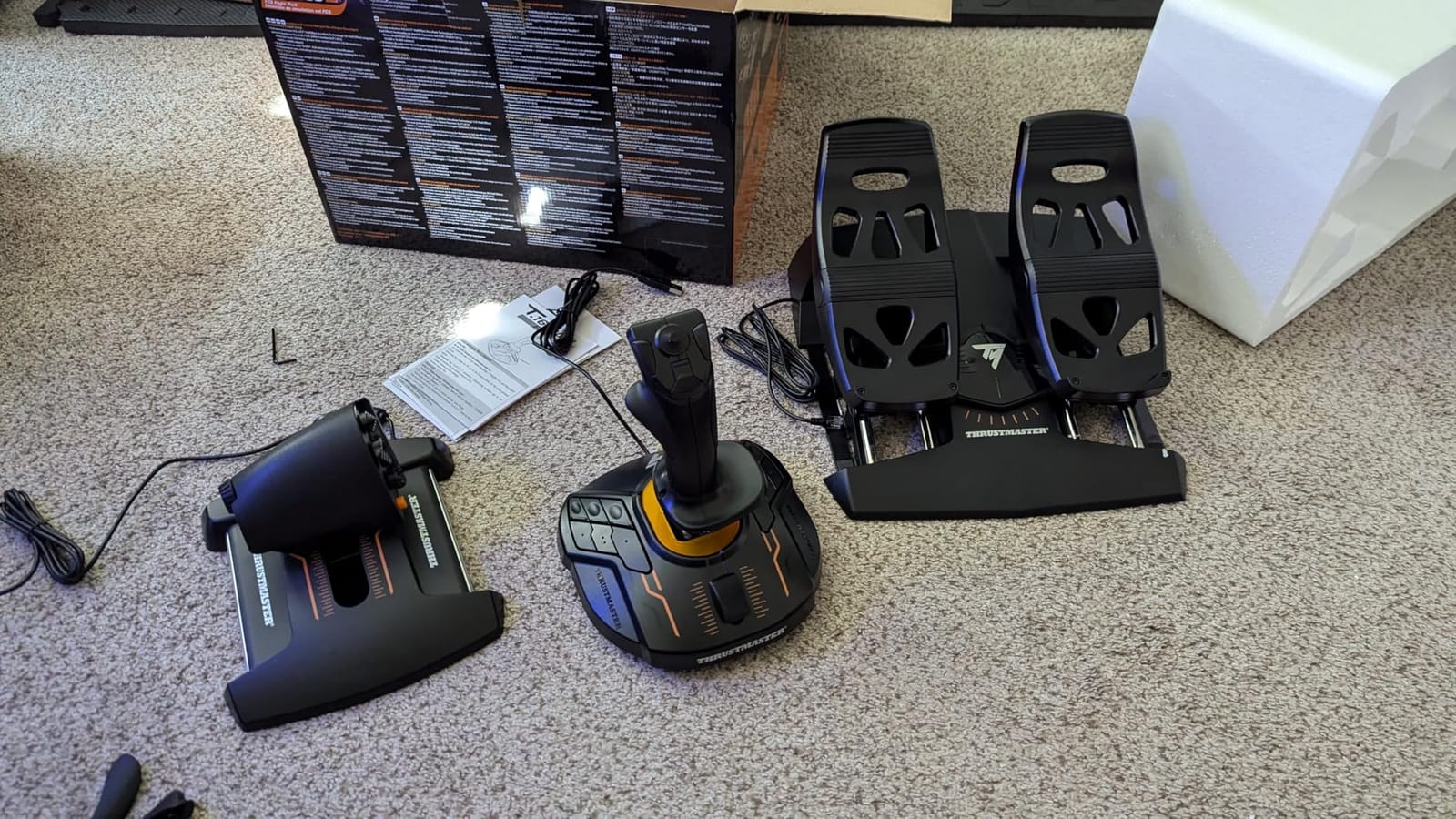
The included TFRP pedals use Thrustmaster’s S.M.A.R.T. sliding rail system for smooth rudder inputs. They are not as precise as premium MFG or Slaw devices, but they are a massive upgrade over twist rudder for airliners, taildraggers, and helicopters.
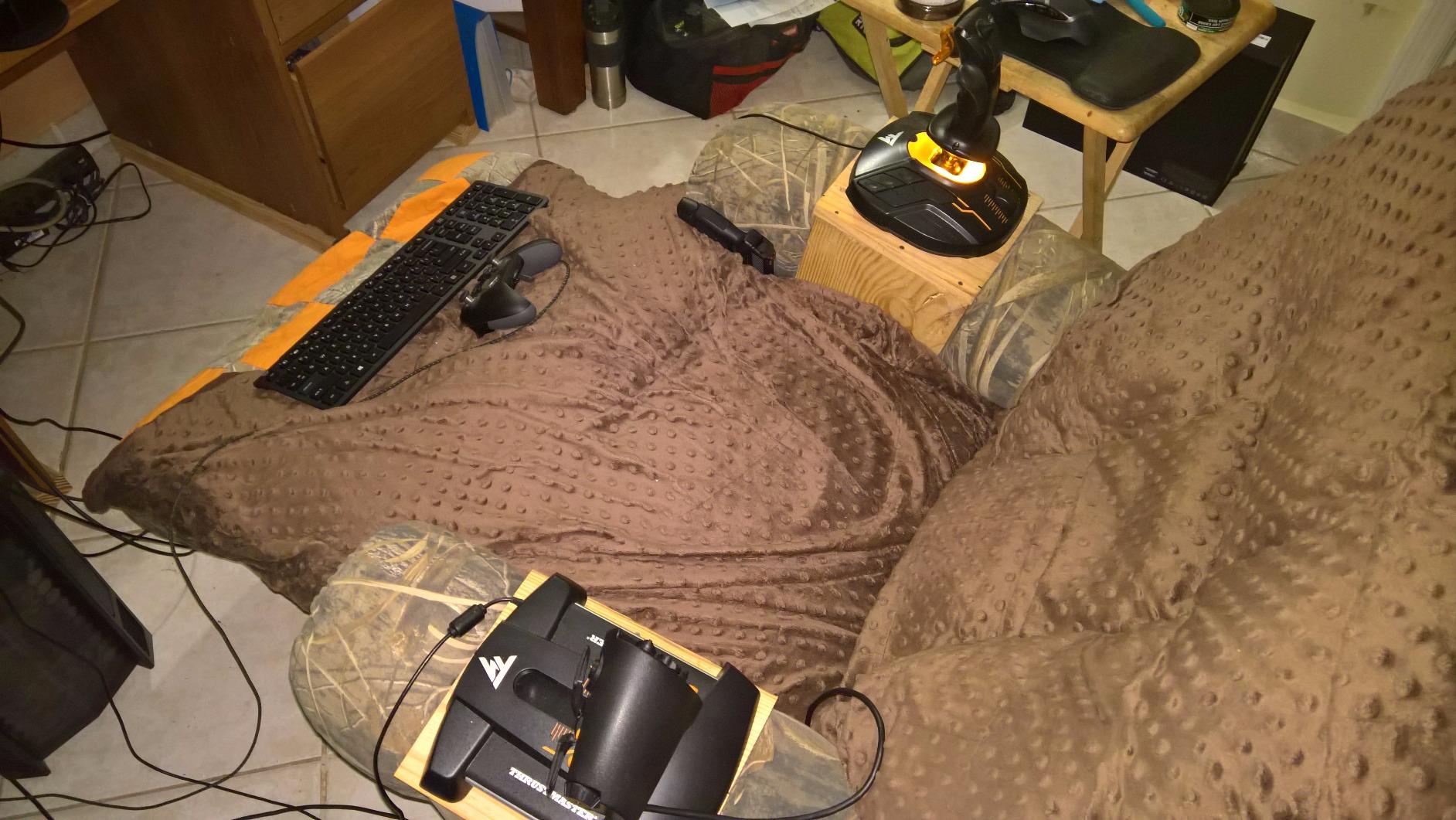
Main drawbacks: the plastic construction is solid but feels light, so a desk mount or non-slip mat helps during combat. The throttle can become sticky after months of use, but a small amount of silicone lubricant fixes it.
Who this works best for
Beginners who want a complete HOTAS solution out of the box. Left-handed pilots who struggle to find ambidextrous gear will love this kit. It is also the best gift for someone getting into flight sims.
Where it falls short
Pilots who already own rudder pedals or who prefer a heavier, all-metal feel. The included TFRP pedals are good for the price but lack the precision and adjustability of higher-end pedal sets.
8. Logitech G X52 Flight Control System — Best for Space Sims

- Excellent starter HOTAS with great button count
- Magnetic sensors provide smooth
- precise control
- Good ergonomics and comfortable grip
- Multifunction LCD display is useful
- 3D twist rudder is intuitive
- Good value for the features offered
- Some quality control issues reported
- Throttle can be sticky and require modification
- LEDs may fail over time
- Base is lightweight and can slide
- Software can be finicky
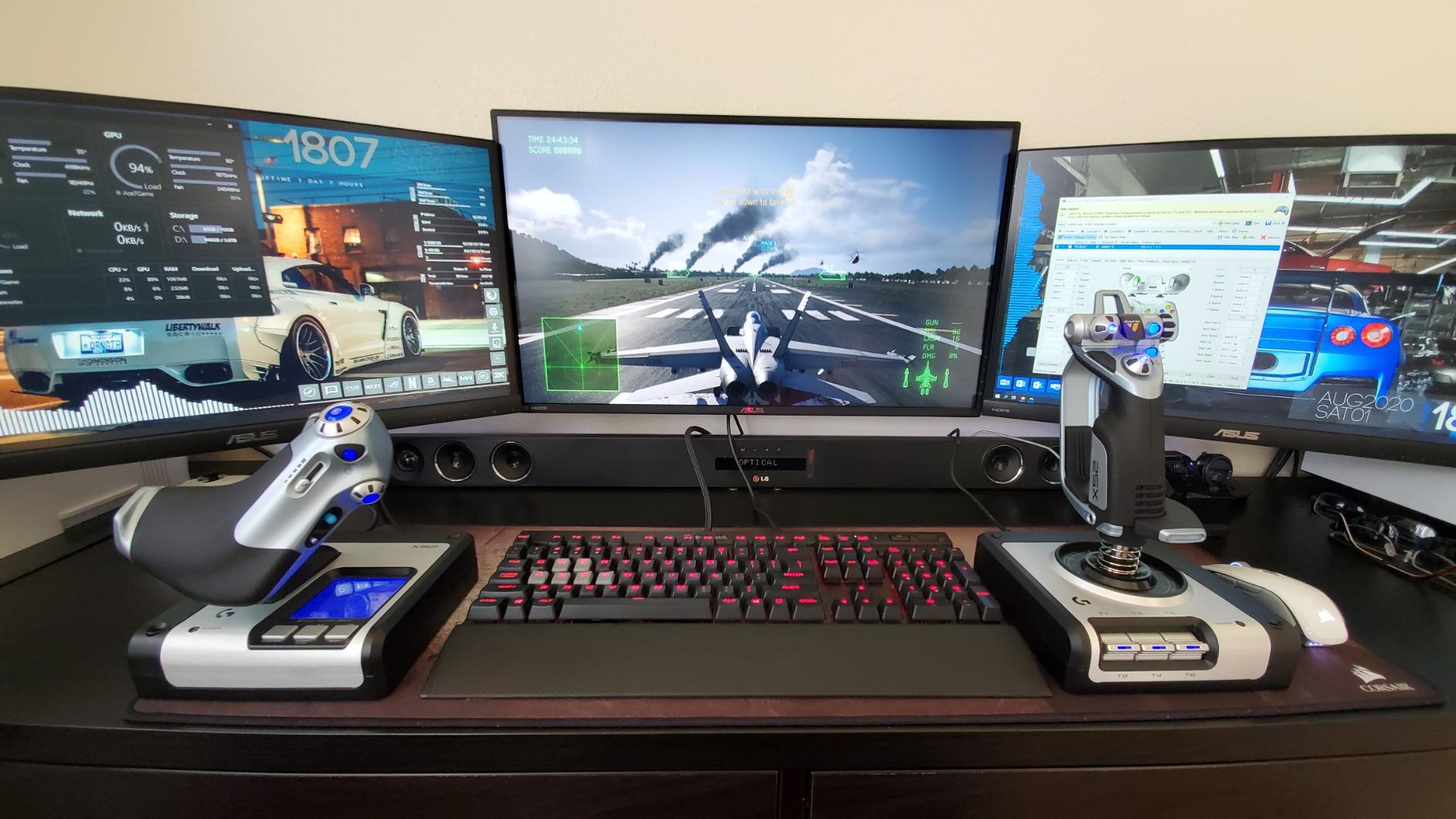
The Logitech G X52 lives in a weird middle ground between budget and premium, but for space sim pilots, it hits a sweet spot. I ran it with Elite Dangerous and Star Citizen, and the 282 programmable commands across three modes meant I had every ship function mapped without touching the keyboard.
Magnetic non-contact sensors on the X and Y axes deliver smooth, drift-free control. The 5-position grip system lets you adjust the handle angle for different hand sizes, and the multifunction LCD display shows what mode you are in at a glance.
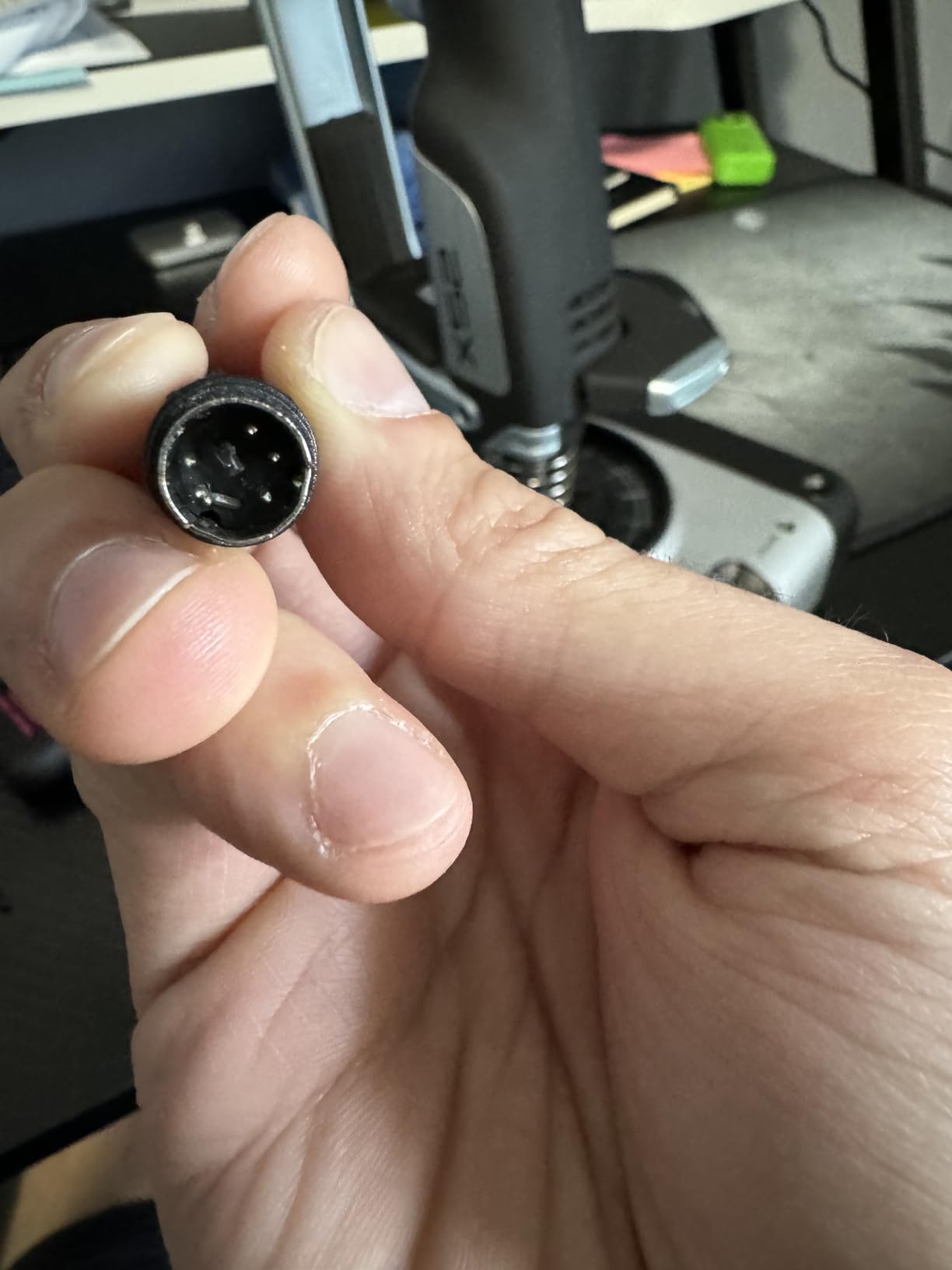
The 3D twist rudder is intuitive for atmospheric flight, and you can lock it if you have dedicated pedals. Throttle feel is decent for the price, though several users on forums report it can feel sticky out of the box and may need disassembly and lubrication.
Quality control is the main risk. Some units arrive with sticky axes or LEDs that fail within months. The Logitech software is also less polished than Thrustmaster’s T.A.R.G.E.T.
Who this works best for
Space sim enthusiasts who need maximum button count without paying Warthog prices. Elite Dangerous and Star Citizen players get the most out of this kit because of the deep programming options and LCD feedback.
Where it falls short
Pilots who demand long-term reliability. If you are putting in serious combat sim hours, the X52’s quality control history is a risk. The Logitech X56 above or Thrustmaster T16000M offer better build consistency.
9. Thrustmaster T-Flight Full Kit HOTAS With Rudder Pedals — Best Complete Beginner Package

Thrustmaster T-Flight Full Kit HOTAS with Rudder Pedals – XBOX & PC
- Excellent value - complete HOTAS with rudder pedals included
- Works on both Xbox Series X/S and PC
- Smooth S.M.A.R.T slide rail rudder pedals
- Comfortable full foot pedal design with removable heel rests
- Plug and play functionality
- Plastic construction feels less premium
- Joystick and throttle can be sensitive
- Throttle has minimal resistance at low settings
- Rudder pedals have little return tension
- Cord connecting stick to throttle is short
The Thrustmaster T-Flight Full Kit is the closest thing to a one-box solution for new flight simmers on consoles and PC. I recommended this to a colleague setting up an Xbox Series X gaming corner for his kids, and they were flying DCS-style maneuvers within an hour thanks to the official Xbox integration and the included TFRP pedals.
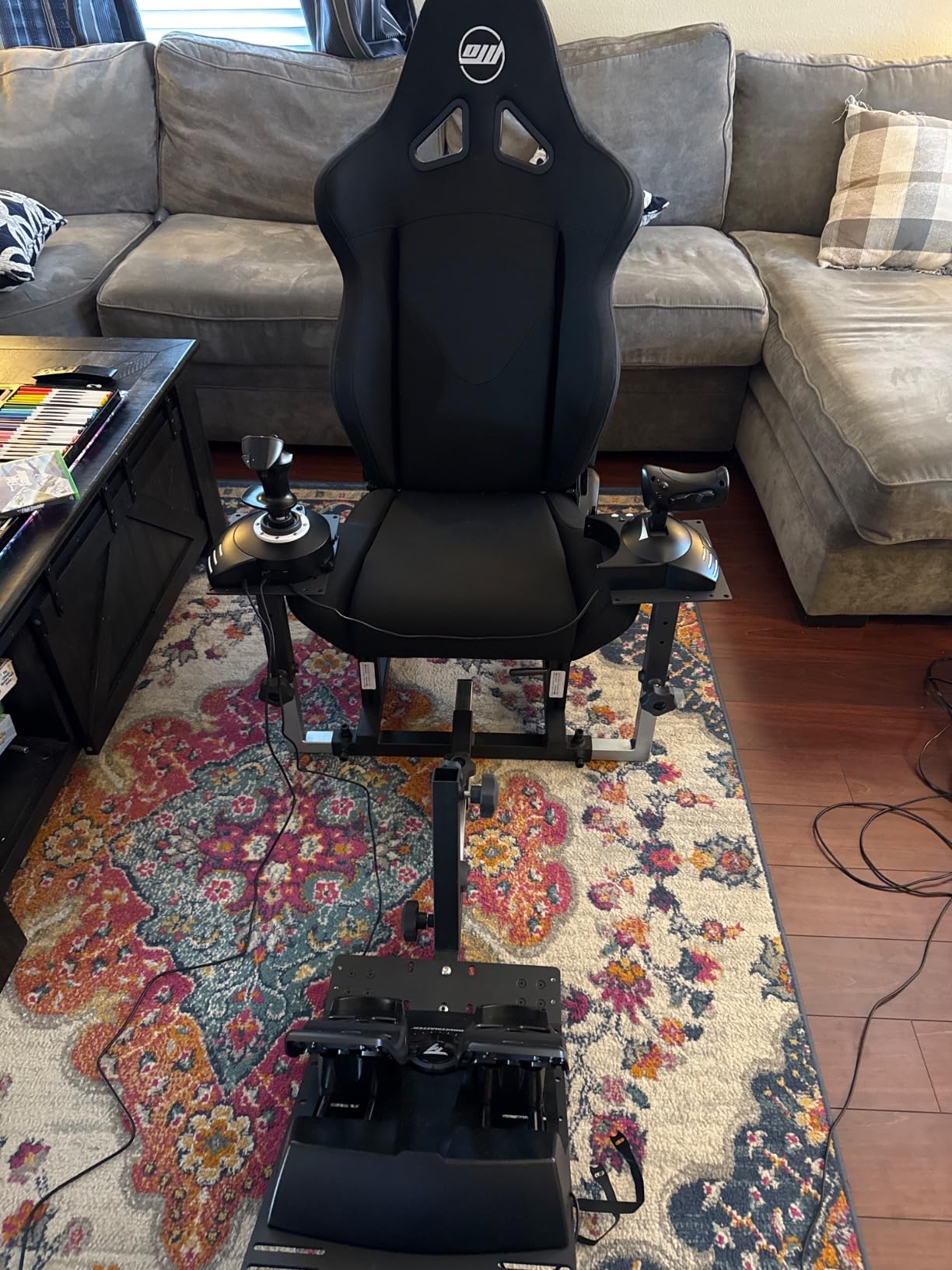
The kit combines the T-Flight Hotas One with the TFRP rudder pedals. The stick uses Hall-effect sensors for the main joystick axes, the throttle detaches for flexible placement, and 14 programmable buttons cover the basics. The S.M.A.R.T. sliding rail pedals are smooth and comfortable for long sessions, with removable heel rests.
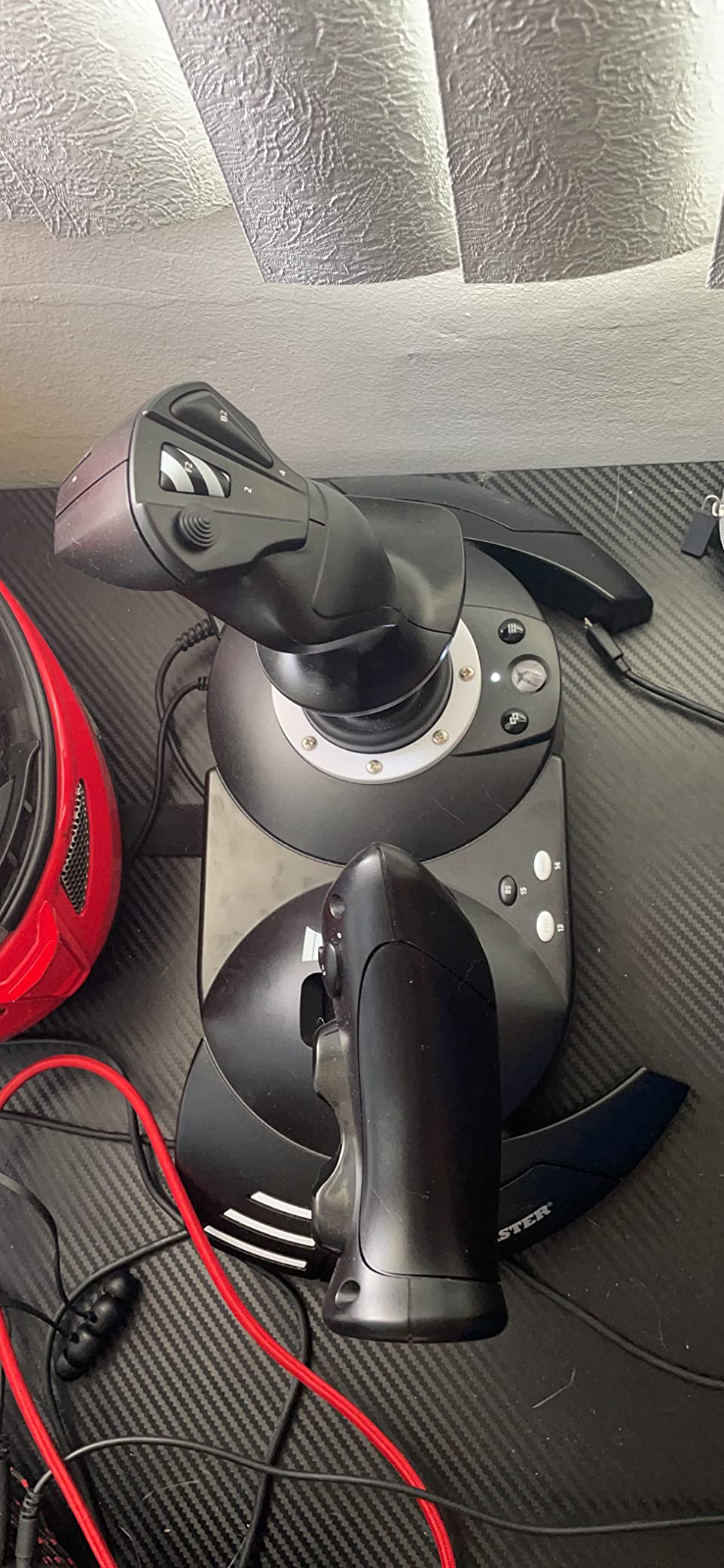
At 12.4 pounds total, the kit is heavier than most budget bundles, but the weight helps stability. The biggest complaint I see in user reviews is throttle resistance that feels minimal at low settings, which makes fine throttle control in airliners harder. The interconnect cable between stick and throttle is also short.
Plastic construction is unavoidable at this price point, but it feels solid in hand.
Who this works best for
Xbox owners who want everything in one box. Beginners on a budget who do not want to mix and match separate sticks, throttles, and pedals. Gift buyers looking for a complete starter package.
Where it falls short
Combat sim enthusiasts who need precise throttle control and premium feel. The throttle is the weakest part of this kit, so if you fly DCS heavies or modern jets with thrust levers that require finesse, save up for the Warthog.
10. Logitech G Saitek X52 Pro Flight Control System — Best Afterburner Detent Feature

- Smooth stick movement with hall sensors
- Good throttle feel with adjustable resistance
- Comfortable grip with 5-position adjustment
- Illuminated buttons help with organization
- Reasonable price point
- Lower rating (3.9) indicates more issues than alternatives
- Joystick centering mechanism can degrade over time
- Quality control concerns with some units failing early
- Plastic coating can wear off
- MFD display has limited practical use
- Short warranty period (90 days)
The Logitech G Saitek X52 Pro has been around for years, and the community has strong opinions about it. I list it here for one specific reason: the afterburner and idle detents on the throttle. If you fly military jets in DCS or IL-2, those tactile clicks on the throttle make it obvious when you are at military power versus afterburner without looking down.
The magnetic sensors on X and Y axes are smooth, the 5-position adjustable grip is comfortable, and the illuminated buttons plus multifunction LCD display add polish.
Here is the problem: this stick has a 3.9-star rating and a 90-day warranty. That is the lowest in this roundup, and it reflects real reliability concerns. Users report centering mechanism degradation, plastic coating wearing off, and early failures on the MFD display.
If you can find one new at a steep discount and you specifically want those detents, it is worth considering. Otherwise, the Thrustmaster T16000M or the X56 offer better long-term value.
Who this works best for
Military sim pilots who prioritize throttle detents above all else. Pilots on a tight budget who can find a refurbished unit from a trusted seller.
Where it falls short
Anyone who values long-term reliability. The 90-day warranty and 3.9-star rating should give pause, especially compared to the Thrustmaster Warthog or T16000M in the same general price bracket.
11. Thrustmaster T-Flight Hotas One MSFS 2024 Collector Edition — Best for Microsoft Flight Simulator

Thrustmaster T-Flight Hotas One MSFS 2024 Collector Edition – XBOX & PC
- Plug-and-play setup especially on Xbox
- Detachable throttle for versatile desk or lap setups
- Adjustable joystick resistance for all aircraft types
- Solid and responsive controls
- Dual rudder system via Z-axis or throttle lever
- Good entry-level HOTAS for beginners and casual sim players
- Throttle can be irritatingly loose out of the box
- Not fully plug-and-play on PC without firmware updates
- Button mapping can be difficult especially for MSFS 2024
- Plastic build does not match premium metal HOTAS feel
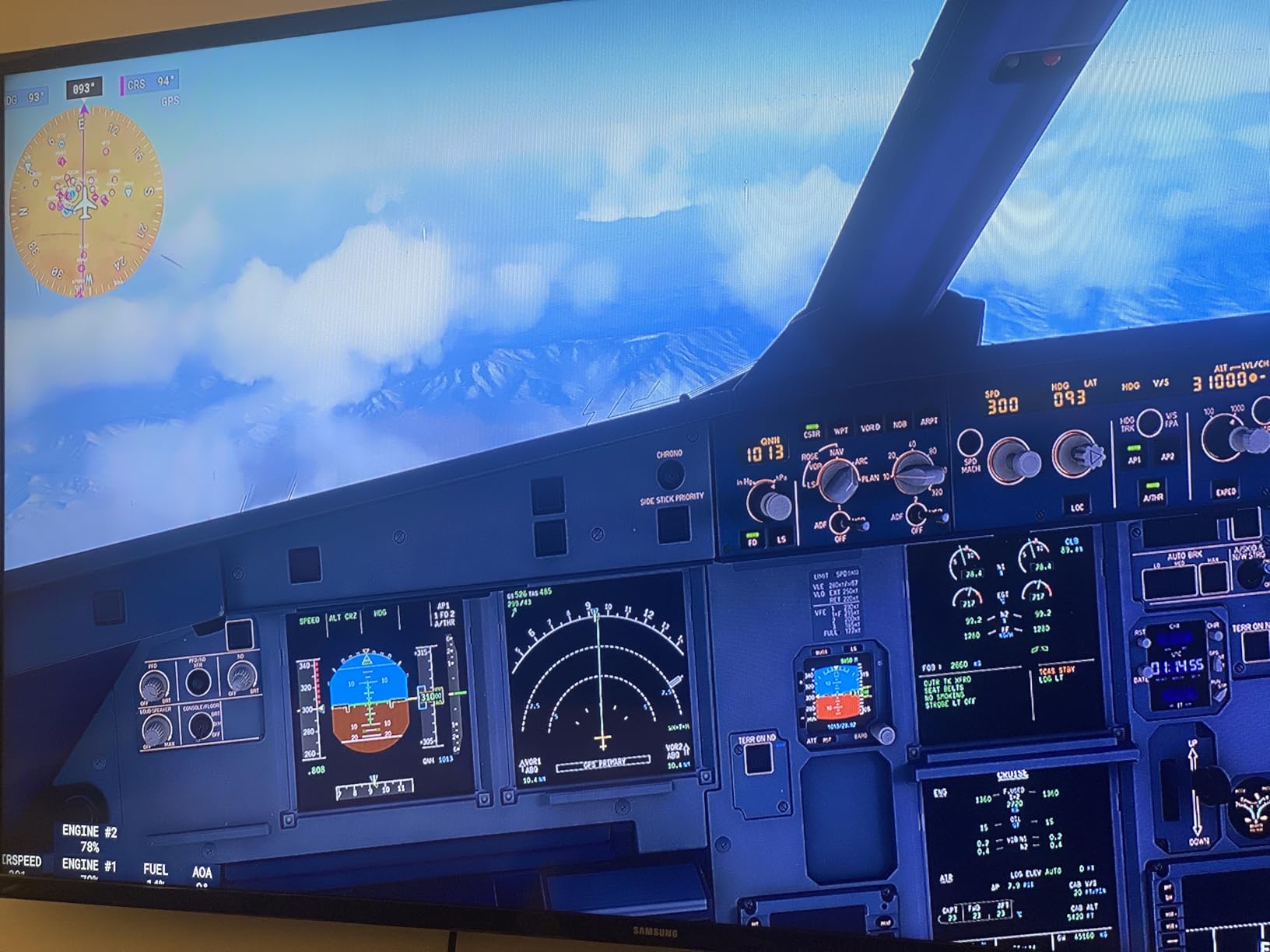
The Thrustmaster T-Flight Hotas One MSFS 2024 Collector Edition is the official licensed HOTAS for Microsoft Flight Simulator 2024. I plugged it into a Series X and started the sim, and everything worked instantly. No driver hunt, no manual mapping sessions, just flight.
The white finish with the MSFS branding is a nice touch for collectors. Functionally it is similar to the standard T-Flight Hotas One, with 14 programmable buttons, 5 axes, 10-bit precision, and a detachable throttle. The dual rudder system uses both Z-axis rotation and a dedicated lever on the throttle.
It is positioned as an entry-level HOTAS, so do not expect Warthog-level precision. The throttle can feel loose out of the box, and on PC you may need firmware updates before everything works smoothly. Button mapping in MSFS 2024 has had some quirks, but most are fixed with the latest Thrustmaster software.
At 2,040 grams, it is lighter than the standard T-Flight Hotas One. A small non-slip mat keeps it in place during takeoff rolls.
Who this works best for
MSFS 2024 players who want a licensed, plug-and-play experience. New flight sim enthusiasts who want a casual setup that works on both Xbox and PC. Gift buyers looking for an MSFS-themed product.
Where it falls short
Hardcore combat sim pilots. The 10-bit precision is fine for civilian flying, but DCS and IL-2 benefit from 16-bit Hall-effect sensors. If you plan to expand into combat sims, the standard T-Flight Hotas One or T16000M is a smarter long-term choice.
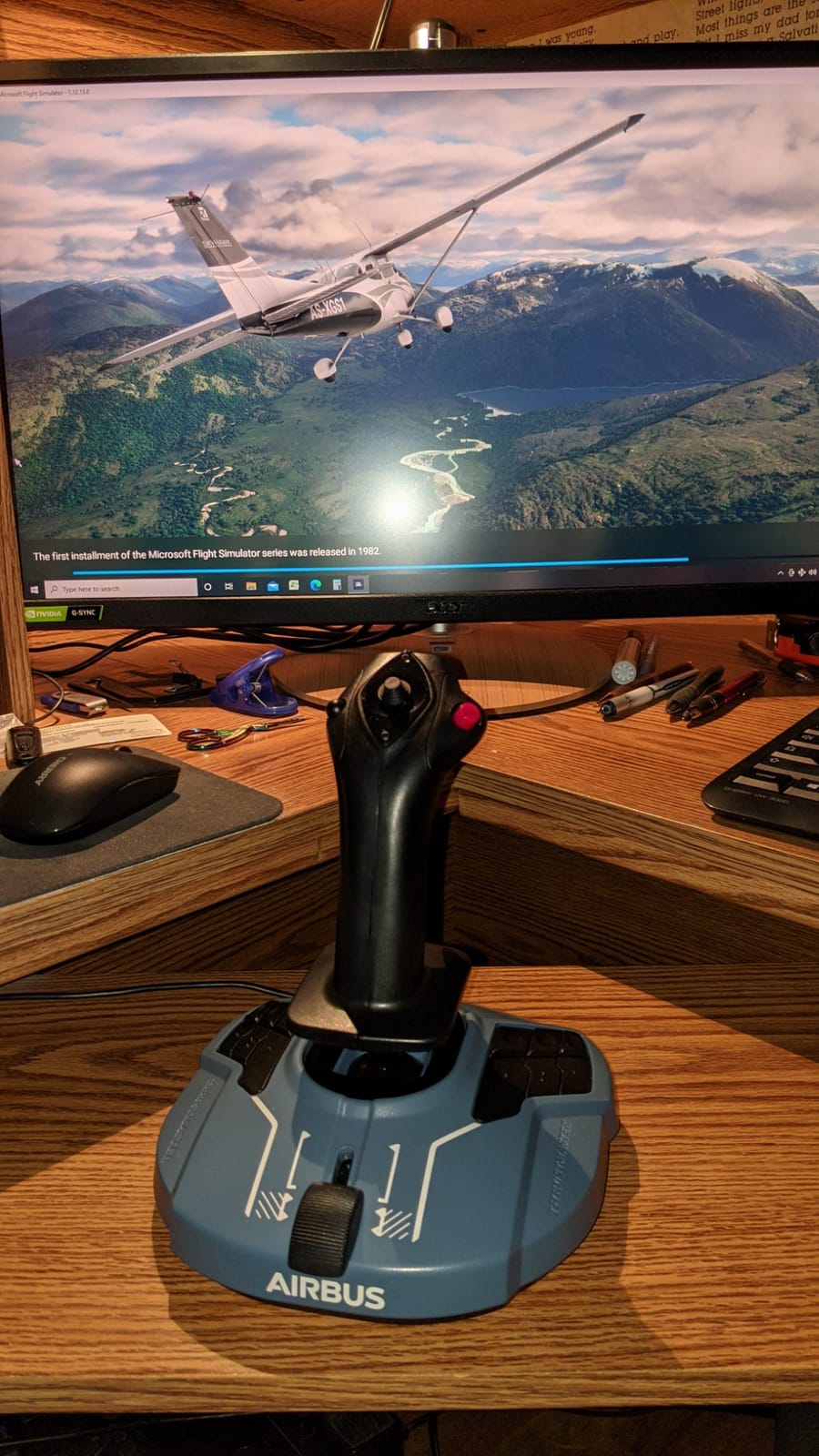
12. Thrustmaster TCA Sidestick Airbus Edition — Best Airbus Sidestick Replica

- Drift-free magnetic sensor for flawless accuracy
- Compact and space-saving design
- Plug-and-play with Microsoft Flight Simulator
- Ambidextrous stick design with swappable head modules
- Good precision and gimbal system compared to budget alternatives
- Integrated throttle and rudder in one device
- Thrust reverser detent is barely perceptible
- Button numbering layout is confusing and non-intuitive
- Potentiometer on Z-axis can degrade causing rudder drift in some units
- Some quality control issues reported with used/RMA products shipped
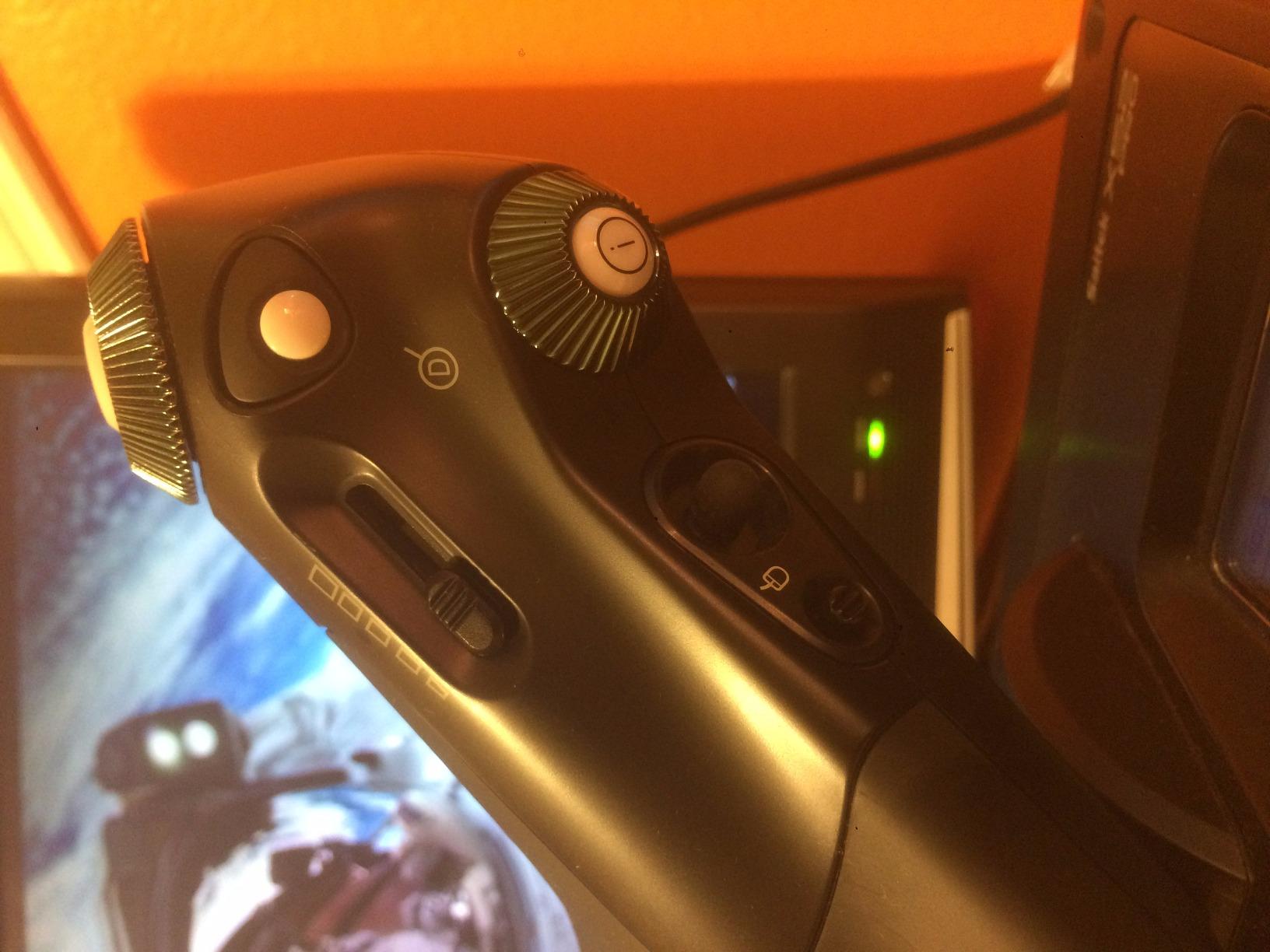
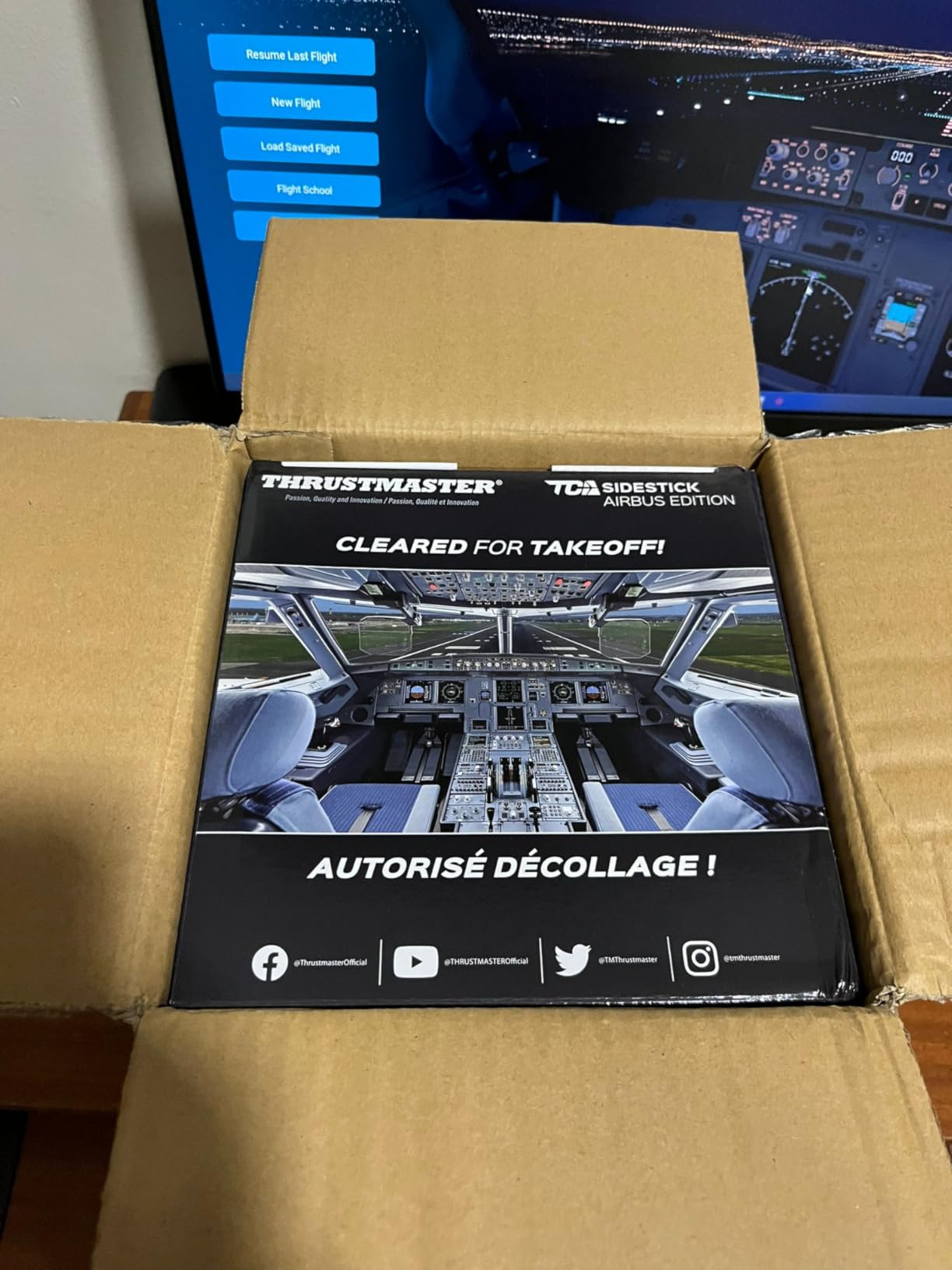
The Thrustmaster TCA Sidestick Airbus Edition is the only stick in this roundup built specifically around the Airbus A320 sidestick philosophy. As a frequent MSFS airliner pilot, I love this thing. The contactless magnetic sensor is drift-free, the compact footprint fits on any desk, and the plug-and-play mapping in Microsoft Flight Simulator is excellent.
This is technically a sidestick, not a traditional HOTAS, but I include it because Airbus-style flying is the most popular use case in MSFS. The built-in throttle and twist rudder make it a complete single-handed control solution. Four swappable joystick head modules let you customize the feel.
The thrust reverser detent is the biggest disappointment. In real life, Airbus pilots feel a distinct click when they hit the reverse thrust zone. Here, the detent is so subtle that most pilots miss it entirely. The button numbering layout is also confusing because it does not follow traditional HOTAS conventions.
At only 7.68 ounces, it is the lightest stick in this guide. It also has the smallest footprint, perfect for tight desks.
Who this works best for
Airbus airliner enthusiasts flying MSFS or X-Plane. Pilots with limited desk space who need a compact solution. Anyone who prefers sidestick-style flying over traditional center-mounted yokes or joysticks.
Where it falls short
Combat sim pilots need a real HOTAS with separate throttle. The thrust reverser detent issue makes it less than ideal for serious airliner immersion. Also, some users report Z-axis potentiometer drift over time, so long-term durability is a watch item.
Buying Guide: How to Pick the Right HOTAS
Choosing the best HOTAS setups for flight sims comes down to four decisions. Match your answers and your wallet to the right kit.
What kind of flying do you actually do?
If you spend 90 percent of your flight time in Microsoft Flight Simulator flying airliners, you want smooth throttle control, an afterburner detent if you dabble in jets, and proper rudder pedals. The Logitech G X56 and the Thrustmaster HOTAS Warthog dominate this use case. For combat sim pilots in DCS World or IL-2 Sturmovik, the priority list flips: you need rugged construction, abundant buttons, and Hall-effect sensors that survive heavy use. The Warthog set and the T16000M are the consistent community picks.
What is your real budget including pedals and mounts?
The sticker price on a HOTAS is just the start. Most serious simmers end up adding rudder pedals (another $80 to $300), a desk mount or chair mount (another $50 to $200), and eventually a second throttle quadrant. The Thrustmaster T-Flight Full Kit and the T16000M FCS Flight Pack bundle the pedals, which is a smart starting move. If you only want the stick and throttle now and will add pedals later, the standalone T16000M FCS HOTAS gives you the best balance of cost and future expansion.
Console or PC?
Console flight sim players are limited to officially licensed hardware. On Xbox Series X/S, your best options are the Thrustmaster T-Flight Hotas One, the T-Flight Hotas One MSFS 2024 Collector Edition, and the T-Flight Full Kit. On PlayStation, the selection is thinner, so most PS5 pilots end up on PC. PC gives you the full menu including VKB, Virpil, Winwing, and MOZA, none of which made it into today’s Amazon-focused roundup.
Do you need ambidextrous or left-handed support?
Left-handed pilots have very limited options. The Thrustmaster T16000M FCS is the only stick in this roundup with a fully ambidextrous design, and the Thrustmaster TCA Sidestick Airbus Edition also supports left-hand configuration. The Logitech X52 and X56 can be reconfigured, but the grips favor right-hand use.
Hall-effect vs potentiometer sensors
This is the single biggest decision you will make. Hall-effect sensors use magnets and never wear out, so you get zero drift for the life of the product. Potentiometer sensors use physical contacts that degrade over time and develop drift. For a stick you plan to keep for five or more years, Hall-effect is worth the extra cost. The T16000M, Warthog, X56, and T-Flight Hotas One all use Hall-effect for the primary joystick axis. The budget T-Flight Hotas X uses potentiometers.
Why force feedback is mostly absent from HOTAS
Unlike racing wheels, true force feedback is rare on flight sticks. Most HOTAS uses a spring-based resistance system instead, which gives you a center detent but not realistic feedback from the aircraft. The Logitech G X56’s four-spring tension system is the closest mainstream option. If you want true force feedback, you are looking at high-end direct-drive bases from Brunner or Rex-by-Mark, which are well beyond typical HOTAS budgets.
Frequently Asked Questions
What is the best HOTAS flight stick for flight sims?
The Thrustmaster HOTAS Warthog set is widely considered the best premium HOTAS for flight sims in 2026, with H.E.A.R.T. Hall-effect sensors, 55 programmable buttons, and an all-metal build that has set the benchmark for over a decade. For most pilots, the Thrustmaster T16000M FCS HOTAS delivers the best mid-range value because it shares the same Hall-effect sensor technology in a more affordable package.
What is a good HOTAS setup?
A good HOTAS setup includes three core pieces: a joystick with Hall-effect sensors for precision and zero drift, a throttle with adjustable resistance and detents for realistic power management, and dedicated rudder pedals for coordinated turns. Bundles like the Thrustmaster T16000M FCS Flight Pack include all three at a reasonable price, which is the easiest entry point for new simmers.
What is the best joystick for flight sim?
The best joystick depends on your sim and budget. For DCS World and IL-2 Sturmovik combat sims, the Thrustmaster HOTAS Warthog offers the most authentic A-10C replica experience. For Microsoft Flight Simulator airliners, the Logitech G X56 H.O.T.A.S provides better throttle feel and VR-friendly control placement. Beginners should start with the Thrustmaster T16000M FCS because it offers Hall-effect precision at a fraction of the cost.
What is the best combat flight sim joystick?
For combat flight sims like DCS World, IL-2 Sturmovik, and Falcon BMS, the Thrustmaster HOTAS Warthog is the gold standard joystick thanks to its all-metal construction, 19 programmable buttons, three 8-way hat switches, and H.E.A.R.T. Hall-effect sensors with 16-bit resolution. The Logitech G X56 is a strong runner-up for VR combat pilots who need extra buttons under their fingers.
Final Verdict
Choosing the best HOTAS setups for flight sims in 2026 is less about chasing specs and more about matching your flying style, your desk, and your budget. If you have the money and the desk space, the Thrustmaster HOTAS Warthog set remains the benchmark that every other kit is measured against, and it will outlive every other piece of hardware in your cockpit.
For most readers, the Thrustmaster T16000M FCS HOTAS hits the sweet spot. It uses the same Hall-effect sensor technology as the Warthog, it supports T.A.R.G.E.T. software for deep programming, and it costs a fraction of the price. Pair it with the TFRP rudder pedals and you have a setup that will carry you from your first cockpit checkout to hundreds of hours of combat or airliner flying.
If you are brand new and unsure whether flight sims will stick, start with the Thrustmaster T-Flight Hotas X. It is cheap enough that you will not regret the experiment, and good enough that you might keep flying for years. Whatever you choose, fly safe, trim early, and enjoy the view from the cockpit.