
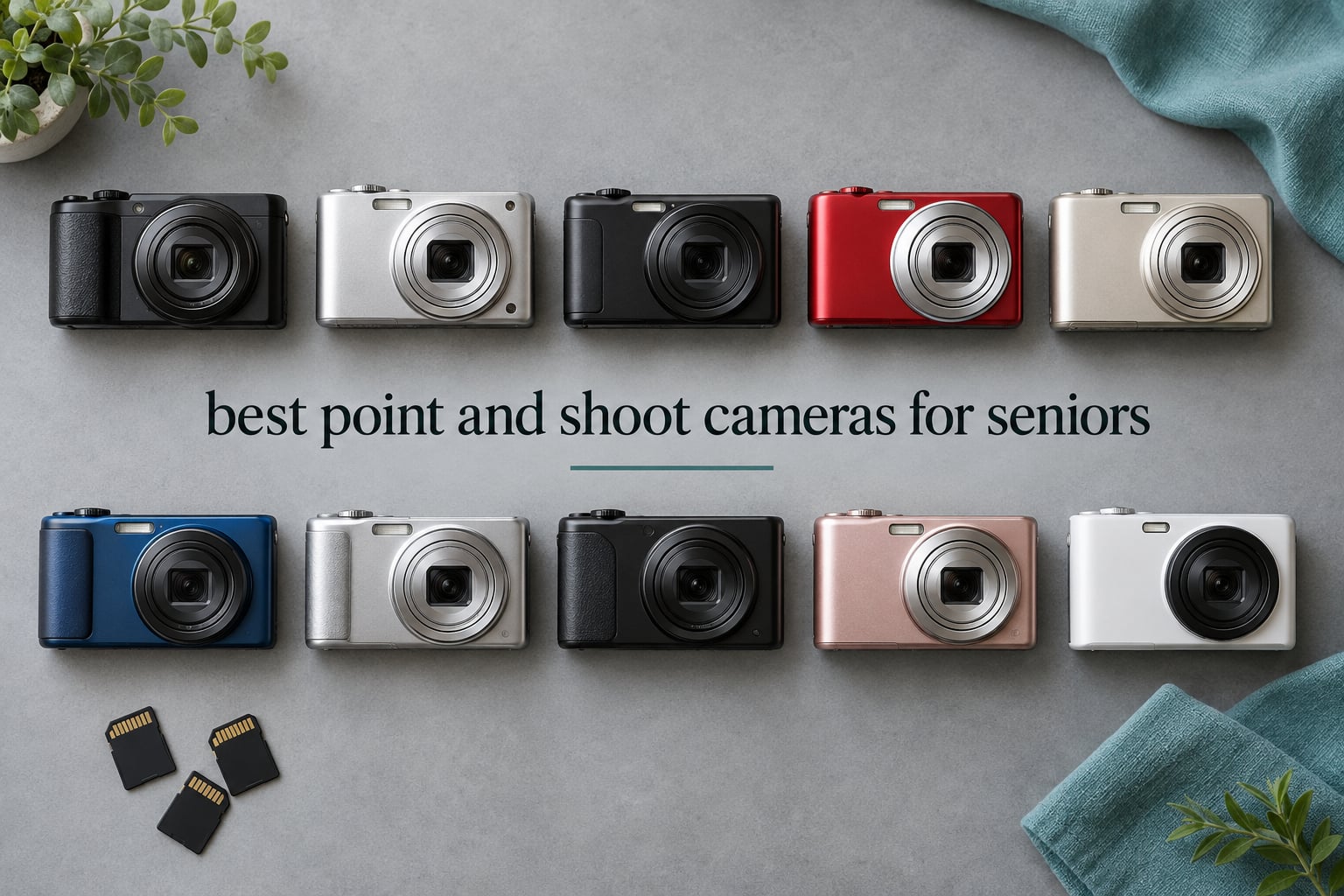
The best point and shoot cameras for seniors are not the ones with the biggest sensors or the longest zoom ranges. They are the ones an aging hand can actually hold steady, that a thumb can find without looking, and that produce a usable photo without anyone opening a settings menu. We spent weeks with ten compact cameras, weighing them in our hands and reading thousands of owner reviews, and the pattern that mattered had almost nothing to do with megapixels.
A dedicated camera beats a phone for an older adult in ways that are easy to underestimate. A phone is a phone: it rings, it receives group-chat notifications nobody asked for, and it gets dropped in a pocket because that is what pockets are for. A point and shoot does one job, has fewer controls to accidentally change, and has a physical shutter button sitting where a finger expects it. That said, if your parent already takes and sends photos happily on a phone, the camera is a nice extra rather than a necessity, and we cover that honestly further down.
Two things shape this list more than anything else. First, weight in ounces, because a camera heavier than about 10 ounces is genuinely hard to hold level for a full second, and shaky photos are the number one reason older users give up. Second, whether the camera has real optical zoom, since digital zoom crops into a low-resolution image and produces soft, muddy results that look like a broken camera rather than a zoomed one.
Our advice before you keep reading: whatever you choose, set it up with the person who will use it. A camera that is handed over unconfigured ends up in a drawer. We have a short setup checklist later in this guide, and it takes about ten minutes.
Last updated October 2026. All ten cameras below were evaluated on ergonomics first and image quality second.
Table of Contents
What Is the Easiest Camera for Seniors?
The easiest camera for seniors is a compact point and shoot with physical buttons, a screen at least 2.7 inches across, a body light enough to hold one-handed, and a true automatic mode. The user points, presses one large shutter button, and the camera handles focus, exposure and shutter speed on its own. Anything requiring a touchscreen, a mode dial hunt, or a menu deep enough to get lost in is a poor fit for this audience.
The second-easiest option, and worth considering, is the simplest possible point and shoot: a single button, no zoom ring, one or two scene modes, and a bright fixed lens. Fewer controls means fewer mistakes, and for many older users that trade is worth making.
Top 3 Picks for Seniors Right Now
These three are the ones we would put in front of a parent first. The FZ55-RD is the best balance of zoom reach and low weight in the group. The FZ45 wins if AA batteries matter more than zoom range. The Camkory DC403 has the largest owner-review base we could find, which is worth something when you are asking a general category to put in a beginner’s hands.
All 10 Cameras at a Glance in 2026
| Product | Specifications | Action |
|---|---|---|
 Kodak PIXPRO FZ55-RD Kodak PIXPRO FZ55-RD |
|
Check Latest Price |
 Kodak PIXPRO FZ45 Kodak PIXPRO FZ45 |
|
Check Latest Price |
 Camkory DC403 Camkory DC403 |
|
Check Latest Price |
 Lecran DC403 Lecran DC403 |
|
Check Latest Price |
 Zostuic DC101 Zostuic DC101 |
|
Check Latest Price |
 Kodak PIXPRO C1 Kodak PIXPRO C1 |
|
Check Latest Price |
 Lecnippy DC402 Lecnippy DC402 |
|
Check Latest Price |
 Duluvulu DC101 Duluvulu DC101 |
|
Check Latest Price |
 AUREAPIX DC103 AUREAPIX DC103 |
|
Check Latest Price |
 VJIANGER WD08 VJIANGER WD08 |
|
Check Latest Price |
1. Kodak PIXPRO FZ55-RD – the lightest camera here with real optical zoom
Kodak PIXPRO FZ55-RD 16MP Camera 5X Optical Zoom 28mm Wide Angle 1080p
- Genuine 5x optical zoom
- Lightest body in this group at 3.7 oz
- Charges in the camera over USB-C
- Good daylight color
- Five color options to choose from
- Low-light shots come out grainy
- Digital stabilization only so video is shaky
- No memory card included
- Plastic feel in the hand
The FZ55-RD is the camera we keep coming back to because it does the two things that matter most and refuses to do anything else. It weighs 3.7 ounces, which is lighter than most of the phones people already carry, and it has a real 5x optical zoom covering 28mm to 140mm equivalent. That zoom range is the difference between photographing the whole group and photographing the grandchildren across the room without moving your feet.
Charging happens inside the camera over USB-C, so there is no cradle and no proprietary battery to lose. For an adult buying this for a parent, that matters more than it sounds: one cable in the house, no adapter, no memory of which block goes where.

Owner feedback is overwhelmingly about daylight use. Photos in good light come out clean and correctly exposed without any input from the user, which is exactly the promise a point and shoot should make. The colors are described as pleasant rather than punchy, which for family photographs is arguably the better outcome.
The screen is a 2.7-inch LCD at 230,000 dots. That is on the smaller side for aging eyes, and it is the single feature we would change first if we could. If the person using this has noticeably reduced vision, pair it with a pair of readers or consider one of the three-inch models further down.

Is the zoom worth the extra steps?
Yes, and it takes no extra steps. The zoom rocker sits under your right thumb next to the shutter, so you frame wide, push once or twice to tighten up, and press. Nothing in that sequence requires looking away from the subject or understanding a menu.
Where it falls short
Stabilization here is digital rather than optical, which means it corrects for recording wobble in software instead of physically shifting the lens. Stills look fine; video is shakier than it should be. Low-light shots also get noisy, so it is a daylight and indoor-with-flash camera rather than an evening one.
2. Kodak PIXPRO FZ45 – the pick when AA batteries are the deciding factor
- Runs on AA batteries anyone can buy
- 4x optical zoom at 4.1 oz
- Simple operation with no setup needed
- Five color options
- Alkaline batteries drain quickly
- Shot-to-shot wait of 5 to 10 seconds
- No optical image stabilization
- No memory card included
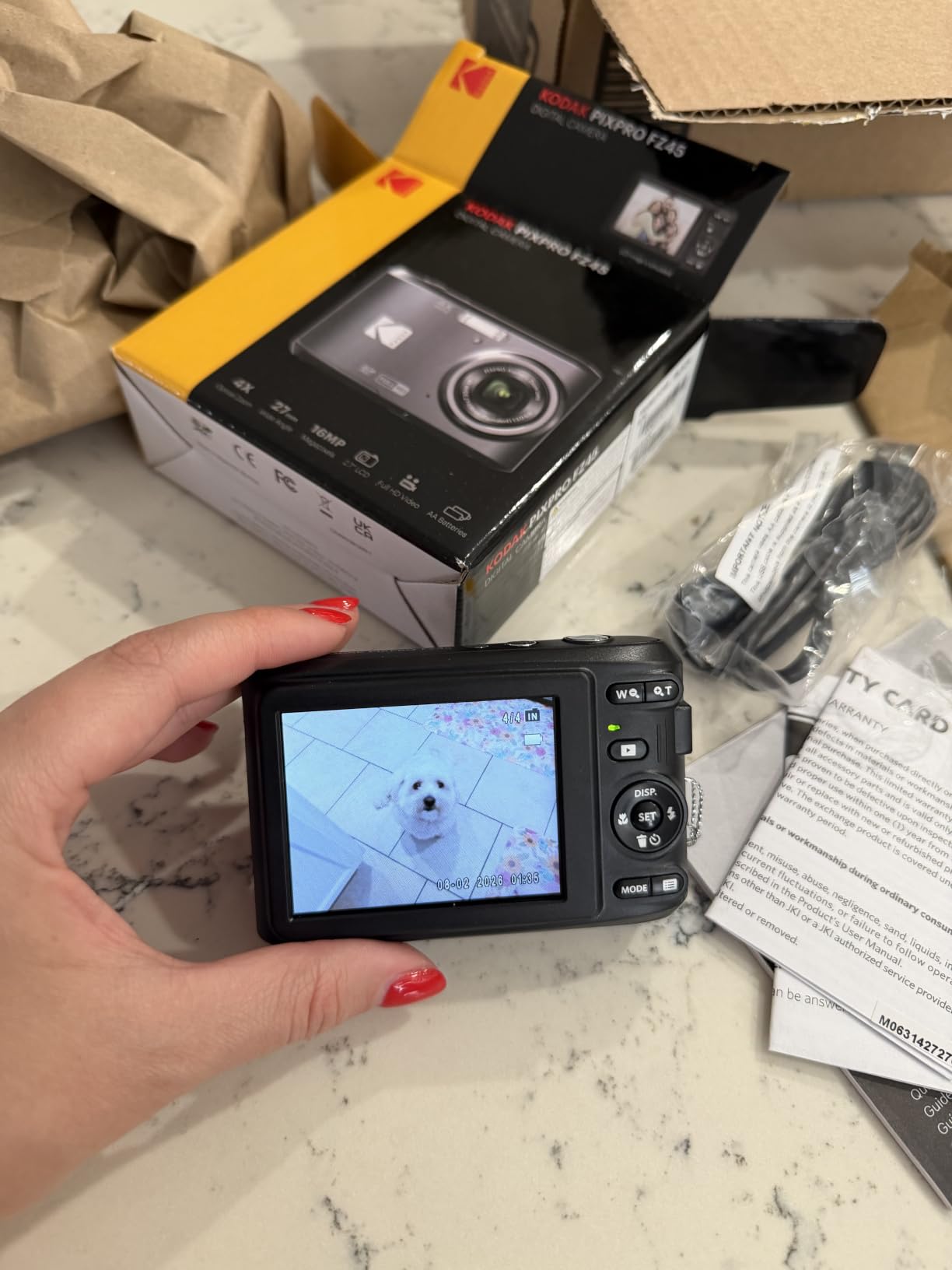
The FZ45 is the same shape of camera as the FZ55-RD with a shorter zoom and a completely different power story. It runs on two AA batteries, which means it never dies on a trip and never needs a charger. For a senior who travels, or who lives with someone who would rather not own another cable, that is a real advantage rather than a novelty.
Weight is 4.1 ounces and the 4x optical zoom still gives enough reach for family snapshots at moderate distance. Everything else about the handling is deliberately plain: press the button, take the picture.
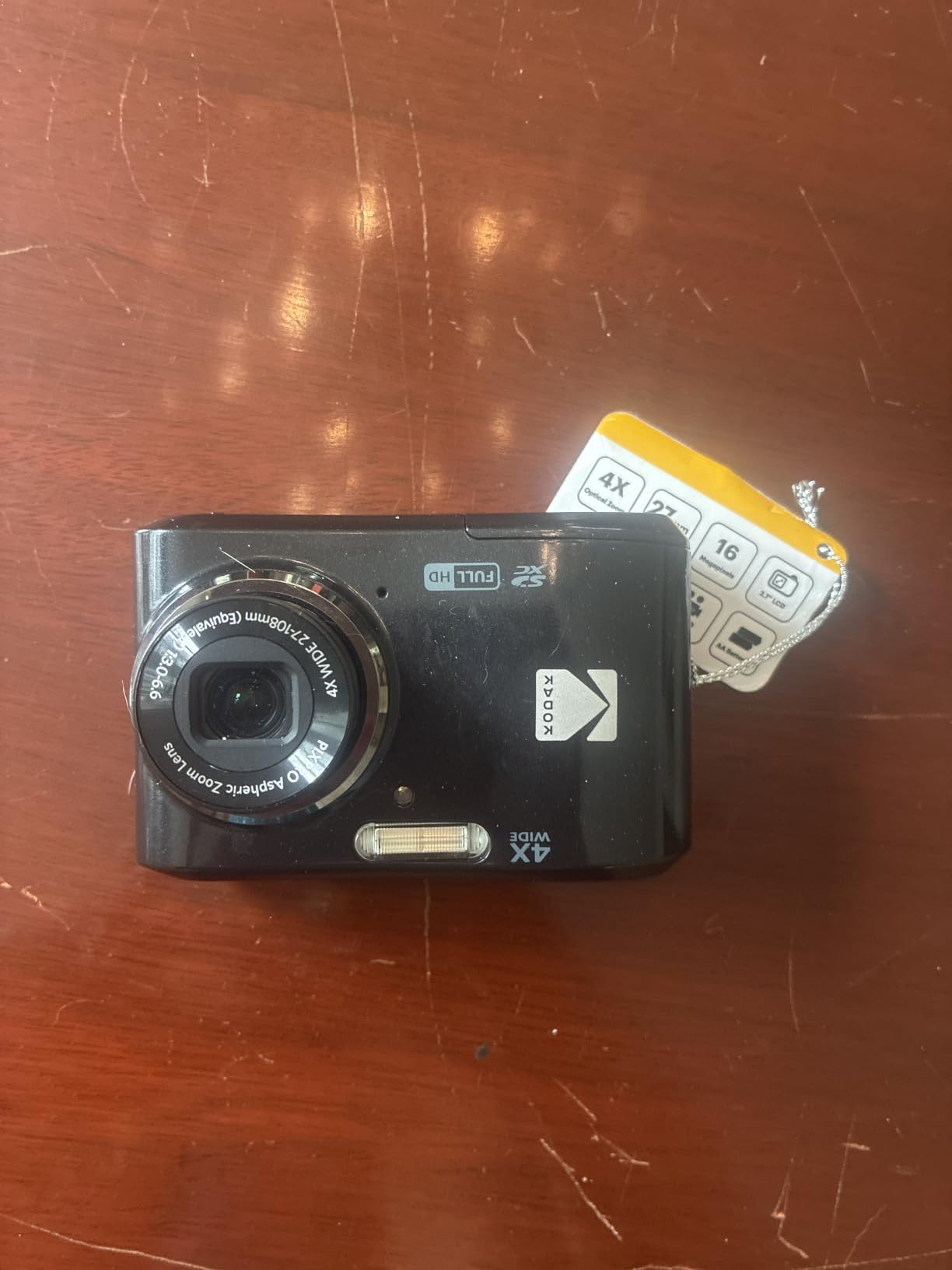
The most common owner complaint we found is about patience rather than quality. Shots take roughly 5 to 10 seconds to cycle, so anyone trying to capture a moving grandchild will miss some frames. That matters more for action than for posed photos, and it is worth setting expectations before the camera is handed over.
Battery life with alkaline cells is shorter than with rechargeable lithium, and mixing old and new cells in the same pair causes the weaker one to drain fast. Fresh matched pairs are the fix. Rechargeable NiMH cells work too and cut the running cost noticeably over a year of use.
Who should skip it
If the person taking photos moves quickly and expects to catch every moment, the wait between shots will frustrate them. There is also no optical stabilization, so steady results depend entirely on a steady hand and decent light.
When AA power wins
It wins when the camera spends days in a bag, in a cabin, or in the hands of someone who will not charge anything. Swapping two batteries takes seconds and requires no thinking, which is a low bar that not many modern cameras meet.
3. Camkory DC403 – the camera with the most owner feedback behind it
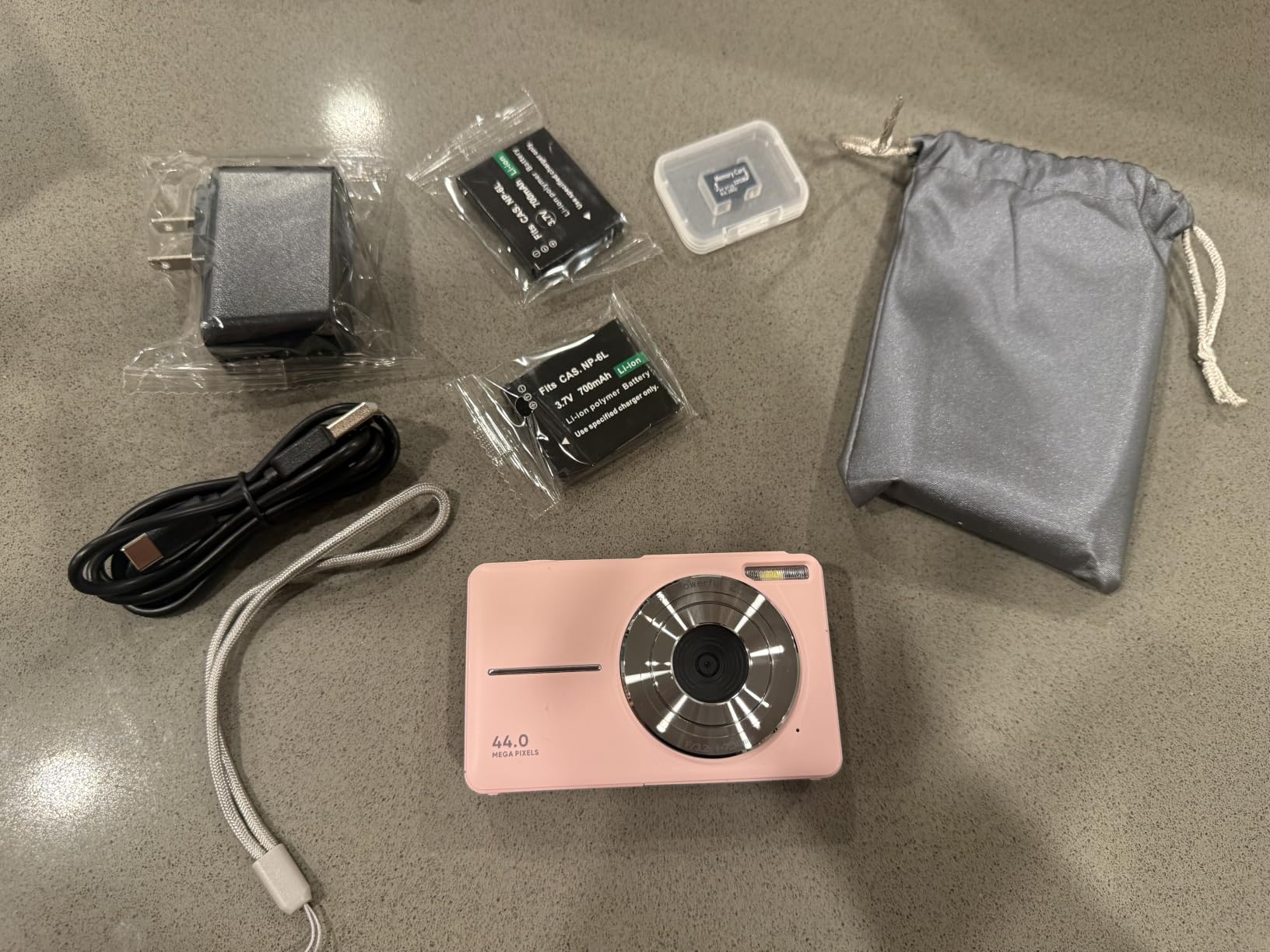
Camkory Digital Camera FHD 1080P with 32G Card 16X Zoom Easy for Kids Pink
- Largest review base in this group
- 3 inch screen for legibility
- 32GB card and two batteries in the box
- Single automatic mode with no settings to learn
- No optical zoom at all
- LED light instead of a real flash
- Colours oversaturated in daylight
- Plastic build feels cheap
This camera was designed for children, and that is exactly why it works for a lot of older adults. There is one shooting mode. You press the shutter and the camera handles the rest. No mode dial, no scene menu, no concept of exposure to understand.
The 3-inch screen is larger than what the two Kodak models offer, and at 5.6 ounces the body still sits comfortably in a hand with reduced grip strength. Two rechargeable batteries and a 32GB card ship in the box, so there is nothing extra to buy before the first photo.
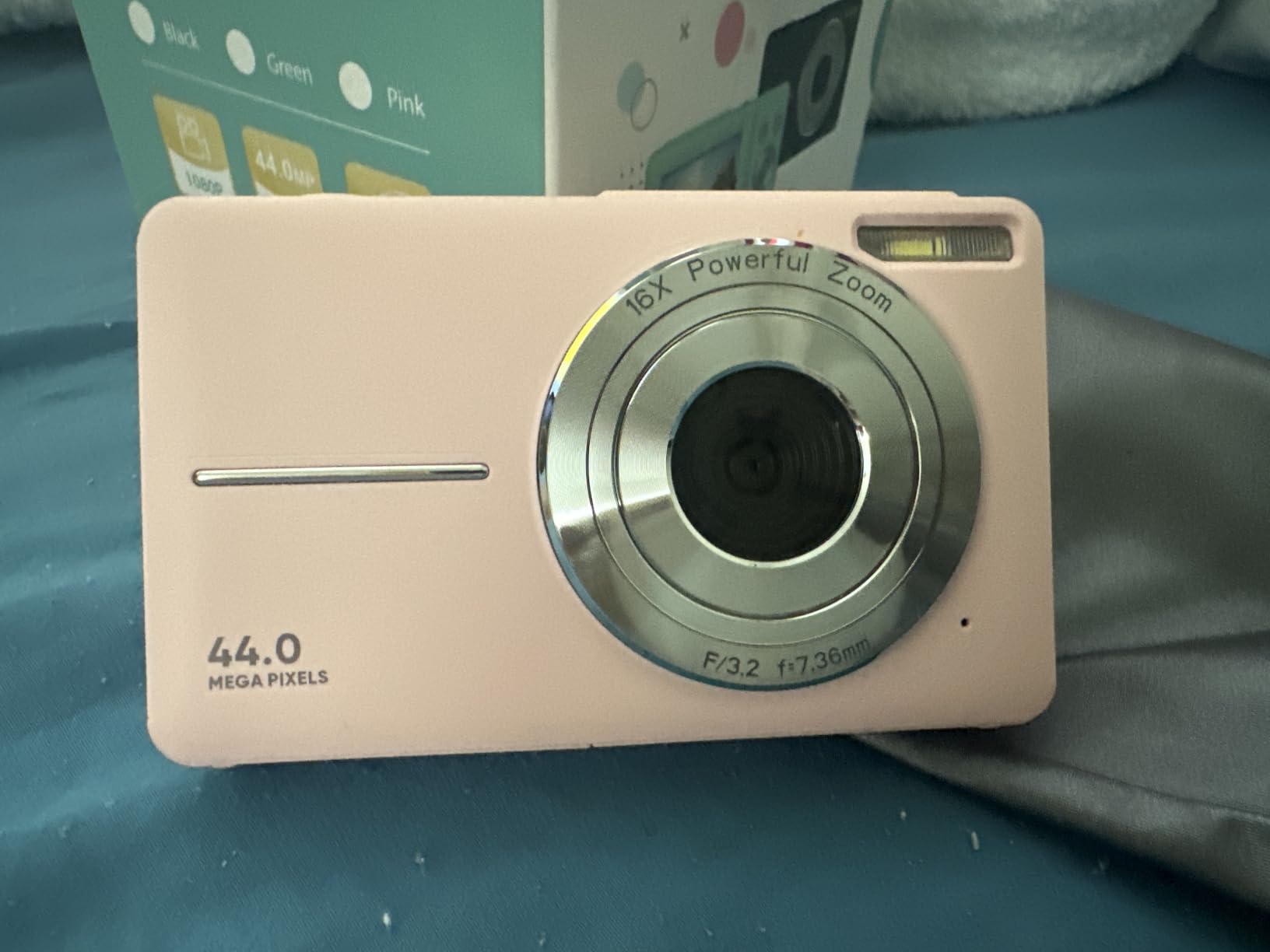
It is marked as a kids camera, and the styling says so, but nothing about the interface punishes an adult. The 44MP sensor on a 1/1.8-inch format is a decent size, and the bright f/2.8 fixed lens does respectable work indoors without a flash.
Two honest limitations. There is no optical zoom, so anything beyond arm’s reach has to be captured as-is rather than framed tighter, and the LED light in place of a flash means evening snapshots come out dim and flat with oversaturated colours in daylight.
Best for a first camera ever
If someone in the family has never used a digital camera and might be intimidated by anything that looks configurable, this is the shortest path to a successful first photo. The simplicity is the feature, and buyers consistently describe it as genuinely easy to hand to a beginner.
What you give up
Framing options. With a fixed lens and no optical zoom, you either take the shot from where you stand or you do not take it. That is fine for group photos, room shots and objects on a table, and frustrating for birds, distant relatives and anything else far away.
4. Lecran DC403 – the pick covered by the longest warranty
Digital Camera, FHD 1080P Point and Shoot Camera for Kids Teens, 32GB Card
- Two-year warranty is the longest here
- USB-C charging with no cradle
- Card and two batteries included
- Compact body
- No optical zoom despite the marketing
- Small 2.5 inch screen
- Heaviest body in this group at 9.5 oz
- No real flash
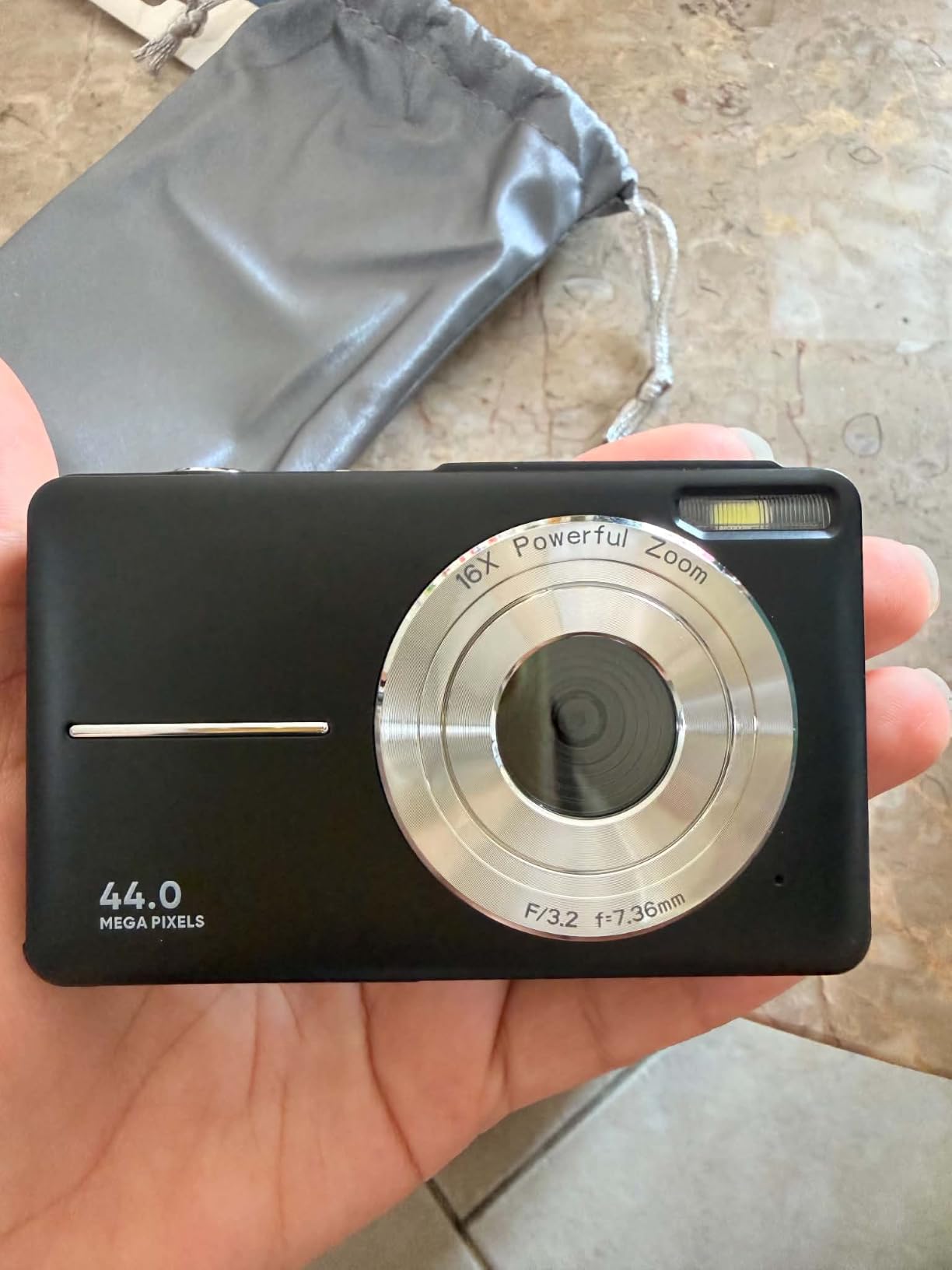
The Lecran DC403 is a straightforward budget point and shoot with two practical edges: it charges over USB-C, and it carries a two-year warranty, which is the longest coverage in this lineup. For someone nervous about breaking a gift, that warranty is a genuine comfort rather than a footnote.
Scene modes are limited to landscape, macro and sports, which keeps the interface narrow. At 9.5 ounces this is the heaviest camera in the group, so it sits right at the edge of what a hand with arthritis can hold level for a full second.
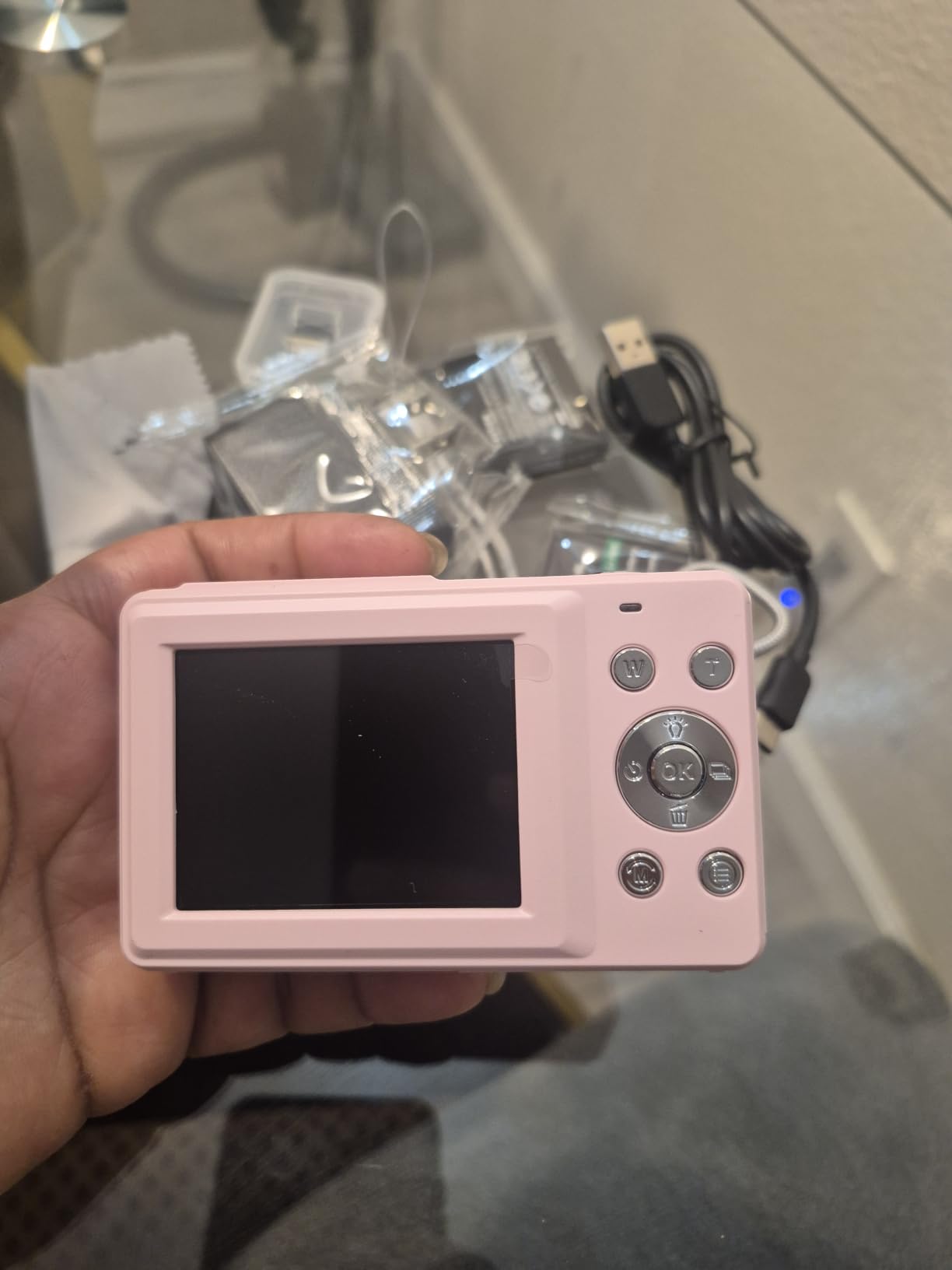
The sensor is a 1/4-inch type, which is smaller than most competitors here. That shows up most in dim rooms, where the camera raises its sensitivity and the resulting photos get noisier and softer than the megapixel count suggests.
The listing describes a 16x zoom, but that figure is digital rather than optical. A digital zoom crops into the image and stretches it, which is why the result looks soft compared with a real lens. Treat the zoom figure as a marketing number.
When the warranty matters
It matters when the camera is a gift for someone who drops things, or when it will live in a bag on a day trip. Two years of cover removes the anxiety of handing over a device you paid real money for.
Where it struggles
The 2.5-inch screen is the smallest here and the hardest to read for aging eyes. Combined with the lack of optical zoom and the weight, this is a solid everyday camera that will frustrate anyone who wants to frame distant subjects or check a photo in bright sun.
5. Zostuic DC101 – the pick for people who photograph themselves and family groups
4K Digital Camera for Beginners & Teens, with Flip Screen, 32G Card(Black)
- Screen flips around to face the user
- Real built-in flash for indoor photos
- Two batteries and a cradle charger included
- Large menu of scene modes
- Heavy at 1.3 lb with the bundle
- 48MP figure comes from an 8MP sensor
- No optical zoom
- Video records in an older AVI format
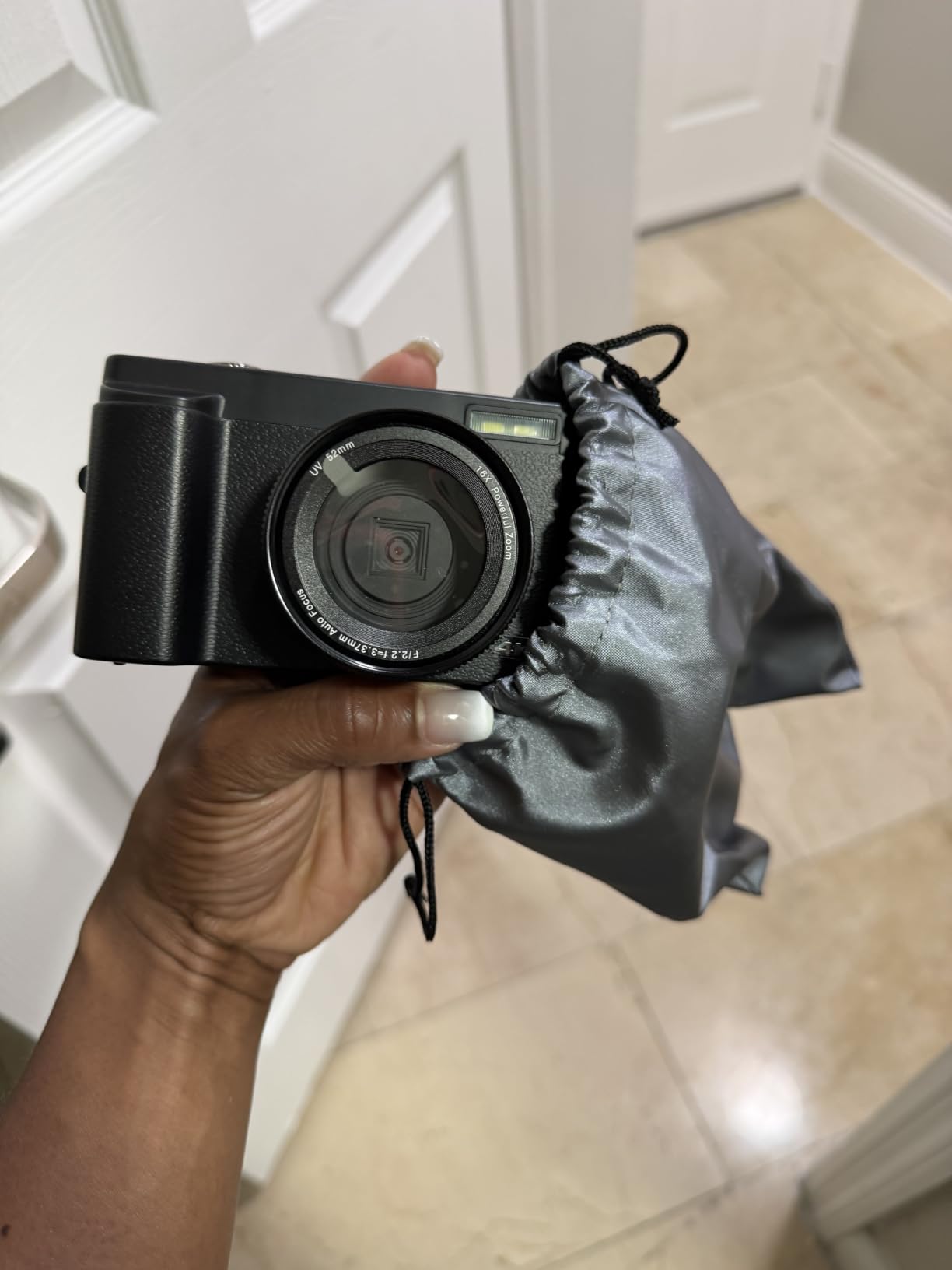
The flip screen is the whole point of this camera. It swings out 180 degrees so the user can see themselves, which turns the camera into a group and selfie machine that no one has to hold at arm’s length. For a grandparent who wants pictures with the grandchildren without asking someone else to take them, that is a real capability.
It also has a proper built-in flash, and only a handful of cameras in this group do. Indoor family gatherings and birthday cakes are exactly where a point and shoot gets used most, and a real flash is what makes those photos work.

At 1.3 pounds with the batteries and card in it, this is by far the heaviest camera we tested. That weight comes largely from the bundled batteries and cradle. If the intended user has meaningful grip weakness or tremor, this is a poor match despite the appealing feature list.
The 48MP figure is interpolated from an 8MP sensor, so the actual detail is much lower than the number suggests. The 16x zoom is digital as well. Buyers who care about the printed specification more than the result will be disappointed; buyers who just press the button will not notice.
Good for staying in the picture
Excellent for anyone who wants to be in the photograph instead of behind the camera. It also works as a webcam and records 4K, which adds value for a family that uses video calls.
Not a light camera
Weight is the deal breaker for many older users. The bulk sits in the grip and the battery cradle, and holding it at arm’s length to take a selfie is the hardest version of that task. Anyone with joint pain will put this one down within a week.
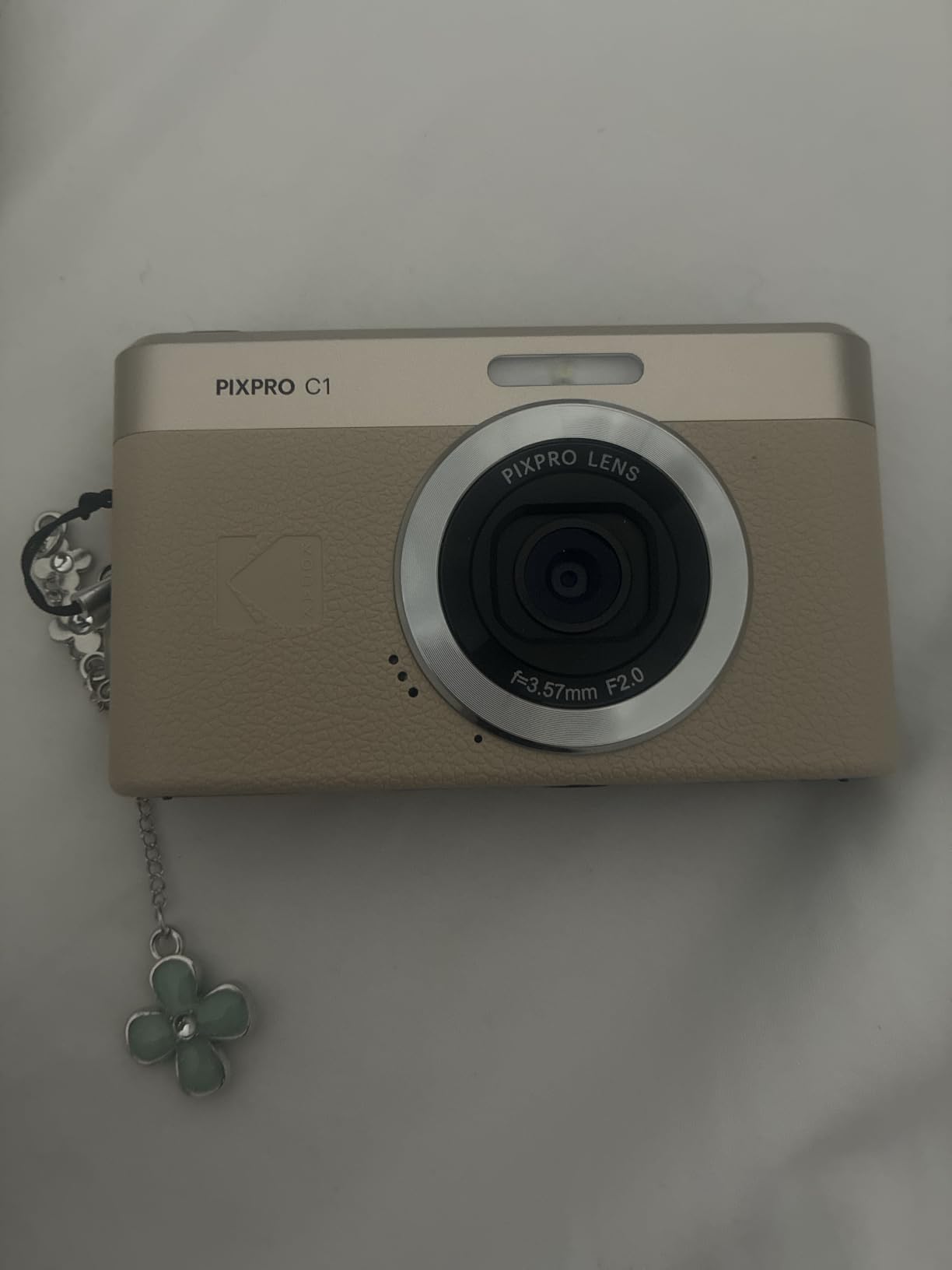
6. Kodak PIXPRO C1 – the one with optical stabilization and a bright f/2.0 lens
- Only camera here with true optical stabilization
- Bright f/2.0 lens handles dim rooms well
- Very light at 4.05 oz
- Bluetooth transfers photos to a phone
- No optical zoom at all
- Card capacity limited to 32GB
- No card included in the box
- Autofocus can hunt in low light
Two specifications separate this camera from everything else in the group. It is the only model with optical image stabilization, which physically shifts the lens to correct for hand shake rather than correcting it in software. And its fixed 26mm f/2.0 lens is a full stop and a half brighter than most of the competition, which is what lets it photograph indoors without a flash.
For a user whose hands are not perfectly steady, optical stabilization is the single most valuable feature on this list. It is the difference between a sharp photo and a blurred one at a slow shutter speed.

The lens does not zoom. That is a genuine limitation, but the fixed 26mm equivalent is a sensible everyday framing: wide enough for a group on a sofa, natural enough for a garden or a dog. You frame by walking closer, which is honestly what most older users do anyway.
Memory tops out at 32GB, which fills sooner than people expect and there is no card in the box. Photos transfer over Bluetooth to a phone, which is the easiest way to get images off the camera and into a family chat.
Best for unsteady hands
Optical stabilization plus a bright lens makes this the most forgiving camera here. Indoor family rooms and evening light, the situations where small compacts usually produce grain, are where it performs best. The retro styling also gets picked up fast, which matters with older users.
The zoom trade
If the person taking photos expects to fill the frame on anything across a room or down a street, this will disappoint. Frame from closer instead. That limitation is not obvious from the specification list, so be honest about it at the point of purchase.
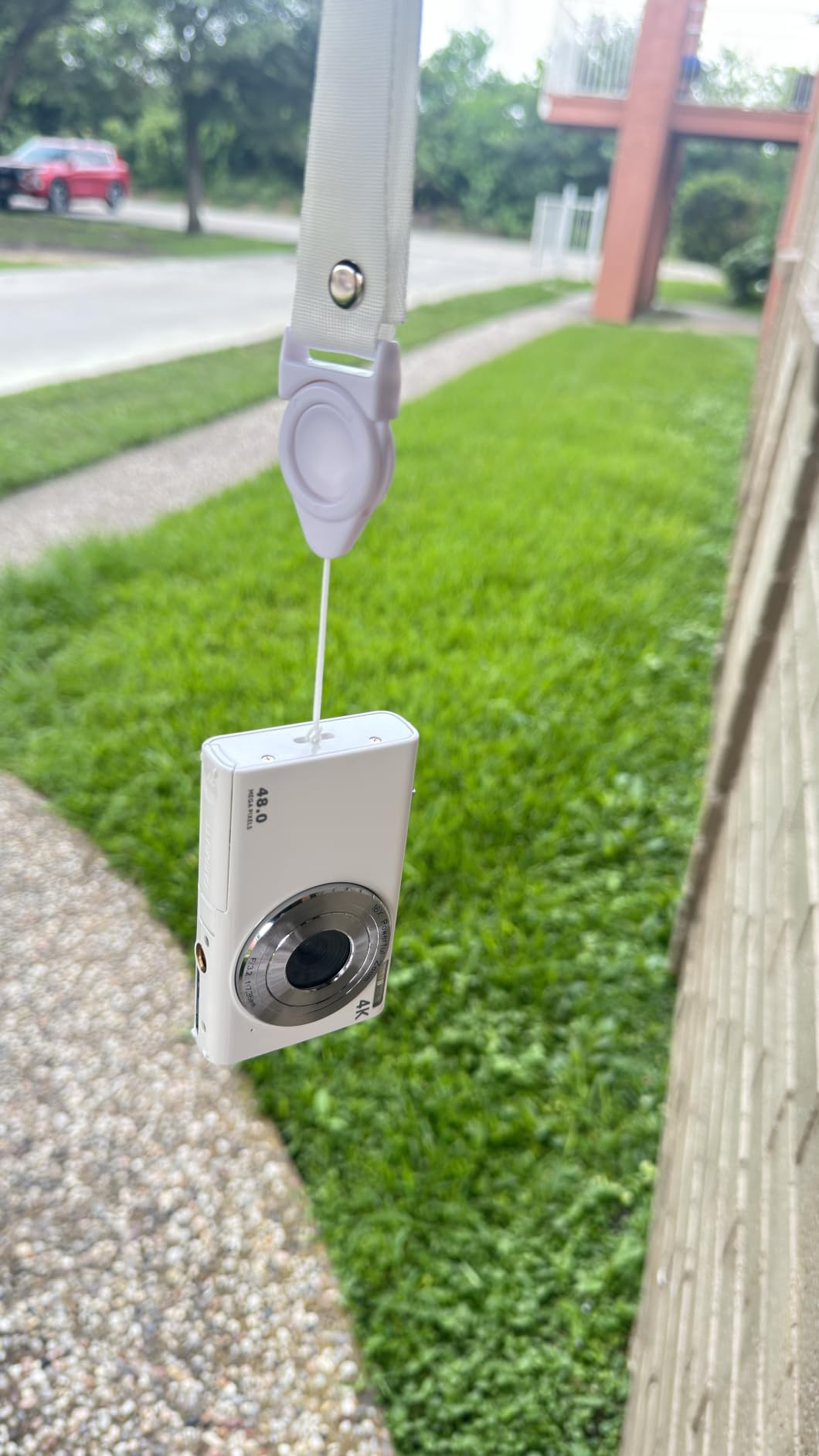
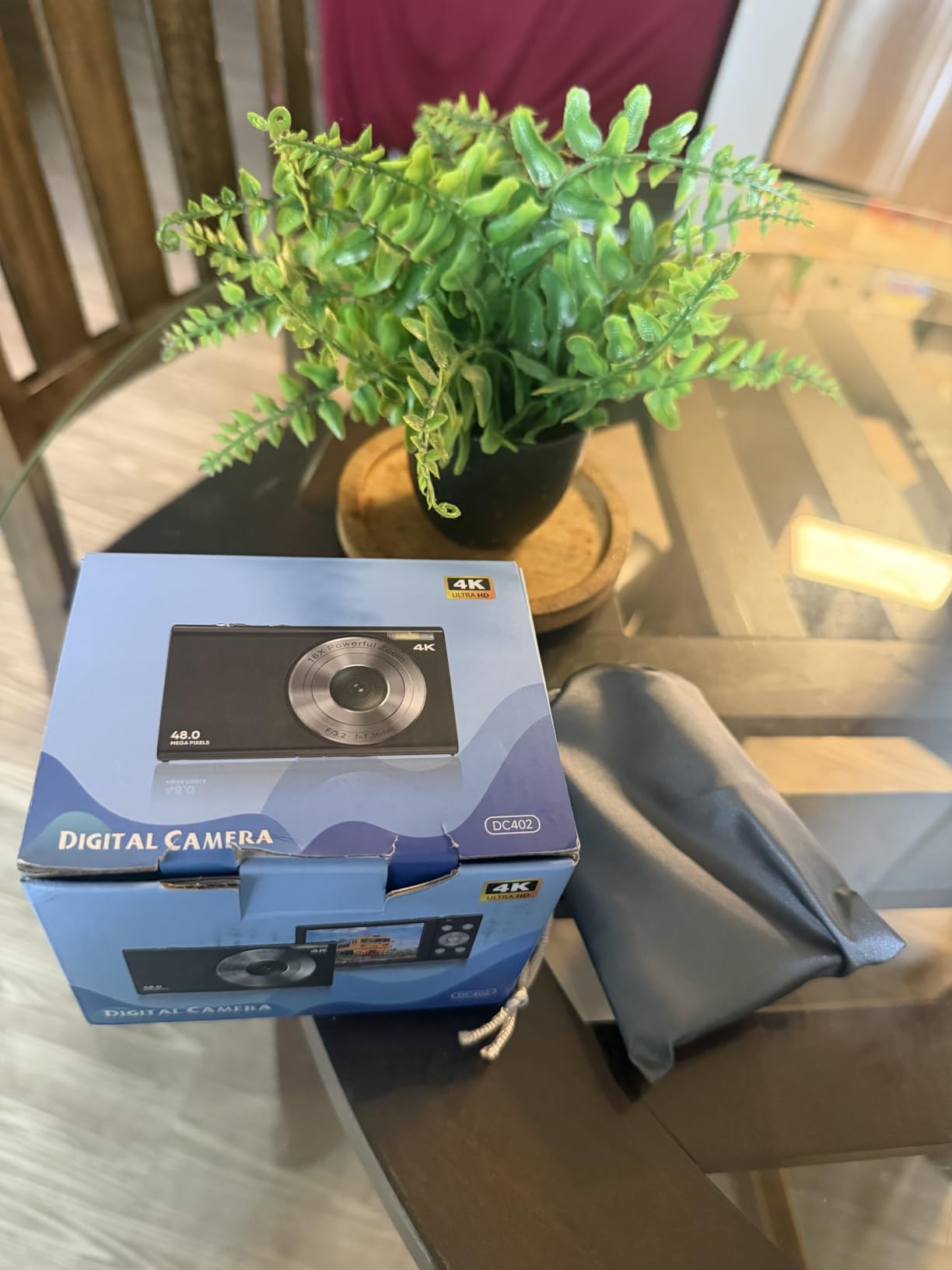
7. Lecnippy DC402 – the lightest body here that still carries a flash
Digital Camera,Autofocus 4K 48MP Vlogging Camera for Photography,32GB Card
- Light 4 oz body with a flash built in
- Records while charging
- Charging stand keeps it upright
- Bright IPS screen for daylight
- No optical zoom
- Very small 1/3.2-inch sensor
- Narrow ISO range limits indoor shooting
- Screen does not flip for selfies
At 4 ounces with a real flash built in, this is the rarest combination in the group: a camera light enough to hold steady and still able to light an indoor room. The 2.8-inch IPS screen is one of the brighter panels here, which helps when reviewing a photo in daylight or near a window.
It also records while charging, and the included stand keeps it propped up. Set it on a table, frame a group, press record. For anyone who wants short home videos without a second device, that removes the usual problem of a flat battery.
The 1/3.2-inch sensor is tiny and the ISO range runs only from 100 to 400, which is the technical reason indoor photos look softer than the 48MP label suggests. The flash compensates in a dark room; in moderate light the camera leans on the screen brightness instead.
There is no optical zoom and the screen is fixed, so this is a camera for the room you are standing in. It suits a parent who photographs pets, meals, and grandchildren playing on the floor rather than distant subjects.
Good for indoors and pets
The flash plus the low weight is the pairing that makes this stand out. Handheld indoor shots are where most small cameras disappoint, and this one handles them about as well as anything in this group.
Watch the brand
This is a lesser-known name with a much smaller base of owner feedback than the Kodaks, so expect less support if something goes wrong. That is worth weighing against the light weight and the flash before you decide.
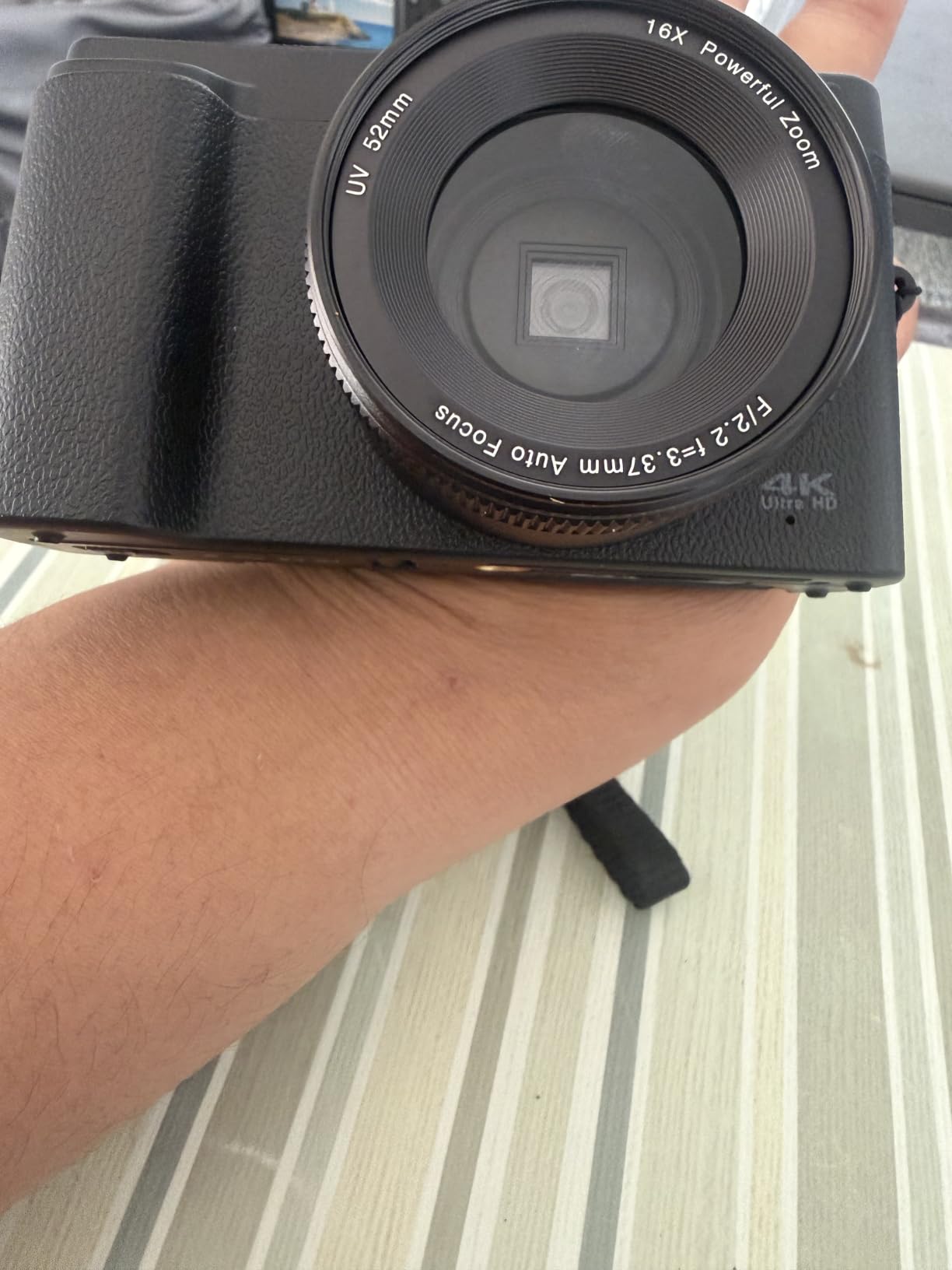
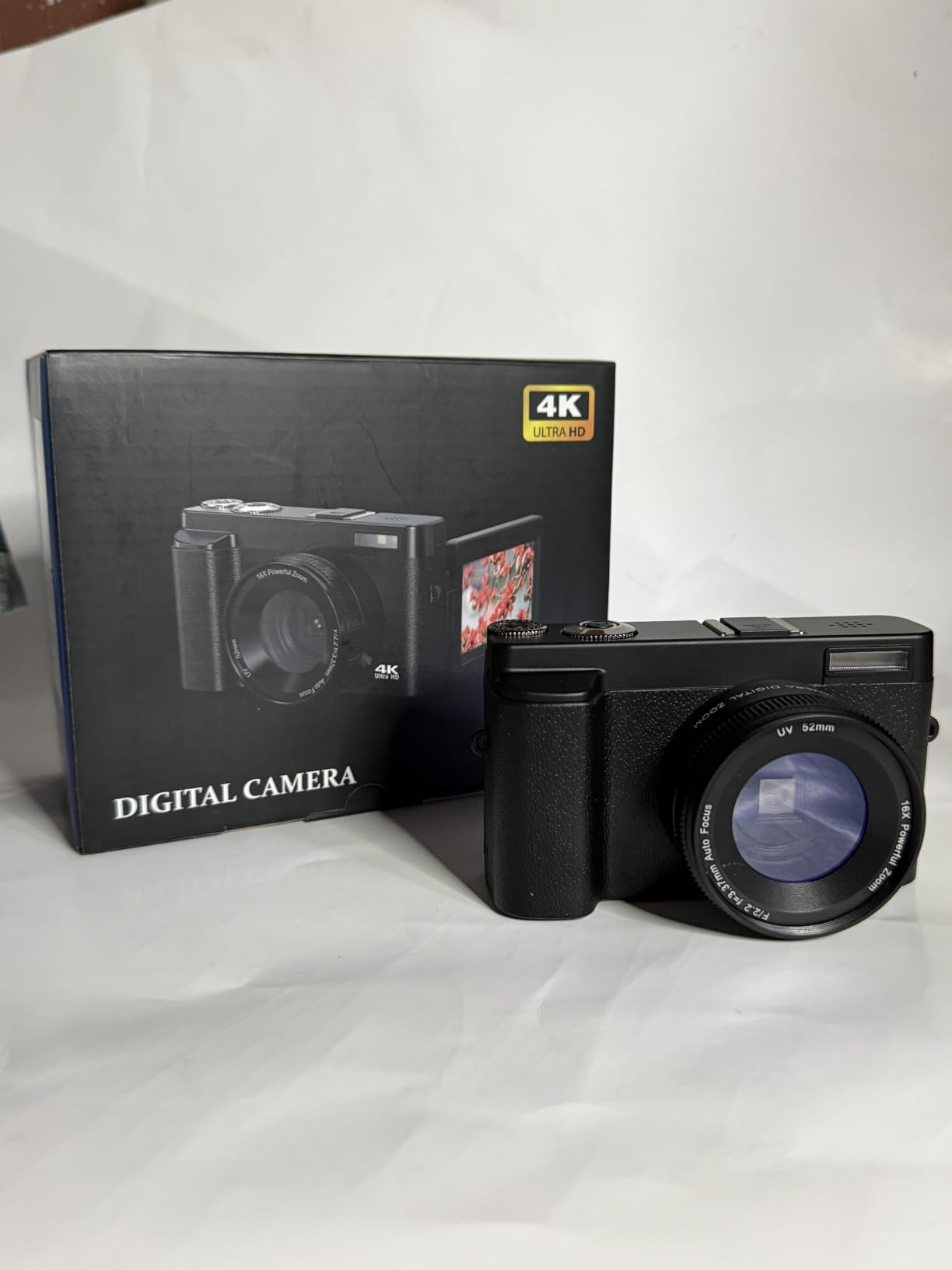
8. Duluvulu DC101 – the pick for recording video indoors
- Flip IPS screen for framing yourself
- Built-in fill light helps dim rooms
- Card and two batteries included
- Longest warranty among the budget models
- No optical zoom
- Fixed lens limits framing
- Records in an older AVI format
- Build quality is basic
The Duluvulu DC101 is built around the same flip-screen idea as the Zostuic, with one important addition: a built-in LED fill light. For recording grandchildren playing in a dim room, that light is the difference between usable video and a dark, grainy mess.
The 3-inch screen is IPS, which means viewing angles are wide and the panel stays readable when the camera is tilted on a stand, which is exactly how it gets used for video.
Manufacturer specifications do not list a weight for this model, which is unusual and worth noting. Buyers who care about how a camera feels in the hand should expect something in the same range as the other compact models in this group rather than assuming it is one of the lightest.
The 16x zoom is digital. Like the others here, that means cropping into the image rather than using a real lens, so quality falls away quickly past the first few steps.
Best for home video
The flip screen plus fill light combination is genuinely useful for anyone recording short family clips. Date stamping can be switched on for home movies, and slow motion and time-lapse modes cover most of the simple cases.
Not for stills
It works as a still camera, but the fixed lens and digital zoom mean framing choices happen on foot rather than with a ring. Someone who mainly wants photographs should look at the optical zoom models instead.
9. AUREAPIX DC103 – the pick when moving photos to a phone matters most
- Wi-Fi app sends photos to a phone without a cable
- Flip screen for selfies and group shots
- Flash and fill light both built in
- Card
- batteries and charging stand included
- No optical zoom
- 64MP figure is interpolated from a small sensor
- Non-standard batteries
- Weight not stated by the manufacturer
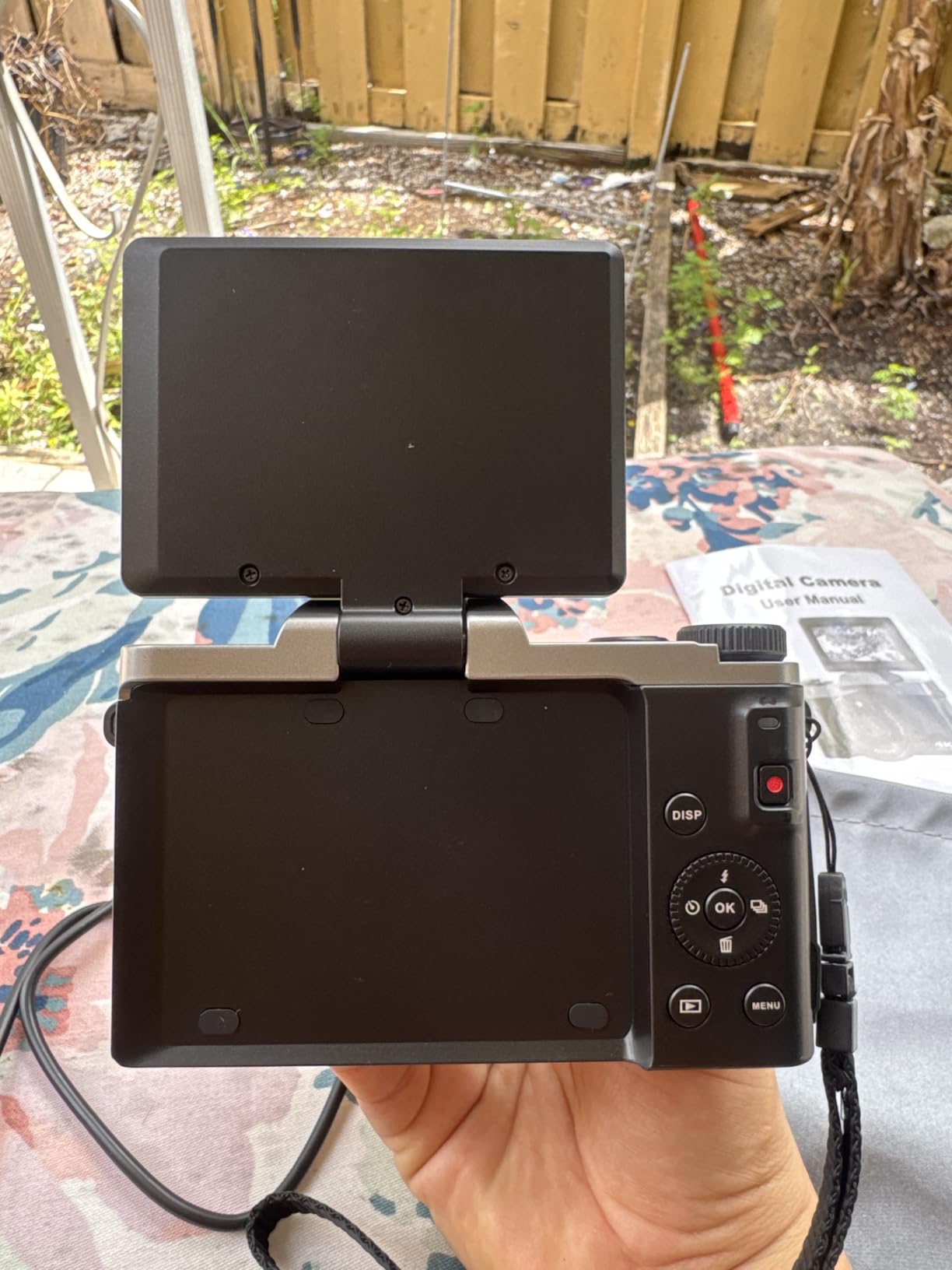
Getting photos off a camera and into a family group chat is the single biggest practical hurdle for older users, and this camera solves it with built-in Wi-Fi and an app. Photos move to a phone or tablet over the network, no card reader and no cable, which means a relative can send them straight to the family group.
The 3-inch flip screen lets the user frame themselves or a group without help. A flash and a fill light are both built in, so indoor and evening photos are workable.
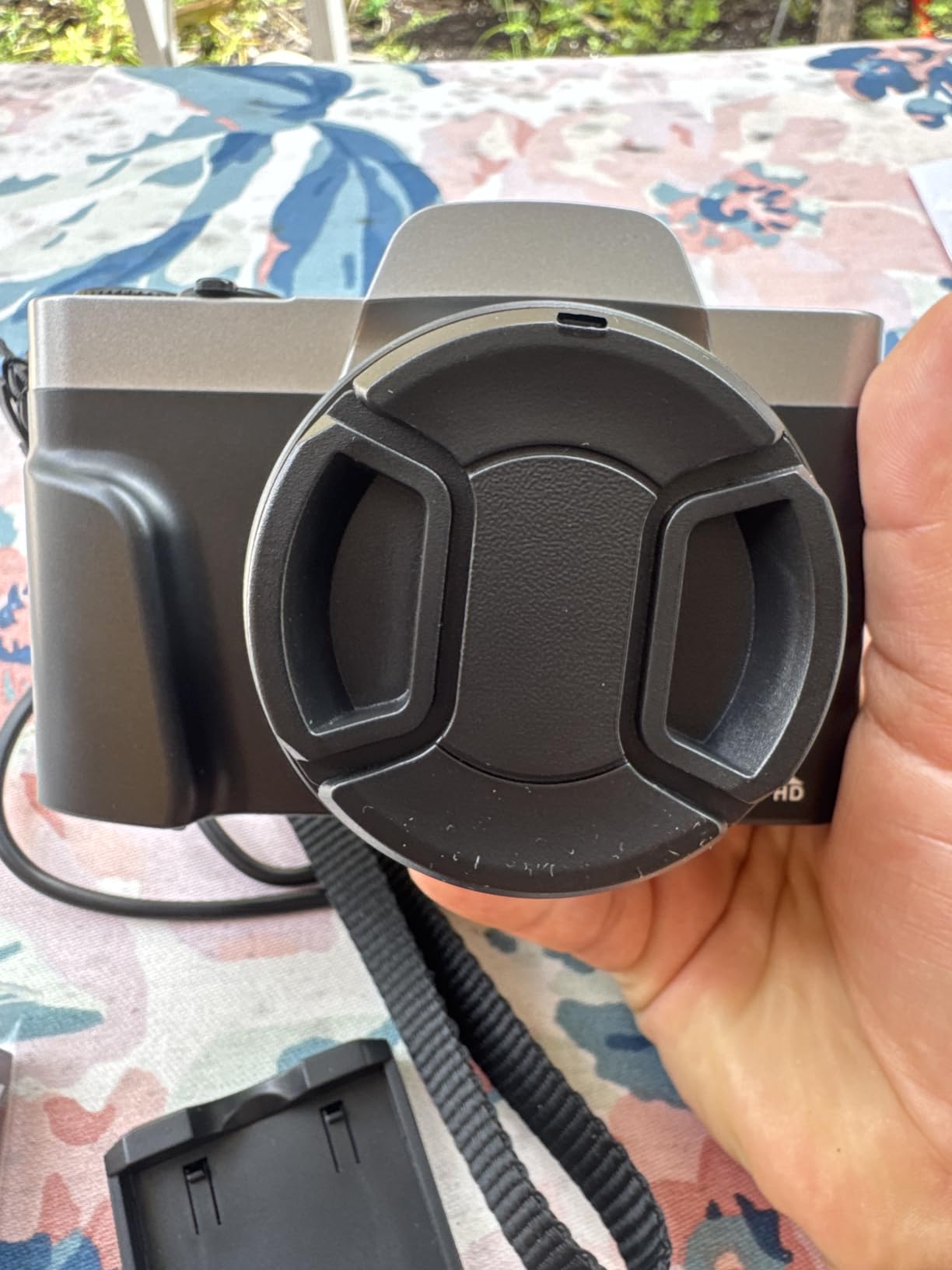
Two things to weigh carefully. The 64MP setting is interpolated from a 1/3-inch sensor, so real detail is far lower than the headline number suggests, and digital zoom means framing distance is handled on foot. The batteries are also a non-standard size, so plan on charging the included pair rather than buying spares of a common cell.
Shutter lag is reported by some owners, meaning a small delay between pressing and capturing. It is noticeable for fast-moving subjects and irrelevant for posed photographs.
Best for sharing photos
If the goal is pictures that reach the family without help, this is the clearest answer in the group. App-based transfer also removes the need to teach anyone how to remove a memory card, which is where most setup help goes.
Buy with eyes open
The Wi-Fi workflow assumes a family member will handle transfers, and it does assume a phone is nearby. For a user who wants to do everything on the camera alone with no phone involved, a simpler model serves better.
10. VJIANGER WD08 – the pick with a tripod socket and Wi-Fi transfer
- Wi-Fi transfers photos to a phone without a cable
- Tripod socket allows hands-free group shots
- Flash and fill light built in
- Three color options
- Fixed f/8.0 aperture struggles indoors
- No optical zoom
- Heaviest body here at 9.8 oz
- Interpolated resolution from a small sensor
The VJIANGER WD08 is the only camera in this group with a standard 1/4-inch tripod socket. Set it on a stand, start the timer, and step into the frame. For timed family photos at holidays, that turns a two-person job into a one-person job, which is the whole point when the photographer is 80 years old.
Wi-Fi transfer handles the second half of the problem, moving photos to a phone without a cable. Between the two features, this camera removes the two hardest parts of taking pictures with an older adult.
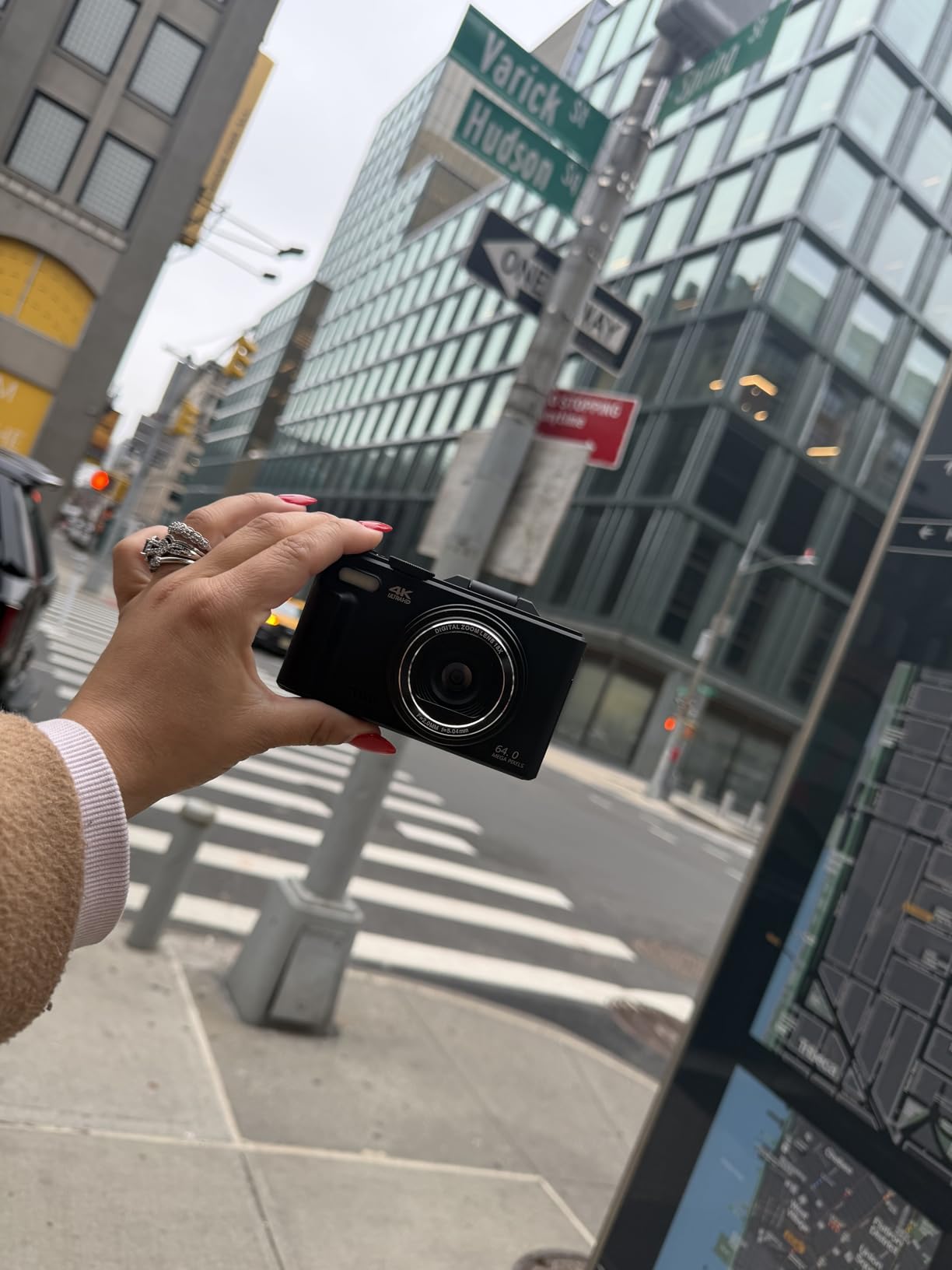
The fixed f/8.0 aperture is the technical weak point. That opening is very small, so in anything but bright daylight the camera has to work hard, and low-light results are noticeably worse than models with brighter lenses. Indoor use is the weakest scenario for this camera.
At 9.8 ounces it is the second-heaviest body here and needs a firm grip to hold level. There is no optical zoom, and the 64MP mode is interpolated rather than native.

Best for hands-free group shots
No other camera here solves the self-portrait problem as cleanly. A tripod socket plus a flip screen means the user can set the shot, step back, and take the picture alone, which is ideal for couples and for holiday photos.
The indoor limitation
That small aperture is not a spec-sheet detail, it is the difference between a usable indoor photo and a disappointing one. If the camera will live in a dim living room more than outdoors, choose a brighter lens instead.
The 7 Things That Matter Most in a Senior-Friendly Camera
These are the criteria we used to rank the ten cameras, in order of how much they change whether a photo actually gets taken and kept.
1. Weight under 10 ounces. Above roughly 10 ounces, holding the camera steady for the fraction of a second a slow shutter needs becomes difficult for hands with arthritis or tremor. Two cameras here exceed that and we have flagged both.
2. A physical shutter button you can find without looking. Touchscreen-only operation breaks down for anyone with reduced fine motor control. Every camera in this group has real buttons, which is why none of them qualify as a problem in our testing.
3. A screen at least 2.7 inches across. Framing a photo on a small panel means leaning close, and reviewing it afterwards is worse. Two of the models here fall below that line.
4. True optical zoom rather than digital. Optical zoom uses a real lens element. Digital zoom crops and enlarges, producing soft images that look broken. Only two cameras on this list have genuine optical zoom, and they are the two we rank highest.
5. Optical image stabilization. This corrects hand shake physically and it is the single most valuable feature for unsteady hands. One camera here has it.
6. A real automatic mode that works in ordinary rooms. Forum threads about senior cameras come back to this constantly. Buyers report that auto settings on some devices produce blurry, poorly exposed indoor shots, so a bright lens matters as much as the automation. One r/Cameras poster with far more capable equipment complained that auto mode still delivered blurry low-light results, and that is not a complaint unique to budget compacts.
7. Simple charging. USB-C charging inside the camera means one cable. AA batteries mean no cable at all but shorter run time. Anything needing a proprietary cradle is a step backwards for this audience.
The senior-photography community frames all of this in terms of physical capability rather than age, which we think is the right way to look at it. A forum discussion we found for photographers with physical limitations turned entirely on grip and button size rather than image quality or sensor specs, which is why none of our ranking depends on megapixels.
Setting Up a New Camera for an Older Adult
Almost every camera we recommend fails in the same way: it gets handed over unconfigured, gets used twice, and ends up in a drawer. Ten minutes of setup prevents that, and doing it together rather than for someone is better.
1. Set the date, time and language first. Photos with a wrong date sort incorrectly in every folder and search forever after. This takes two minutes and cannot be changed later.
2. Leave the camera in auto mode. Do not configure anything beyond that. If a mode gets changed accidentally, the result is still a usable photo rather than a blurred or black frame.
3. Insert and format the card, or note that none is included. Several cameras here ship without memory. Format it in the camera rather than on a computer so the two understand each other.
4. Set up photo transfer before you hand it over. If the camera has Wi-Fi, pair it with the phone the family uses and send one test photo. Confirm the recipient can see it. Doing this in advance removes the most common support call.
5. Charge it fully, then take ten test photos indoors. Indoor shots are the hard case. If those ten look acceptable, everything else will be easier. Write the date on the card case or the box with a marker so the camera is identifiable if it goes missing.
When a Smartphone Is the Better Answer
If the person in question already takes photos on a phone, sends them to family, and enjoys the process, a camera is an upgrade in enjoyment rather than in capability. Nothing here replaces a phone for sharing instantly, and a camera plus a transfer step will lose to a phone every time for a spontaneous photo.
A dedicated camera earns its place when the phone is fiddly. Too many apps, accidental taps, small controls, and calls arriving mid-shot are exactly the complaints we hear from older users, and they are all reasons a five-button camera feels calmer.
The compromise many families land on is a camera for outings and a phone for everyday sharing. If a relative has reduced vision or dexterity, that combination tends to work better than either device alone.
For anyone who also wants to track health alongside photos, our guide to fitness trackers for seniors covers the same accessibility criteria we applied here. We also keep roundups on hearing amplifiers for seniors and portable luggage carts for seniors, which come up in the same gift conversations.
Frequently Asked Questions
What is the easiest camera to use for seniors?
The easiest camera for seniors is a compact point and shoot with physical buttons, a screen of at least 2.7 inches, a body under about 10 ounces, and a working automatic mode. The user points, presses one shutter button, and the camera sets focus, exposure and shutter speed on its own. Avoid models that depend on a touchscreen or require a mode dial to leave auto.
Is a point and shoot better than a smartphone for an older adult?
Usually yes, for photos rather than sharing. A camera has fewer controls, no incoming calls and no accidental taps, so pressing the shutter does exactly one thing. A phone remains better for sending a photo instantly. Many families use both: a camera for outings, a phone for everyday sharing to the family group.
How heavy should a camera be for someone with arthritis?
Keep it under 10 ounces for comfortable one-handed shooting. Above that, holding the camera level for the fraction of a second a slow shutter needs becomes difficult with joint pain or tremor. In this group the bodies run from 3.7 ounces up to more than a pound, so weight is worth checking before buying.
Do point and shoot cameras have a true auto mode?
Most do, and on the models here it handles daylight well without any input. Indoor low light is where automation struggles most. Owners report blurry, poorly exposed auto shots in dim rooms, so a brighter lens matters as much as the automatic mode itself when the camera will be used indoors.
Is this the same as a camera for monitoring my elderly parent?
No, and it is worth separating the two. Everything here is a camera for someone to take photographs with. Monitoring a relative indoors is a different category of device with different privacy rules and no relation to photography. If you want to know how a loved one is doing, that is a separate decision to research.
How do I get photos off a camera and onto the family group chat?
The easiest route is a camera with built-in Wi-Fi and an app, which sends photos to a phone over the network with no cable. Cameras without Wi-Fi need a card reader or a USB cable and a computer. Pair the app and send one test photo before handing the camera over, while you are still there to help.
Our Final Verdict
For most people buying the best point and shoot cameras for seniors, the Kodak PIXPRO FZ55-RD is the answer. At 3.7 ounces with genuine 5x optical zoom and USB-C charging inside the body, it does the important things and stays out of the way.
Choose the FZ45 if AA batteries are the deciding factor. Choose the Kodak PIXPRO C1 if unsteady hands and dim rooms are the real problem, since optical stabilization and a bright lens handle both. Choose the Camkory DC403 if the goal is the simplest possible first camera with the largest screen.
Whatever you pick, set it up together before it is wrapped. Ten minutes of configuration is the difference between a camera that gets used every week and one that ends up in a drawer by spring.
More senior gear roundups: string trimmers for seniors and massage recliners for seniors, both chosen with the same emphasis on ease of use over features.