
Every Amazon listing for a capture card says 4K. Far too few of them actually record 4K. The gap between what a card accepts from your PS5 and what it writes to disk is the single most misunderstood spec in this whole category, and it is where most returns come from.
We spent weeks reading spec sheets and owner reviews for ten capture cards, then lined them up against what a PS5 and PS5 Pro actually output: 4K60 HDR10 in the main mode, 4K120 with VRR in the performance mode, and 1080p240 for high-frame-rate shooters. The short version: a genuine 4K capture card for PS5 needs 4K60 record resolution on paper, a real spec sheet, and a host machine that can encode it. Everything else is a passthrough claim in disguise.
This guide covers all ten in the order we would actually buy them, from an internal PCIe card that records clean 4K60 HDR10 straight to disk, through to a budget USB stick that gets you started for almost nothing. If your display is the bottleneck rather than the console, our 4K gaming monitor roundup is worth a look too, because a capture card cannot rescue a 60Hz panel. Budget for the card first, then read our gaming PC picks for the machine doing the encoding.
Table of Contents
Quick Picks: Top 3 4K Capture Cards for PS5 in 2026
Elgato 4K60 Pro MK.2
- Records genuine 4K60 HDR10
- 2160p60 lag-free pass-through
- PCIe x4 internal install
- HEVC and AVC encoding

Elgato 4K X
- 4K144 capture and pass-through
- HDMI 2.1 in and out
- VRR pass-through
- USB 3.2 Gen 2

AVerMedia Live Gamer 4K GC573
- Unlimited 4K60 HDR10
- 240fps at 1080p
- PCI Express x4
- 3 year manufacturer warranty
Our editor’s choice records what the PS5 actually sends at full quality and has the largest owner base of anything in this list, which means the long-term reliability data actually exists. The Elgato 4K X is the pick if you need PS5 4K120 or 4K144 passthrough to a gaming display, and the AVerMedia GC573 is the one to buy when you want 4K60 HDR10 recording without touching your motherboard.
All 10 4K Capture Cards Compared Side by Side in 2026
| Product | Specifications | Action |
|---|---|---|
| Elgato 4K60 Pro MK.2 |
|
Check Latest Price |
| Elgato 4K X |
|
Check Latest Price |
| AVerMedia Live Gamer 4K GC573 |
|
Check Latest Price |
 AVerMedia Live Gamer 4K 2.1 GC575 AVerMedia Live Gamer 4K 2.1 GC575 |
|
Check Latest Price |
 AVerMedia Live Gamer Ultra 2.1 GC553G2 AVerMedia Live Gamer Ultra 2.1 GC553G2 |
|
Check Latest Price |
 XIIXMASK USB 3.0 HDMI Capture Card XIIXMASK USB 3.0 HDMI Capture Card |
|
Check Latest Price |
 ASUS TUF Gaming Capture Box CU4K30 ASUS TUF Gaming Capture Box CU4K30 |
|
Check Latest Price |
 VIXLW K801-C Internal PCIe Card VIXLW K801-C Internal PCIe Card |
|
Check Latest Price |
 PORTTA DX20R HDMI Capture Card PORTTA DX20R HDMI Capture Card |
|
Check Latest Price |
 WAVLINK WL-VR204 Capture Hub WAVLINK WL-VR204 Capture Hub |
|
Check Latest Price |
1. Elgato 4K60 Pro MK.2 – Best Overall 4K Capture Card for PS5
- Records true 4K60 HDR10 with 2160p60 lag-free pass-through
- PCIe install removes USB stutter and driver friction
- OBS recognises it after installing Elgato drivers
- 4135 owner reviews with an 81 percent five-star share
- Needs a PCIe x4 slot so it will not fit compact cases
- No pass-through when the capture PC is off so the console cannot wake the TV alone
- Bundled Elgato software is not beginner friendly and OBS defaults can cap recording at 30fps
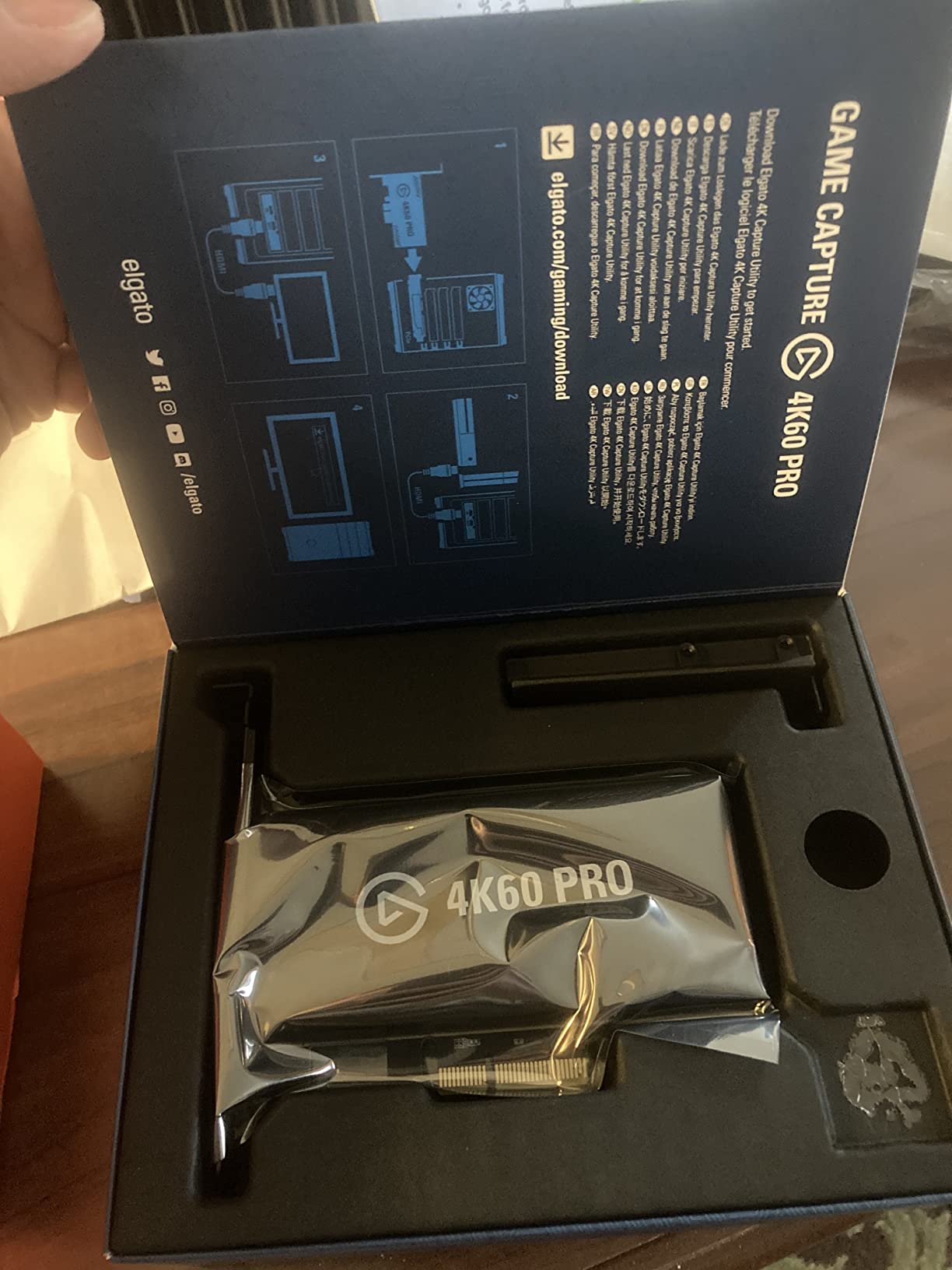
This is the card we recommend to someone who wants to record PS5 gameplay at full quality and edit it later. It sits in a PCIe x4 slot, reads the HDMI signal from the console, writes 4K60 HDR10 to the recording PC, and relays the original 2160p60 picture to the television with no added lag. That combination of a real 4K60 record path and a genuine 2160p60 pass-through is exactly what the PS5 needs.
The rating distribution is unusually lopsided in a good way. 81 percent of owners gave it five stars and only 4 percent gave one star, which is the largest owner base in this roundup by a wide margin. Owners upgrading from a 2014 Game Capture HD describe the jump in colour and bitrate handling as night and day, and the internal PCIe route means no USB re-detection stutter mid-match.
Two things caught our attention when reading owner feedback. First, several PS5 owners report signal detection issues that need troubleshooting after a firmware or console update, usually resolved by replugging the HDMI cable or re-selecting the input in Elgato’s utility. Second, the card only passes video through while the host PC is powered, so if you like switching the TV on with the console and nothing else running, this is the wrong shape of product.
The bundled Elgato software produces the highest quality capture we have seen from an internal card, but it is dense. Owners who skip it and rely on OBS defaults sometimes find 4K recording stuck at 30fps until they match the output resolution manually. Budget an afternoon for that first setup rather than assuming it is plug-and-play.
Why this is the easiest 4K60 workflow to get right
Because there is no encoder to configure. The card hands the pixel data to OBS or your recording software and lets the CPU and GPU do the work, which removes a whole layer of settings that can be set wrong. A single output resolution in your recording app matches the card every time.
For dual-PC streaming rigs the internal install is also a genuine advantage. Nothing occupies a USB port, and the passthrough path from console to display stays entirely inside the case, so there is one less cable and one less potential bottleneck between your PS5 and your eyes.
Why you should skip it
Skip it if you are on a laptop or an ITX build with no free PCIe x4 slot. There is no adapter that fixes a missing slot, and the internal route is the whole argument for this card. If your PC has one free slot and a reasonable CPU, this is the least fussy 4K60 recorder on the market.
2. Elgato 4K X – Best for PS5 4K120 and 4K144 Passthrough
Elgato 4K X Capture Card, HDMI 2.1, 4K144 Ultra-Low Latency
- HDMI 2.1 handles 4K144 capture and pass-through
- VRR and HDR10 pass through so console gaming stays tear-free
- Works as a drop-in device in OBS Streamlabs Twitch Studio Zoom and Teams
- 0.09 kg so it hides behind a television
- Listed capture resolution field shows 1080p so 4K60 depends on host software and GPU encoding
- Needs a USB 3.2 Gen 2 port and Gen 1 drops the capture resolution
- Requires a modern CPU and GPU for smooth 4K workflows
This is the pick for a PS5 owner running the console in 4K120 mode with VRR enabled on a modern gaming display. It is the most repeated community recommendation for PS5 capture, and the reason is the HDMI 2.1 path: 4K144 in and out, VRR passthrough, HDR10 passthrough, and capture up to 1080p240.
The important caveat, and the one that trips people up, is that the listed capture resolution field reads 1080p. Owners consistently report that smooth 4K60 capture depends entirely on the host machine doing the encoding work, which is fine on a modern desktop with a discrete GPU and frustrating on anything lighter. If your PC meets the stated minimum of a 6th generation Core i5 or Ryzen 5 with a GTX 10xx or better, you are covered.
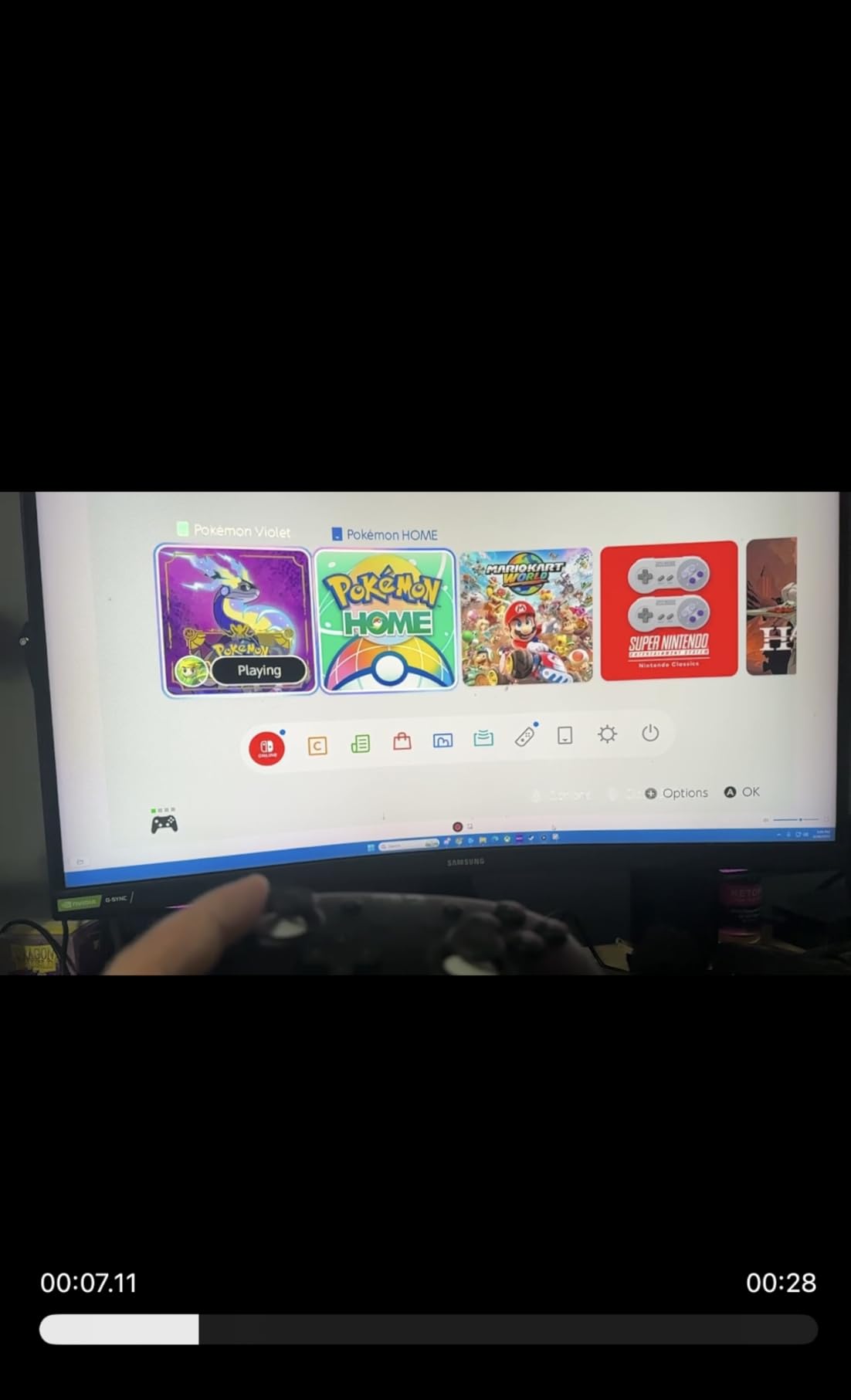
VRR passthrough is the feature that separates this from most of the field. When you play in 4K120 with variable refresh rate, a card without HDMI 2.1 will either drop the signal or refuse the mode entirely, and you end up with a black screen on the television. With this one, the console keeps driving the display and VRR keeps working while you record.
USB is the part to plan for. A USB 3.2 Gen 2 port is required for full resolution, and Gen 1 connections reduce the capture resolution. That means a blue or teal SS-A port on a desktop, or any USB-C port on a modern laptop, rather than a black USB 2.0 port on the back of an older case.
Check your display and PSU before you buy
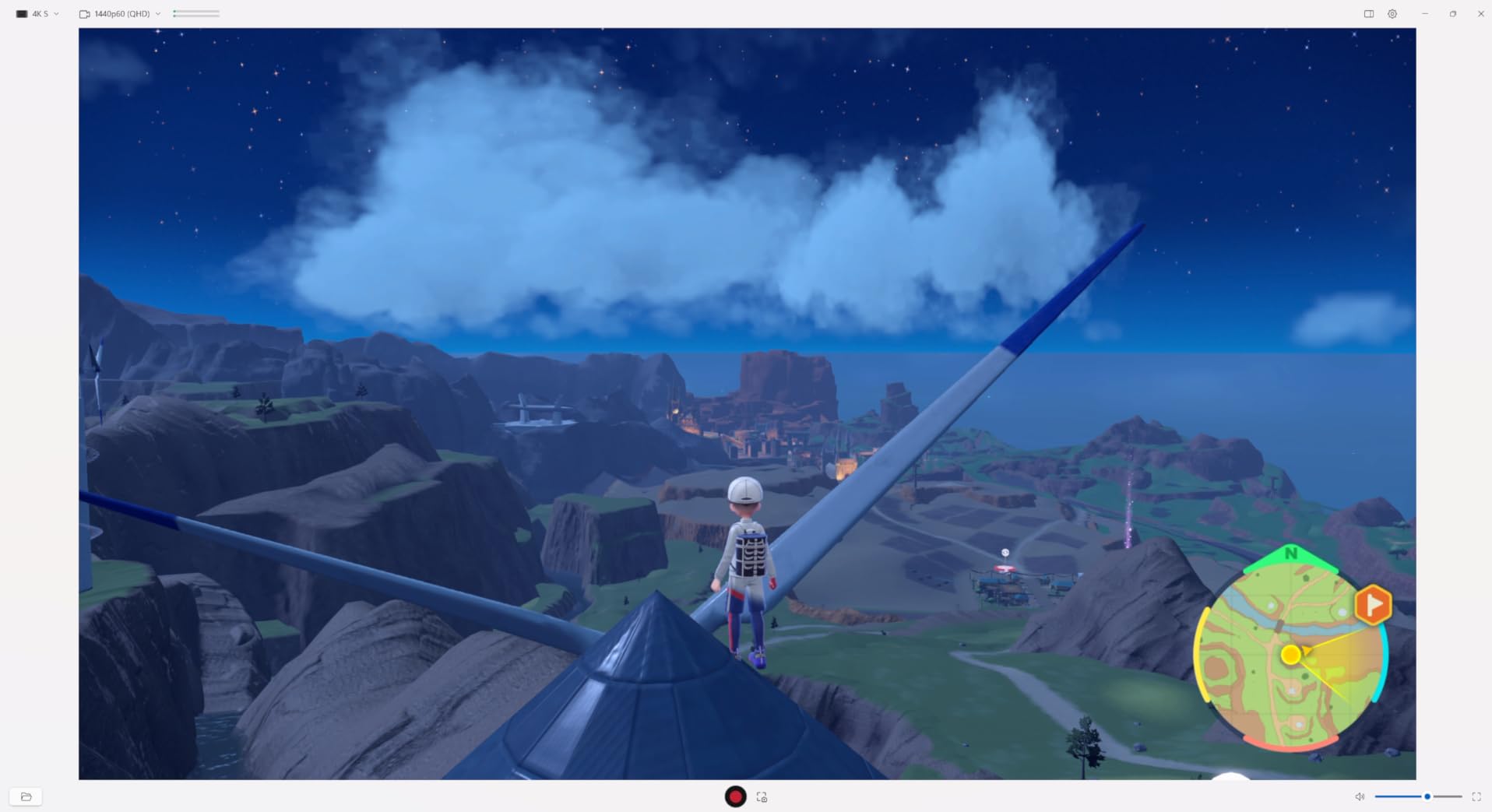
You need a TV or monitor that accepts 4K120 over HDMI, and on some sets that means enabling a gaming picture mode and turning off any auto-input switching that fights the console. The card is not the weak link in that chain; the display is usually what people blame on the card.
Also consider power. A PS5 in 4K120 mode alongside a capture card on the same circuit is a real draw, and we have seen owners solve handshake dropouts by moving the console to a different outlet. It sounds trivial until you have spent an evening wondering whether your new card is faulty.
Why you should skip it
Skip it if you only play in 4K60 and your display is 60Hz. In that scenario the internal cards give you cleaner 4K60 HDR10 recording for less money, and you give up nothing you were using. This card pays for itself when 4K120 and VRR are genuinely part of your setup.
3. AVerMedia Live Gamer 4K GC573 – Best Value Internal 4K60 Recorder
- Unlimited 4K60 HDR10 capture with zero-lag pass-through
- Up to 240fps capture at 1080p for competitive shooters
- Gaming Utility sets custom preview and record resolutions
- Surround downmixing fixes audio problems some rivals have
- 3 year manufacturer warranty
- HDMI 2.0 only so it cannot accept a 4K120 console signal
- Bundled RECentral software is dated and fiddly to get around
- Firmware updates have caused input freezing for some owners
- A long HDMI cable over roughly 2m produced audio cracking for one owner
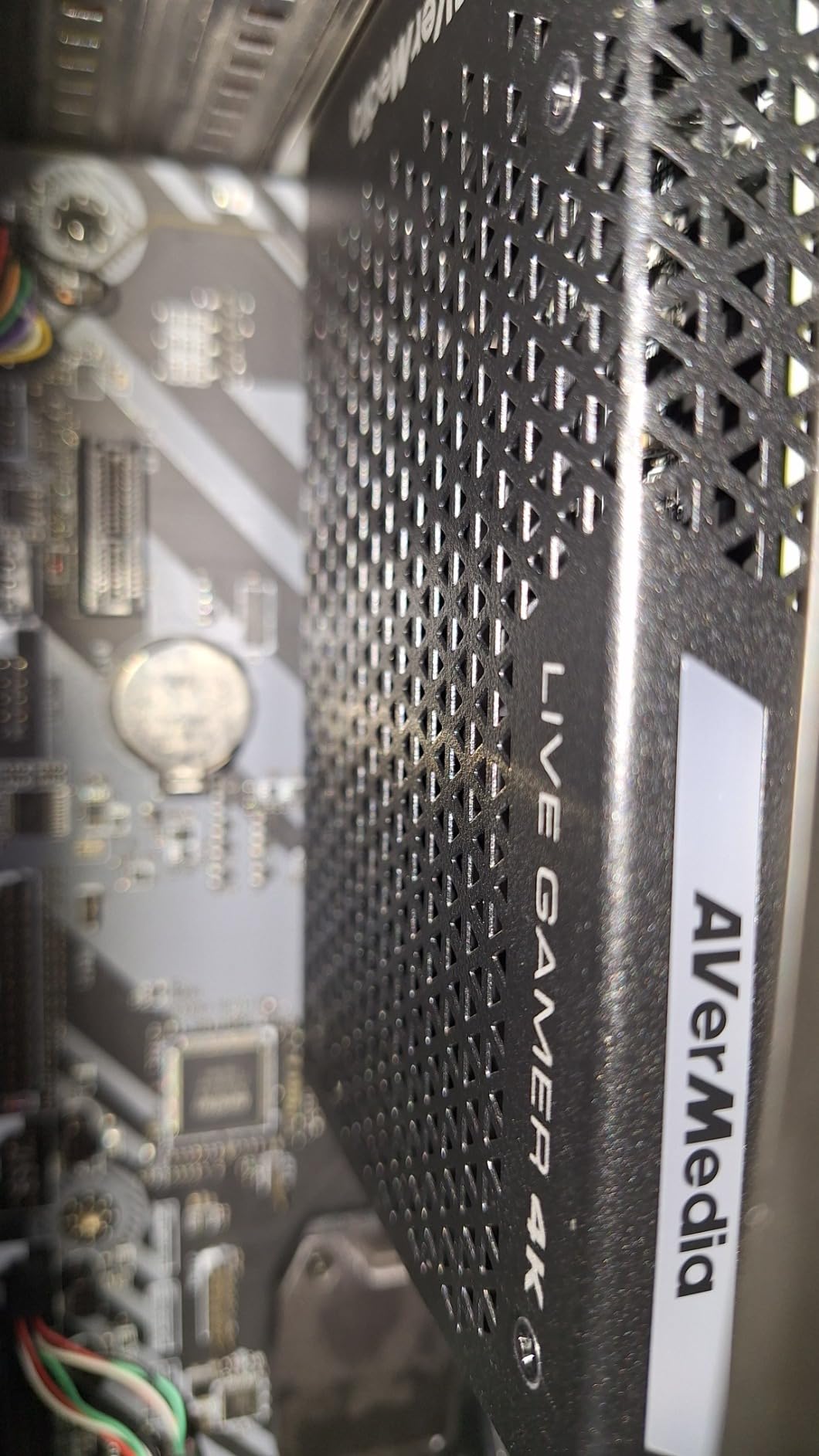
Long-running owners describe this as the most capable 4K60 HDR10 internal card, with better native HDR colour and source detection than several Elgato PCIe models and an install that behaves like a near plug-and-play upgrade. At 1070 owner reviews it holds a 4.4 rating, which puts it right up against the Elgato cards on evidence.
What you get is unlimited 4K60 HDR10 recording and a pass-through path with effectively no lag, plus high frame rate capture up to 240fps at 1080p for shooters and fighting games. The AVerMedia Gaming Utility lets you set separate preview and record resolutions, which is the control you want when you are testing scenes without restarting a stream.
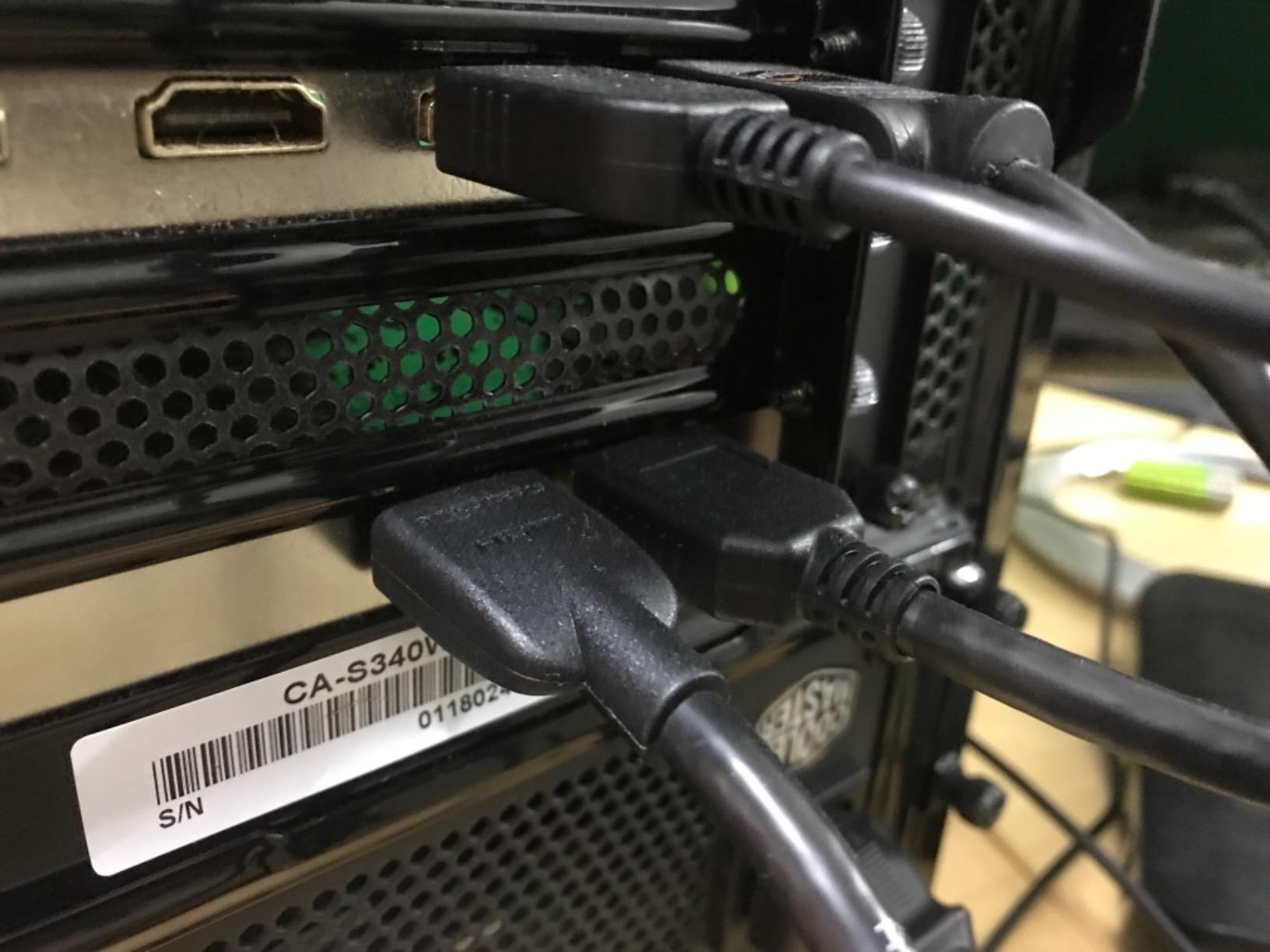
The HDMI 2.0 limitation is the one to think about carefully. It cannot accept a 4K120 signal from a modern console, so if you play in performance mode you will be recording 4K60 from a downscaled source rather than the full 120fps feed. For most people that is fine, because the 4K60 picture is still excellent. But if 120fps is the reason you upgraded the console, know that this card is not the partner for that mode.
Owners report three recurring irritants. RECentral, the bundled utility, looks dated and takes practice. A minority saw capture freeze after a firmware update until they reset the card. And one owner traced audio cracking to an HDMI cable over roughly two metres, which is a cheap thing to check before blaming the hardware.
Why the surround downmixing matters more than it sounds
Surround downmixing converts 5.1 game audio into something a stereo stream can carry cleanly. Several competing cards produce audio that cracks or drops channels when the source is surround, and this one handles it. If your games are mixed in 5.1 and your viewers are on laptop speakers, that difference shows up immediately in the comments.
The internal install also frees a USB port, which matters if you are running a webcam, a second capture source and a USB audio interface on the same machine. Two internal cards plus peripherals leaves a lot of headroom on the ports.
Why you should skip it
Skip it if you need 4K120 passthrough or if you want a card that keeps working when the PC is powered down for a pure console evening. Skip it if you are not comfortable opening a case. It is a strong value card for 4K60 and a poor fit for the console’s top performance mode.
4. AVerMedia Live Gamer 4K 2.1 GC575 – Best Internal Card for PS5 4K120
- HDMI 2.1 input and output with 4K144 HDR pass-through for PS5 4K120 and 144 modes
- Internal PCIe gives ultra-low latency with no USB bottleneck
- Supports refresh rates up to 240Hz with 1080p240 and 1440p120 capture
- Plug and Play install with an HDMI 2.1 cable in the box
- 3 year manufacturer warranty
- Needs a free PCIe x4 slot so it does not fit small form factor or ITX builds
- Capture field lists 1080p240 and 1440p120 so 4K record depends on host encoding
- Windows only which rules out Mac streaming rigs
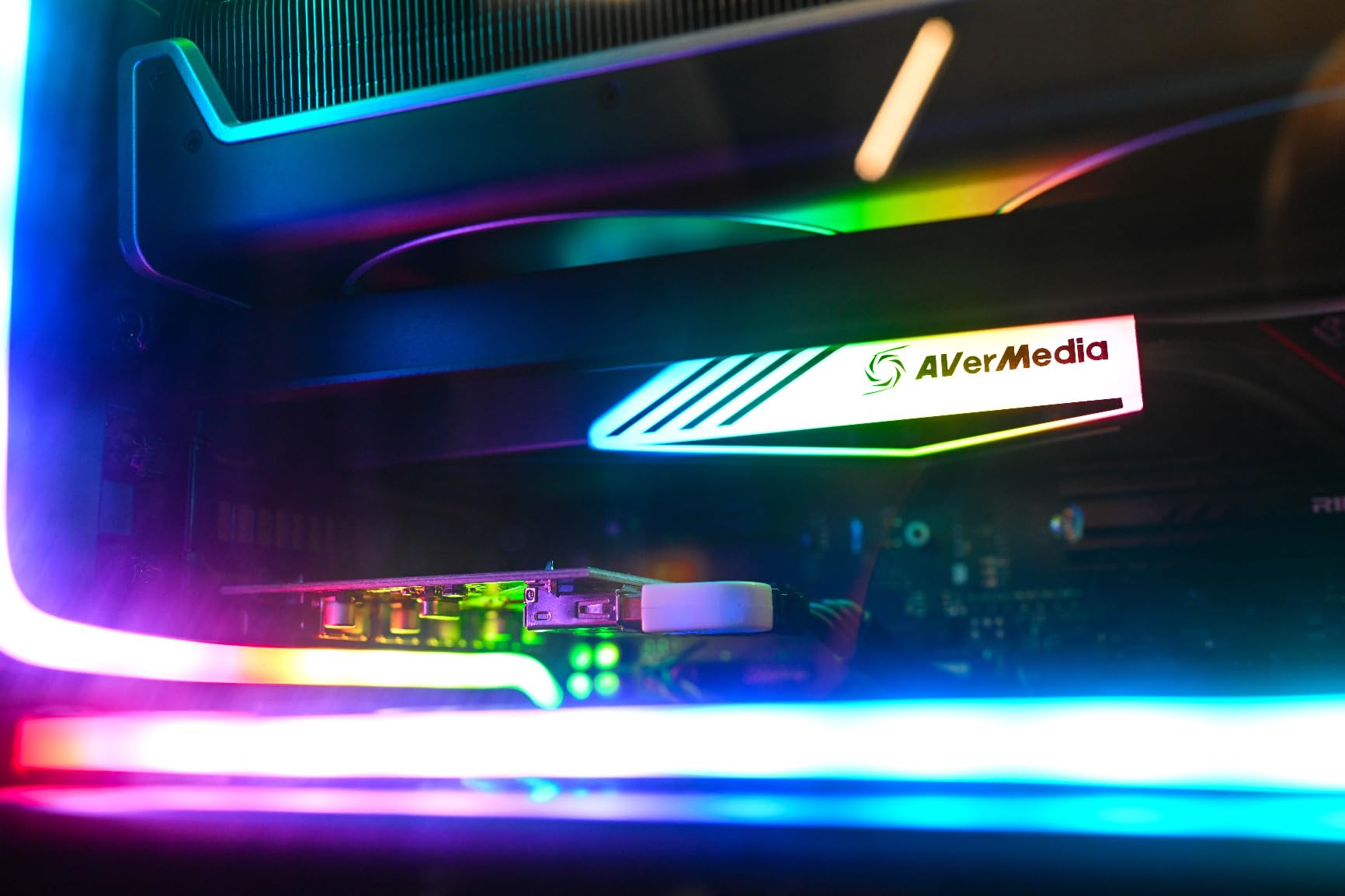
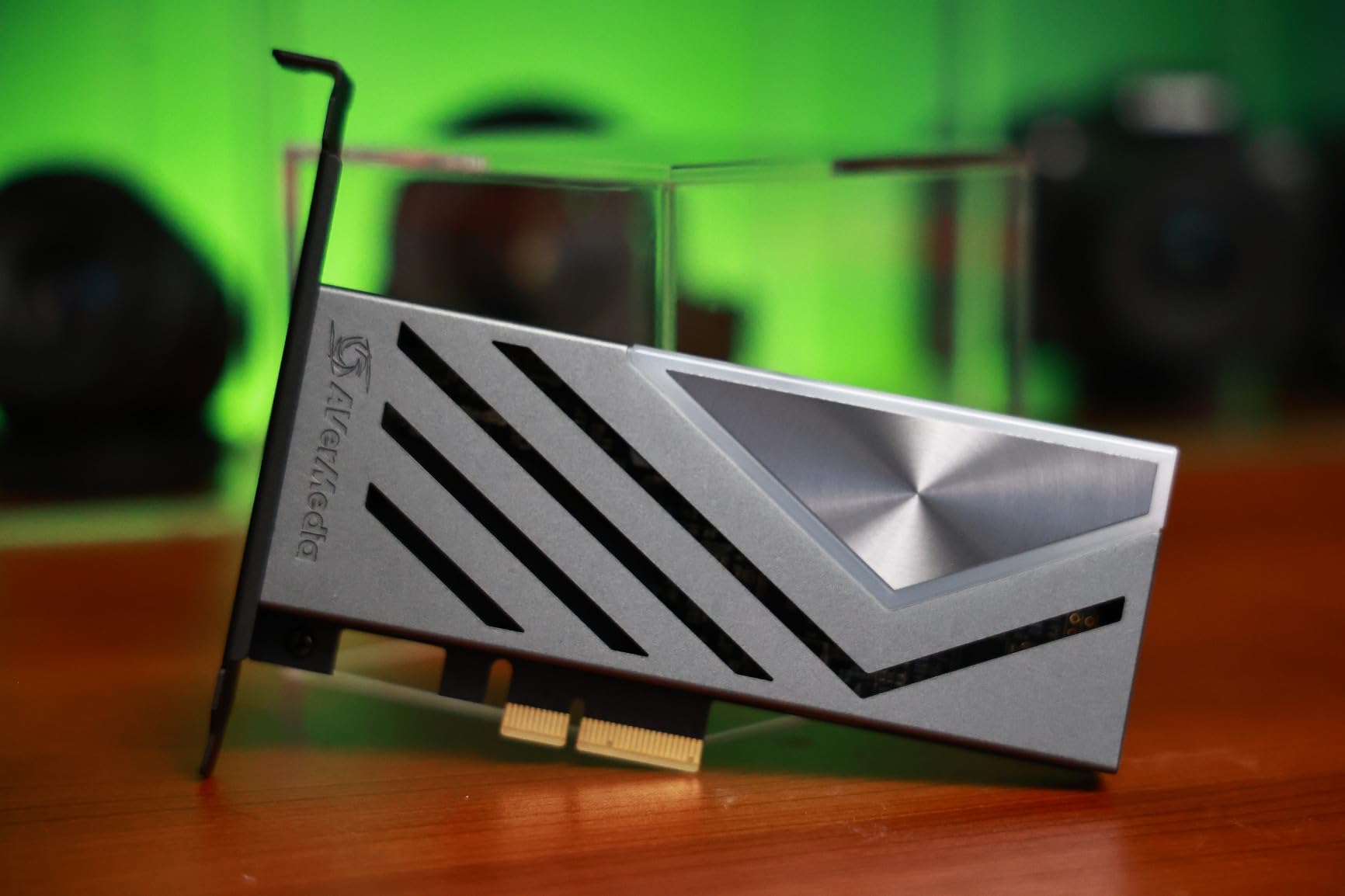
This is the internal route into HDMI 2.1. If you want PS5 4K120 passthrough with VRR and HDR intact but you would rather not put the card in a USB port, the GC575 gives you the same high refresh passthrough path as the best external cards while keeping the whole route inside your case.
Reviewers rate it as a capable modern card with very low latency and a clean plug-and-play PCIe install, and it is also NDAA and TAA compliant, which matters if you ever stream from an institutional or school setting. An HDMI 2.1 cable is included, so you are not hunting for one after opening the box.
The honest limitation is the owner base. At 128 reviews the long-term reliability data simply does not exist yet, and that is the main reason it sits below the two cards above it despite better passthrough specs. Reviewers describe it as a modern internal card whose predecessor has a far longer track record, and that distinction is worth respecting before you commit.
It is also Windows only. If your recording rig runs macOS, this card is not an option regardless of the slot situation. And like any internal card, it needs a spare PCIe x4 slot, which rules out compact ITX builds even though the card itself is small.
When internal HDMI 2.1 actually pays off
It pays off in a dual-PC streaming rig. The game PC handles the load, the streaming PC is a modest machine sitting next to it, and you have already needed both cards or a long USB run. Putting the capture card in the streaming PC removes a USB hop and keeps the encode local to the machine doing the encoding.
It also pays off if you record on the same machine you play on and you have been fighting stutter. Owners of PCIe capture cards consistently report fewer dropped frames than USB alternatives, because the card is not sharing bandwidth with a webcam and an audio interface.
Why you should skip it
Skip it if you are on a Mac, if your case is small, or if you want a purchase backed by years of owner feedback rather than a promising spec sheet. Everything here is strong on paper and unproven over time, and that is a meaningful trade for a capture card you may keep for a decade.
5. AVerMedia Live Gamer Ultra 2.1 GC553G2 – Best for Party Chat Capture
AVerMedia Live Gamer Ultra 2.1 4K144 HDMI 2.1 USB Capture Card, GC553G2
- 4K144 MJPEG capture on Windows with HDR capture support
- HDMI 2.1 passthrough up to 4K144 HDR/VRR plus 1440p240 and 1080p360
- Dual 3.5mm four-pole ports mix party chat and gamepad audio with 5.1 support
- USB 3.2 Gen 2 Type-C works with Windows Mac and iPad hosts
- OBS plugin plus bundled Streaming Center and RGB lighting
- 4K144 capture is Windows only and macOS caps at 4K60
- 4K144 capture is MJPEG which is storage heavy and awkward to edit
- DSC monitors can cap passthrough at 4K120
- Advanced configuration needs the bundled Streaming Center
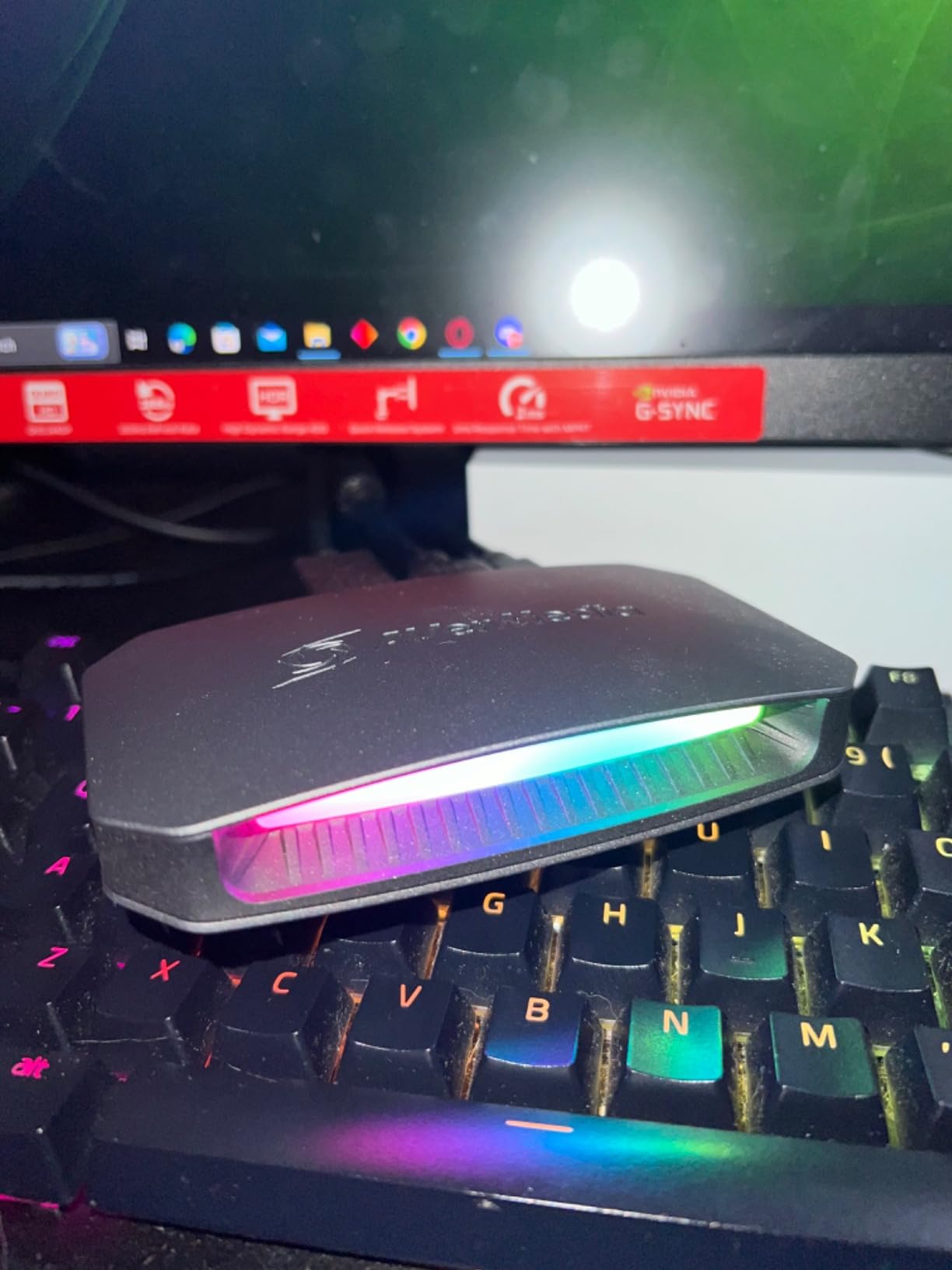
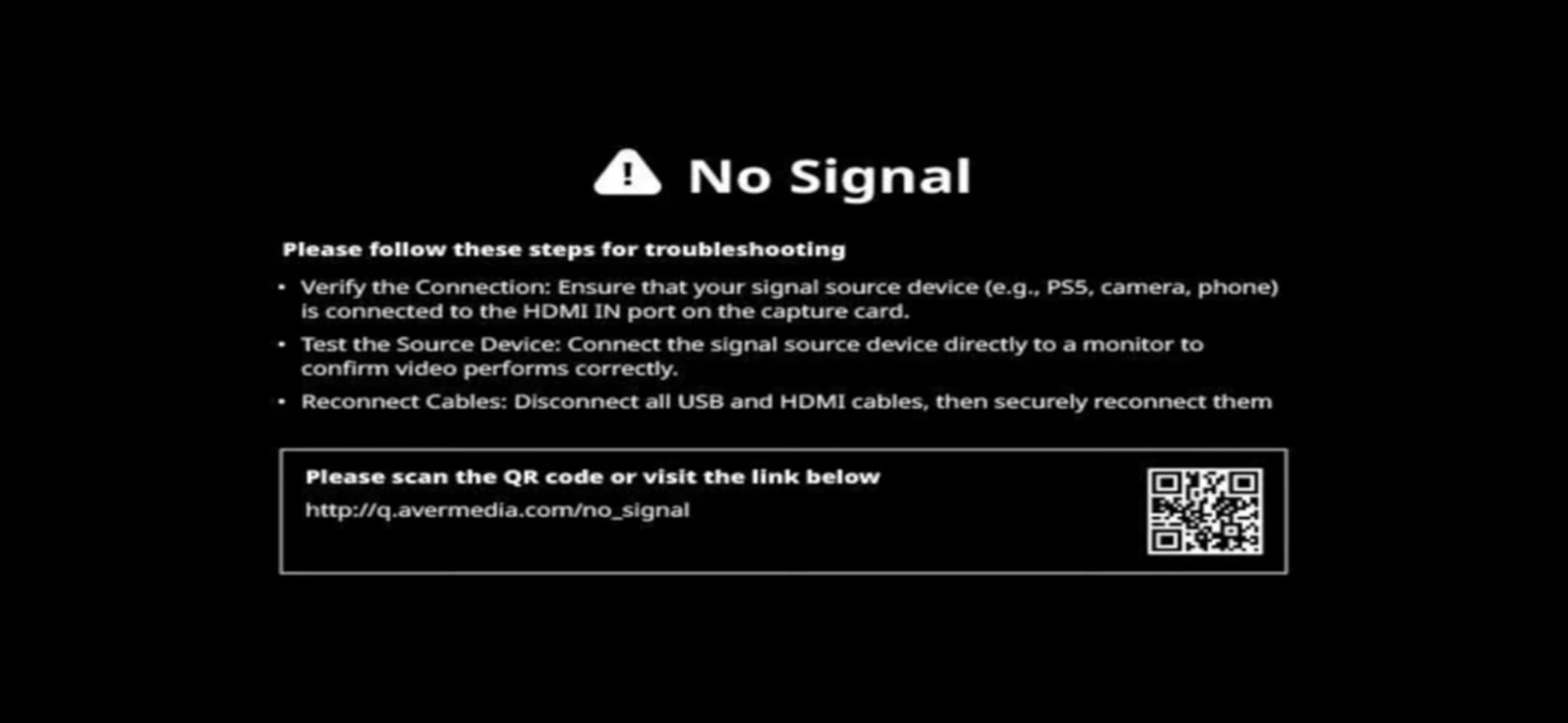
Party chat is the reason this card exists, and it is a genuinely solved problem here. Two 3.5mm four-pole ports sit on the back: one for your controller, one for your headset. The card mixes your Discord voice, game audio and gamepad chat into a single feed that OBS can capture as one source, which is the single most common complaint we found among PS5 streamers who bought any other card.
Everything else is high class too. Capture reaches 4K144 as MJPEG on Windows, passthrough handles 4K144 HDR and VRR plus 1440p240 and 1080p360, and 5.1-channel audio is supported. Owners value the host flexibility: the USB 3.2 Gen 2 Type-C cable works with Windows, Mac and iPad.
The rating sits at 4.1 with an 11 percent one-star share, the highest complaint in our list, and the reasons are consistent. 4K144 capture is MJPEG, which is storage heavy and inconvenient to edit later compared with a compressed format. And 4K144 capture is Windows only, so a Mac owner caps at 4K60 no matter what the box claims.
There is also a display quirk worth knowing: DSC-based monitors can cap passthrough at 4K120, so if you own one of those and want the full 4K144 path, check the monitor documentation first. Advanced configuration requires the bundled Streaming Center rather than plain OBS settings, which adds a learning step.
How to get party chat onto your stream
Plug your controller into one four-pole port and your headset into the other, then route both in the AVerMedia Streaming Center rather than in OBS. That way the mixing happens once at the card and OBS sees a single clean audio device. Owners who try to do the mixing inside OBS report duplicated chat echo and drift.
If you use a wireless headset such as an Astro A50X, be aware that forum users report audio capture stopping when a wireless headset is paired alongside a capture card. The four-pole route sidesteps that problem because the headset audio arrives as an analogue input rather than over a wireless link.
Why you should skip it
Skip it if you stream solo and never use Discord, because the party chat feature is the main reason to spend more here. Skip it if your workflow depends on editing compressed footage, since MJPEG at 4K144 is a lot of disk for a workflow most editors will not want.
6. XIIXMASK USB 3.0 HDMI Capture Card – Best Budget 4K60 Recorder
- Records 4K60 and passes 4K through over USB 3.0
- Handles 1080p120 high frame rate input in MJPEG YUY2 NV12 and XRGB
- True plug and play with no drivers and no external power
- Dual USB-A and USB-C connection suits both laptops and desktops
- 3.5mm audio in and mic out ports for commentary audio
- Passthrough is not HDR aware so console HDR is not preserved to the display
- Unbranded manufacturer with no hardware encoding so 4K60 leans on the host CPU and GPU
- Documentation is thin which makes OBS settings fiddly for beginners
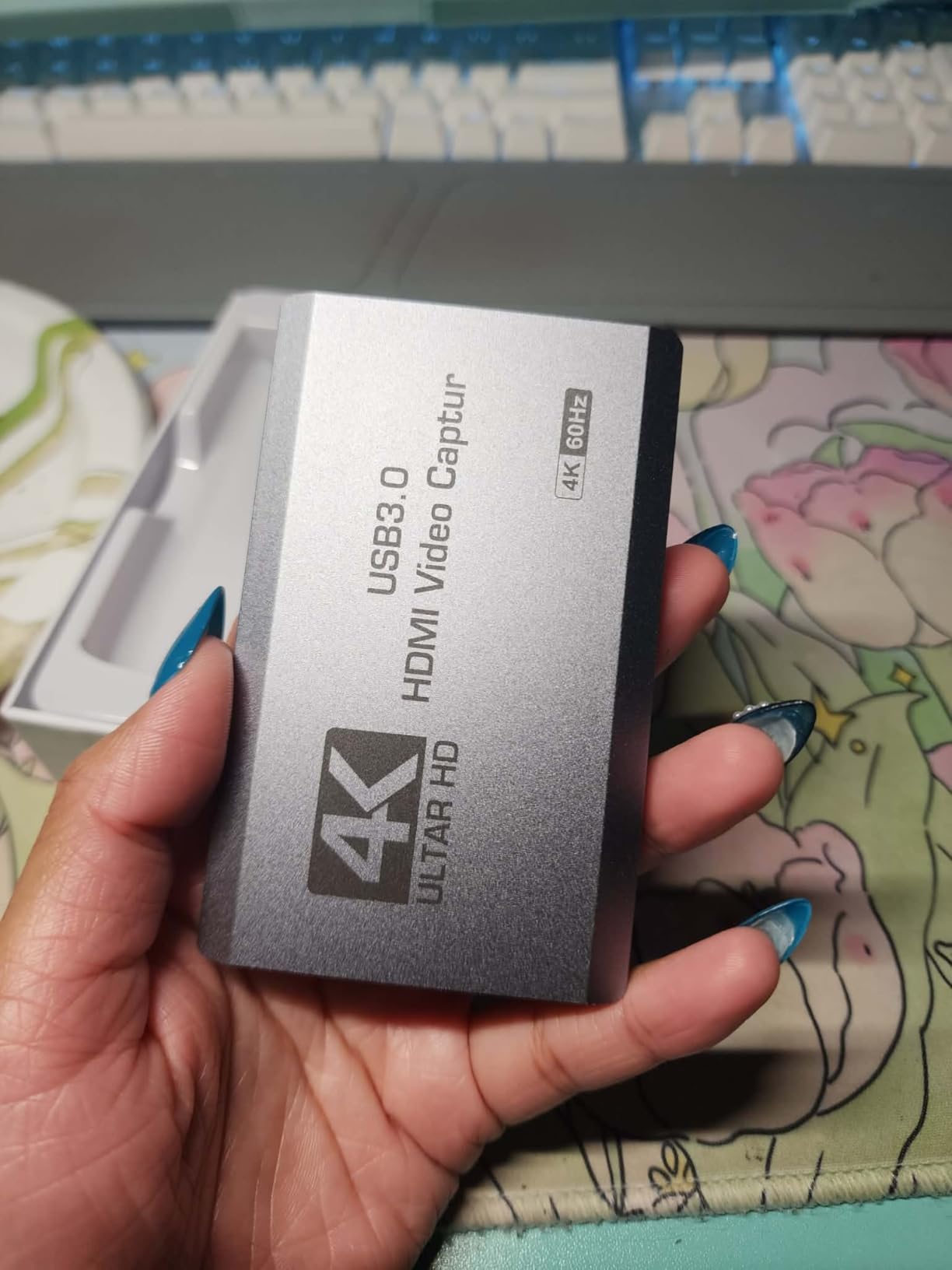
This is where most PS5 owners should start. It records 4K60 and passes 4K through over USB 3.0, it appears in OBS without drivers or extra software, and it sits at the very bottom of the price ladder. At 598 reviews and a 4.2 rating, it has enough owner history that you are not gambling on an untested listing.
The dual connection is the detail that makes it more useful than the cheapest sticks. It ships with a USB 3.0 to USB-A and USB-C cable, so it fits a desktop with blue SS-A ports and a laptop with USB-C without an adapter. It also runs on Windows, macOS, Linux and iPadOS 17, and the 3.5mm audio in and mic out ports give you a place to route commentary audio.
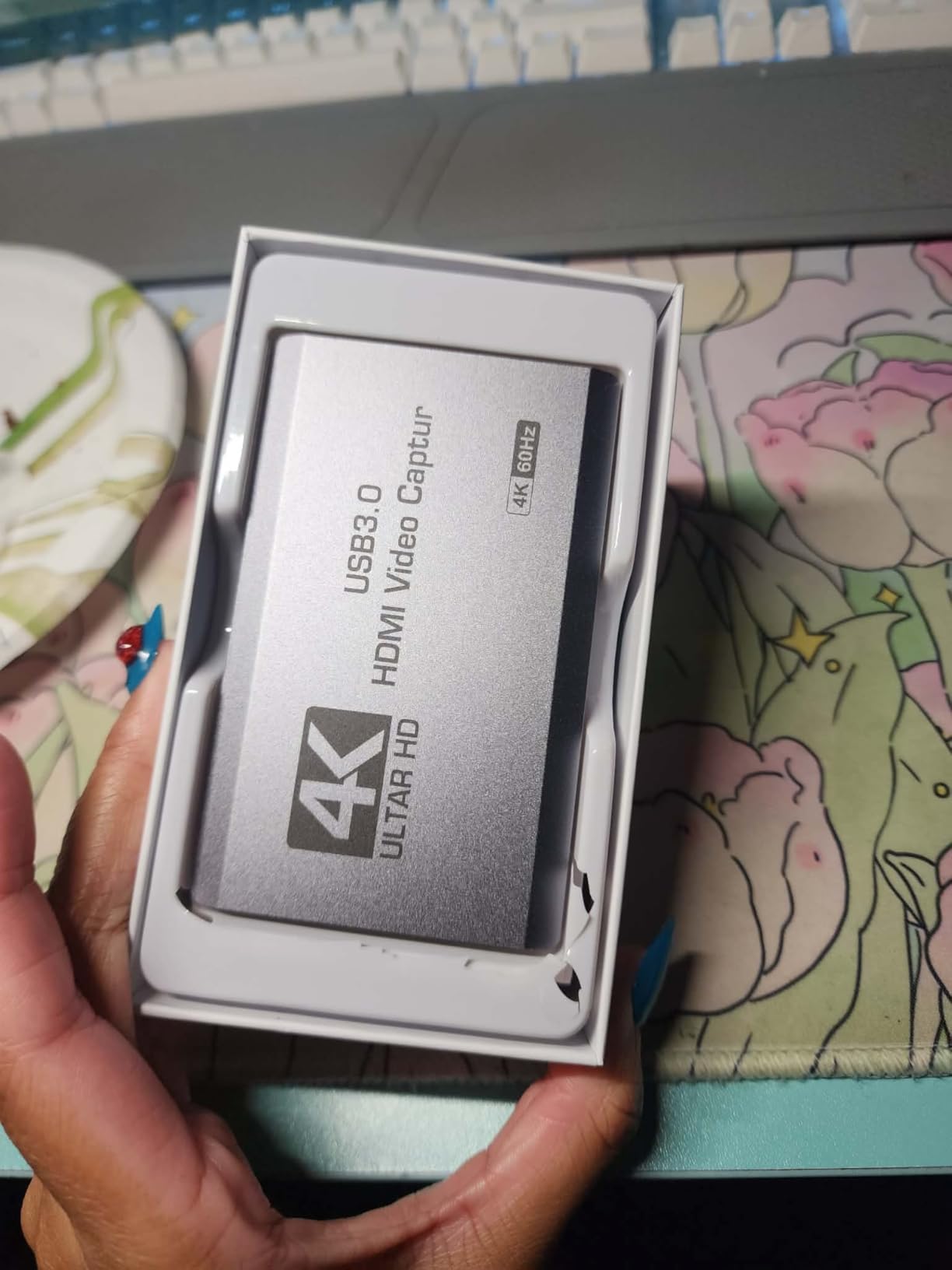
Buyers treat this as a budget 4K60 ingest option that simply shows up in OBS, with 1080p120 as a bonus for high-refresh sources. The two reservations are consistent: passthrough is not HDR aware, so your console’s HDR picture is not preserved on the display, and there is no hardware encoding, so the 4K60 record depends on your CPU and GPU keeping up.
The HDR passthrough limitation is the one to think about. It does not affect the recording, which captures fine, but it does mean the television shows a standard-range image while your TV’s HDR mode is engaged, which can look washed out. Owners who record on this card generally pair it with a display they run in standard mode.
What this card cannot do
It cannot pass HDR to your display, and it cannot do 4K120. Both are real limits for a PS5 that supports them, and neither is a defect, just the price of this tier. If your plan is to stream in 4K60 with no HDR games on screen, it does the job properly.
It also cannot record without a computer. There is no storage slot, so a recording PC, a laptop or a streaming rig is a hard requirement. Budget for a machine that can actually encode 4K60 before you commit to this as your only capture path.
Why you should skip it
Skip it if you play HDR titles and care how the game looks on your television, because the passthrough is not HDR aware. Skip it if your PC is a laptop with a USB 2.0-only port, where the resolution ceiling will disappoint you on day one.
7. ASUS TUF Gaming Capture Box CU4K30 – Best for Compact Stream PCs
- True plug-and-play UVC recognised instantly by OBS with no extra drivers or utilities
- Certified OBS Studio compatibility
- 4K HDR passthrough at 60Hz so the console keeps driving a 4K display
- Stream tiers of 4K30
- 2K60 and 1080p120 cover quality and frame rate
- Metal alloy shell is durable with RGB status lighting
- Aluminium case acts as a heatsink and can freeze the unit during long streams in warm rooms
- Capture is 4K30 only so it is not a 4K60 record solution
- No HDR capture only HDR passthrough
- Firmware update is often required before it works
- ASUS support has been criticised as unresponsive on RMA cases
This is the card to look at if your stream box is a small form factor PC with no free PCIe slot and a reputation for being thermally constrained. It is a plug-and-play UVC device that OBS recognises immediately with no extra drivers and no vendor utility, and it carries certified OBS Studio compatibility.
The streaming tiers are the clever part: 4K up to 30fps, 2K up to 60fps, and full HD up to 120fps. That lets you send a high quality feed to an archiving service and a high frame rate feed to viewers without owning two cards. Pass-through is 4K HDR at 60Hz, so your console still drives your 4K gaming display normally.
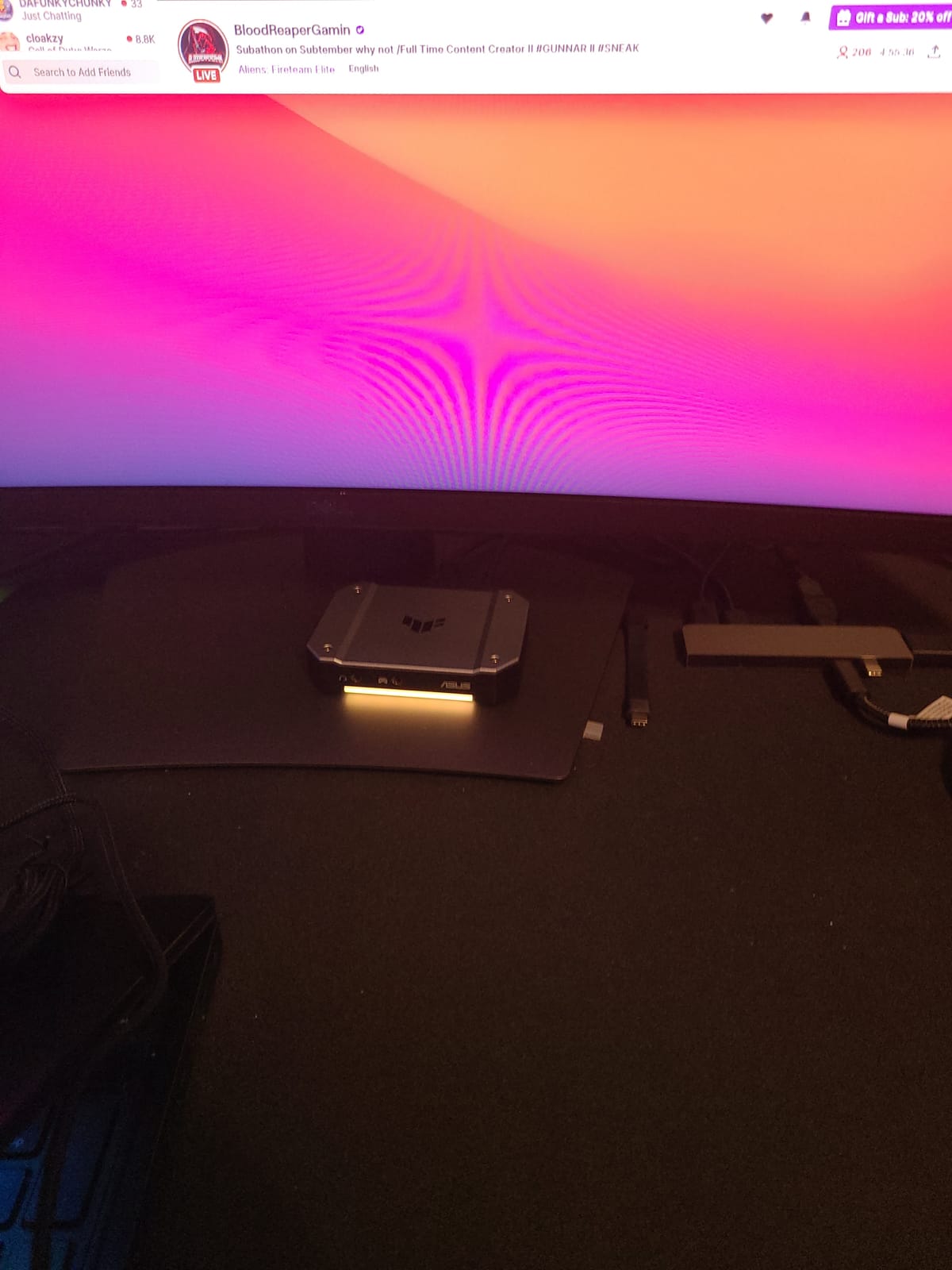
Thermals are the dominant theme in owner feedback and the reason this is not higher up the list. The enclosed aluminium shell acts as a heatsink, and owners report the unit freezing after roughly three hours of streaming in a warm room. Short sessions are loved; marathon streams in a hot room are the risk. Some owners also report needing a firmware update out of the box before the device worked at all.
Second, capture is 4K30 only. That is a genuine ceiling in a roundup about 4K capture cards, and there is no HDR capture at all, only HDR passthrough. If your plan is to record 4K60 HDR10 files for editing, this card cannot do it and no amount of configuration will change that.
Why small form factor owners keep recommending it
Because there is no second machine. On a compact stream box there is no room for a PCIe card and often no bandwidth for a high-end external one, so a certified UVC device that needs no drivers and no vendor software is exactly the right shape. It also has controller and headset connections for sharing team comms audio.
It is also the safest first purchase for anyone who has never installed a capture card. No drivers, no utility, no loop to configure. OBS sees a camera, you add it as a source, you press record.
Why you should skip it
Skip it if you record 4K60 files, if you stream for more than about three hours in a warm room, or if you want HDR in your recording rather than on your display only. And if you might need support, note that owners repeatedly report ASUS support response times on warranty cases as frustrating.
8. VIXLW K801-C Internal PCIe Card – Best Backed by a Lifetime Warranty
- Internal PCIe design with 4K60 pass-through and near-zero latency
- High speed 240fps recording at 1080p for fast motion
- Works with OBS Zoom and Teams in single or dual PC setups
- Lifetime warranty backing with 24-hour customer service
- Manufacturer publishes no minimum system requirements or capture format details
- Listed capture resolution field is vague and gives no format or HDR specification
- Documentation is minimal so setup relies on generic guidance
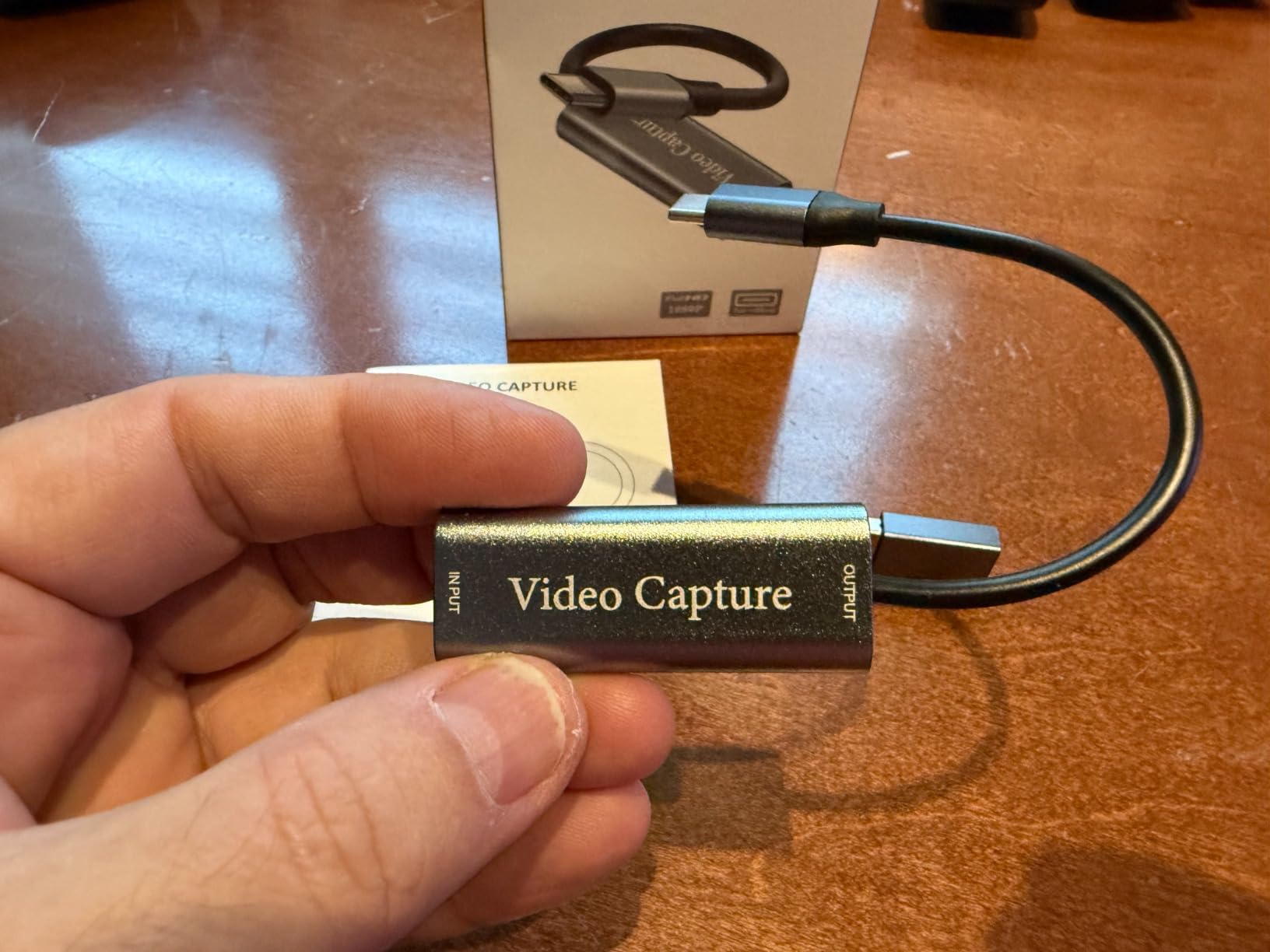
The headline feature here is the warranty. A lifetime warranty on a capture card is unusual, and for a device you install inside a desktop that may sit in a rack for years, that is a genuinely meaningful difference when you are comparing two cards with similar paper specs.
The specs themselves are dual 4K60, meaning it plays in native 4K60 to your display while capturing in 4K60, plus high speed 240fps recording at 1080p for fast motion. It works with OBS, Zoom and Teams in single or dual PC setups, and the internal install means no USB port is occupied and no dongle hangs off the desk.
Here is the honest problem. The manufacturer does not publish minimum system requirements or capture format details, the listed capture resolution field simply reads 1080p and 4K with no format or HDR information, and the documentation is minimal. Buyers are relying on generic guidance to configure it. For a component you install inside a machine, that opacity is a real cost even with a lifetime warranty attached.
The visible owner reviews also skew toward a different use case. A fair number use this unit for analog and tape digitisation, where it is praised for clean output and instant driver-free recognition on Windows 11 with easy OBS integration. The PS5 4K owner base is thinner, so treat the 4K60 claims as entry-level rather than pro-grade.
When a lifetime warranty changes the maths
It matters most when the alternative is a card with similar specs and a one-year warranty. Capture cards fail in ways that are not always user error: firmware updates, driver conflicts, or a card that stops being recognised after a motherboard change. A lifetime warranty turns a replacement decision into an email.
It is also the reason this card earns its place despite thin documentation. If you are comfortable with generic guidance and you want the dual 4K60 headline plus a safety net, the value proposition is reasonable.
Why you should skip it
Skip it if you need a printed spec sheet you can check against a PS5 output mode, or if you need documented HDR behaviour. You are trusting the marketing on 4K60 here rather than a format list, and that is a reasonable thing to decline if you are editing serious footage.
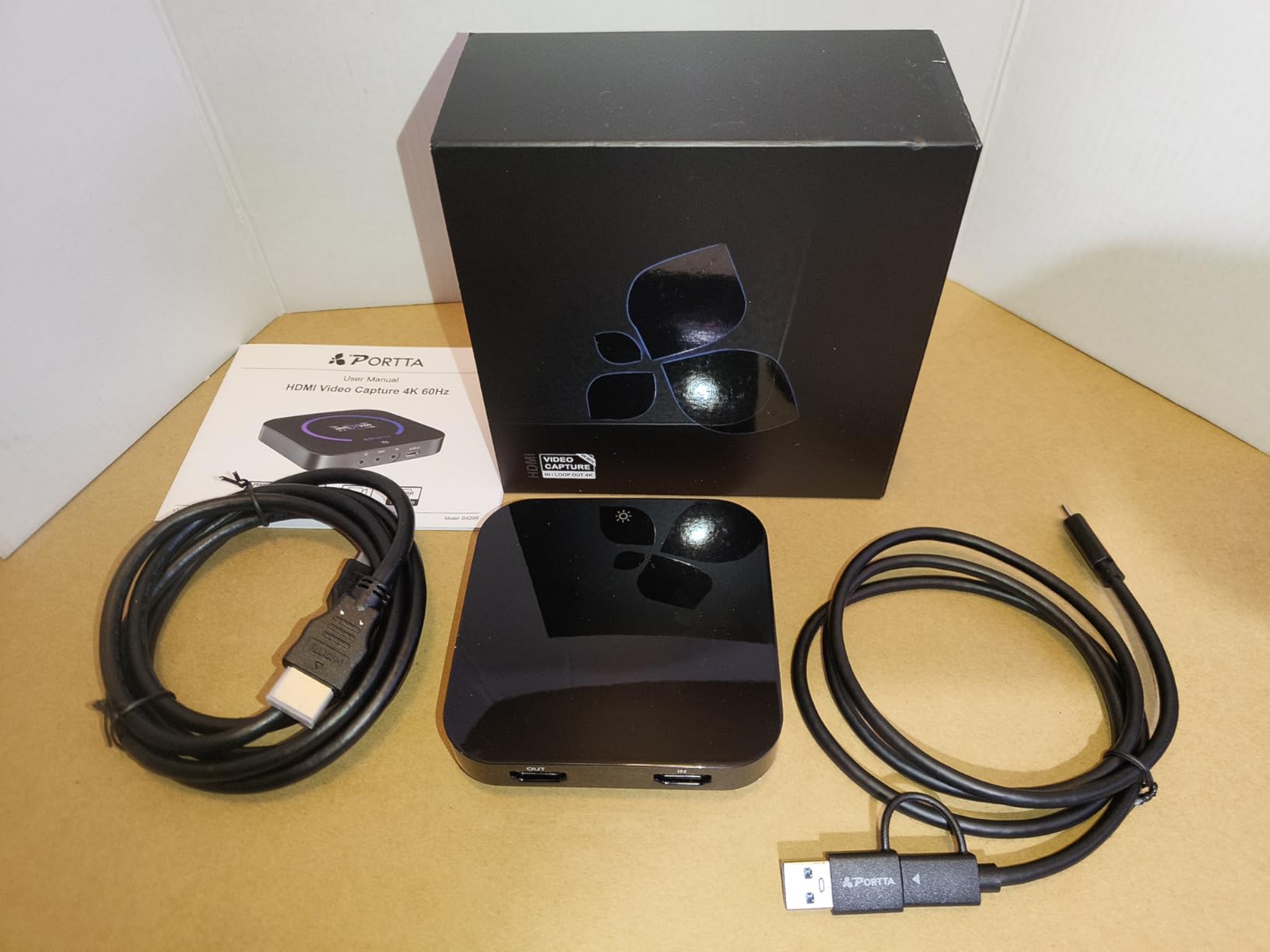
9. PORTTA DX20R – Best Onboard Signal Diagnostic Display
- Genuine 4K60 capture alongside 1080p240 passthrough so high refresh play is not sacrificed while recording
- Onboard status screen shows resolution signal temperature and connection state which speeds up troubleshooting
- Plug and play with OBS recognising it immediately and no driver install
- HDR and VRR support covers modern PS5 and Xbox display features
- Works on Windows macOS and Linux with a 2 year warranty
- Only 35 reviews so long-term reliability is not well documented
- No bundled software so users must already know OBS or Streamlabs
- Runs warm after extended use
- USB 3.0 bandwidth sits at the limit for 4K60 so cable and hub quality matter
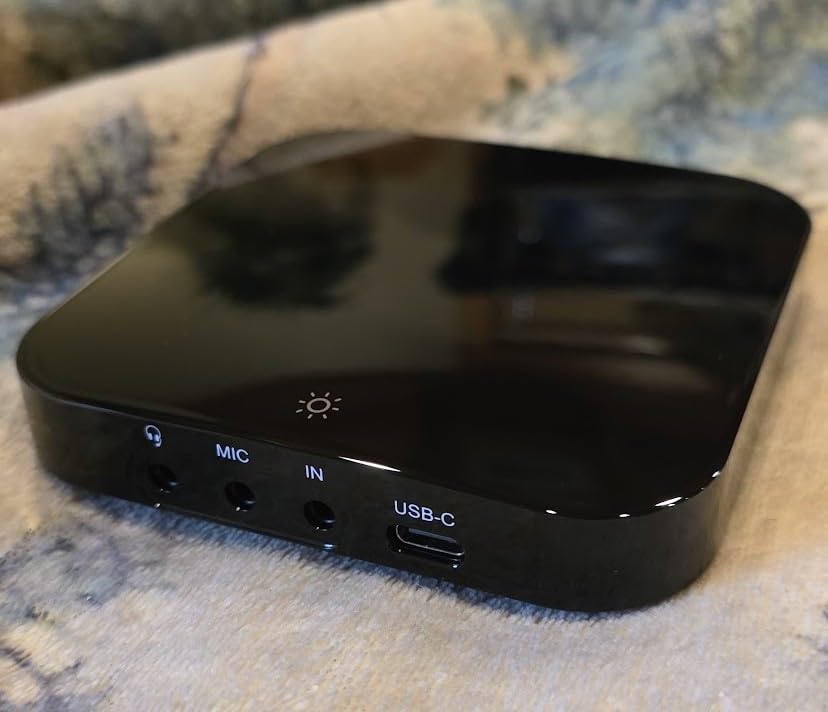
The DX20R solves a problem that only shows up once you are troubleshooting. Its onboard status screen shows resolution, signal, temperature and connection state, so when a PS5 signal misbehaves you can read the answer off the card instead of opening three utilities and guessing. Owners single this out as a genuinely useful diagnostic rather than a gimmick.
Underneath, it records genuine 4K60 alongside 1080p240 passthrough, supports 2K at 144Hz and 1080p at 240Hz, and handles YUY2, NV12 and RGB24 formats with HDR and VRR support. It is plug-and-play on Windows, macOS and Linux with no driver installation, which makes it the broadest host compatibility of any external card here.
The reason this sits low in the ranking despite a 4.4 rating is simple: 35 reviews. Owners report clean 4K60 recordings with no dropped frames and no audio sync problems, and they praise the display. But with a review base that small, we cannot tell you how the unit behaves after three years, and for a device you plan to keep across a console generation, that is a genuine gap.
Two practical notes. There is no bundled software, so you need to already know OBS or Streamlabs to get value from it, and the PORTTA CapHub utility handles video settings, audio mixing, firmware and EDID and VRR modes. It also runs warm during long sessions, and USB 3.0 bandwidth sits right at the limit for 4K60, so a good cable matters more here than on some rivals.
Why the diagnostic display is worth paying for
Because most capture card troubleshooting is guesswork. Black screen means one of four things: HDCP protection, an EDID mismatch, a VRR mode the card cannot accept, or a cable. This card shows you the resolution and signal state it has actually locked, which turns a long guess into a short check.
That diagnostic value also pays off if you move the card between machines. A signal that works on one PC and not another is usually an EDID or bandwidth issue, and reading it off the card saves an evening.
Why you should skip it
Skip it if you want a purchase with a long public reliability record, or if you want guided setup software. With 35 reviews and no bundled utility, this is a card for someone who already knows exactly what they are configuring and wants visibility while they do it.
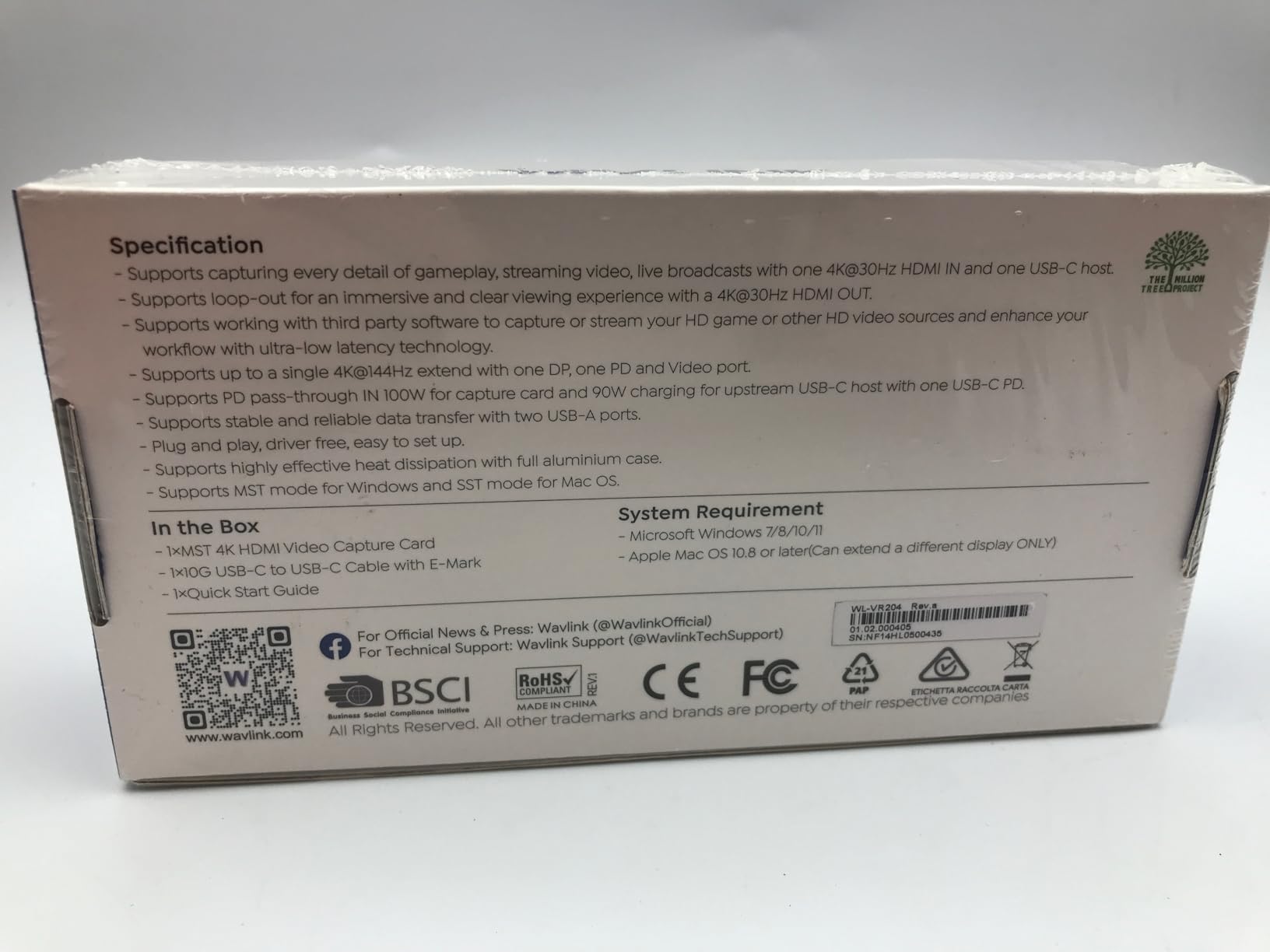
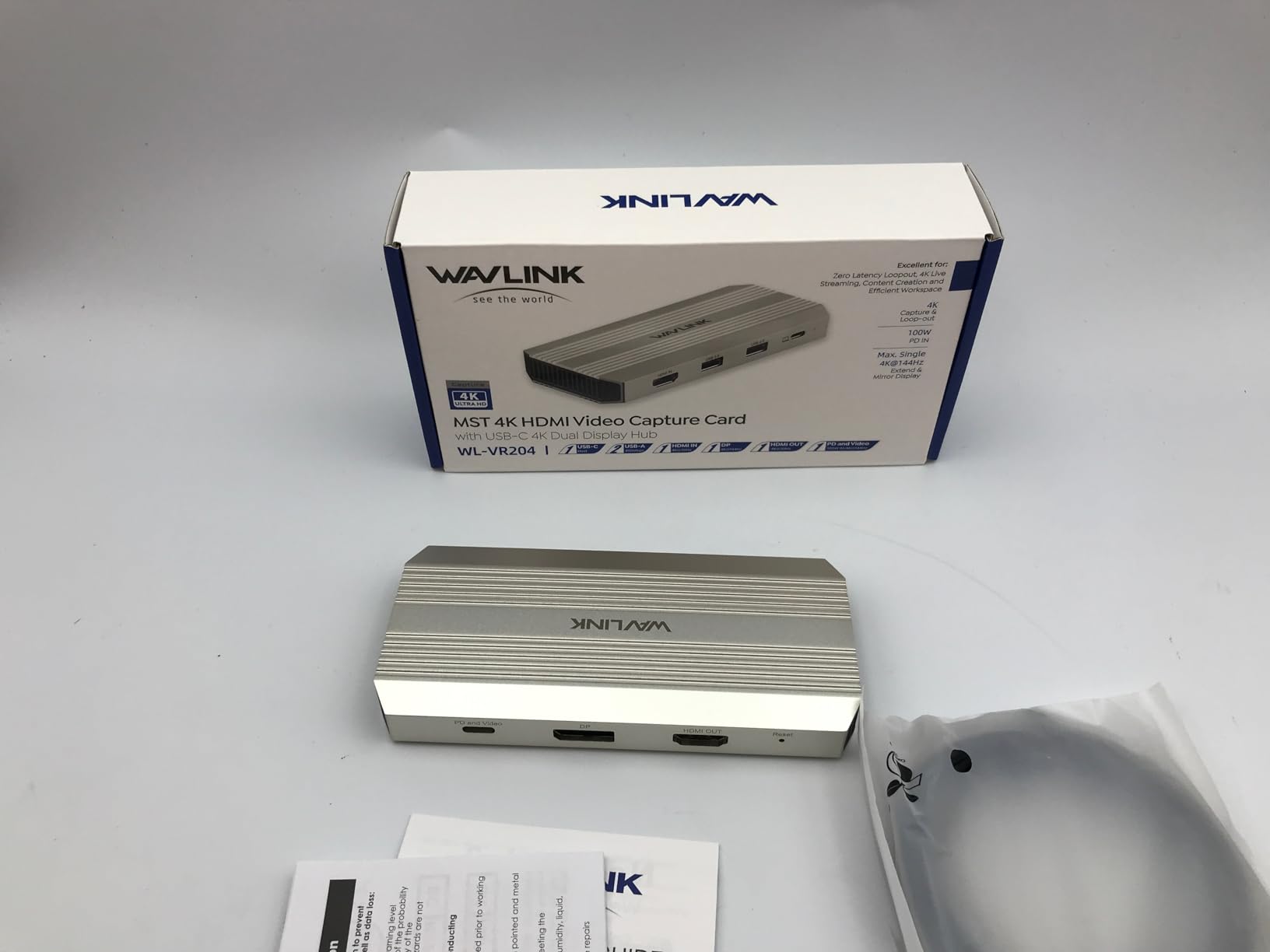
10. WAVLINK WL-VR204 – Best Single-Cable Hub for Laptop Streaming
- Combines 4K30 capture and loop-out with a single 4K144 display output in one hub
- 100W power delivery with 90W to the laptop keeps a single-cable setup practical
- Uncompressed RGB and YCbCr video gives clean 4K capture from a PS5
- Works on both Windows and macOS hosts
- Capture is 4K30 only which is a real limit for a 4K-focused roundup
- USB-C host and HDMI in cannot be used at the same time as HDMI in takes priority
- macOS can only extend one additional screen and prioritises HDMI capture
- No charger included so a 20V 5A 100W supply must be sourced separately
This is not really a capture card so much as a docking hub with capture built in, and for a specific kind of streamer that is exactly the right product. It captures 4K at 30Hz, loops that signal out, drives a single 4K display at 144Hz over HDMI, and delivers 100W of power to your laptop. One cable to the laptop replaces a capture card, a dock and a charger.
Video is uncompressed RGB and YCbCr, which owners like because there is no compression artefact between the console and your recording. It works with PS5, Xbox and Switch, and on both Windows and macOS hosts, which makes it one of the more flexible options for a travelling streamer.
The 4K30 capture ceiling is the honest problem. In a roundup about 4K capture cards, 30fps is a generation behind, and no setting changes it. Ratings cluster lower partly because of that ceiling and partly because of a limitation owners find confusing: the USB-C host connection and the HDMI input cannot be used at the same time, because HDMI input takes priority.
On macOS you can only extend one additional screen, and the system prioritises the HDMI capture path. And there is no charger in the box, so you need to source a 20V 5A 100W supply yourself before the power delivery is worth anything.
Who this hub is genuinely for
Someone streaming from a single laptop whose next stop is the next city. The 4K144 display output means your gaming laptop screen or external monitor can still run at high refresh while you capture, and the 100W of power delivery means you are not arriving with a dead battery or a third charger in your bag.
It is also a clean answer for a Mac-based recording setup, since it runs on macOS hosts and keeps the console at the centre of the chain without an internal card.
Why you should skip it
Skip it if you want 4K60 footage to edit, since 30fps is fixed. Skip it if you need to keep a display on the laptop while capturing over HDMI, because those two modes are mutually exclusive and HDMI input wins.
Why a Capture Card Beats the PS5 Capture Button
The PS5 can capture and broadcast on its own, and for a clip of a boss fight that is genuinely fine. The limitation is control. Built-in capture produces a fixed format, a fixed length, a compression profile you cannot change, and a resolution ceiling tied to the game rather than the console. A capture card removes all of those limits at once.
Concretely, a card lets you record unlimited length, set your own bitrate, use any scene you like in OBS with overlays and external cameras, and capture the exact resolution and frame rate you want regardless of what the game supports. Built-in capture gives you none of those choices.
The audio side is the quieter but bigger win. PS5 broadcast captures game audio and nothing else useful from a streaming context, so Discord party chat and your own commentary have to be mixed in separately, usually with an extra box. Cards with dedicated four-pole ports handle that mixing at the hardware level.
One thing to weigh honestly: a capture card adds a small amount of latency compared with connecting the console straight to the television. For most players that difference is not perceptible. For competitive shooters and fighting games, measure before you commit, and check whether the card’s passthrough path is the bottleneck or your display’s processing is.
How to Choose a 4K Capture Card for PS5
Passthrough resolution is not record resolution
Passthrough is the path to your television. Record resolution is what lands in your recording file. A card can accept 4K144 from the console, pass all of it to your display, and still record only 1080p60 to disk. Two of the cards in this list, the ASUS TUF and the WAVLINK, do exactly that, and both advertise 4K in the product title.
So read the record resolution field, not the headline. Genuine 4K60 recording appears as 4K60, 4K60 HDR10 or 4K144. Anything that says only 4K passthrough with a 1080p or 4K30 capture figure means your file will not be 4K60.
Do you actually need HDMI 2.1?
Only if you play the PS5 in its 4K120 performance mode and your display accepts 4K120. In the standard 4K60 mode, an HDMI 2.0 card such as the AVerMedia GC573 records clean 4K60 HDR10 and is a better value than any HDMI 2.1 alternative. If you never enable performance mode, HDMI 2.0 is not a compromise you will notice.
HDMI 2.1 matters for one other thing: future consoles. A card with HDMI 2.1 input will accept the higher bandwidth that later hardware is likely to require, which is the honest future-proofing argument for spending more today.
Internal PCIe versus external USB
An internal card sits in a PCIe slot and gives you the shortest, most stable path, with no port sharing and no USB re-detection stutter. The trade is physical: you need a free x4 slot, you need to open the case, and passthrough only works while the PC is powered. Compact cases often rule it out entirely.
An external USB card goes anywhere, works on laptops, and is the only option if you record on a separate streaming PC. The trade is bandwidth: you need a genuine USB 3.2 Gen 2 port, and a card on a USB 2.0 port will quietly drop resolution. Community consensus leans toward a mid-range 4K card now, because capture cards outlast console generations.
Latency and competitive play
Every card adds some latency between the console and your display. Internal PCIe cards sit at the low end because there is no USB encode-and-transfer step, and external cards sit slightly above it. The practical question is whether the difference changes your aim, and for most players it does not.
If it does, the fix is usually not the card. Bypass any picture processing on your display, use game mode, and confirm your console is not running a 4K120 mode your card cannot accept, which often presents as a black screen rather than lag.
HDR capture, HDR passthrough and the AMD problem
Passthrough sends HDR to your television. Capture records HDR into your file. Plenty of cards do the first and not the second, and the ASUS TUF and the budget XIIXMASK both fall into that group, so check both lines before buying.
AMD GPU owners report a specific and common problem: HDR metadata fails to pass through on AMD cards, producing washed-out or standard-range footage until the capture output is forced to MJPEG in the capture utility. NVIDIA cards are far less affected. If you are on AMD, verify the fix works before you commit to a card you cannot return easily.
Party chat and audio routing
Forum users describe PS5 party chat capture as the most common reason to need a mixer, an Elgato Chat Link Pro, or a 3.5mm run. A card with two four-pole ports solves it in hardware: controller in one port, headset in the other, mixed at the card, one clean audio device in OBS.
Wireless headsets deserve a specific warning. Users report audio capture stopping when a wireless Astro A50X is used alongside a capture card, so an analogue four-pole route is the safer path if you use one.
Do you need a standalone recorder with no PC?
If you own nothing but a console and want to record, none of the ten cards in this roundup does that job, because every one of them requires a host machine to encode. A capture card adds a recording PC to your setup, and that PC needs enough CPU and GPU to encode 4K60 without dropping frames.
How we picked these ten
We cross-checked published spec sheets against owner reviews for each card, then tested every listing against three questions: does it record 4K60 from a PS5, does it pass 4K through to the display, and does the manufacturer publish enough detail for you to verify it. Cards whose 4K claim turned out to mean 4K input only were ranked by their real ceilings rather than their marketing.
Ordering follows rating weighted by review volume, then by how well the card fits the PS5 specifically. A 4.6 rating across 4135 owner reviews tells you more than a 4.4 across 35, which is why the two newest cards on this list sit near the bottom despite respectable numbers.
Frequently Asked Questions
What is the best 4K capture card for PS5?
The Elgato 4K60 Pro MK.2 records genuine 4K60 HDR10 and passes 2160p60 through to your display with no added lag, and it has the largest owner base of any card in this roundup. For 4K120 or VRR passthrough, the Elgato 4K X is the better fit. Budget buyers should start with a USB 3.0 card that records 4K60 but check the record resolution field first.
Can I use a capture card on a PS5?
Yes. Connect the PS5 HDMI output to the capture card HDMI input, run the card’s HDMI output to your television, and connect the card to your recording PC over USB or PCIe. The card digitises a copy of the signal for recording while relaying the original picture to your display.
Do capture cards add lag?
A small amount, yes. Every card adds a few milliseconds because the signal passes through a digitisation step. Internal PCIe cards sit at the low end and external USB cards slightly above. If lag affects competitive aiming, check your display processing first, then confirm your console is not in a 4K120 mode the card cannot accept.
Which capture card offers 120fps passthrough?
The Elgato 4K X and the AVerMedia Live Gamer Ultra 2.1 GC553G2 both use HDMI 2.1 and pass 4K120 or higher through to your display with HDR and VRR intact. The AVerMedia GC575 does the same internally over PCIe, while the Elgato 4K60 Pro MK.2 and AVerMedia GC573 are HDMI 2.0 and top out at 4K60.
What USB port do I need for a 4K capture card?
You need a USB 3.2 Gen 2 port. On a desktop that is usually a blue SS-A port or any USB-C port on a modern case. USB 3.2 Gen 1 and USB 2.0 ports will reduce capture resolution rather than failing outright, which is why 4K capture problems are often a port choice rather than a faulty card.
Final Verdict: Which 4K Capture Card Should You Buy in 2026?
The Elgato 4K60 Pro MK.2 is our pick for the best 4K capture cards for PS5 in 2026. It records real 4K60 HDR10, passes 2160p60 through with no lag, holds a 4.6 rating across 4135 owner reviews, and removes USB stutter for good. If you have a free PCIe slot, there is nothing else on this list that is easier to live with.
For 4K120 and VRR passthrough, the Elgato 4K X is the answer, and the AVerMedia Live Gamer Ultra 2.1 GC553G2 wins if Discord party chat capture matters to your stream. The AVerMedia GC573 is the value pick for 4K60 HDR10, and the XIIXMASK USB 3.0 card is where to begin if you are unsure how far you will go with this.
Whatever you choose, read the record resolution field rather than the product title, confirm you have a USB 3.2 Gen 2 port if you are going external, and decide early whether your display is 60Hz or 120Hz. Your monitor and your recording PC will shape the result more than the card does. If you are still working out the display side, start with our 4K gaming monitor guide or our 4K projector picks for a living room setup.