
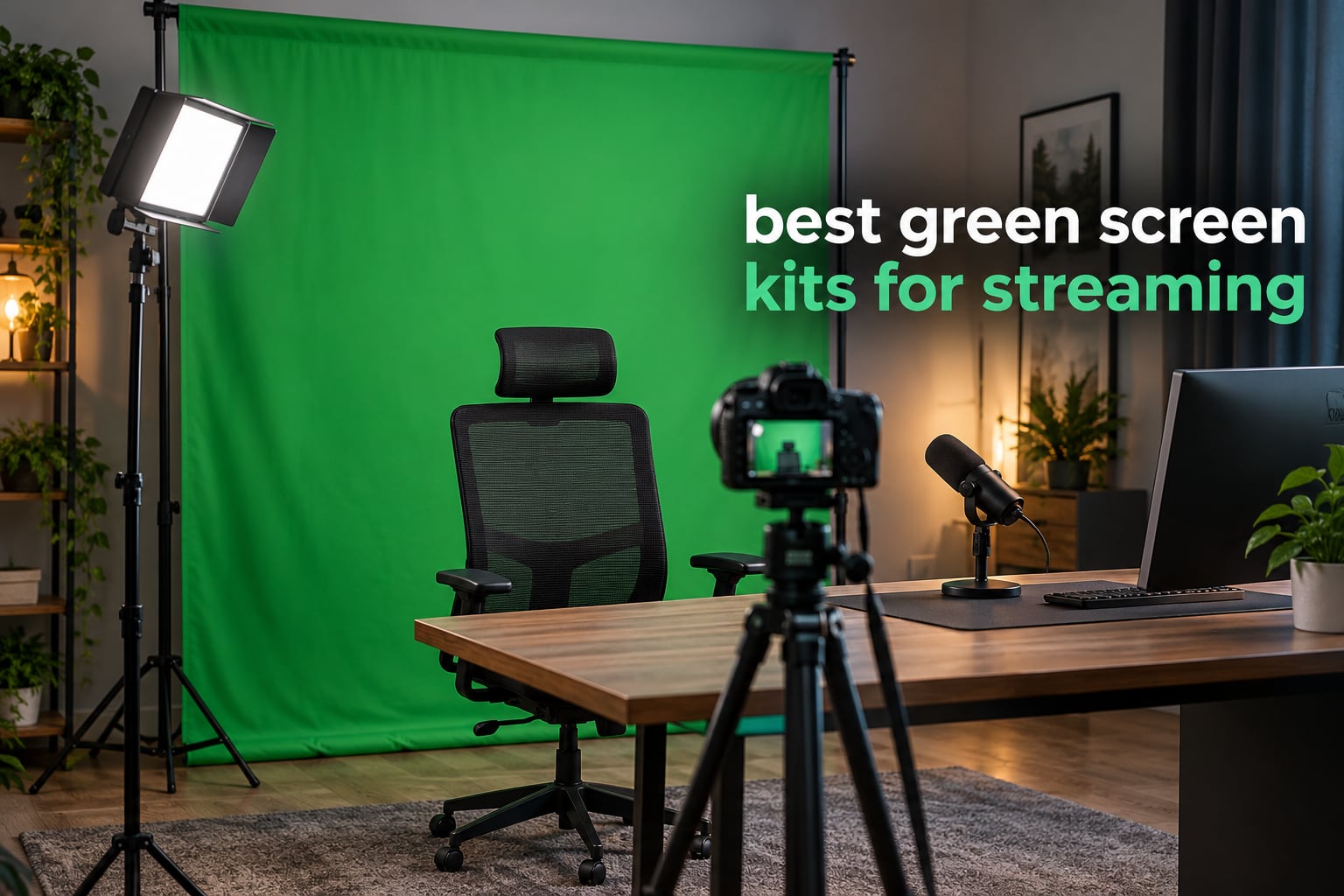
If you have ever watched a creator vanish into a digital cityscape mid-sentence, you have seen chroma keying work. That effect comes down to one physical thing: a correctly lit green surface behind you and software that removes it. Choosing between the best green screen kits for streaming in 2026 is less about brand names and more about how quickly you can get a wrinkle-free, evenly lit backdrop standing behind your chair in the dark.
Here is the honest version of how it works. A green screen backdrop is simply a matte green surface, usually fabric, held on a stand. Software such as OBS Studio, Streamlabs or Zoom looks for that specific green in every frame of your video and makes it transparent, so a virtual background shows through instead. Green is the default key colour because human skin contains almost no green tones, so the key separates cleanly from your face and shoulders.
The single biggest factor in whether that key looks good is not the fabric. It is lighting. Even, bright lighting across the whole surface matters more than material weight, thread count or the brand printed on the carry bag. Wrinkles cast shadows, shadows break the key, and a broken key looks like fuzzy edges and green halos around your hair. That is why the same kit can look professional in one room and amateur in another. If you are still choosing a camera, start with our best webcams for streaming guide, then come back here for the backdrop.
We spent weeks comparing ten green screen kits of three different form factors: collapsible panels that fold flat, fabric backdrops on adjustable T-stands, and all-in-one kits that bundle lights and softboxes. We judged them on setup speed, backdrop coverage against typical room sizes, how forgiving they are of uneven lighting, and how well they key in OBS Studio without hours of slider work.
Table of Contents
Top 3 Picks for Green Screen Streaming in 2026
Three kits came out ahead. The EMART 8.5x10ft stand with 10x12ft backdrop is the one we recommend to most people because the extra width gives you room to move without running off the edge. The EMART 5×6.5ft kit is the strongest value for a small room, and the HEMMOTOP 8×7.5ft backdrop is the pick if you want a wide frame without moving up a tier.

EMART 10x12ft Green Screen Kit
- 10x12ft seamless backdrop
- 8.5x10ft adjustable stand
- Carry bag included
- 5 kg total weight

EMART 5×6.5ft Kit with 6 Clamps
- Reverse-folding stand
- 4 to 6.5 ft height range
- Wrinkle-resistant washable cloth
- 2.79 kg

HEMMOTOP 8×7.5ft Backdrop Kit
- Seamless one-piece polyester
- 5 height and 3 width options
- Non-reflective front
- 5 lb total weight
Best Green Screen Kits for Streaming at a Glance
The best green screen kit for streaming is the EMART 8.5x10ft stand with 10x12ft backdrop, because its extra width covers a seated stream with room to move, its stand adjusts from 3 ft to 8.5 ft tall and 5 ft to 10 ft wide, and it holds the highest rating of any kit we tested with more than two thousand reviews behind it. Smaller kits suit tighter rooms, and the all-in-one options trade screen coverage for bundled lighting.
| Product | Specifications | Action |
|---|---|---|
| EMART 8.5x10ft Stand with 10x12ft Backdrop |
|
Check Latest Price |
| EMART 5×6.5ft Kit with 6 Clamps |
|
Check Latest Price |
| HEMMOTOP 8×7.5ft Backdrop Kit |
|
Check Latest Price |
 JEBUTU 5×6.5ft Backdrop Kit JEBUTU 5×6.5ft Backdrop Kit |
|
Check Latest Price |
 EMART 8.5x10ft Kit with Umbrella Lights EMART 8.5x10ft Kit with Umbrella Lights |
|
Check Latest Price |
 RALENO Lighting Kit with Green Screen RALENO Lighting Kit with Green Screen |
|
Check Latest Price |
 Forlogic 8×7.2ft Backdrop Kit Forlogic 8×7.2ft Backdrop Kit |
|
Check Latest Price |
 PULUZ 3.2×6.5ft Backdrop Kit PULUZ 3.2×6.5ft Backdrop Kit |
|
Check Latest Price |
 Fotodiox 5x7ft Green and Blue 2-in-1 Fotodiox 5x7ft Green and Blue 2-in-1 |
|
Check Latest Price |
 Qoolfoto 5x7ft Kit with T-Stand Qoolfoto 5x7ft Kit with T-Stand |
|
Check Latest Price |
1. EMART Green Screen Backdrop Kit 8.5x10ft Stand with 10x12ft Backdrop — Best Overall
EMART Green Screen Backdrop Kit, 8.5x10FT Stand with 10x12FT Backdrop
- Widest coverage in this roundup
- Adjusts from 3 ft to 8.5 ft tall and 5 ft to 10 ft wide
- Two clamps plus a carry bag in the box
- Wrinkle-resistant fabric that has survived real laundry
- Heavy at 5 kg to carry up stairs
- Backdrop typically needs steaming out of the box
This is the kit we kept coming back to. The backdrop is 10 by 12 feet while the stand spans up to 10 feet wide and 8.5 feet tall, which sounds redundant until you realise it means you can pull the crossbar tight across a 10 foot span and still have fabric hanging past both edges. That overhang is what stops your shoulders from drifting off the green when you lean forward.
Setup took us under ten minutes and the telescoping legs lock with a single twist. The double-rod crossbar is the detail that matters here: it resists the inward pull that makes cheaper single-rod bars bow in the middle, and a bowed bar is what creates the vertical shadow band that wrecks a key.
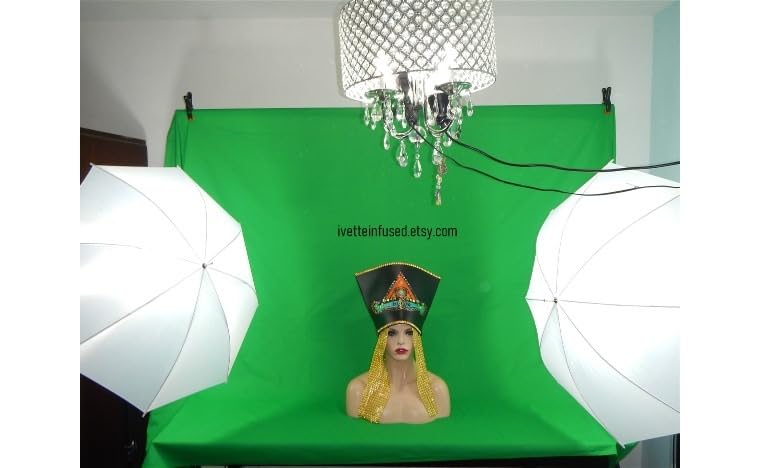
The fabric arrives folded, so expect creases out of the box. Reviewers consistently mention steaming it once before first use, and honestly that is a one-time job rather than a recurring chore. Once steamed and hung it stayed flat through several sessions, which is more than we can say for most muslin backdrops at this size.
The carry bag is genuinely useful if you move your setup between rooms, though at 5 kg the whole package is a two-person job on stairs. We paired it with a single LED panel aimed at the backdrop and it keyed cleanly on the first pass with no slider work beyond the defaults.
How much room you need behind you
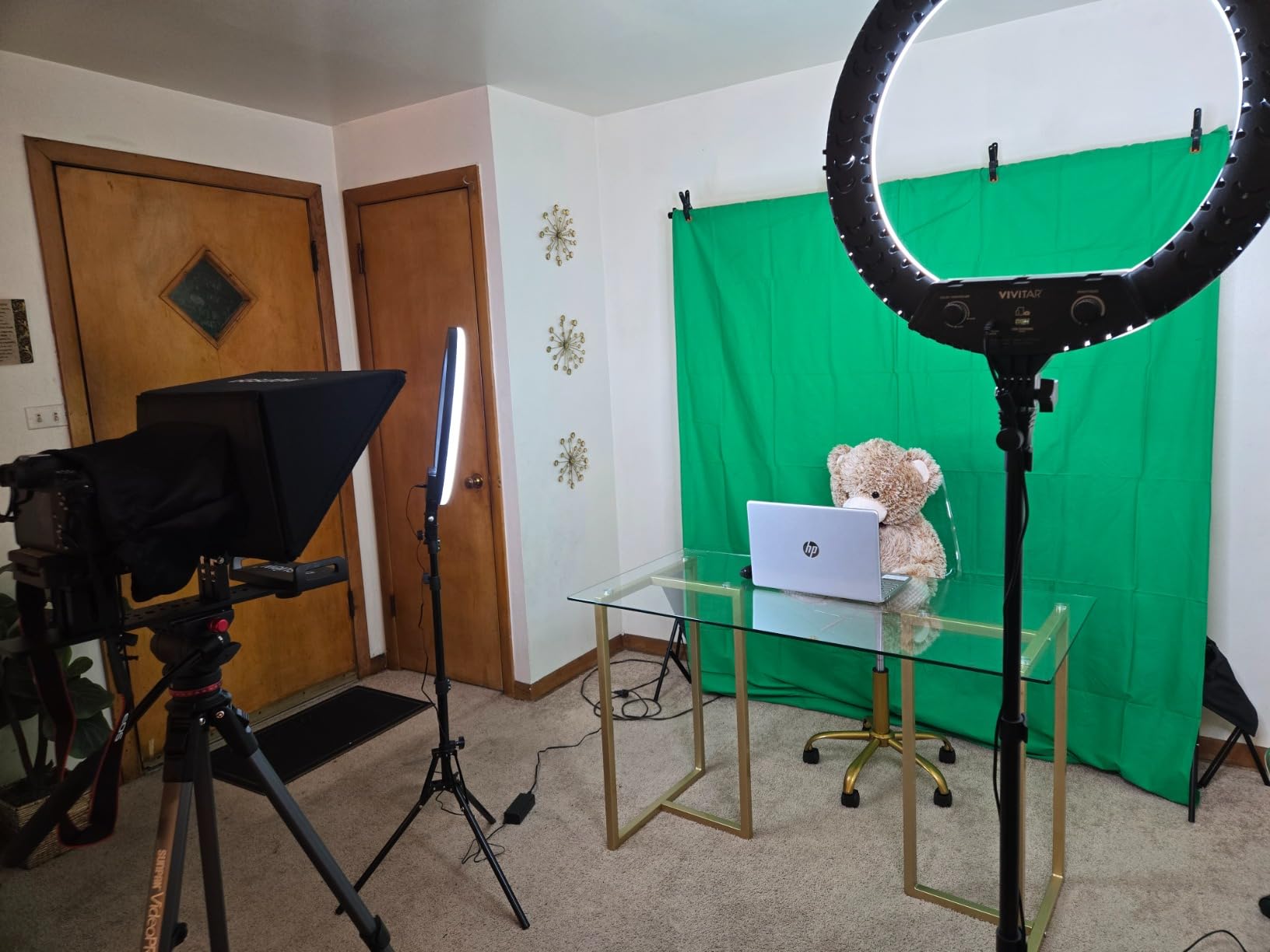
This backdrop only makes sense if you have roughly a 10 foot wall to work with. In a small apartment bedroom with a 6 foot wall you would spend more time folding the crossbar than streaming, and the fabric corners would hang into frame. If your space is tight, the EMART 5×6.5ft kit reviewed below is the better fit.
What you still have to buy
Two backdrop clamps are included, and for a 10 foot span you almost certainly want four. Add sandbags if you are on carpet or a floor that lets the tripod legs creep. None of that is a dealbreaker, it just needs to be in your budget from the start rather than discovered after your first broadcast.
2. EMART 5×6.5ft Green Screen Backdrop Kit with T-Shape Stand and 6 Clamps — Best for Small Rooms
- Reverse-folding stand folds down small
- Height adjusts from 121 cm to 200 cm
- Upgraded crossbar with internal rope damping
- Washable wrinkle-resistant cloth
- Six clamps rather than two
- Too narrow for full-body framing
- Some users report the clips could be stronger
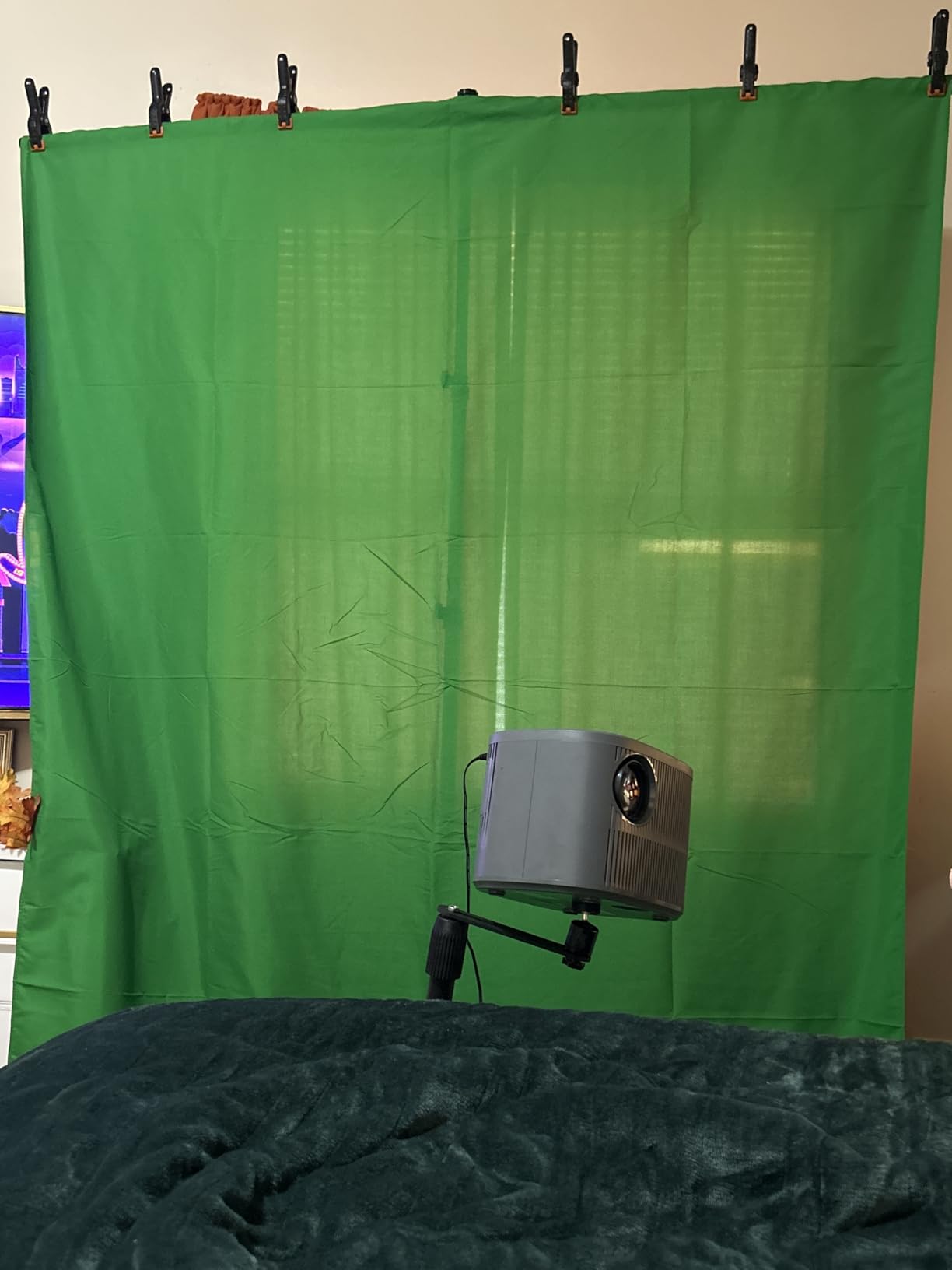
This is the one we recommend to anyone streaming from a spare room or a rented flat where a 10 foot backdrop will not fit. At 5 by 6.5 feet it covers a seated head-and-shoulders shot with a few feet of margin on each side, which is exactly what a webcam or laptop framing needs.
The reverse-folding stand is the feature that earns its place. Legs fold inward against the crossbar rather than outward, so the whole thing collapses to a bundle roughly the length of your forearm. That matters more than the weight figure suggests, because the difference between carrying a stand through a hallway and carrying it around a corner is the difference between a portable kit and a theoretical one.
The crossbar upgrade is a genuinely clever fix. Internal ropes run through the pole sections and absorb the sideways force that would otherwise make the bar flex, so the fabric sits flat against a straight line instead of bowing inward. On our test the bar stayed straight with the full fabric tension applied.
Height adjusts from 121 cm to 200 cm, which covers desk-height and seated setups without you crouching. The six included clamps are more than the two most competitors ship, and there is no separate sandbag situation here because the screen is light enough not to need one.
Who it suits and who it rules out
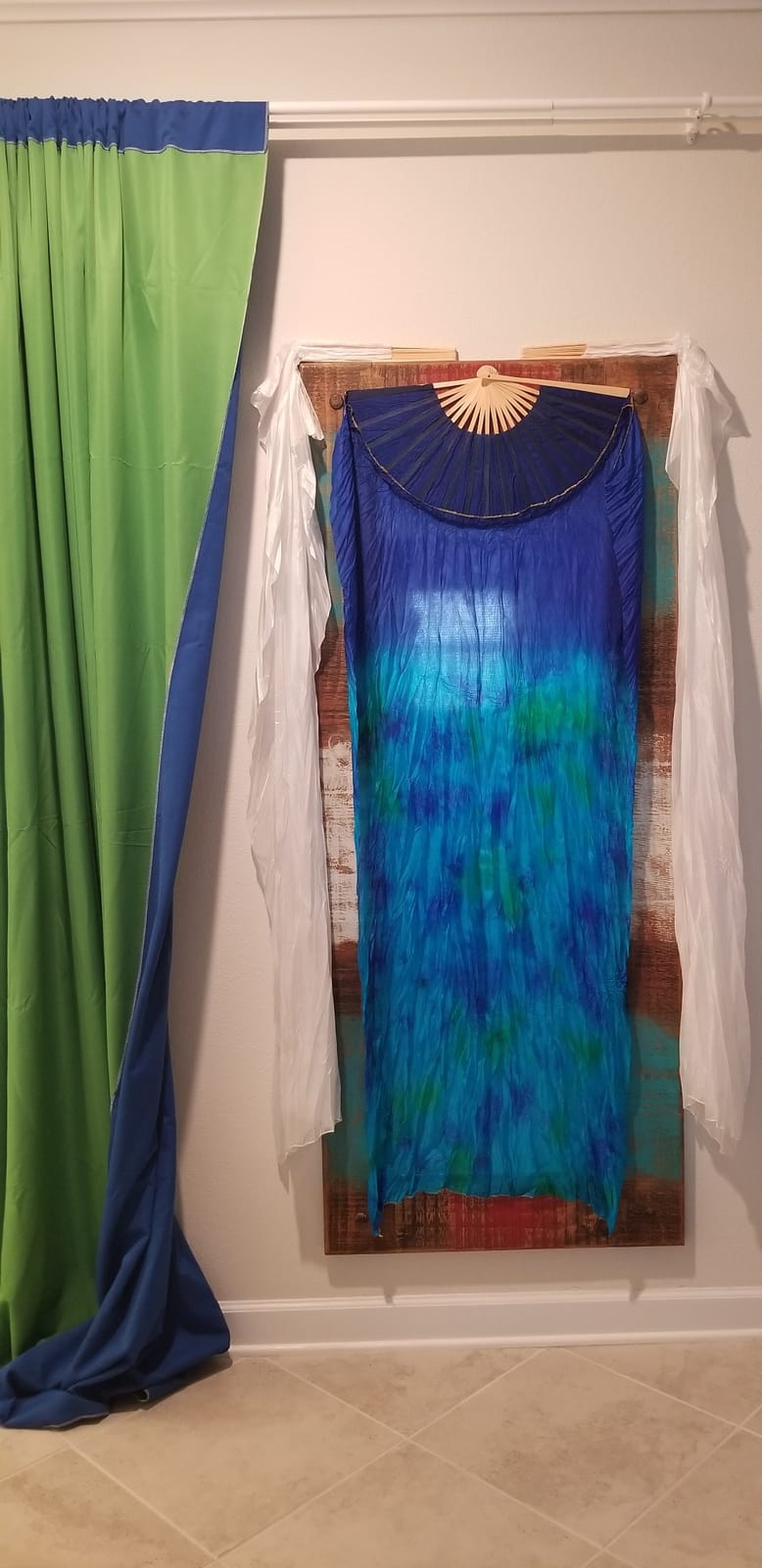
Seated and waist-up creators get everything they need here. Full-body streamers, dancers and anyone who stands and moves will find 5 feet too narrow, because stepping sideways puts an arm outside the green and the key will cut it away mid-sentence. For that, step up a size rather than trying to make this one work.
Material and maintenance
The cloth is wrinkle-resistant polyester and can be machine washed or hand washed, which is a step up from cotton muslin that needs ironing. We found it needed a shake and a steam after the first unpack, then it stayed flat. Wipe marks lift off easily with a damp cloth as long as you do it between sessions.
3. HEMMOTOP Wider Green Screen Backdrop 8×7.5ft with Stand — Best Wide Framing on a Modest Spend
Hemmotop Wider Green Screen Backdrop with Stand, 8×7.5ft Background Kit
- Eight feet wide at only five pounds
- Five height options and three width options
- Seamless one-piece polyester
- Non-reflective front suits clean keys
- Machine washable and ironable
- Fabric arrives wrinkled from shipping
- Stand assembly takes some practice
Eight feet of width for five pounds is the number that makes this interesting. Most kits in the lightweight class stop at five feet wide, which is fine for a talking head and cramped the moment you sit back or use a wider lens. This one gives you real margin on both sides of the frame.
The stand has five height settings from 3.1 feet to 8 feet and three width options up to 7.5 feet, so you can dial the backdrop to roughly match your framing rather than settling for whatever the frame gives you. That flexibility is what lets you tighten the green around a seated shot instead of leaving two empty feet of fabric beside you.
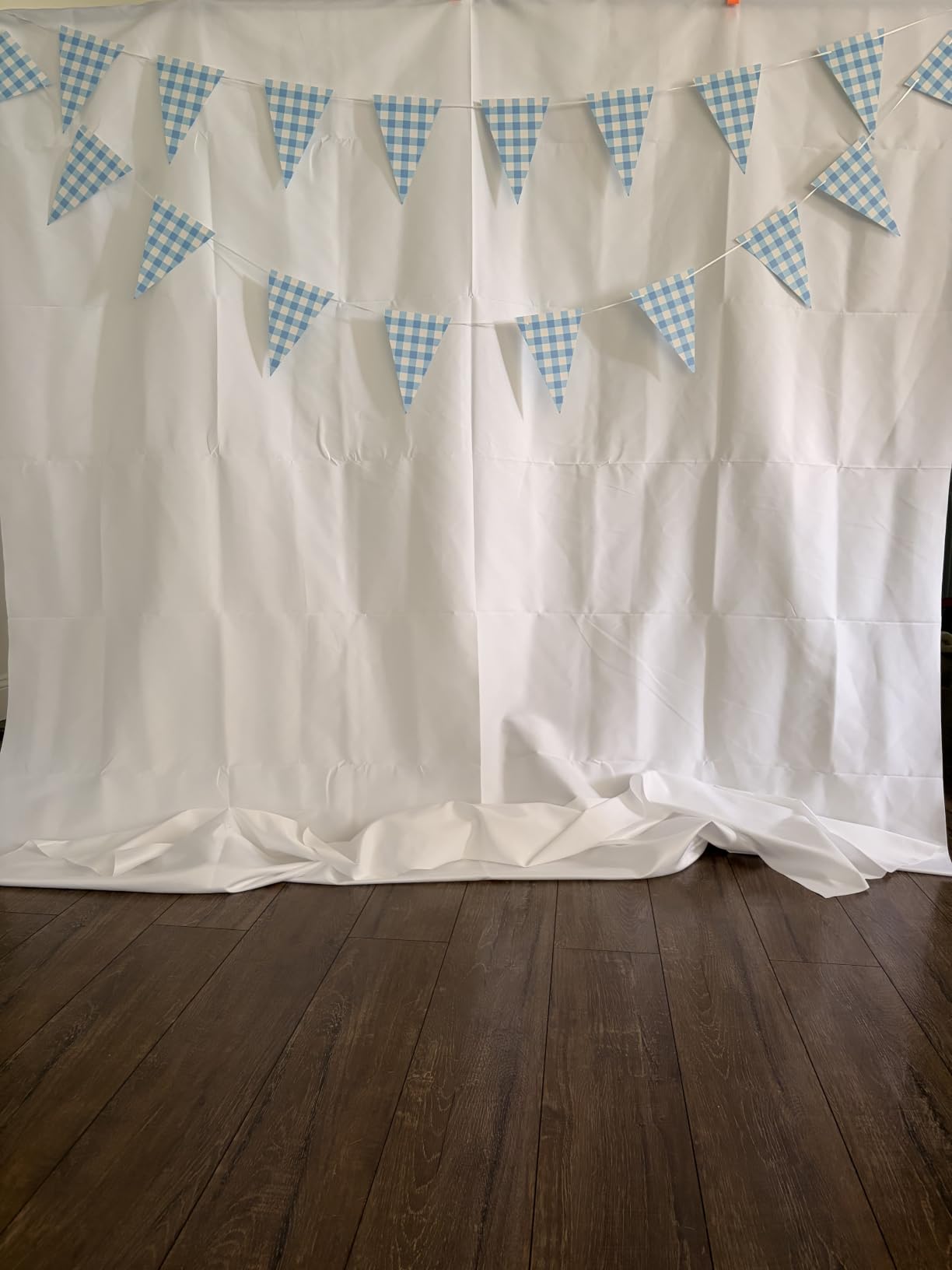
Clamps are spring type with removable orange rubber pads. The pads matter, because bare metal on polyester leaves shiny spots that read as hot spots on camera and give the key a moving target. The kit ships with five of them and a carry case, so the support hardware is covered.
Assembly took us a little longer than the roped-pole kits, since the height and width adjustments interact rather than working independently. Budget ten minutes rather than three. It is a one-time cost for a stand you will assemble repeatedly.
Why the non-reflective surface matters
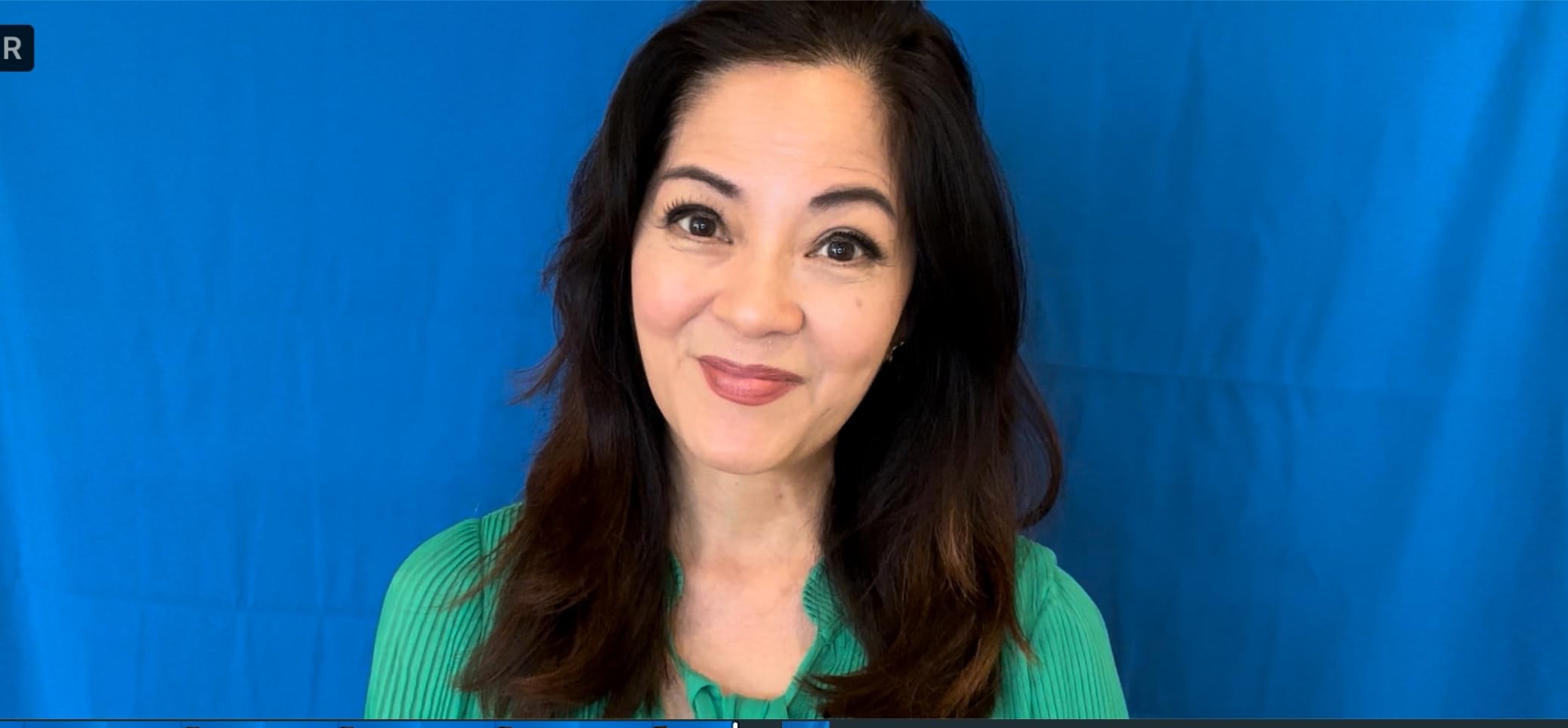
The front is non-reflective and the back is reflective. That split exists for a reason: reflective fabric bounces your key light straight back at you and creates a bright patch in the middle of the screen, while a non-reflective face absorbs it and lets you light from the front without blowing out the centre. It is one of those small specifications that tells you the fabric was chosen with keying in mind.
Wide-angle and camera distance
Because the width is generous, this suits creators using a wider field of view or sitting further from the camera than a typical webcam position. Users running wide-angle lenses specifically call this kit out as working for that reason. If you are on a tight close-up, you will frame yourself inside a lot of unused green, which is fine but not the reason to buy it.
4. JEBUTU Green Screen Backdrop Kit with Stand 5×6.5ft — Best First Streaming Setup
JEBUTU Green Screen Backdrop Kit with Stand, 5X6.5ft Portable Green Screen Backdrop with Stand kit, GreenScreen Background with Stand Carrying Bag Clamp for Streaming Video Zoom
- Everything needed in one box including clips and carry bag
- Easy to assemble and take down between streams
- Machine and hand washable polyester
- Aluminium telescoping stand works well with OBS and Zoom
- Stand benefits from sandbags for stability
- Included clips are basic quality
- Fabric arrives folded and needs steaming
This is the kit we would hand to someone who has never keyed anything before. It contains a backdrop, a T-stand, five clips and a carry bag, which sounds unglamorous until you compare it with bundles that ship two clamps and call it complete. Nothing here is missing that you need to get a first broadcast done.
The stand adjusts from 2.69 feet to 6.5 feet, and the low end is genuinely useful. A lot of streaming desks sit at 28 inches, and a stand that cannot go below 4 feet forces you to shoot downward across the fabric. This one can sit low enough to put the crossbar below your shoulder line.
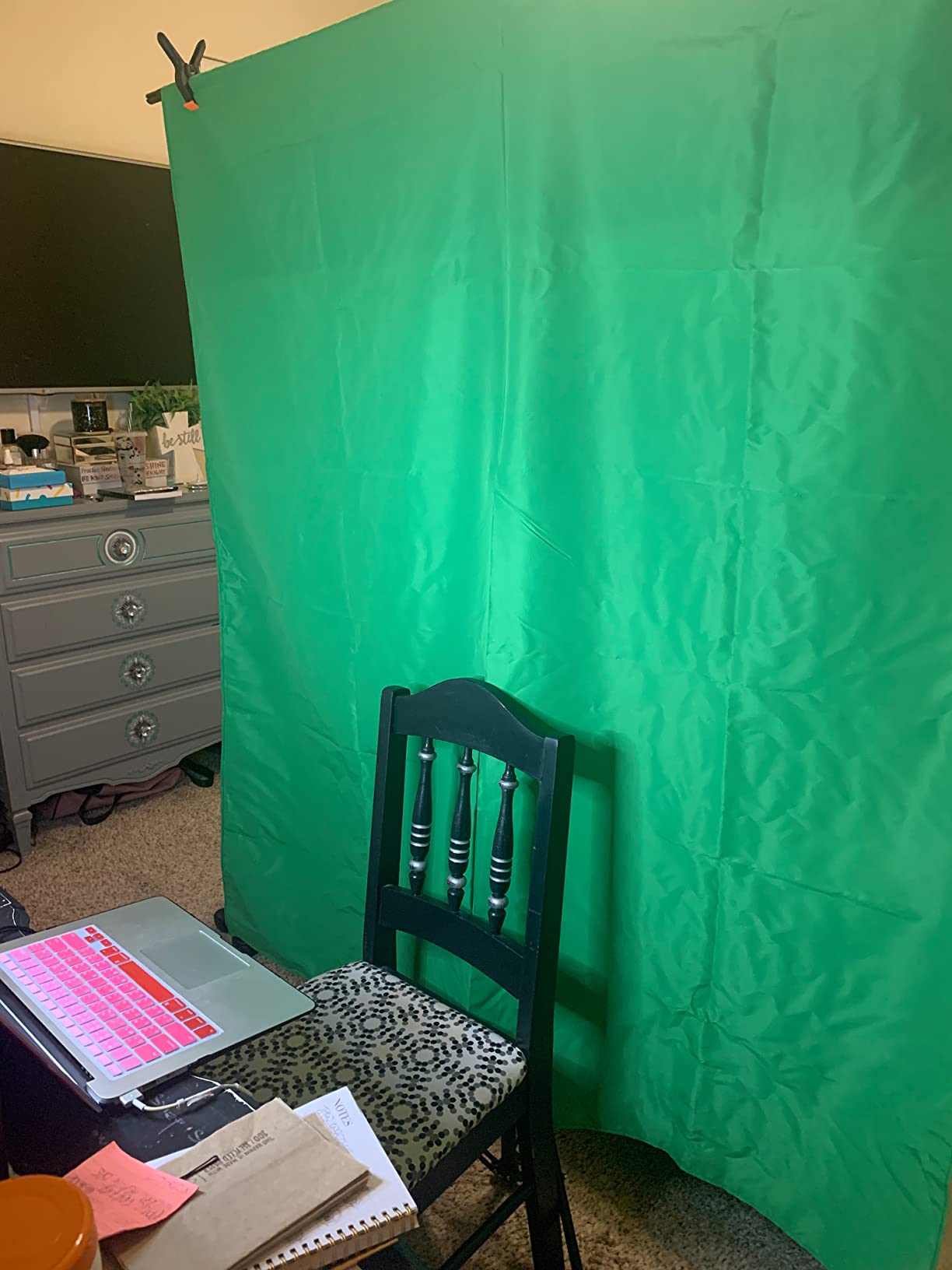
Setup and takedown are quick, which matters because the real test of a portable kit is how fast you can clear the room before something else needs the space. We had it up and streaming inside a few minutes, and folded it into the carry bag without disassembling the legs fully.
The reviews are honest about the limitations. The stand is light aluminium and benefits from a sandbag or two on carpet, and the included clips are the simplest kind. Neither is a dealbreaker for a desk setup; both would bother us in a room with a door that gets slammed.
What you can and cannot frame
Five feet of width handles a seated webcam shot, a podcast two-person layout and vertical short-form video with room to spare. It will not cover full-body framing or a wide two-camera setup, and we would not stretch it there. Its compatibility list covers cameras, webcams, phones and any software with chroma key support, which covers OBS Studio, Streamlabs and Zoom equally well.
Where the real costs sit
Budget for two things this kit does not supply. A sandbag or two stabilises the base on carpet, and a separate background light is what turns a mediocre key into a clean one. Community advice in streaming forums keeps landing on the same point: evenly and brightly lighting the screen beats buying a more expensive backdrop.
5. EMART 8.5x10FT Green Screen Backdrop Kit with Umbrella Lights — Best All-in-One Lighting Bundle
EMART 8.5x10FT Green Screen Backdrop Kit with Umbrella Lights for Studio
- Backdrop and lighting arrive in one package
- Two 33 inch umbrellas diffuse light and cut glare
- 5500K bulbs suit video work
- Assembly takes about 15 to 20 minutes
- Carry bag included
- Backdrop is smaller than the stand frame
- Bulbs are fluorescent rather than LED
- Cotton backdrop needs ironing
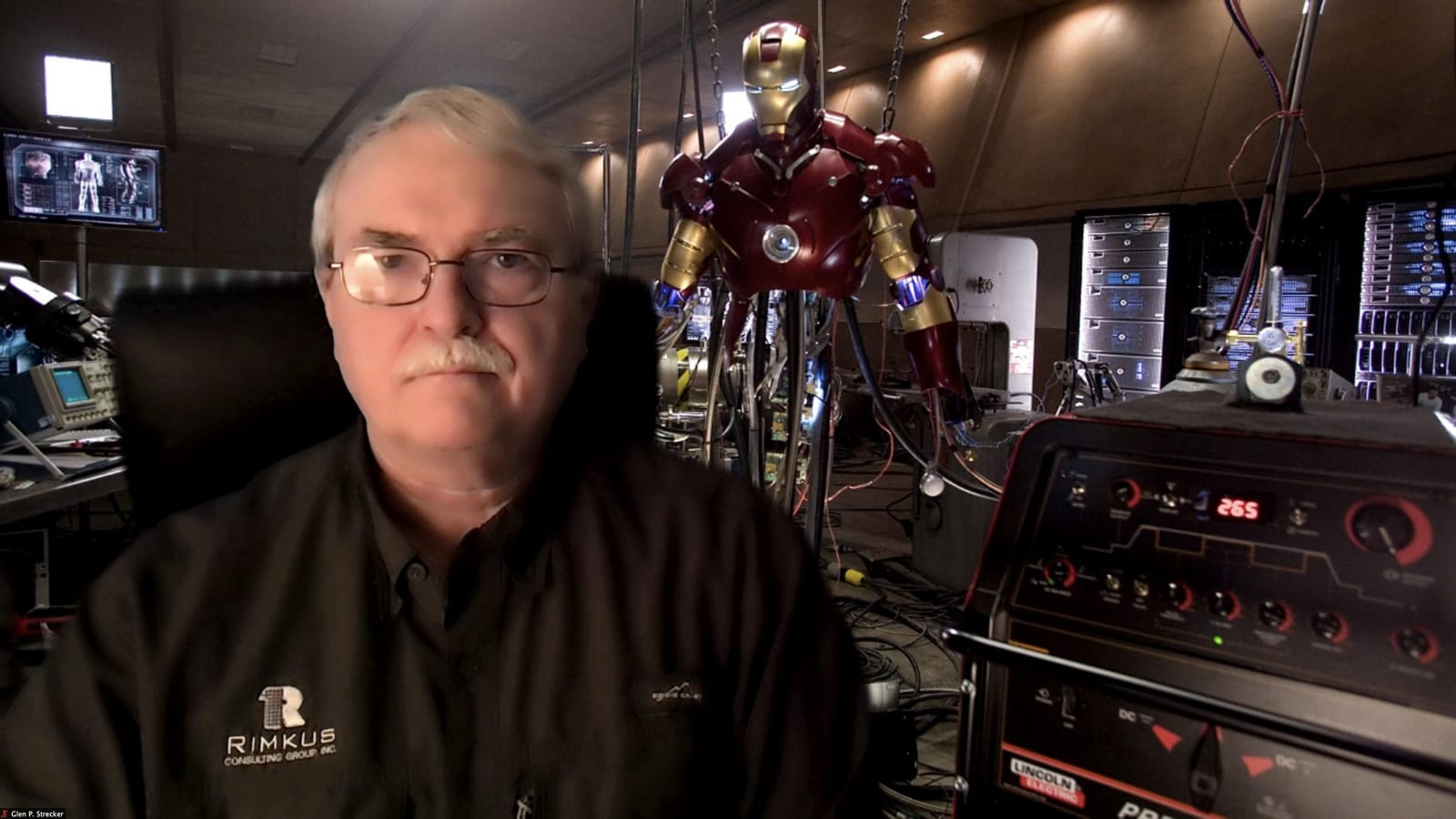
Most streamers who fail at keying fail because they have no lights at all. This bundle solves that in one box: an 8.5 by 10 foot backdrop stand, a 6 by 9 foot cotton backdrop, two flash umbrellas with 5500K bulbs, two light stands, lamp holders, clamps and a carry bag.
The umbrellas are the reason to pick this over a plain screen plus separate lights. A 33 inch umbrella throws soft, even light with the kind of falloff that keeps shadows from forming behind the subject. Harsh bare bulbs create hard shadow edges on the fabric, and hard shadows are the enemy of a clean key.
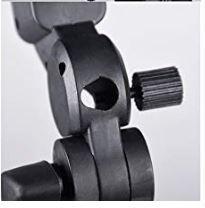
Assembly took roughly 15 to 20 minutes for us, mostly because four stands and two umbrellas is a lot of hardware. The colour temperature of 5500K is the right ballpark for video, which keeps skin tones natural instead of the orange cast you get from household bulbs.
The catch is the mismatch between screen and frame. The stand spans up to 10 feet wide but the backdrop is only 6 by 9 feet, so on a wide setup you are hanging fabric inside a wider frame. That is fine for most seated streaming and wrong for full-body coverage.
Who should buy the bundle instead of building their own
Buy it if this is your first setup and you would rather not research lighting. Two diffused sources pointed at the backdrop will get you a working key in one evening. If you already own lights, skip this and spend on the fabric instead, since a 6 by 9 foot screen is the part you cannot upgrade later without buying the whole kit again.
What is missing that you will want
Two backdrop clamps. On an 8.5 foot span that is not enough, and a sagging or flapping edge creates exactly the movement that makes a key break up during a stream. Buy four more clamps before your first broadcast, and note that the light sockets can strip if you force a bulb in.
6. RALENO Photography Lighting Kit with 8.5x10ft Backdrop Stand and Green Screen — Best Studio-Quality Lighting
RALENO Photography Lighting Kit, 8.5x10ft Backdrop Stands with Green Screen
- Highest colour rendering index of any kit here
- Three backdrops give green
- black and white options
- Includes both softboxes and umbrellas for different looks
- Long-life LED bulbs instead of fragile fluorescents
- Aluminium construction feels solid
- Largest and most complex kit to set up
- Bulky enough to need dedicated storage
- Smallest review count in the roundup
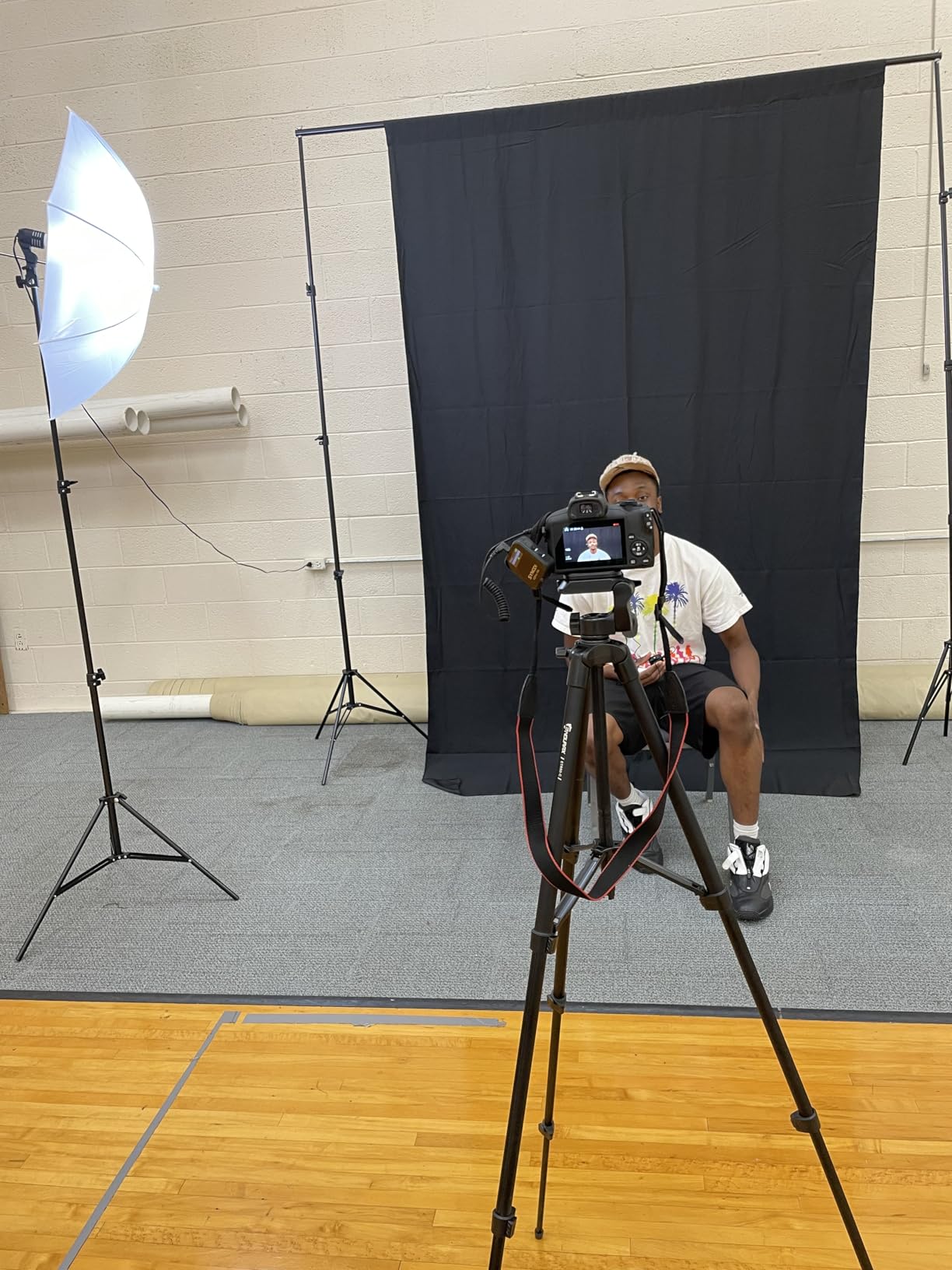
This is the most complete package in the roundup and the only one where you get a proper two-light studio. You get two 20 by 27.6 inch softboxes, two 33 inch umbrellas, four 78 inch light stands, four LED bulbs, an 8.5 by 10 foot background stand, three backdrops in black, white and green, a reflector, spring clips and a carry bag.
The colour rendering index of 97 is the headline number and it is a real one. A high CRI bulb renders colours accurately, which matters twice over: your skin tones stay natural on camera, and the green on the backdrop stays a consistent green instead of shifting hue when you change brightness or angle.
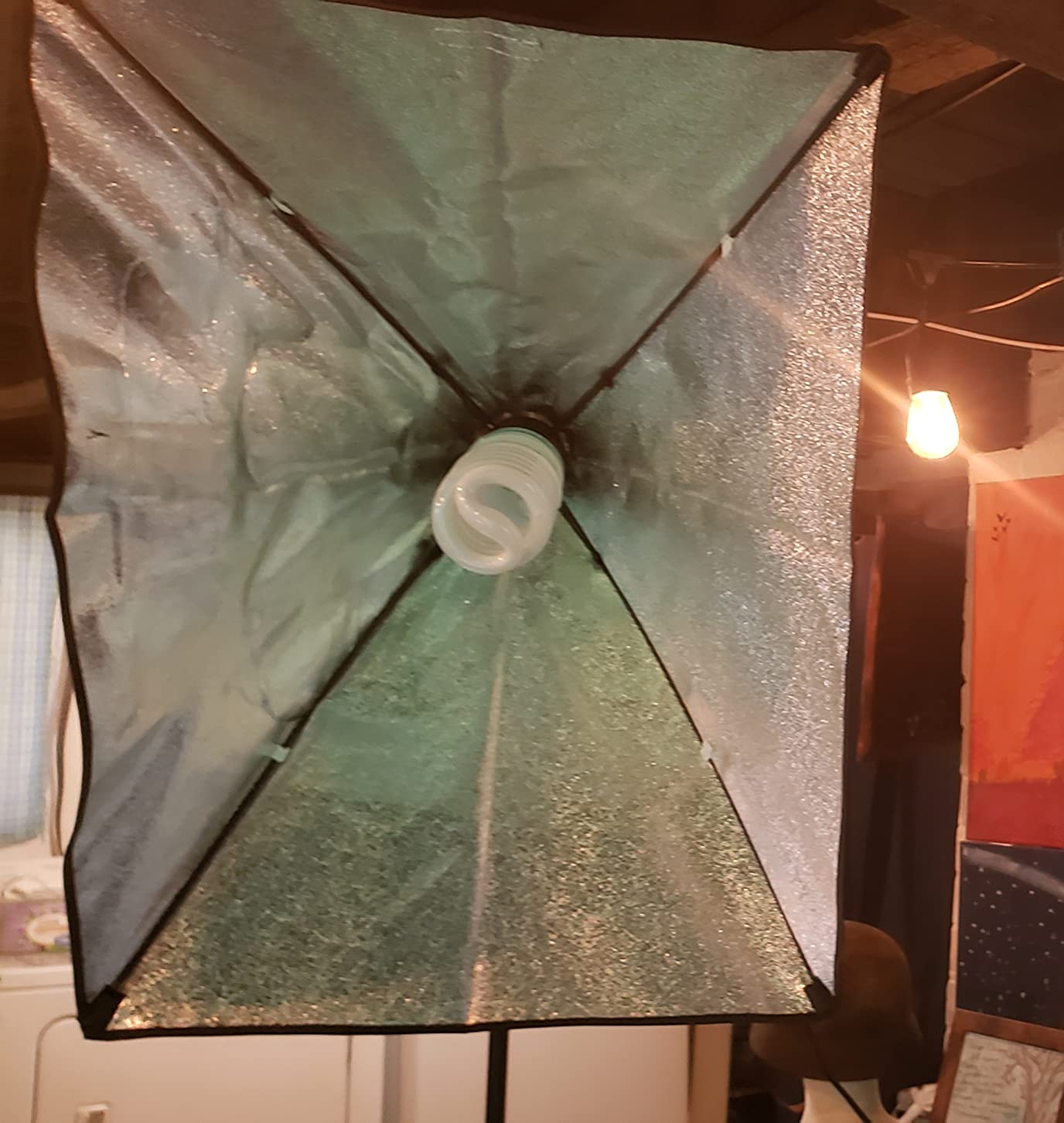
The bulbs come in two types. Two 50 watt units for the softboxes and two 45 watt units for the umbrellas, which lets you build a softer key light and a broader background wash at the same time. The softbox and umbrella pairing is what lets you light your face and the backdrop with the same kit rather than sourcing them separately.
There is a trade-off in the review count. This kit has the fewest reviews of anything here, so we are relying on specification and build quality rather than a large body of long-term owner feedback. That is worth knowing before you commit.
When three backdrops earn their weight
The black and white backdrops make this more than a green screen kit. Black is useful for shooting on a darker look or for cutting a background out entirely, and white works as a reflector or a product background. If you record more than just face-cam streams, the extras start earning their keep within a couple of sessions.
Setup cost in time and space
Four tripods, two softboxes, two umbrellas and a backdrop stand is a lot of assembly, and reviewers note it takes practice. It also needs a room where you can spread out. If your streaming corner is six feet wide, this kit will fight the walls. For a dedicated corner or a spare room, it is the most complete route we found.
7. Forlogic Green Screen Backdrop Kit with Stand 8×7.2ft — Best Support Hardware
Forlogic Green Screen Backdrop Kit with Stand, 8×7.2ft Portable GreenScreen Background Stand for Streaming Video and Photography Shoots
- Sand bag included
- which almost no competitor ships
- Elastic cord connections make assembly quick
- Machine washable backdrop
- Large 8x7.2ft coverage
- Newer brand with fewer long-term reviews
- Fabric may arrive needing ironing
- Stand stability could be firmer
- Fixed-height style limits adjustment
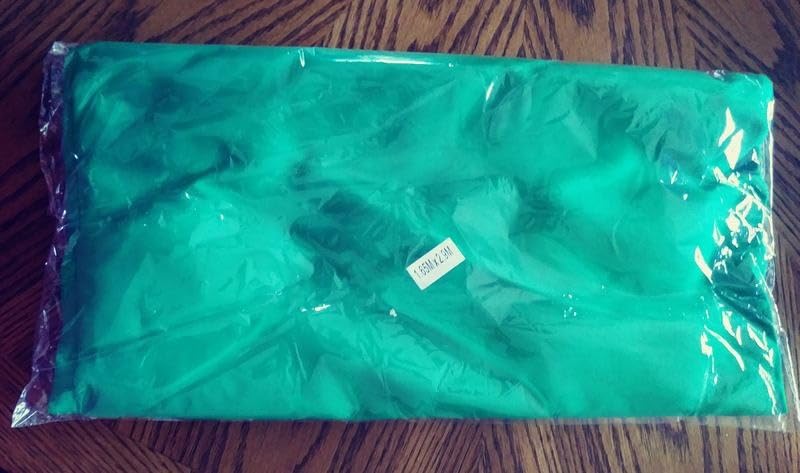
The stand assembles from tubes connected by internal elastic cords, so poles align themselves instead of you hunting for the right hole. It is the fastest assembly of any fabric stand we tested, and it matters because you will do it more often than you expect.
At 8 by 7.2 feet this is one of the wider fabric backdrops at this level, and the stand adjusts from 5.3 to 7.8 feet tall. Six spring clamps and a carry bag are included, and unusually a sand bag comes in the box. Sand bags are the single most commonly omitted accessory in this category, so finding one here is a genuine point in its favour.
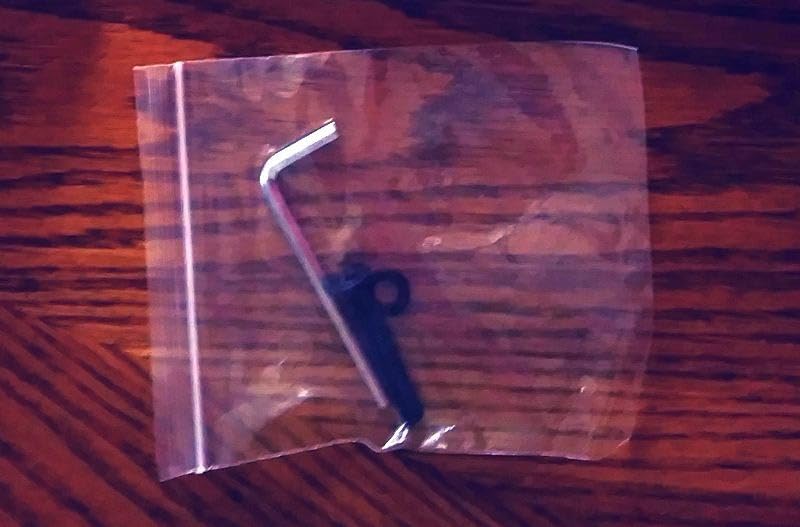
The sand bag matters more than it sounds. On carpet or laminate a loaded crossbar will creep, and a backdrop that drifts half an inch mid-stream is enough to break the key. Packing the base is the cheapest fix in this entire guide, and this kit lets you do it out of the box.
The elastic cord design does have a trade-off: it is a fixed-height style rather than a fully telescoping one, so you are limited to the adjustment range the design allows. For most seated streaming setups that range is more than sufficient.
Who gets the most from this kit
Creators with a dedicated corner and a static setup benefit most. Once assembled you leave it standing, and the wider coverage suits waist-up framing plus a second camera angle without repositioning the backdrop. If you move your setup constantly, the fixed-height assembly is worth weighing against the folding stands here.
The wrinkle reality
The backdrop is machine washable and wrinkle-resistant, but it still arrives creased from shipping. Steam it or iron it once before first use and hang it for a day. Reviewers who skipped that step reported patchy transparency, which is the expected outcome when shadowed creases cross the key.
8. PULUZ Green Screen Backdrop Kit with Stand 3.2×6.5ft — Best for Desk Setups
- Lightest kit here at just over one kilogram
- Compact enough for a desk or a closet
- Narrow width suits a tight webcam shot
- Anti-skid tripod base
- Machine washable and ironable fabric
- 3.2ft width is the narrowest in the roundup
- Thinnest warranty coverage here
- Fewer reviews than established brands
At 3.2 feet wide and just over one kilogram, this is the smallest and lightest kit in the roundup. That is not a compromise if you stream from a desk with a laptop and a webcam in a room where a full backdrop would be in the way half the time.
The anti-skid thickened tripod is more capable than the weight suggests, because there is almost no fabric tension pulling on it at this size. On hard flooring it stayed put through a full session without needing the sandbags that larger stands demand.
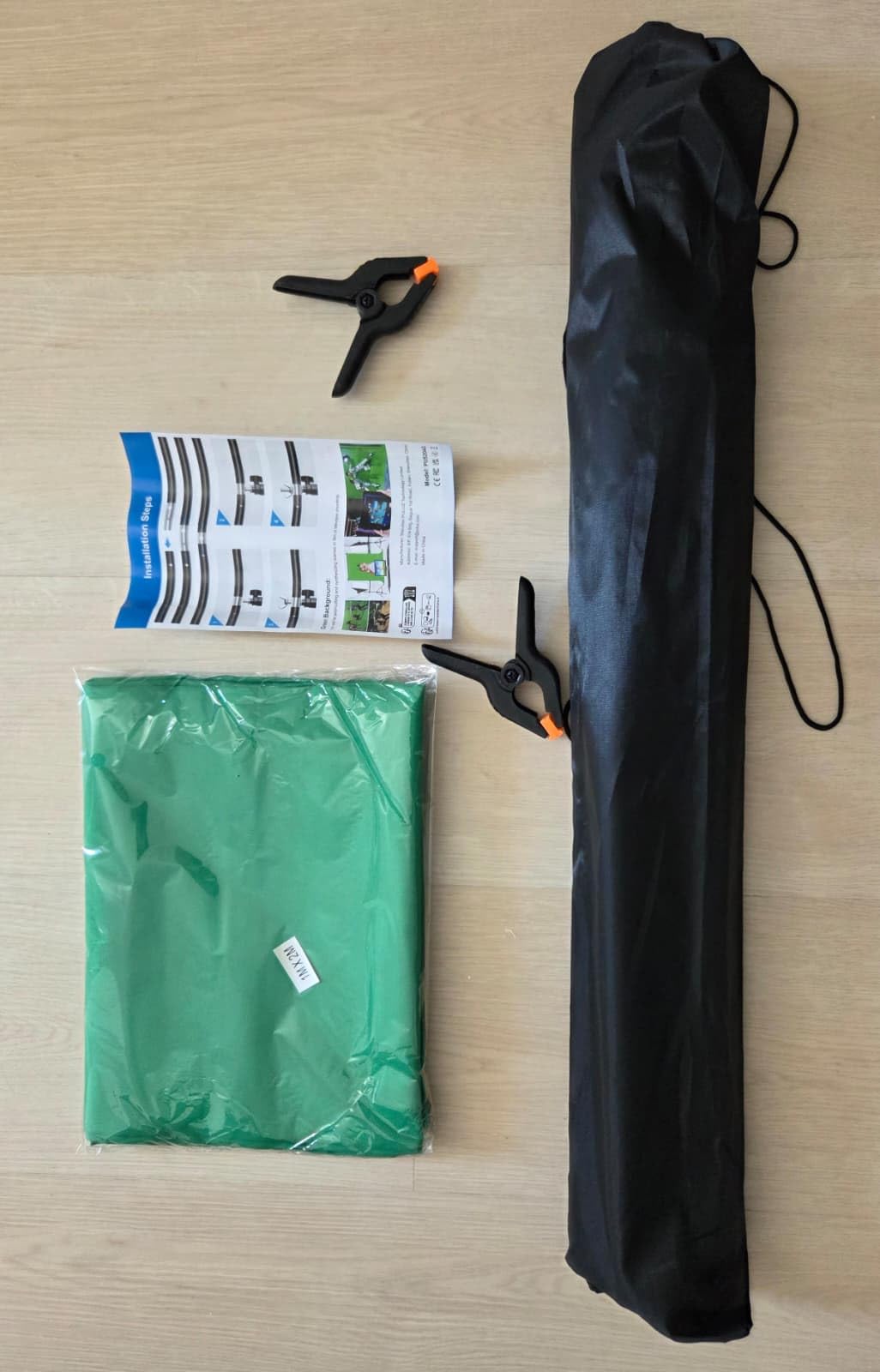
Two spring clamps attach the backdrop to a telescopic crossbar with a quick interlock, and the whole thing folds into the included storage bag. Assembly and teardown are genuinely quick, which suits a setup you break down every time you finish streaming.
The rating is the lowest in this roundup and the warranty coverage is the thinnest. We would not pair this kit with expensive streaming gear and expect long service life, but as a compact auxiliary screen for a second angle or a small desk rig it does a real job.
When a narrow screen is the right answer
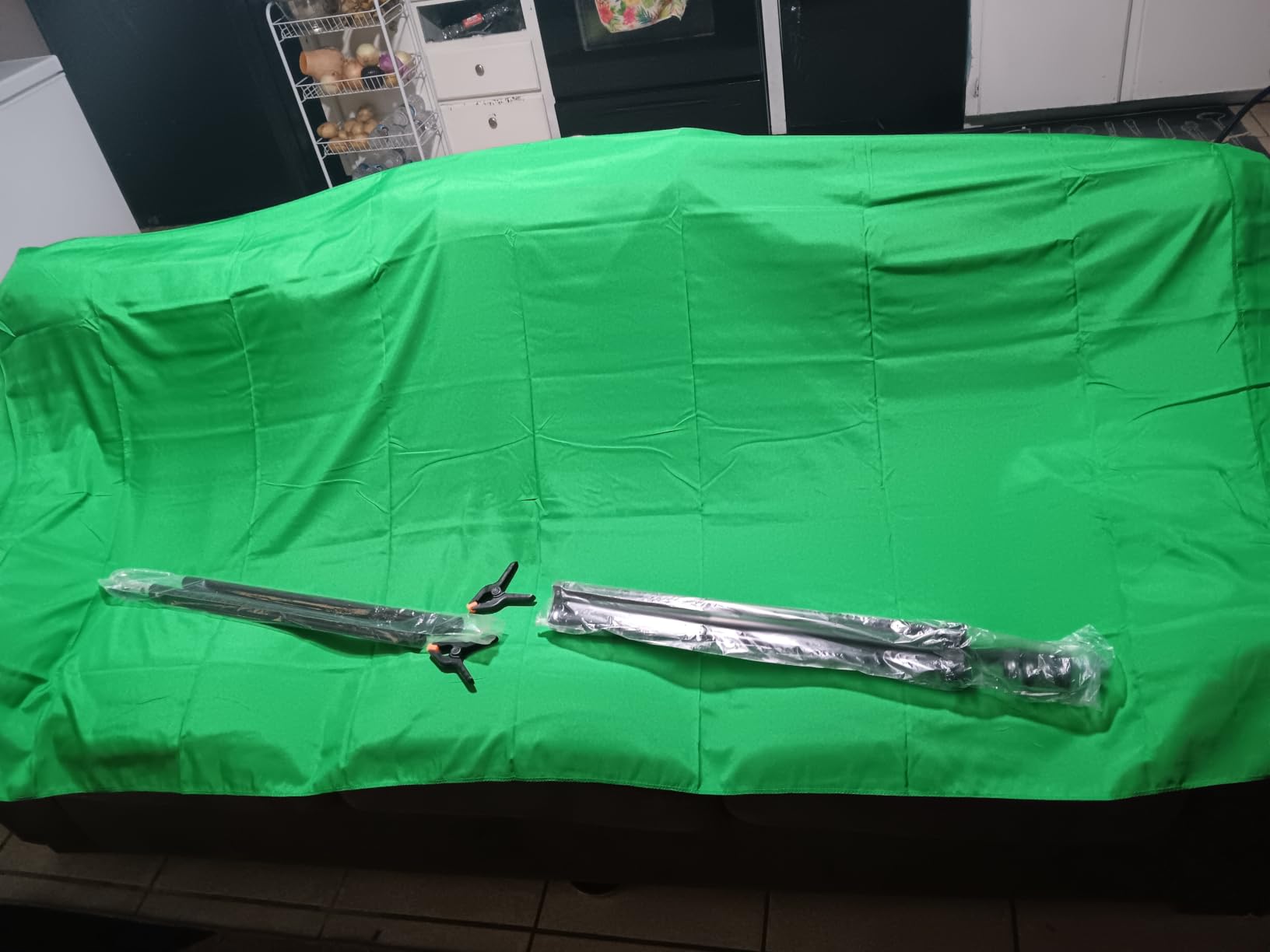
A 3.2 foot screen covers a head-and-shoulders framing comfortably, and streamers who use a tight crop often find that anything wider is wasted green. It also suits vertical short-form video, where the aspect ratio is narrow and a wide backdrop would mostly hang off frame. For full-body or multi-person shots, look elsewhere.
Honest limitations
This is the entry point of the roundup and it shows. The rating reflects complaints about the narrow width more than build quality, and the warranty is the shortest available. Treat it as a learning tool or a travel kit rather than a permanent studio backdrop.
9. Fotodiox 5x7ft Collapsible Chromakey Green and Blue 2-in-1 with Stand — Best Dual-Colour Keying
Fotodiox 5’x7′ Collapsible Chromakey Green + Blue 2-in-1 Background, Backdrop kit w/Stand Support
- Green and blue on a single panel gives two key colours
- Dual colour avoids casting green spill when blue is needed
- Fabric rather than plastic so wrinkles do not show
- Collapses flat for transport
- Established photo brand with long support history
- Folding mechanism takes practice to learn
- Large size needs adequate room
- No centre markings on the panel
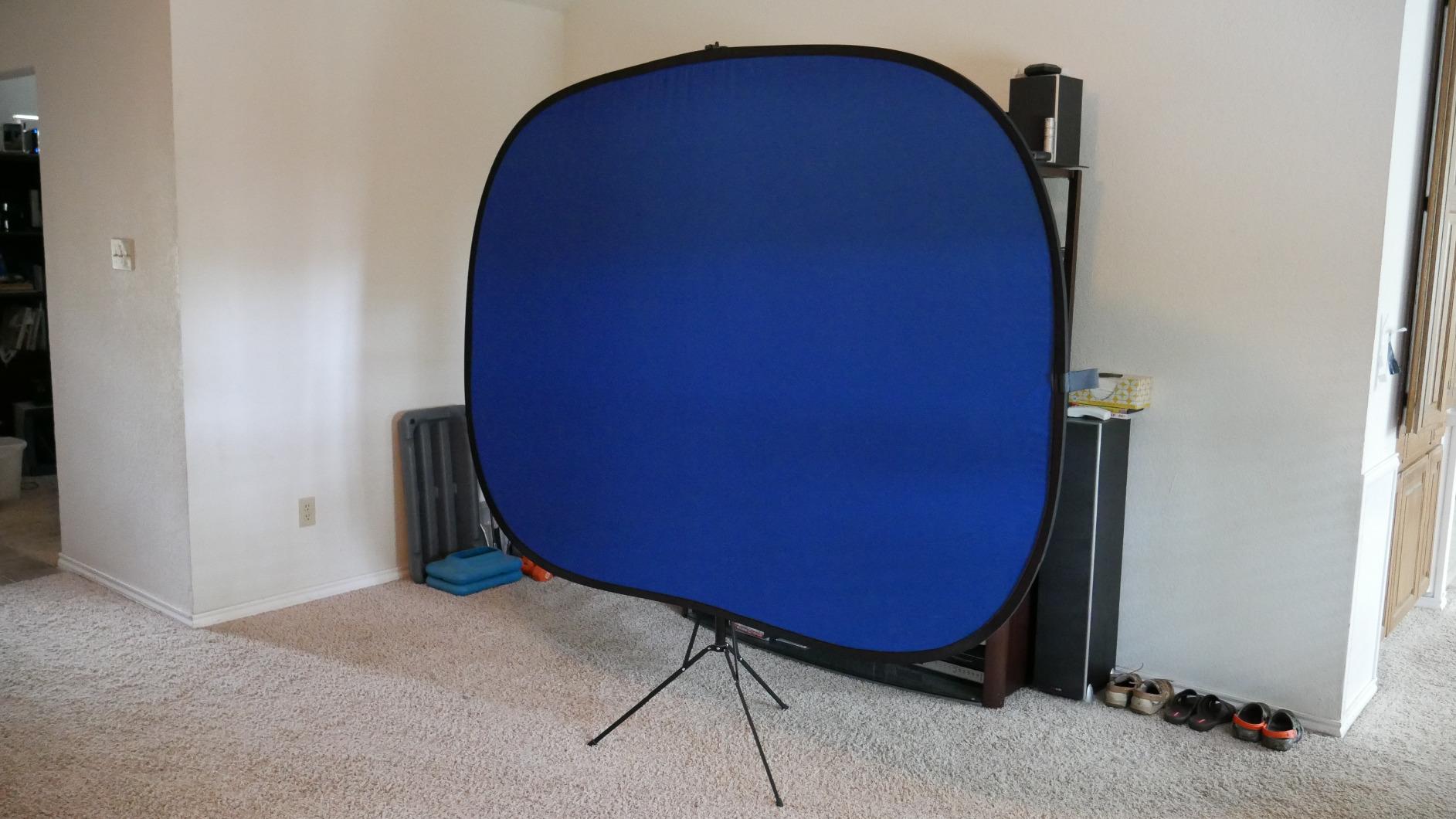
This is the only genuinely different form factor in the roundup. Instead of hanging fabric on a stand, it is a rigid collapsible panel supported by a floor stand, and it is green on one side and blue on the other. Flipping it gives you a second key colour without buying a second screen.
The dual colour solves a real problem. Green is the default key colour, but green reflect light back onto your subject and put a faint green rim on shoulders and hair that no amount of spill suppression removes cleanly. Keying on blue instead removes that artefact, which is why serious studios often keep a blue panel alongside the green.
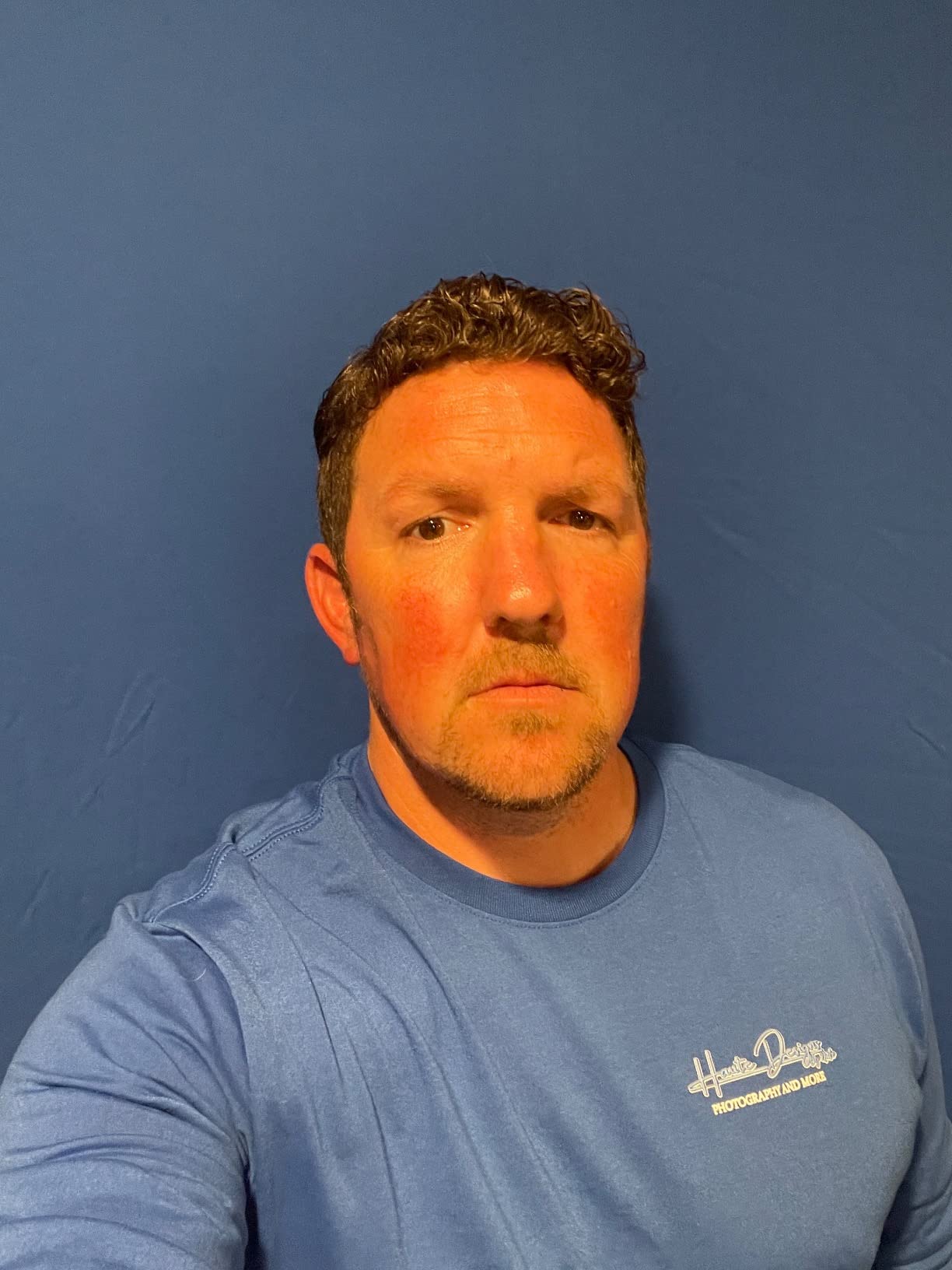
It is a fabric surface rather than moulded plastic, and that difference is visible on camera. Light wrinkles on a fabric panel fall away under even lighting, while the same folds on a rigid plastic or vinyl surface catch highlights and read as hard edges against your keyed background.
The panel collapses flat for transport and includes a 2.1 metre floor stand with a three-tier tripod. The brand behind it is a long-established photo equipment maker, which matters for a panel with moving hinges.
The learning curve nobody warns you about
The folding mechanism is the honest drawback. Owners consistently say it takes practice and recommend watching a walkthrough before first use. Budget an hour the first time and expect it to become quick afterwards, but do not judge the product in the first five minutes.
Room requirements and who it suits
At 5 by 7 feet it needs a real corner and enough clearance to open the panel fully, plus standing room to work the frame. It suits creators who shoot multiple videos from one setup, travel to events and want one object instead of a stand and hanging fabric, and anyone who wants a clean blue key option for product or jewellery work.
10. Qoolfoto Green Screen Backdrop Kit 5x7ft with Foldable T-Shaped Stand — Best for Fast Assembly
Qoolfoto Green Screen Backdrop Kit 5×7 ft with Foldable T-Shaped Stand
- Tool-free assembly in under three minutes
- Five clamps and a carry bag included
- Seamless double-sided polyester that is washable and ironable
- Reverse-folding stand with thicker tubing
- Good size for a seated stream
- Stand base can loosen when the kit is moved
- Some parts reported brittle over time
- No instructions included
Assembly took us under three minutes, with roped pole connections meaning no tools and no hunting for the correct hole. If your streaming and non-streaming life share the same room and you need the floor back quickly, that speed is the whole point of this kit.
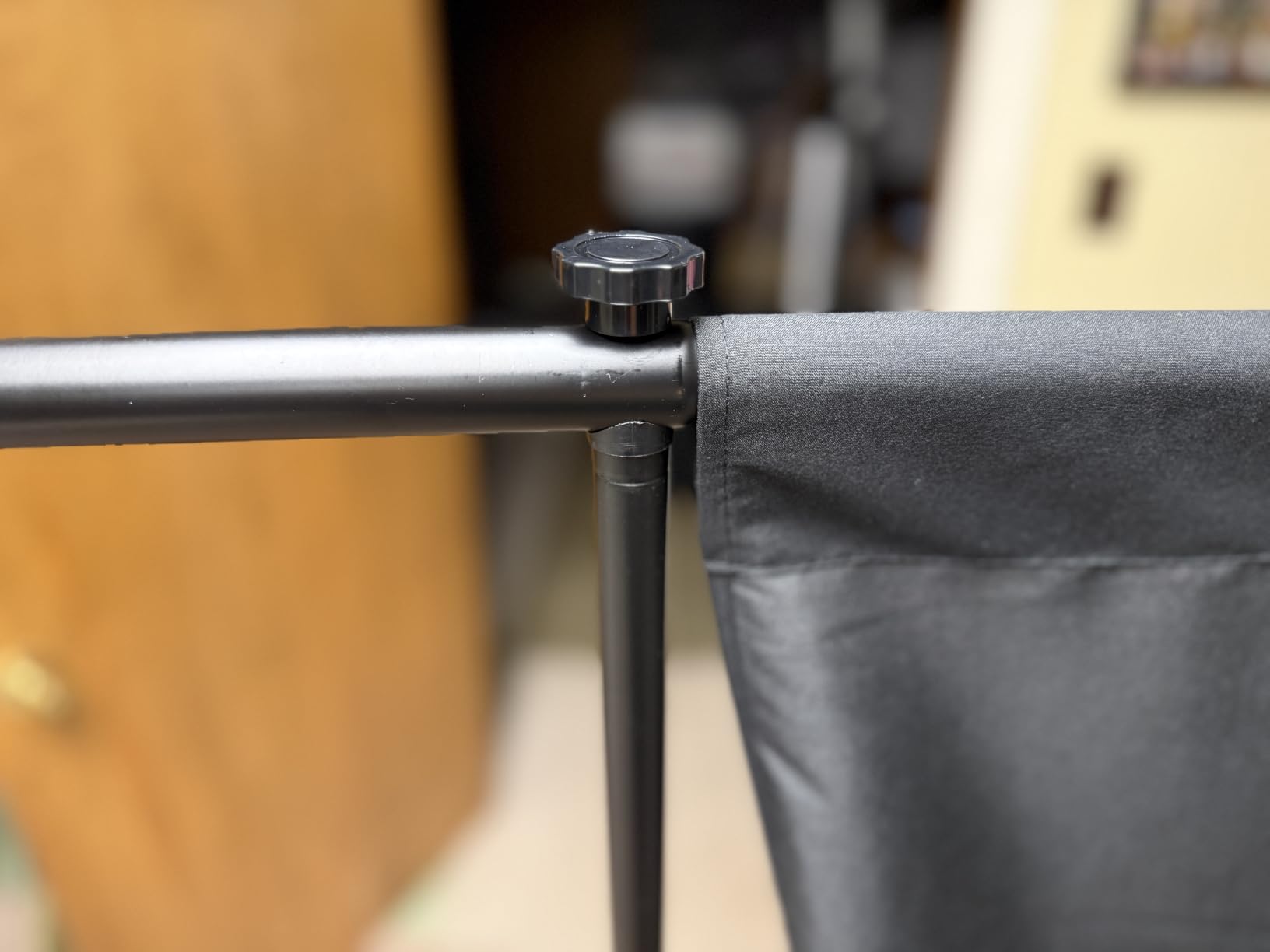
The reverse-folding stand uses thicker tubing than most at this level, which shows in the stability of the crossbar when the fabric is pulled tight. A straight bar keeps the green flat, and a flat green keys cleanly. The height adjusts from 3.9 to 6.5 feet with a 5 foot fixed width.
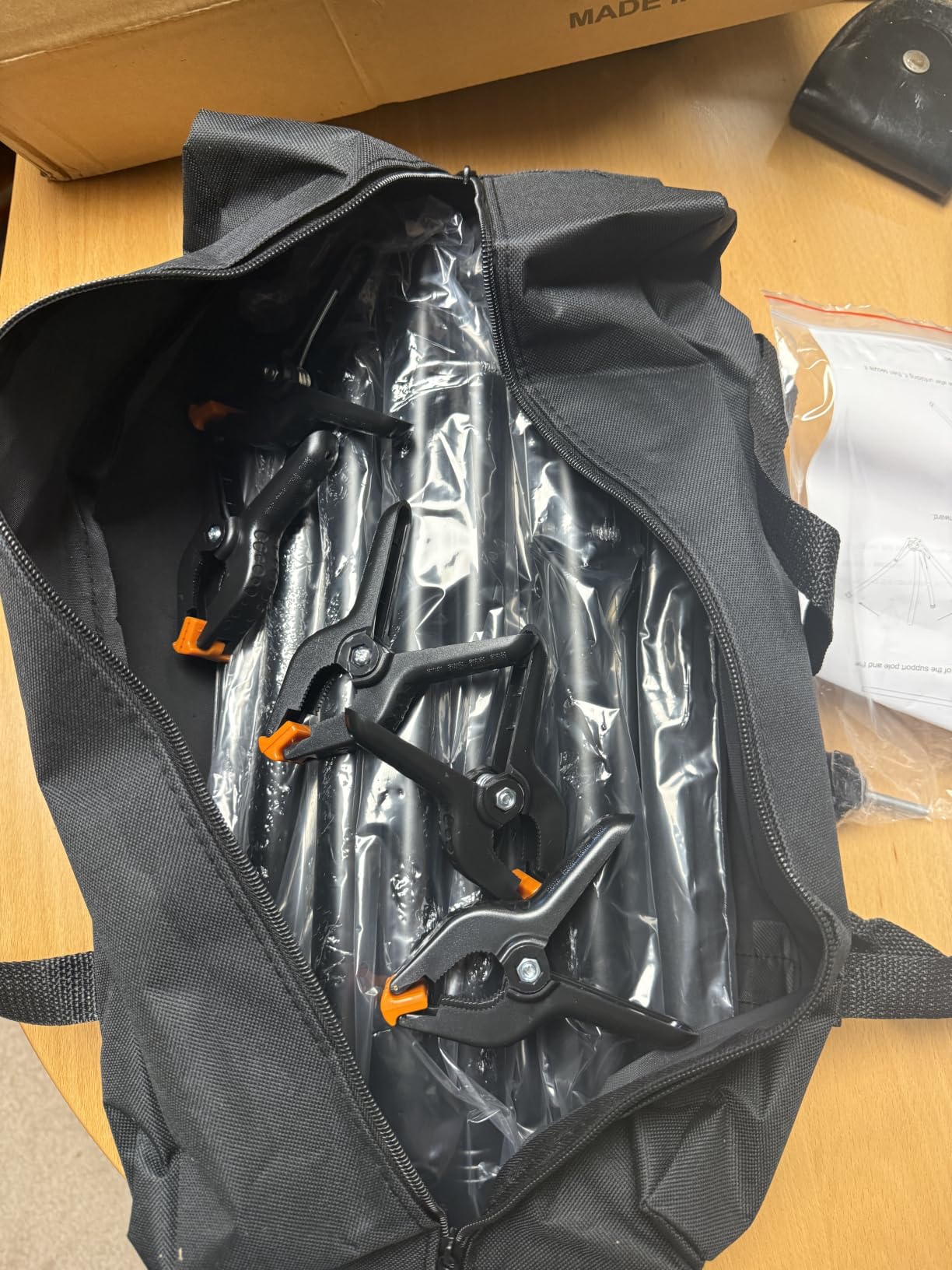
The backdrop is seamless, double-sided polyester that can be machine washed and ironed, and five clamps plus a carry case are included. Owners value the clamp count, since it is more than the two or three that most kits of this size ship with.
There are honest complaints. The base can loosen at the joints when the kit is carried and repositioned, so tighten it after any move rather than assuming it is still solid. Several owners also report brittle metal parts over longer periods, so check the bolts now and then.
Best for a shared room
This suits anyone who streams in a space that has to double as a living room, bedroom or home office. Three-minute teardown means the backdrop is not a permanent obstacle. It also suits a creator who wants a second screen in a different room and needs to move it between them.
What to check before you rely on it
There are no instructions in the box, which is the one gap that catches people out. The roped connections are intuitive once you see them, but the top bolt needs tightening firmly for stability. If you have never assembled a backdrop stand, budget ten minutes and watch one short demonstration before you start.
What to Look for in a Green Screen Kit
Judge a green screen kit on four things in this order: lighting response, backdrop size against your framing, how flat the material can get, and whether the stand stays put. Brand names sit below all of those in our testing. Here is how each factor actually affects your stream.
Material: polyester, muslin and vinyl compared
Polyester is the default choice in this roundup and the right one for streaming. It is wrinkle-resistant, machine washable, holds dye colour consistently and reflects less light than cotton. Cotton muslin diffuses light beautifully and is traditional in photography, but it wrinkles more readily and holds those creases. Vinyl wipes clean and survives repeated use in damp or messy spaces, though its sheen creates reflections that produce hot spots under direct light. For most streamers, a wrinkle-resistant polyester backdrop is the simplest reliable choice.
Matching backdrop size to your framing
Backdrop manufacturers sell large numbers, but streamers usually need less than they expect. The rule is simple: your framing plus roughly three feet of clearance on each side and about two feet above your head.
- Head and shoulders webcam framing: 4 to 5 feet wide is genuinely enough, and a 3.2 foot screen works for a tight crop.
- Seated waist-up streaming with room to gesture: 6.5 to 8 feet wide. This is the most common setup and where the 7.2 and 7.5 foot backdrops land.
- Standing or full-body streaming: 8.5 to 10 feet wide, and you need vertical clearance behind you to match.
- Two cameras or a second presenter: 10 feet or wider, and plan for the backdrop to sit further back.
Distance between you and the backdrop matters as much as size. Sitting closer to the fabric gives the key a harder edge and lets your shadow fall across it. Leave at least four feet between your chair and the screen where the room allows it.
Lighting: three sources beat one expensive source
This is where most kits fall short and where most streams are won. Three points matter, and community advice in streaming forums is consistent about all three. A key light on your face at roughly 45 degrees, a fill light opposite at lower power to soften shadows, and a background light aimed at the screen to keep it evenly bright.
The background light is the one beginners skip, and skipping it is the direct cause of most fuzzy edges. One panel aimed at the backdrop, placed close enough to fill evenly, does more for your key than any amount of slider work in OBS. Keep the room itself dark so the screen is the brightest thing behind you. That single change fixes more problems than buying another piece of hardware.
Look for 5500K daylight bulbs if you are starting from nothing. They match video expectations and keep skin tones natural. Diffusion also matters: umbrellas and softboxes spread the light so you get gradual falloff rather than hard-edged shadows on the fabric.
What kits leave out that you will need
Backdrop clamps are the most commonly missing item. Many kits include two, which is not enough for an 8 foot span. Sandbags are second. Both are inexpensive and both decide whether your backdrop sags, drifts or flutters when a door closes or your desk shakes. A carry case is the third item worth checking, and it is the difference between a kit you move and a kit you rebuild.
Also verify what the height range actually is. A stand that cannot go below four feet will not work with a standard desk without tilting the camera downward.
How we picked these kits
We ranked the ten kits on setup and teardown time, backdrop coverage against realistic room sizes, how evenly each surface accepted light, the flatness of the material after normal use, and the completeness of the support hardware. Ratings and review volumes broke the ties rather than driving the ranking, so a kit with fewer reviews can still take a recommendation when its specifications are clearly better. Every pick includes at least one clamp set and a stand you can adjust to a seated streaming position.
How to Key Your Green Screen in OBS Studio
OBS Studio, Streamlabs and every major streaming platform ship with a chroma key filter, and they all use the same three controls. Getting a clean key is mostly about lighting, but these values give you a fast starting point rather than a guess.
- Add the filter. In OBS, click the Filters button at the bottom of the Sources panel with your camera selected, then choose Video Effects and Chroma Key. The filter applies to the source, not the whole scene, which matters if you have a webcam and a capture card in the same scene.
- Set a fixed key colour instead of using the eyedropper. Click the Key Color Type dropdown and choose Custom, then enter hex 00FF00. The eyedropper samples whatever is under your cursor at that instant, so it locks onto a shadow or a wrinkle instead of the true green. A fixed value stays stable when you move during a stream.
- Set Similarity. Start around 400 to 500 on the default scale and adjust. Higher values pull in more of the range around your key colour, which removes more background but can eat into dark hair and edges if pushed too far.
- Set Smoothness. Start around 100 to 300. This softens the edge of the mask. Too little and edges look crunchy, too much and everything goes translucent, which shows as a faint halo of your old background around shoulders.
- Add Key Color Spill Reduction. Start at about 50 to 100. This removes green light reflecting onto your subject, which is a lighting problem before it is a software one, but the slider cleans up what remains.
Test with a saved clip rather than a live preview. Record 30 seconds with you moving, then scrub through it and look at your edges frame by frame. Live preview lies to you because it renders at a lower resolution than a recorded stream.
Green Screen Troubleshooting: Symptom, Cause, Fix
Almost every green screen complaint traces back to lighting rather than equipment. The list below maps the symptoms people actually report to their cause and the fix that works.
- Fuzzy or soft edges around your body: the screen is unevenly lit or you are too close to it. Move further back, add or reposition a light aimed at the backdrop, and lower the Smoothness value.
- Green halo on shoulders and hair: green light is spilling onto you. Move the background light away from your position, angle it more directly at the screen, and raise Key Color Spill Reduction.
- Patchy or blotchy background: wrinkles and creases are casting shadows. Steam or iron the fabric, hang it for a day, and tension it evenly across the crossbar.
- The key will not take at all: the key colour does not match your backdrop. Reset to Custom with hex 00FF00, or use the eyedropper on the brightest, flattest part of the fabric away from folds.
- Background disappears in patches during movement: the backdrop is moving, usually from air conditioning or a door. Weight the crossbar ends, add clamps, and sandbag the base.
- Hot spot in the middle of the screen: a bare light is too close to the fabric. Move it further back and add diffusion, or use a non-reflective surface.
- Everything has a green tinge after an update: the chroma key filter defaults reset. Reapply your values, and check your filter order so the key sits above any sharpening filter.
Before buying anything else, try making the room dark. Turn off overhead lights, block window light, and let the screen be the brightest surface behind you. It costs nothing and it resolves a surprising share of these problems.
Frequently Asked Questions
What is the best green screen for streaming?
For most streamers, the EMART 8.5x10ft stand with a 10x12ft backdrop is the best green screen kit, because the extra width covers a seated frame with room to move and the stand adjusts to fit most room sizes. For small rooms, the EMART 5×6.5ft kit is easier to carry and store. Choose based on your framing before choosing based on features.
How much does a green screen cost for streaming?
A basic fabric backdrop on an adjustable stand sits at the entry tier of this category, an all-in-one kit with umbrella lights sits in the middle, and a full studio package with softboxes, three backdrops and high-CRI LED bulbs reaches the upper end. Most streamers spend beyond the screen on lights, extra clamps and sandbags.
How do streamers do green screen?
Streamers place a green backdrop behind their chair, light it evenly so it is the brightest surface in the room, light their face separately, keep at least four feet between themselves and the fabric, stretch the fabric flat, then add a Chroma Key filter in their streaming software using a fixed key colour rather than the eyedropper. Testing with a short recorded clip before going live catches most problems.
What are the best OBS chroma key settings for green screen?
Add the Chroma Key filter to your camera source, set Key Color Type to Custom with hex 00FF00, start Similarity around 400 to 500, start Smoothness around 100 to 300, and set Key Color Spill Reduction near 50 to 100. Adjust from there: raise Similarity to remove more background, lower Smoothness for sharper edges.
Why is my green screen fuzzy in OBS?
Fuzzy edges are almost always a lighting problem rather than a software one. The backdrop is unevenly lit, or you are sitting too close to it, or the fabric has wrinkles casting shadows. Move further from the screen, aim a light directly at the backdrop, lower your Smoothness value and reduce the distance before you change anything else.
How big should my green screen be for streaming?
For head and shoulders webcam framing, 4 to 5 feet wide is enough. Seated waist-up streaming with gestures needs 6.5 to 8 feet. Standing or full-body framing needs 8.5 to 10 feet, and two-camera setups need 10 feet or wider. Leave about three feet of clearance on each side and two feet above your head.
The Verdict: Which Green Screen Kit Should You Buy?
Pick the EMART 8.5x10ft stand with the 10x12ft backdrop if you have the wall space. It carries the highest rating in this roundup with over two thousand reviews behind it, and the extra width is the difference between a key that holds up while you gesture and one that clips your arm every time you lean.
In a small room, take the EMART 5×6.5ft kit with the reverse-folding stand. It is lighter, folds down small, and ships with six clamps. For a shared space, the Qoolfoto 5x7ft kit goes up and down in about three minutes. If you want lights in the box, the EMART umbrella bundle gets you a working key in one evening, and if you want proper studio quality with three backdrops and high-CRI LEDs, the RALENO package is the most complete route.
Whichever you choose, budget for lighting and a few extra clamps before you set up rather than after your first bad stream. That is where these kits succeed or disappoint, not in the fabric. Once the backdrop is lit evenly and keyed with a fixed colour in OBS Studio, the effect stops being a technical challenge and starts being part of your broadcast.